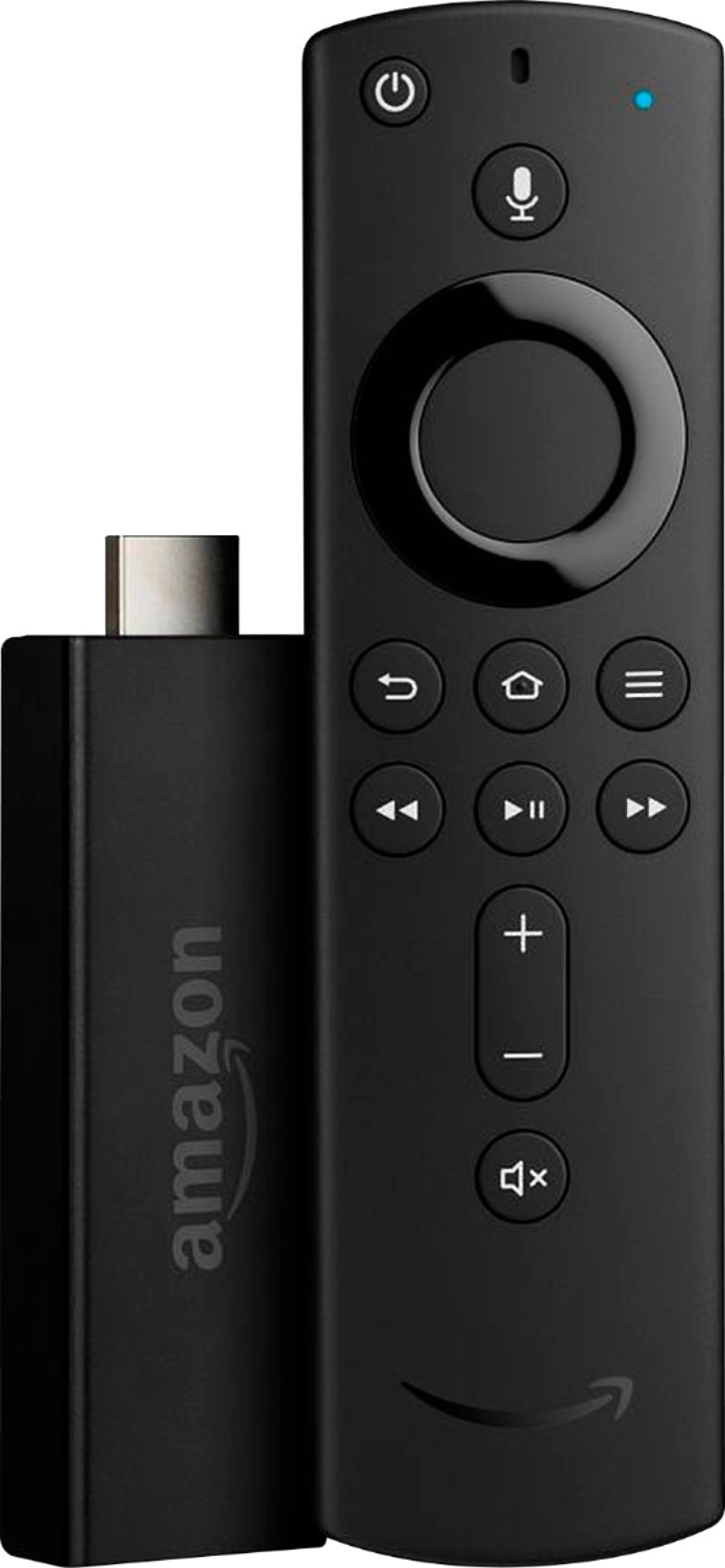
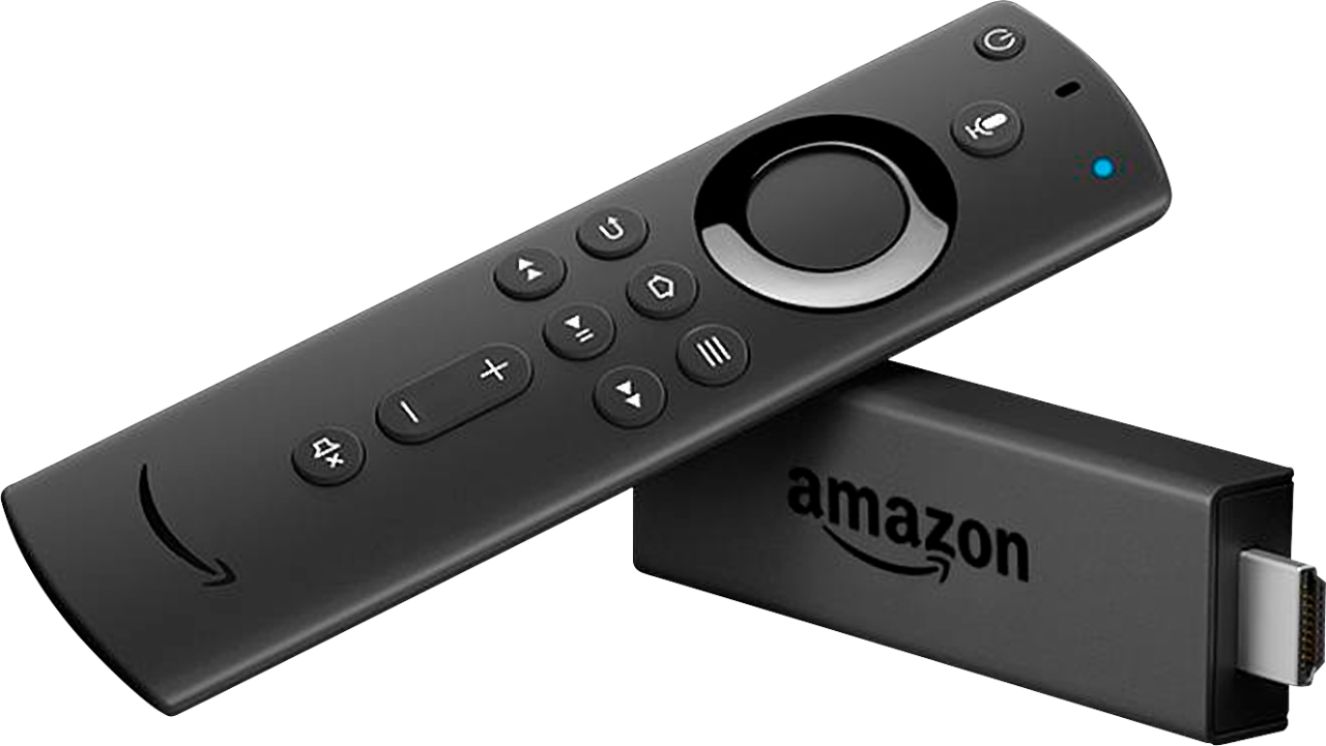

A:Answer a) Circle with slash at top center is the power button. It will turn on your TV and start the fire stick. b) Microphone button is used to enter voice comands for the Fire Stick. Press and hold it and say "Show me Science Fiction Movies" for example, and the Fire Stick will will display your request. c) The large shinny circle is like the arrow keys on your computer keyboard. Press them at the top, bottom, left or right side to move around within the on-screen menus. d) The flat black button in the center of the circle is like the "ENTER" key on your computer keyboard. e) The sideways "U-TURN" key steps the TV back to the previous screen. f) The "HOUSE" key returns the TV screen to the HOME PAGE. g) The "Three horizontal lines" button will display the "OPTIONS" available when watching a show, will move you between low and high numbers when setting a password and will show the entire show description when on the home screen. h) Press the double arrow buttons once to step the show or movie forward or back several seconds. Hold either of these buttons and the action will move at a more rapid rate. i) The single arrow center button with the vertical lines will pause the action on screen. j) The plus and minus sign buttons are for the volume. j) The speaker with the "x" is the MUTE button.