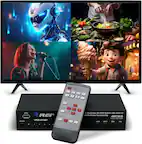
A:AnswerThis is a common issue with HDMI switches, and it’s usually not something you’re doing “wrong”, but there are a few things that can cause the screen to go black briefly when using a laptop + PS5 on one monitor.
Here are the most likely reasons and fixes, explained simply.
Why the screen goes black for a few seconds
1️⃣ Resolution / refresh rate changes (most common)
When you’re using a laptop, it may:
Change resolution
Change refresh rate (60Hz ↔ 120Hz / 144Hz)
Switch HDR on or off
Wake from sleep or dim the screen
When this happens, the HDMI switch and monitor re‑handshake the signal, which causes:
👉 a black screen for 1–3 seconds, then it comes back.
✅ This is normal behavior for HDMI switching.
2️⃣ Laptop output is higher than the switch or cable likes
PS5 and laptops often output:
4K
High refresh rates
HDR
If your laptop is set to:
4K @ 120Hz
Or HDR + high refresh
The switch may momentarily lose sync.
✅ Fix to try:
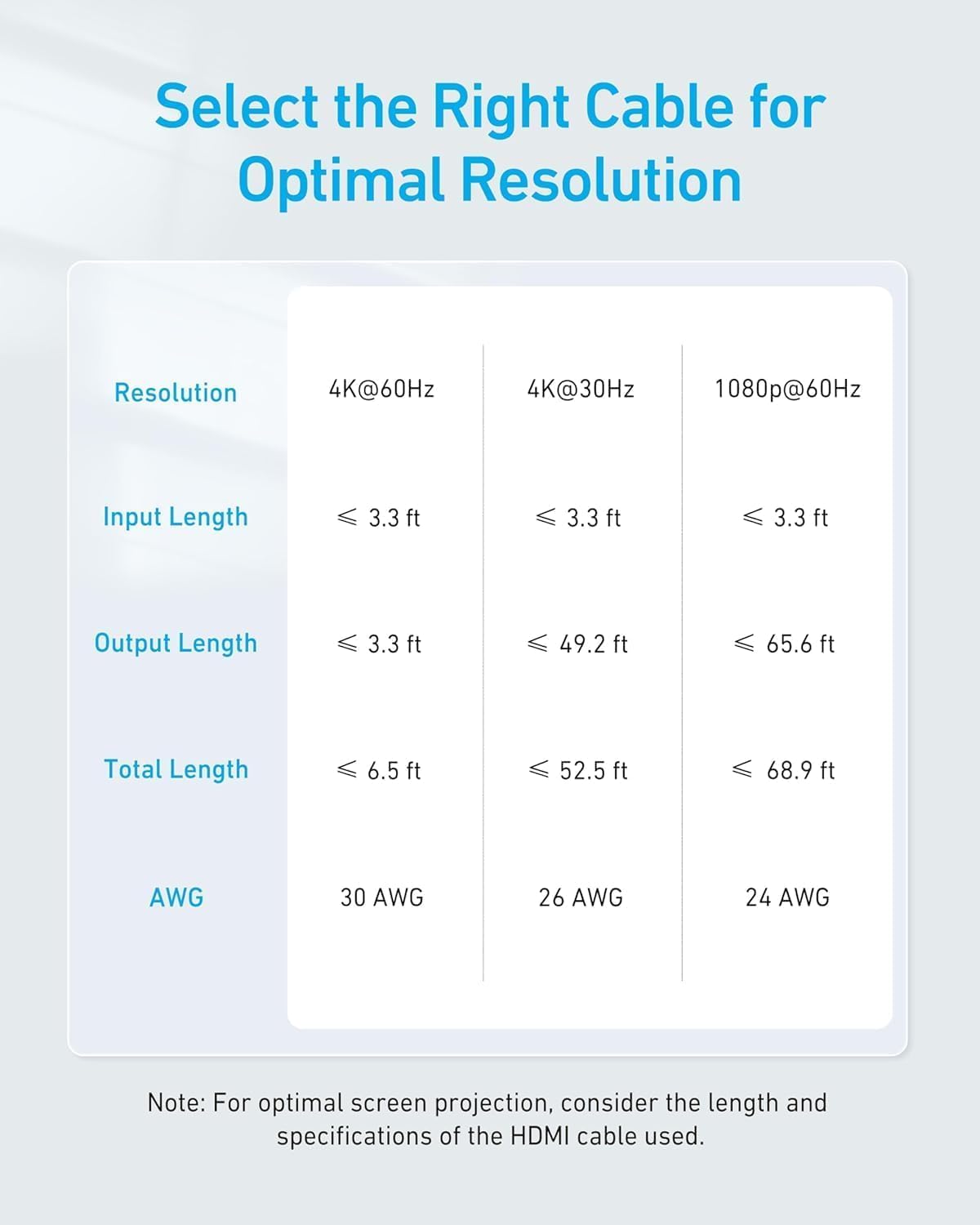
Set your laptop to 4K @ 60Hz (or 1080p @ 60Hz)
Turn HDR off on the laptop
This often stops the flicker completely
3️⃣ HDMI cable quality
Even if the switch is fine, a cable can cause brief signal drops.
✅ Make sure:
You are using High Speed or Ultra High Speed HDMI cables
Cables are not very long
Try swapping the cable used with the laptop
4️⃣ Power-saving features on the laptop
Some laptops briefly cut or reset the video signal when:
Power settings change
The system adjusts performance
The GPU switches modes
✅ Fix to try:
Plug the laptop into power
Disable aggressive power‑saving modes
Avoid closing the laptop lid if it triggers display changes
5️⃣ HDMI switch limitations
Most HDMI switches:
Do not buffer video
Simply pass the signal through
So any small signal change causes a short blackout.
✅ This does not mean the switch is defective.
A:AnswerIt seems the issue you're encountering with your HDMI Switch could be due to a cable or device compatibility problem. Below are potential solutions to troubleshoot this issue:
Check HDMI Cable Specifications:
Ensure the HDMI cable connecting the switch is less than 3.3 feet in length and meets the 30AWG specification. Longer cables or cables with other specifications might cause signal issues or reduce the video resolution.
Test with a Different HDMI Cable:
Try using a different HDMI cable to check if the current cable might be causing the issue.
Resolution Settings:
Confirm that the input resolution and refresh rate of the connected device align with the HDMI Switch's supported resolution (up to 4K@60Hz). If there's a mismatch, adjust the device's output settings accordingly.
Device Compatibility:
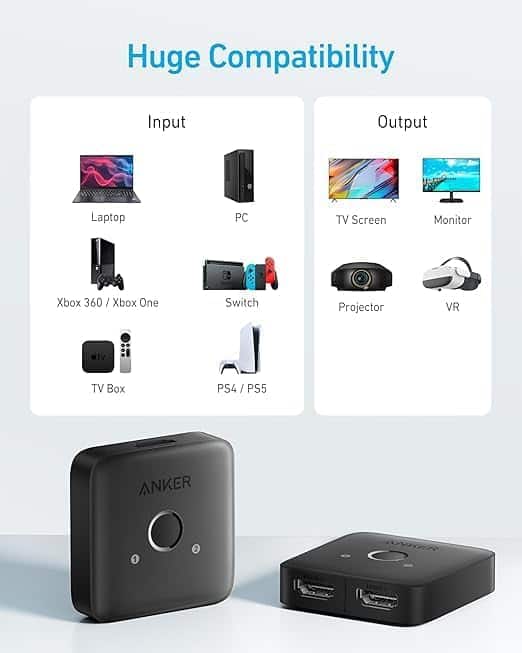
Verify that the connected input and output devices (e.g., TV, gaming console, etc.) are compatible with the Anker HDMI Switch.
Input Selection:
Ensure you're manually selecting the appropriate input source on the switch after reconnecting devices to match the signal.
Direct Device Test:
Test the source device by connecting it directly to your TV or monitor (without the switch) to ensure the device itself is functioning properly.
By following these steps, the issue should be resolved. If you need additional assistance, feel free to reach out again!
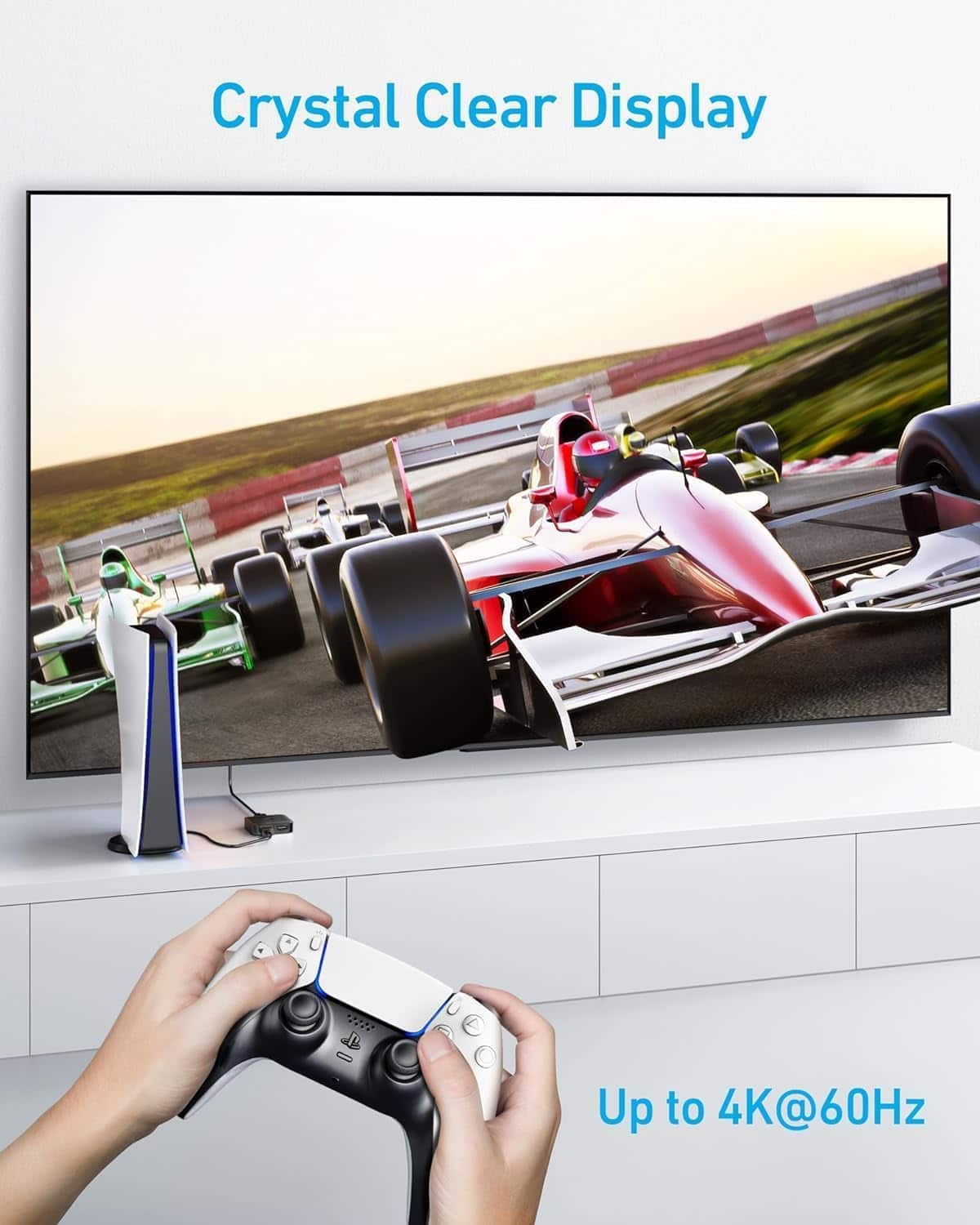
A:AnswerYes, the Anker HDMI Switch supports 4K resolution at 60Hz for both input and output. Just ensure that your HDMI cables are suitable, adhering to a length of less than 3.3 ft and a 30AWG specification, for optimal performance without resolution issues.