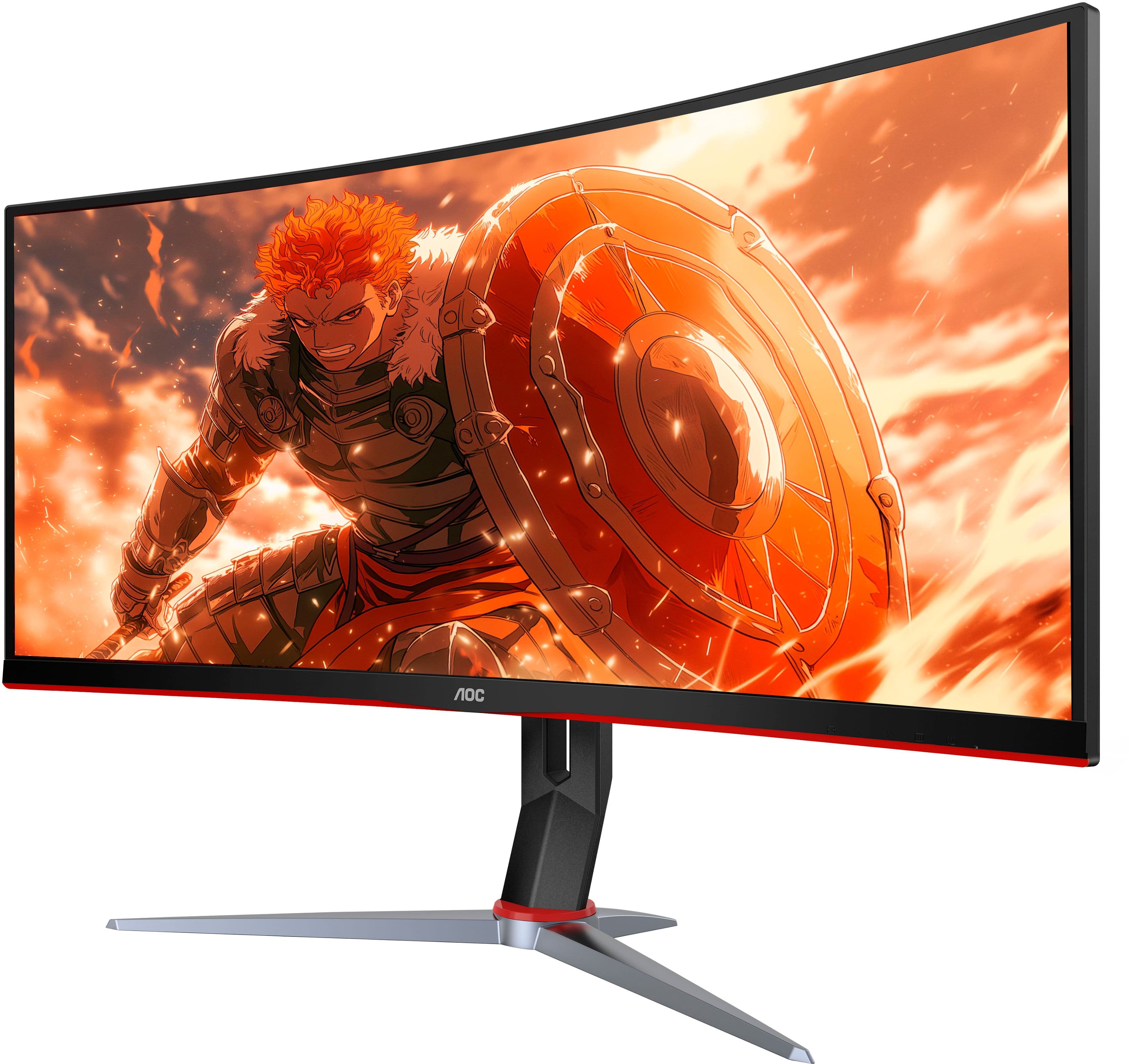
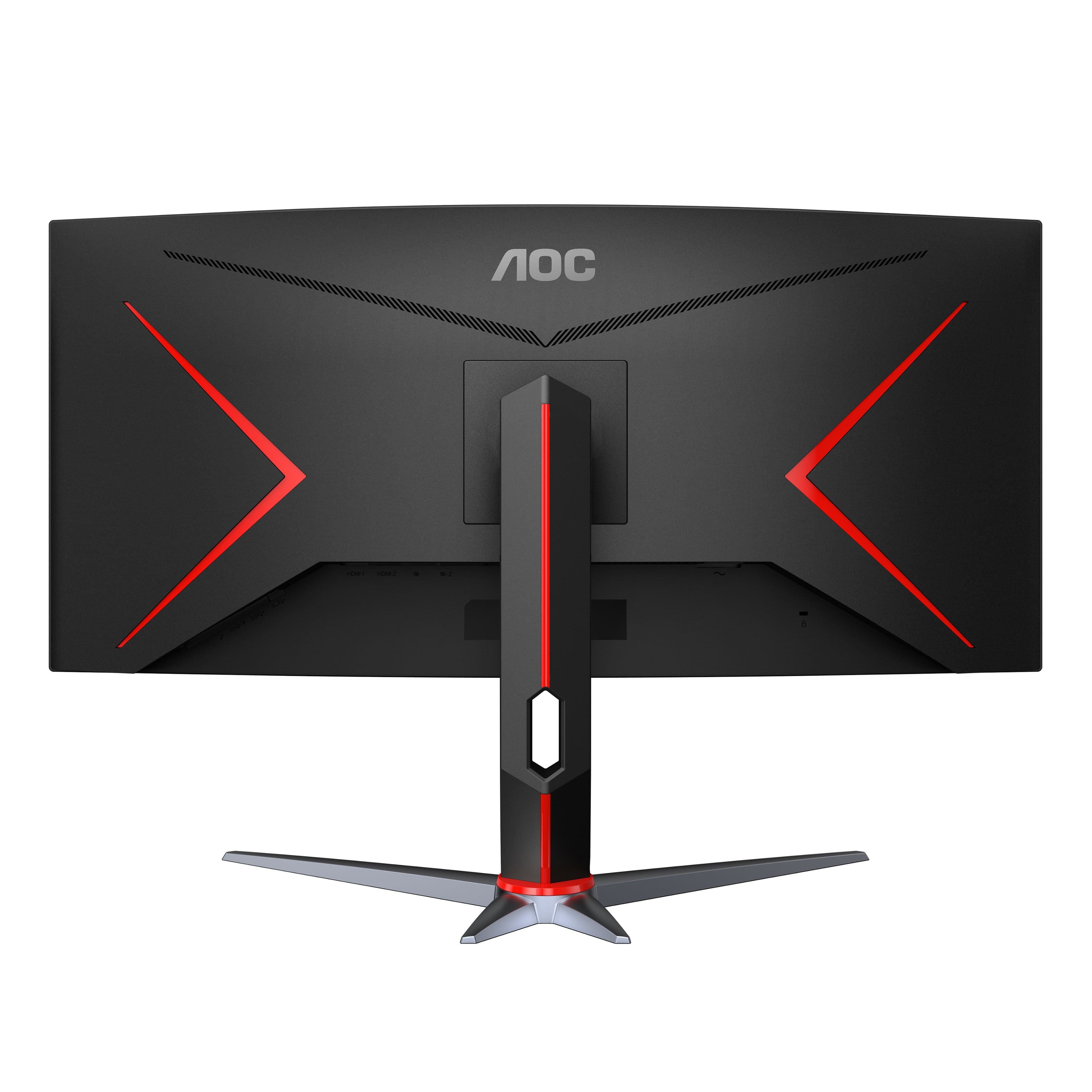
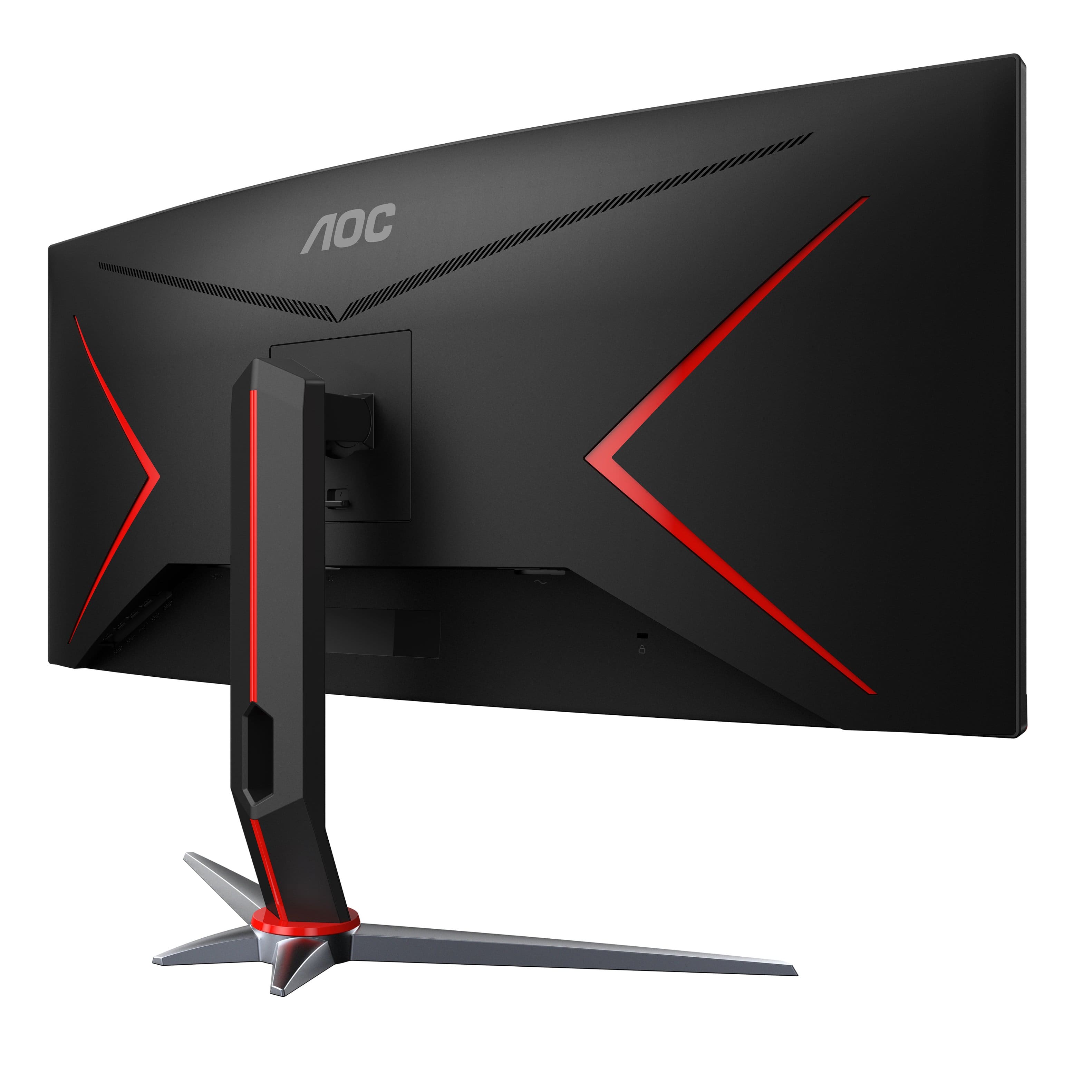
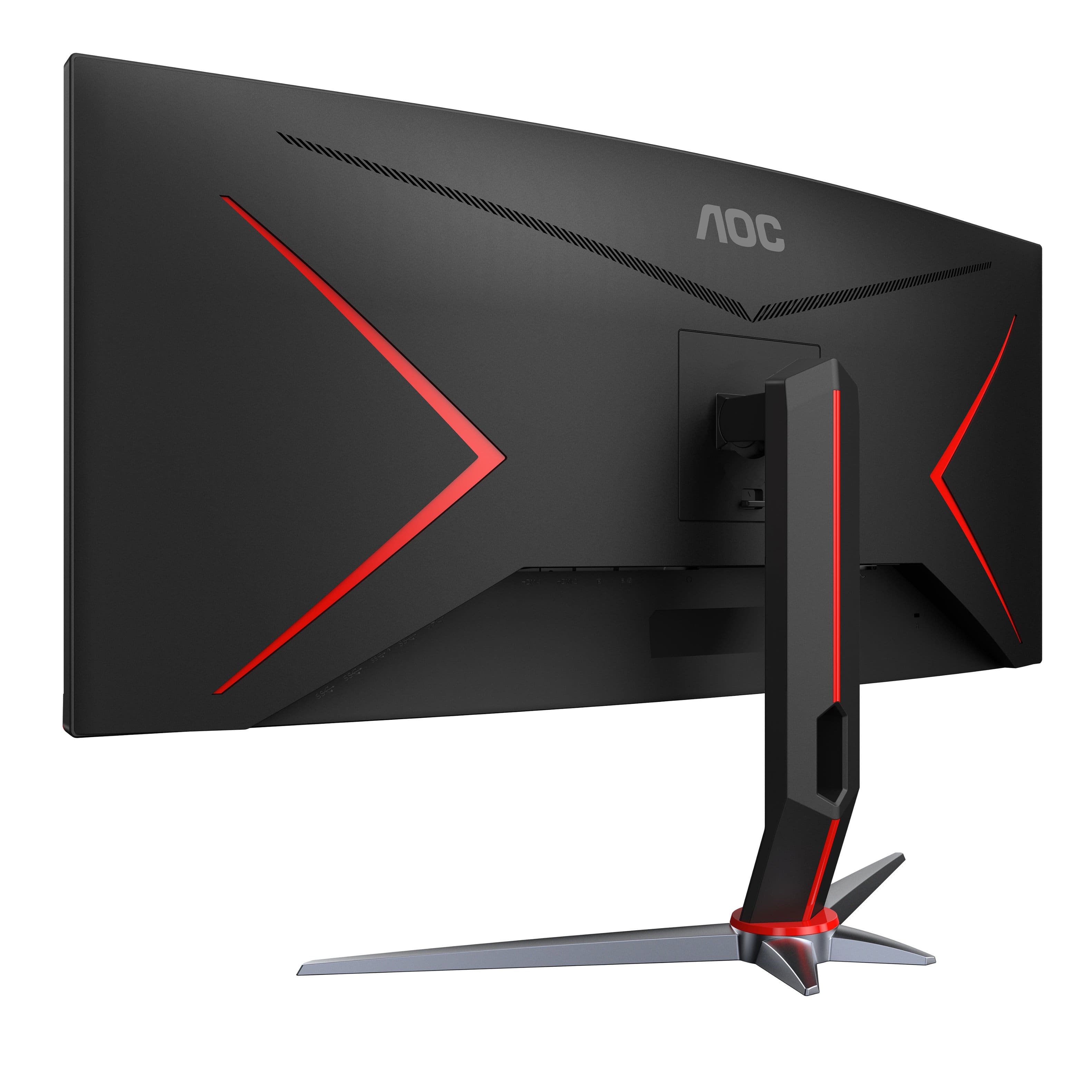
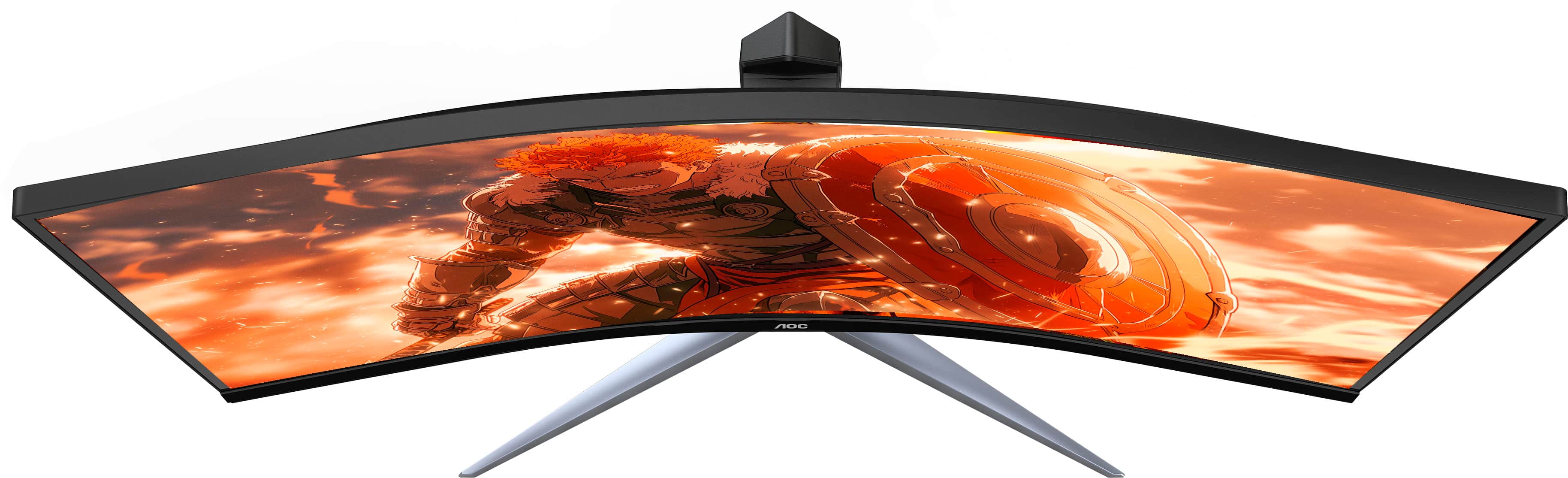
A:AnswerCU34G2XP supports up to 3440x1440 display resolution for a compatible computer system. To adjust the display resolution, please check your computer systems display resolutions settings to see all available resolutions supports on your computer. For further information about with consoles such as using your PS5, please check your system display settings and contact Sony Playstation for further assistance.
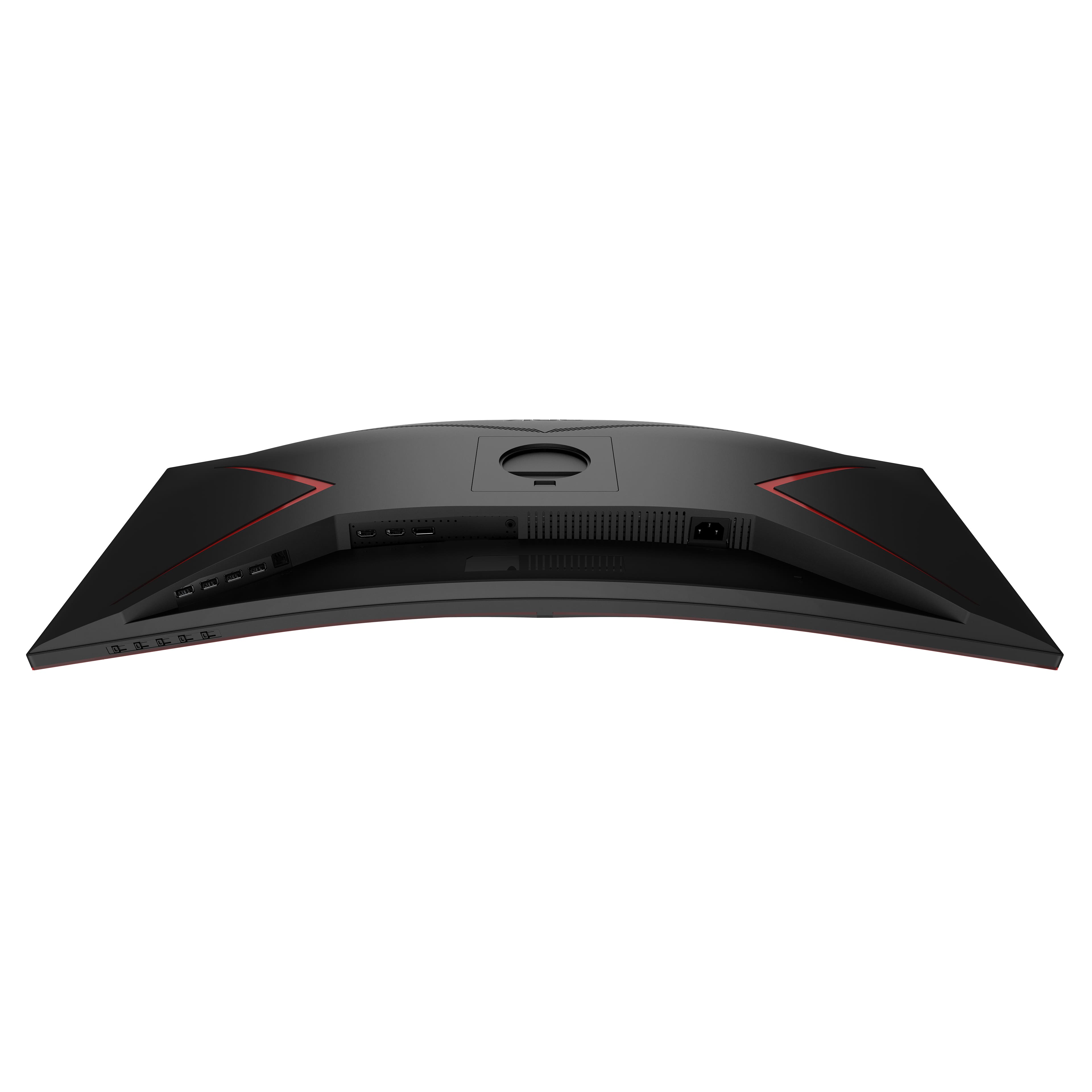
A:AnswerAOC CU34G2XP, to enter the monitor's OSD menu, press the 4th hot key button once (located underneath the front of the screen). Should you require assistance with your monitor, please send contact AOC Support Dept. at: https://aoc.com/us/support
It will be our pleasure to assist you!
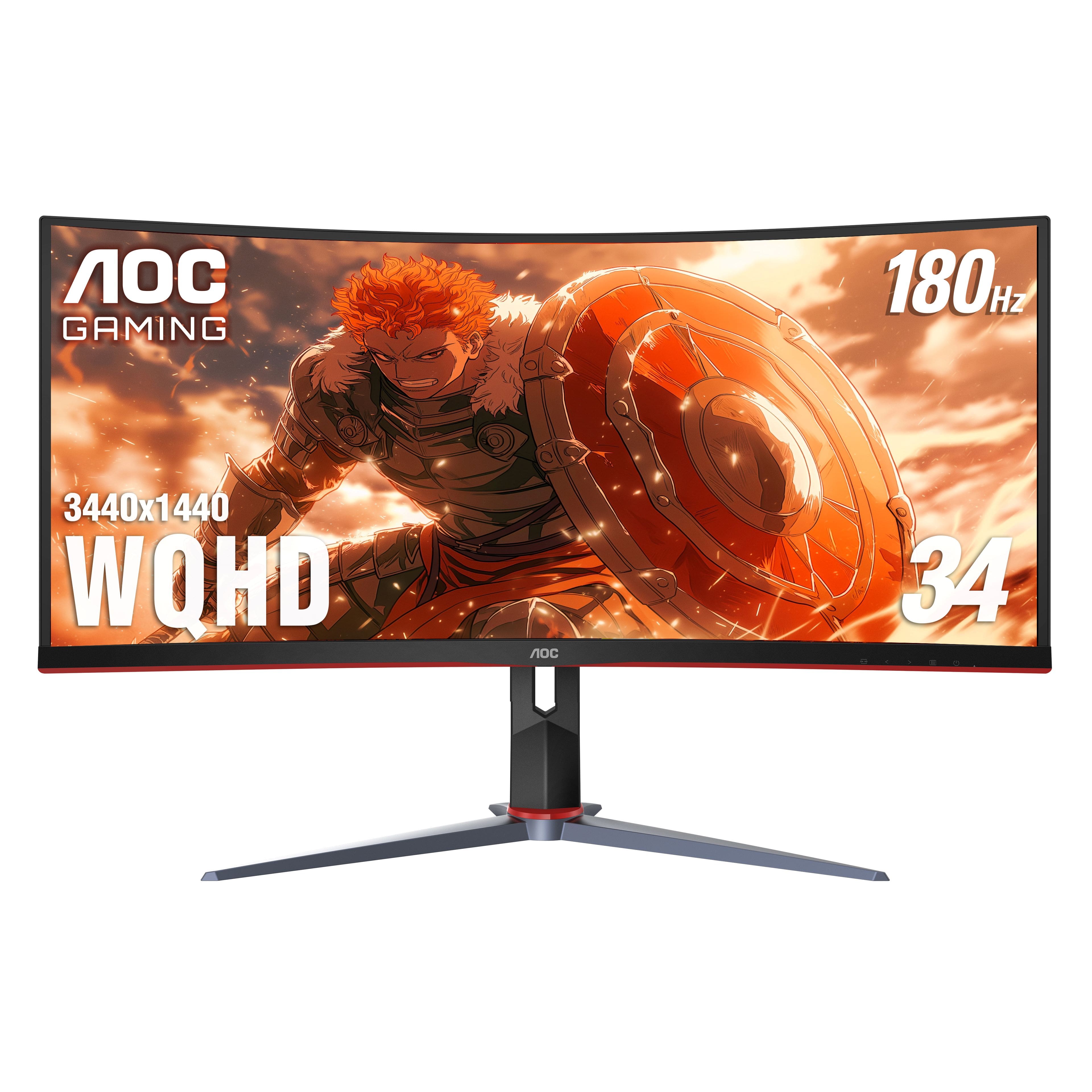
A:AnswerNo, there are no built in Camera in this monitor. Also does not have speakers so you would need a headset or extension speakers for best meeting use.