A:AnswerMy suggestion would be to take it back to best buy geek squad. For the warranty, it depends on when you bought it. When mine screen broke, it was still under warranty. I took it back to best buy and they gave me in store credit and i just walked over and grabbed another one
A:AnswerIn vague terms (max quality could mean many things), but if you are asking for either computer use or gaming, this monitor delivers overall quality! With a refresh rate of 165Hz, if you are a gamer, this monitor pairs VERY well with today's current-gen consoles (Xbox Series X and Playstation5). I purchased this monitor for my son and he plays games like Call of Duty, Fortnite, Apex, etc. He paired this monitor with his PS5 (easy set-up!) and is able to play the majority of his games in 120 fps (frames per second).
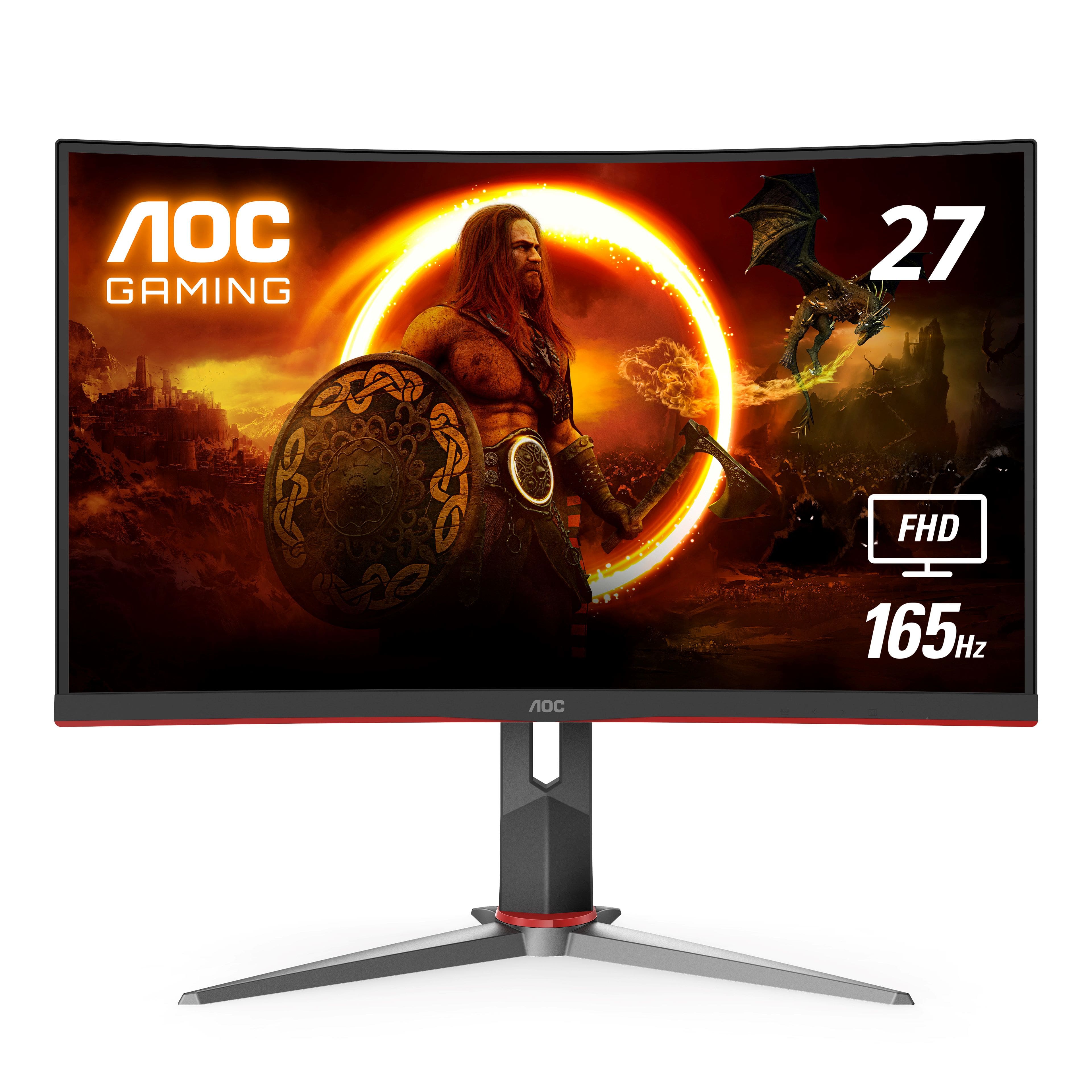
A:AnswerYes! It is more than possible to use as a TV monitor. The only suggestion I have is you will need to purchase separate monitor speakers to play sound. Compatible with Apple TV, Roku, Amazon Fire Stick, or video game consoles.
A:AnswerYes. I used to connect my work laptop to the monitor using a HDMI to USB-C Cable. The only reason I stopped was because I got a new laptop with an HDMI port.
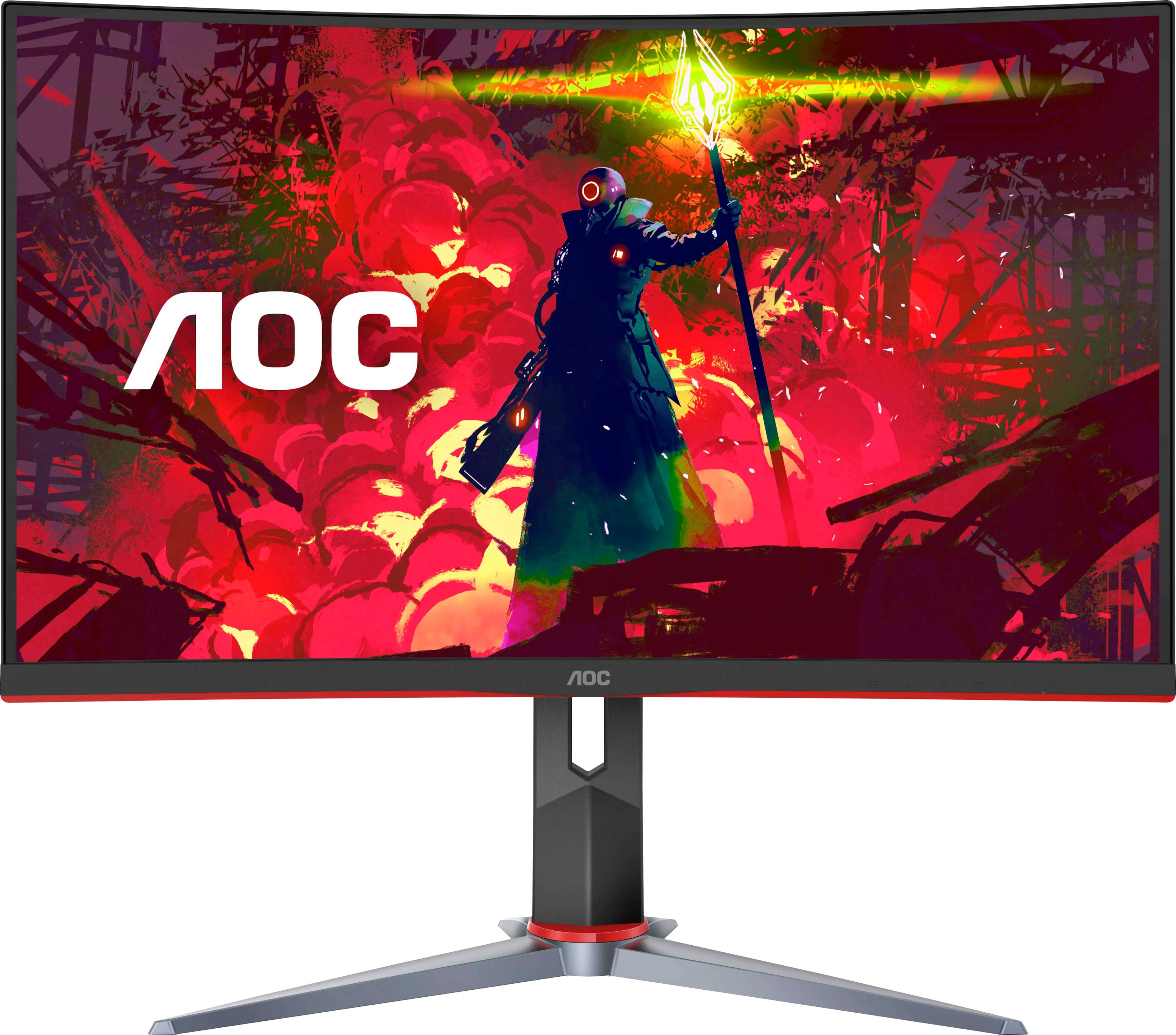
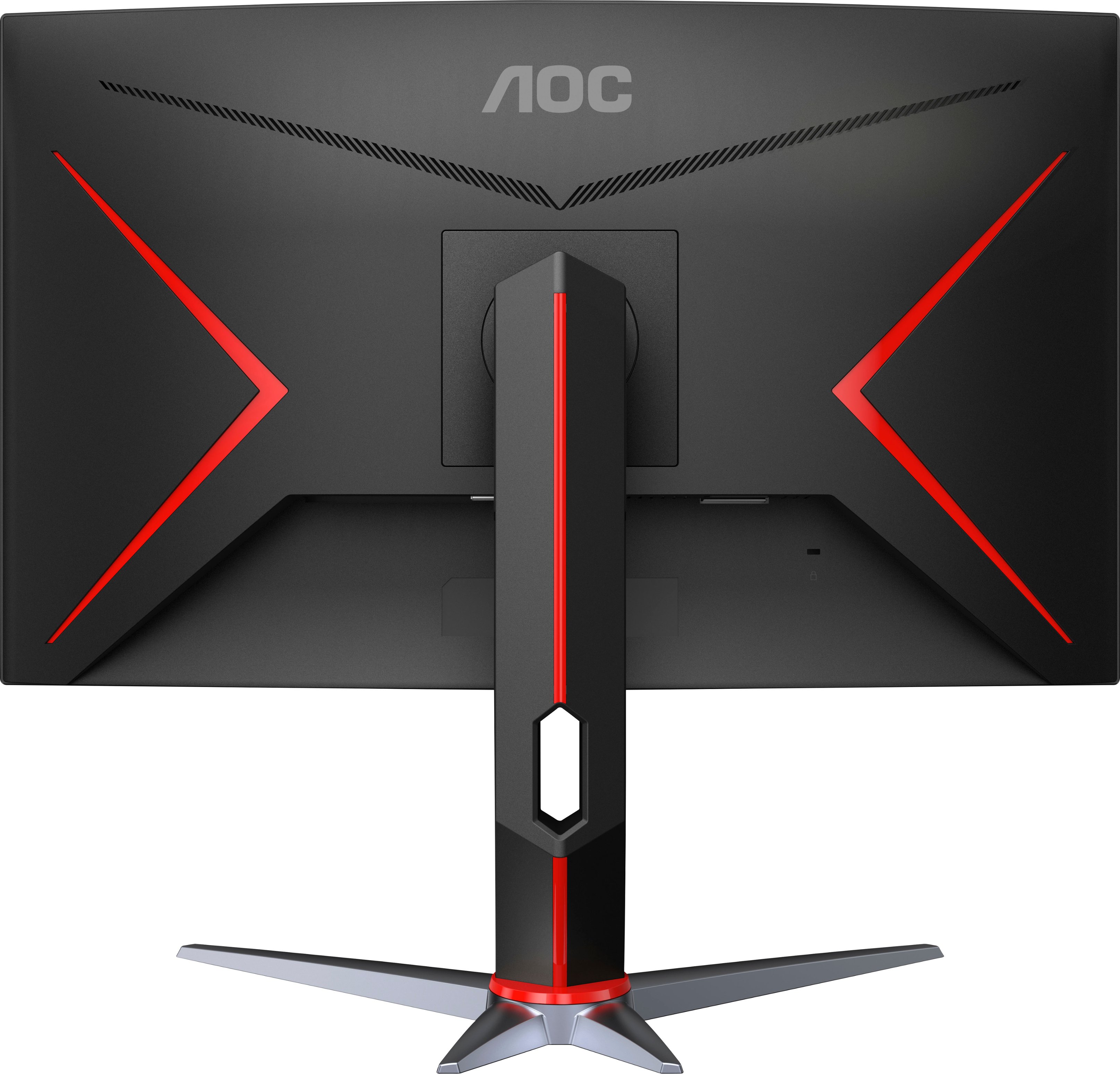
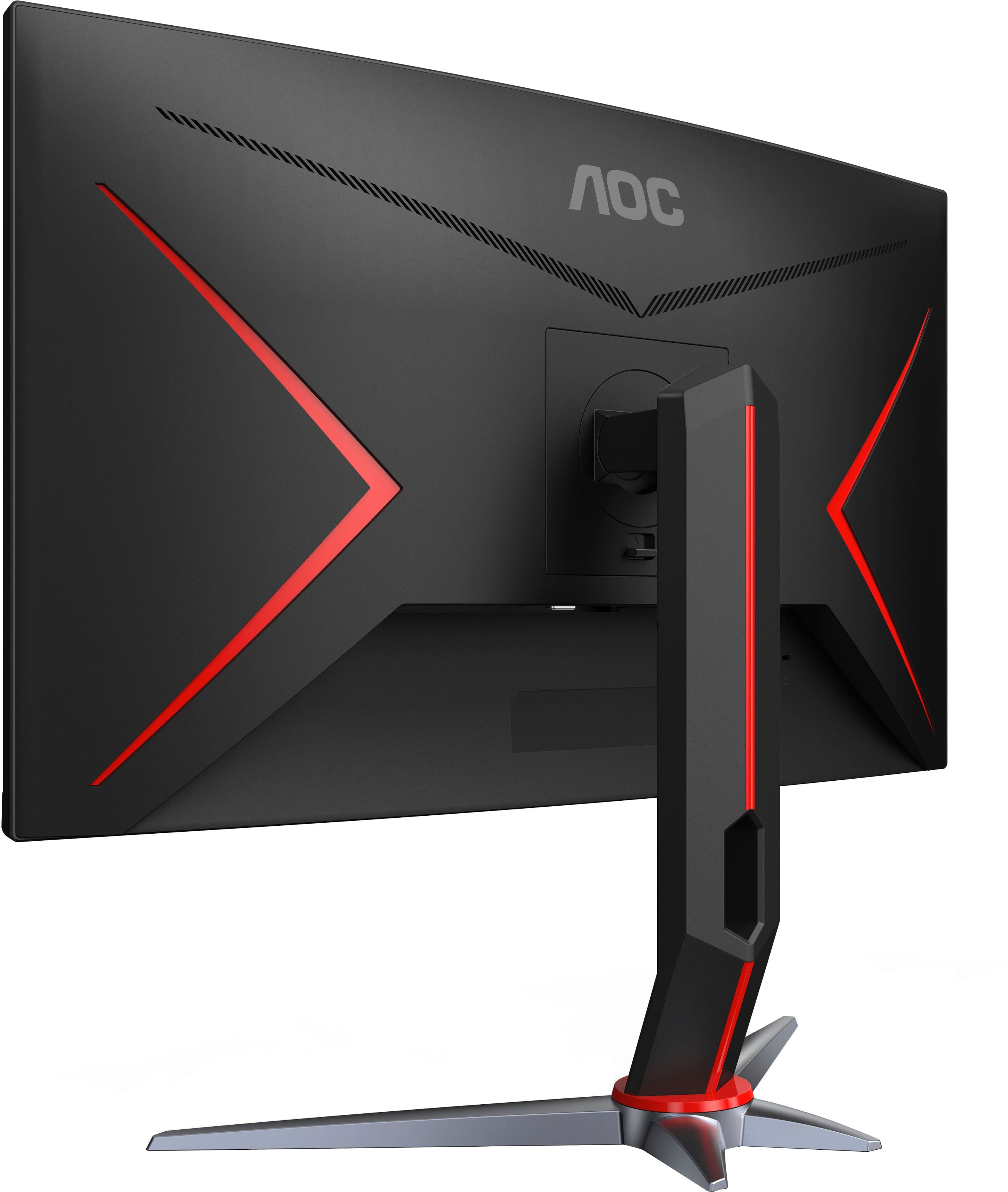
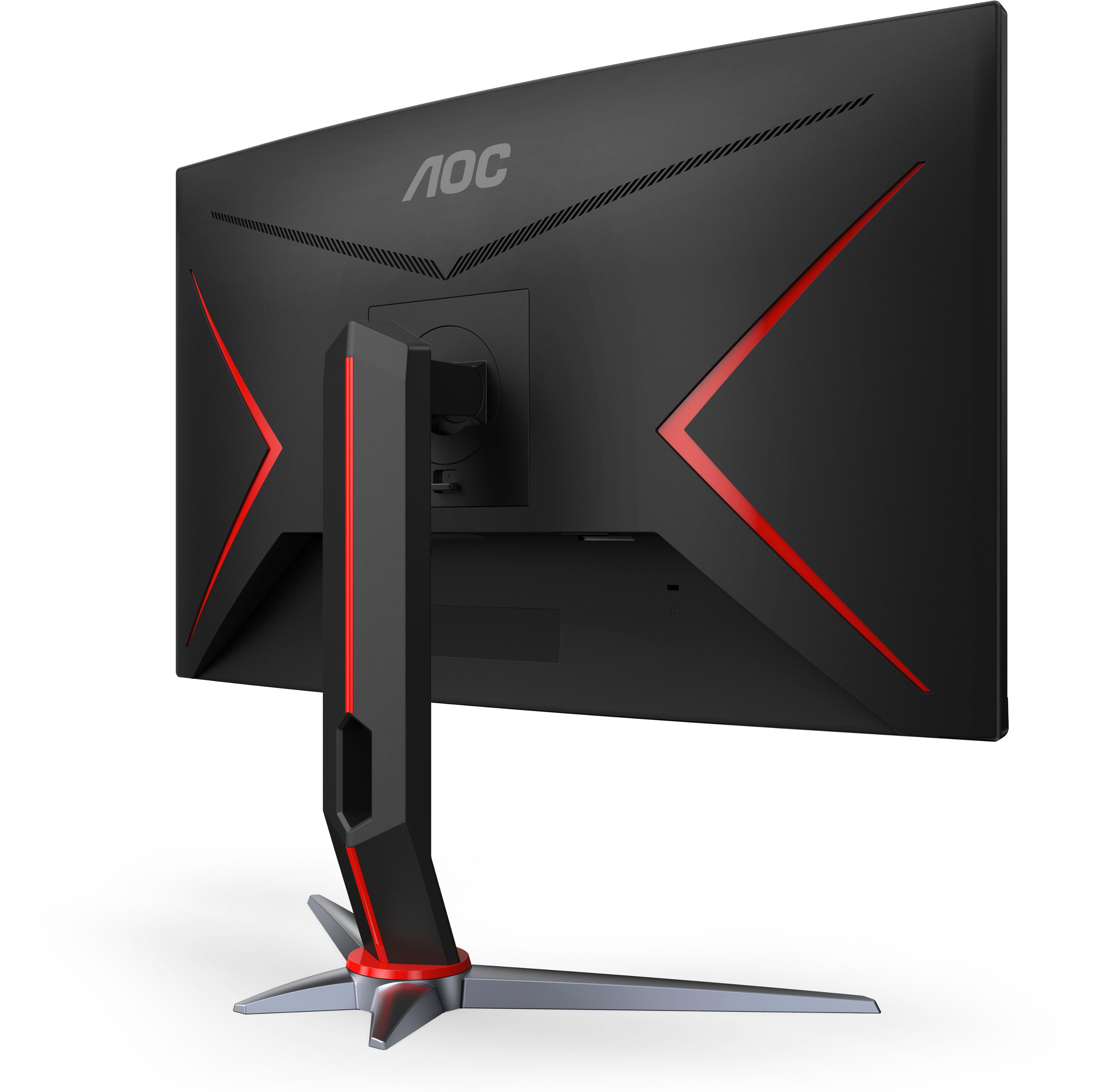
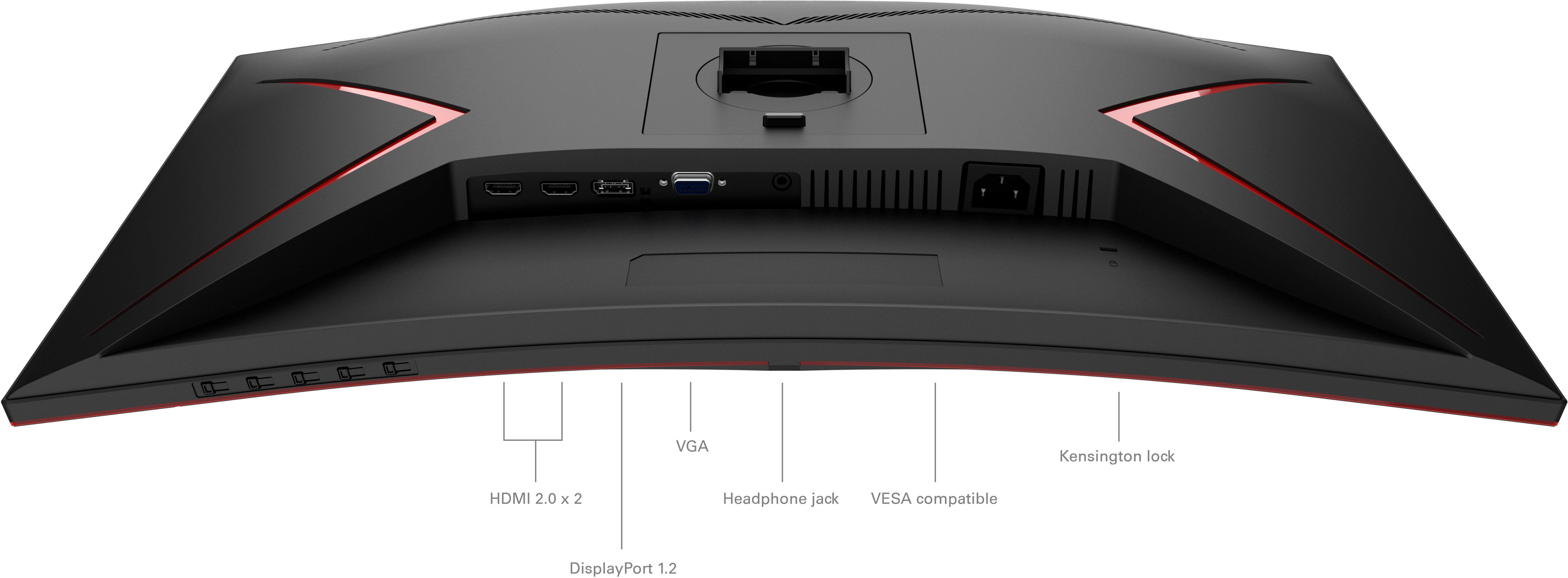
A:AnswerThe AOC G2 Series C27G2 monitor is compatible with VESA 100 x 100 mm mounting standards. This means that the monitor can be mounted on a VESA-compatible monitor stand or wall mount that supports this size.
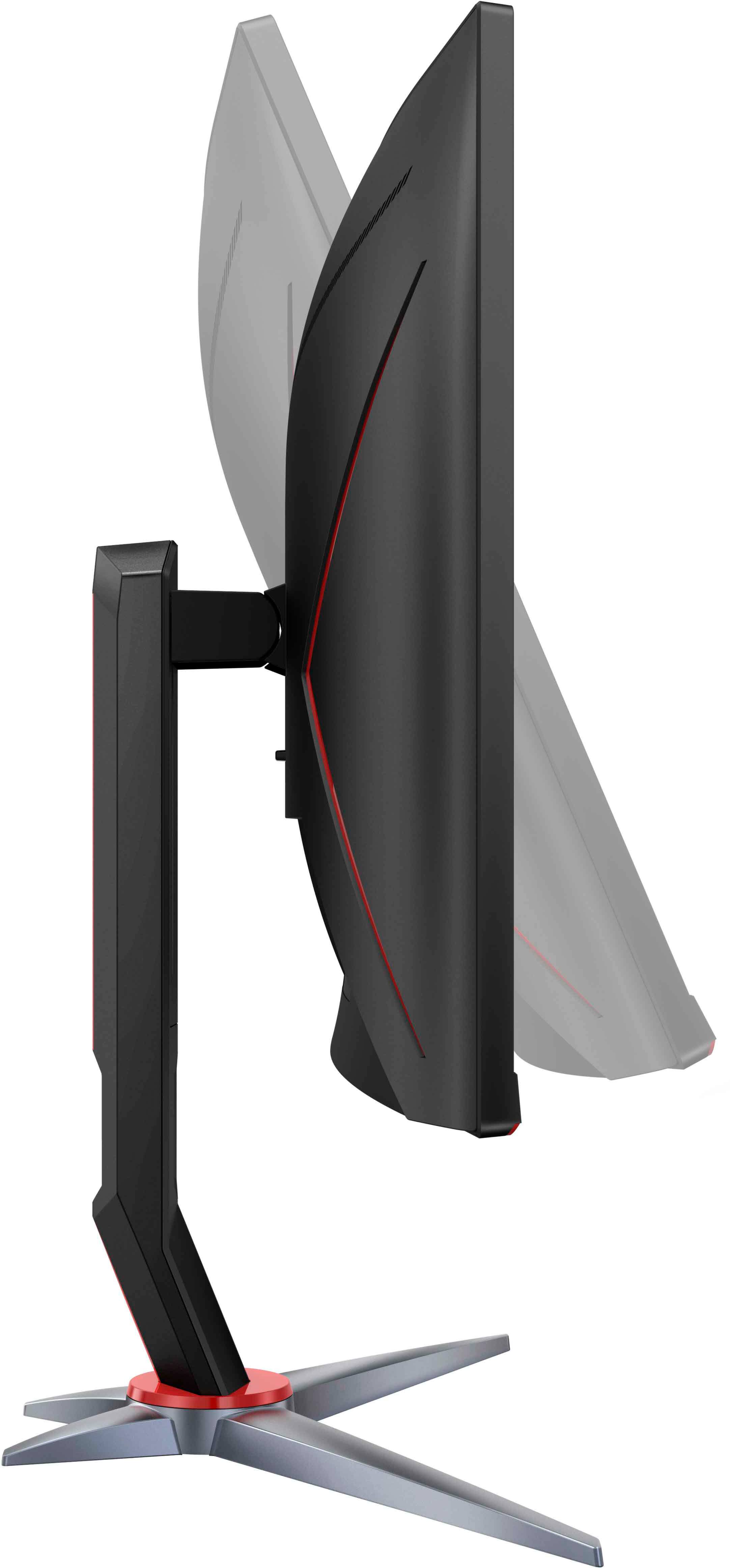
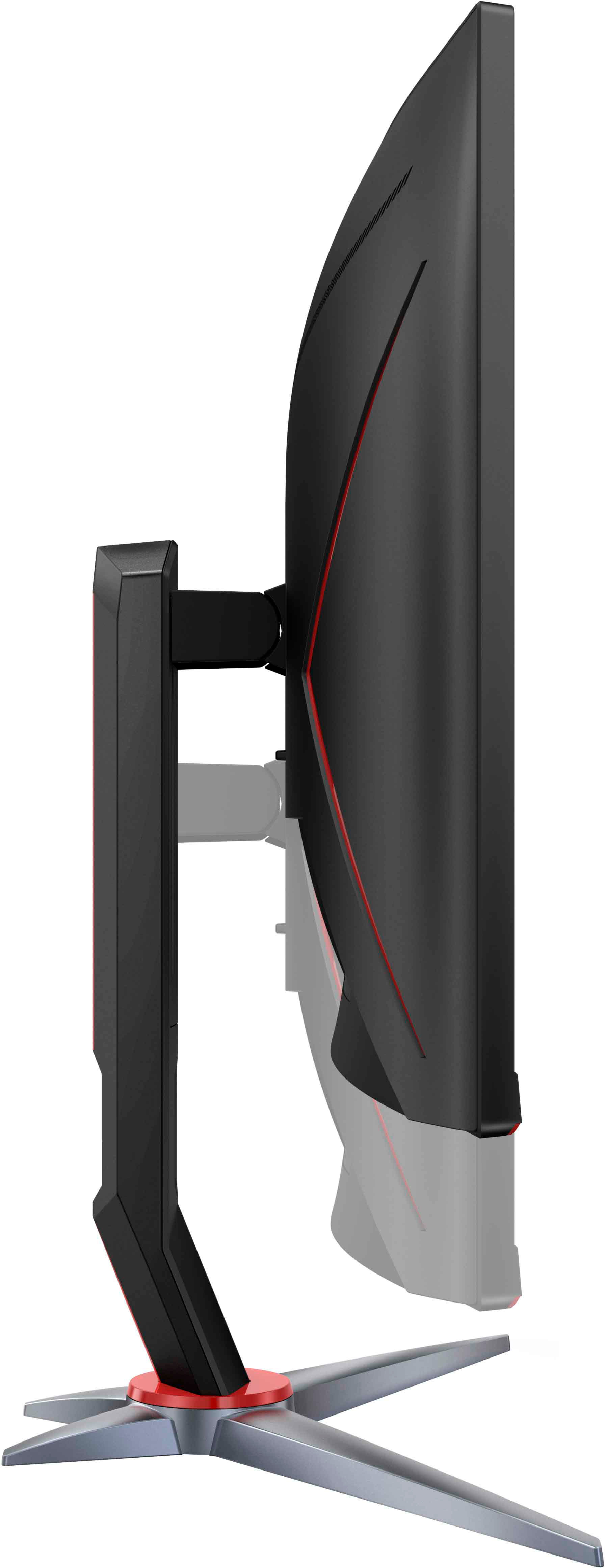
The VESA mounting pattern is located on the back of the monitor, in the center of the back panel. To mount the monitor on a VESA-compatible stand or wall mount, you will need to remove the monitor stand and use the four mounting holes on the back of the monitor to attach the VESA mount.
It's worth noting that not all VESA-compatible stands or wall mounts may be suitable for the weight and size of the AOC G2 Series C27G2 monitor, so be sure to choose a mount that is rated to support the weight and size of the monitor.
A:AnswerSure will but doesn't support hdr10 if your looking to get the best out of the series x I recommend a better monitor with a higher resolution and hdr10
A:AnswerNo, the AOC G2 Series C27G2 monitor does not have an optical audio output. The monitor has a 3.5mm audio output jack that can be used to connect external speakers or headphones.
If you require an optical audio output, you may need to use a separate audio device, such as a soundbar or an audio receiver, that has an optical input and connect your audio source to that device. Alternatively, you may need to use an HDMI audio extractor that can extract the audio signal from the HDMI output and convert it to an optical audio signal.
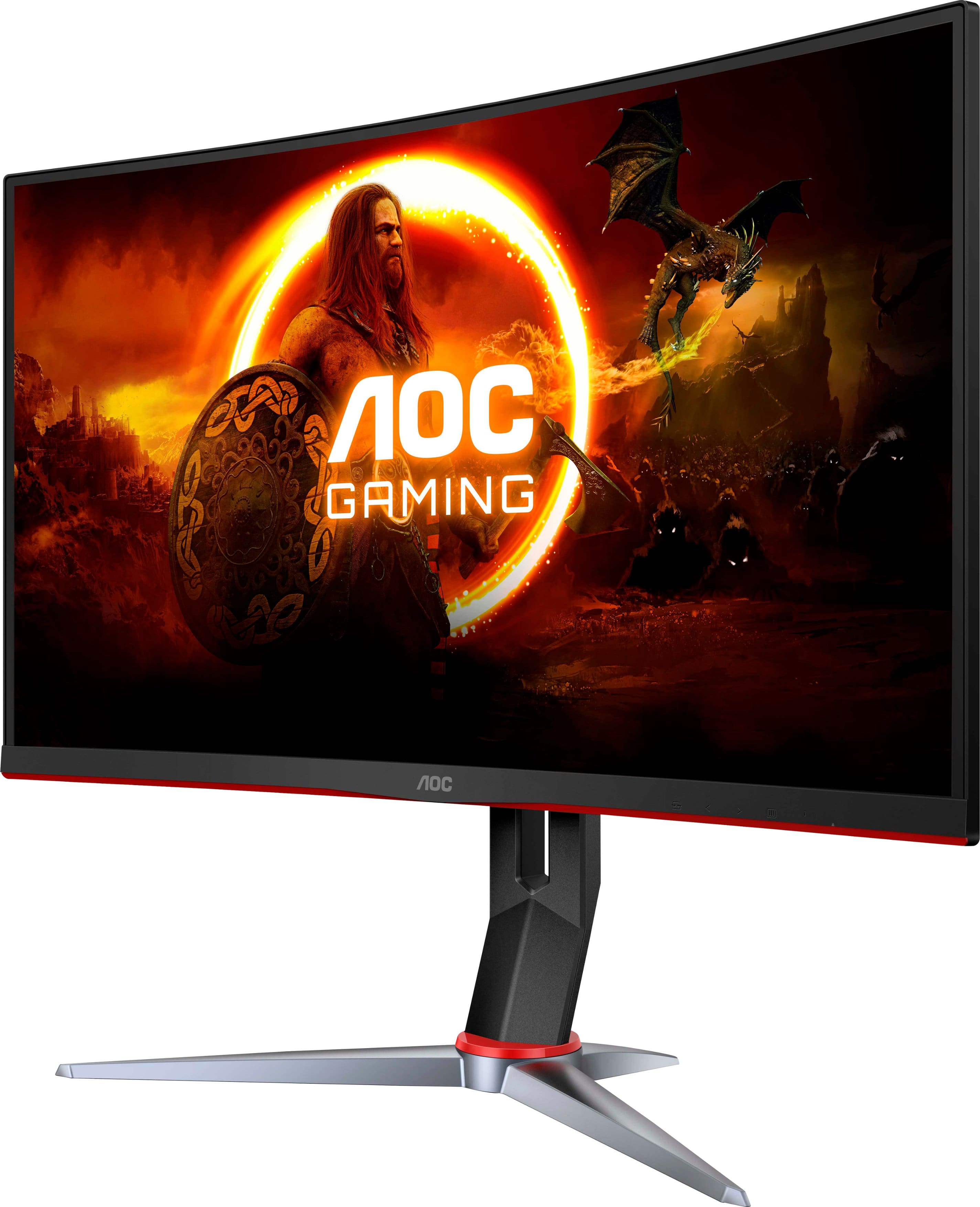
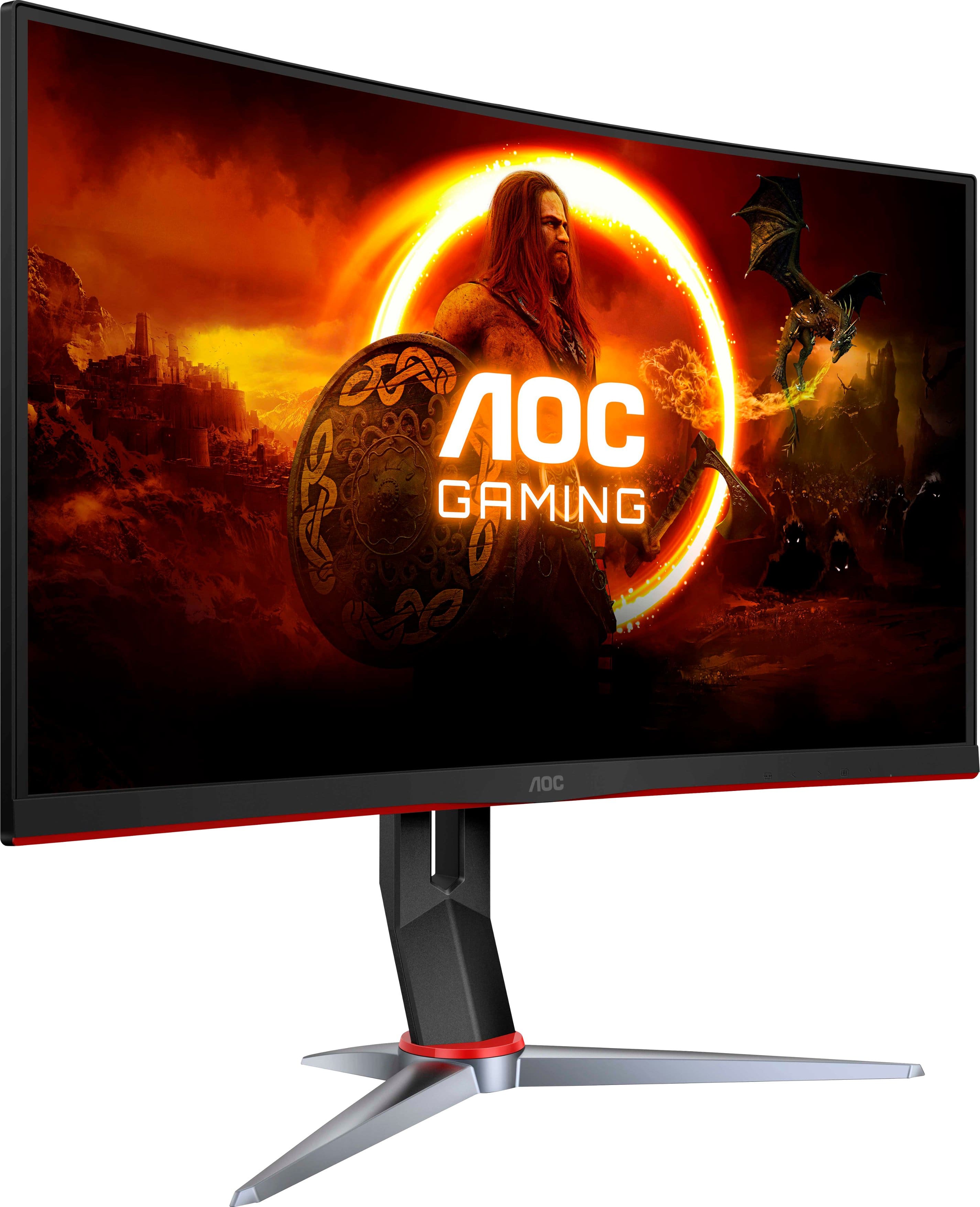
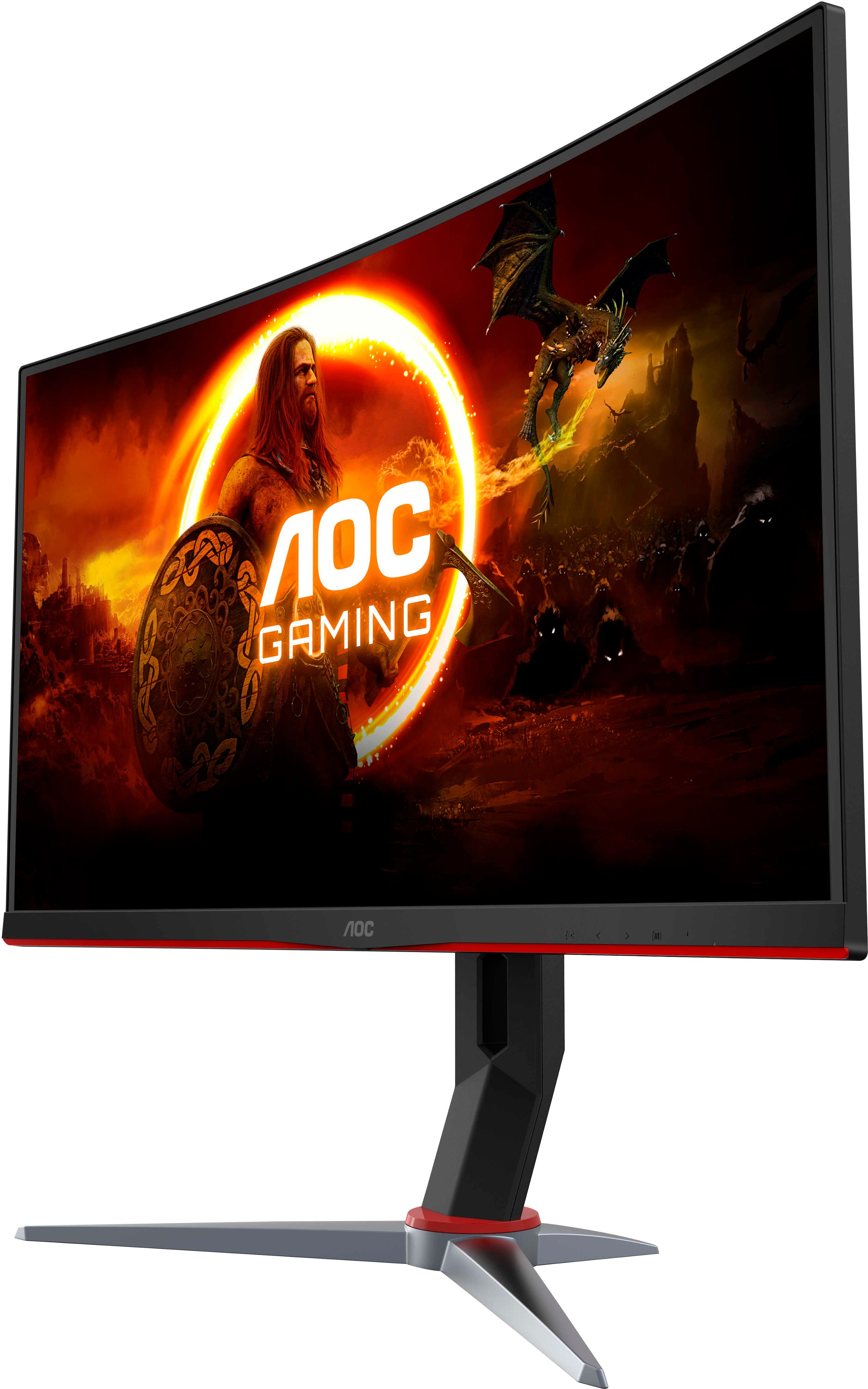
A:AnswerOn the bottom right of the monitor (next to the power button) is a menu button you can hit. Press the menu button and use the left and right arrows to navigate through. You will see a menu that says “game setting” . While you’re hovering over “game setting” press the menu button on the monitor again. That will make it so you can adjust if game mode is on or off. Hope this helps!
A:AnswerIt says up to 165 hz I guess that’s with a full computer set up and a decent graphics card but on my system it only got up to 67hz on 1080p which sucked because if I made any fast movements with a high sensitivity it would glitch .