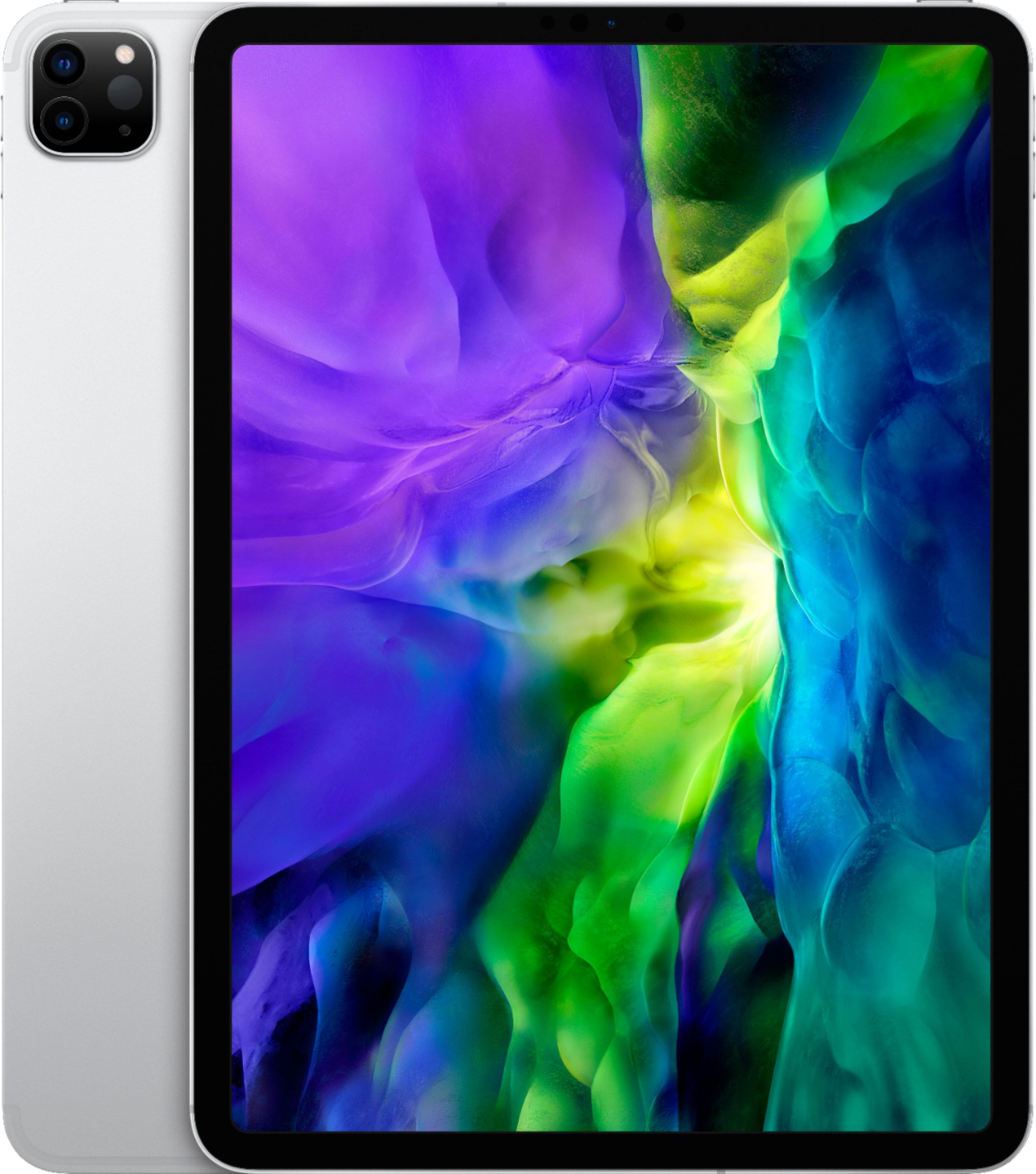
A:AnswerWifi gives you the ability to connect to wireless networks. Unlocked means you are able to get a data plan from a cellular service, if you so choose, That way, you can use mobile data when you don't have a wifi network to connect to.
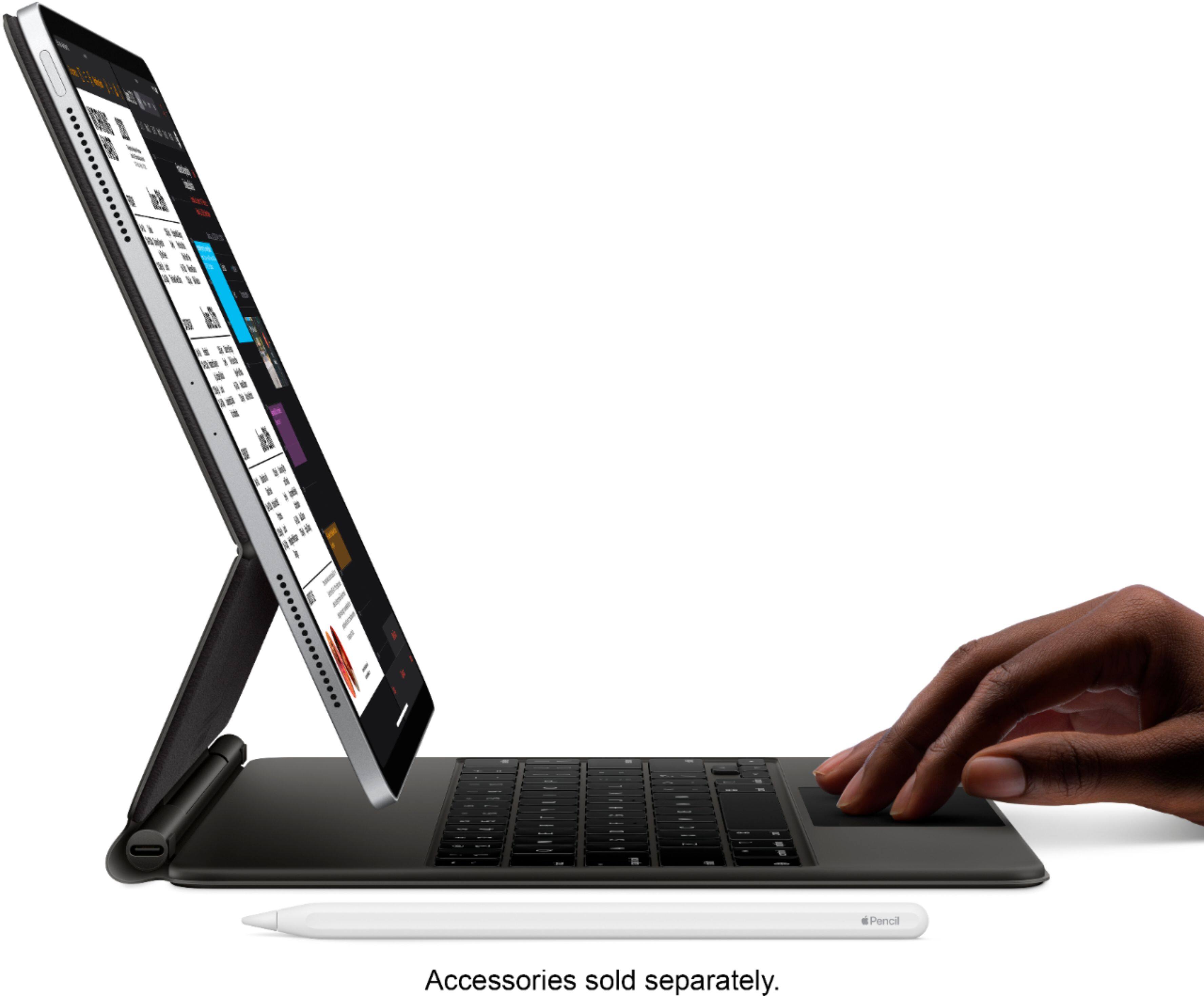
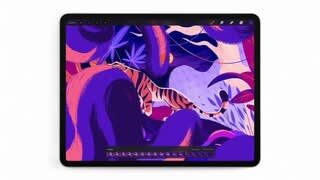
A:AnswerYes, there are millions of apps on the App Store designed to take advantage of the large display on iPad. Many are designed specifically for drawing or painting digitally. To take full advantage of drawing apps, you may want to use Apple Pencil (2nd Generation)(sold separately).
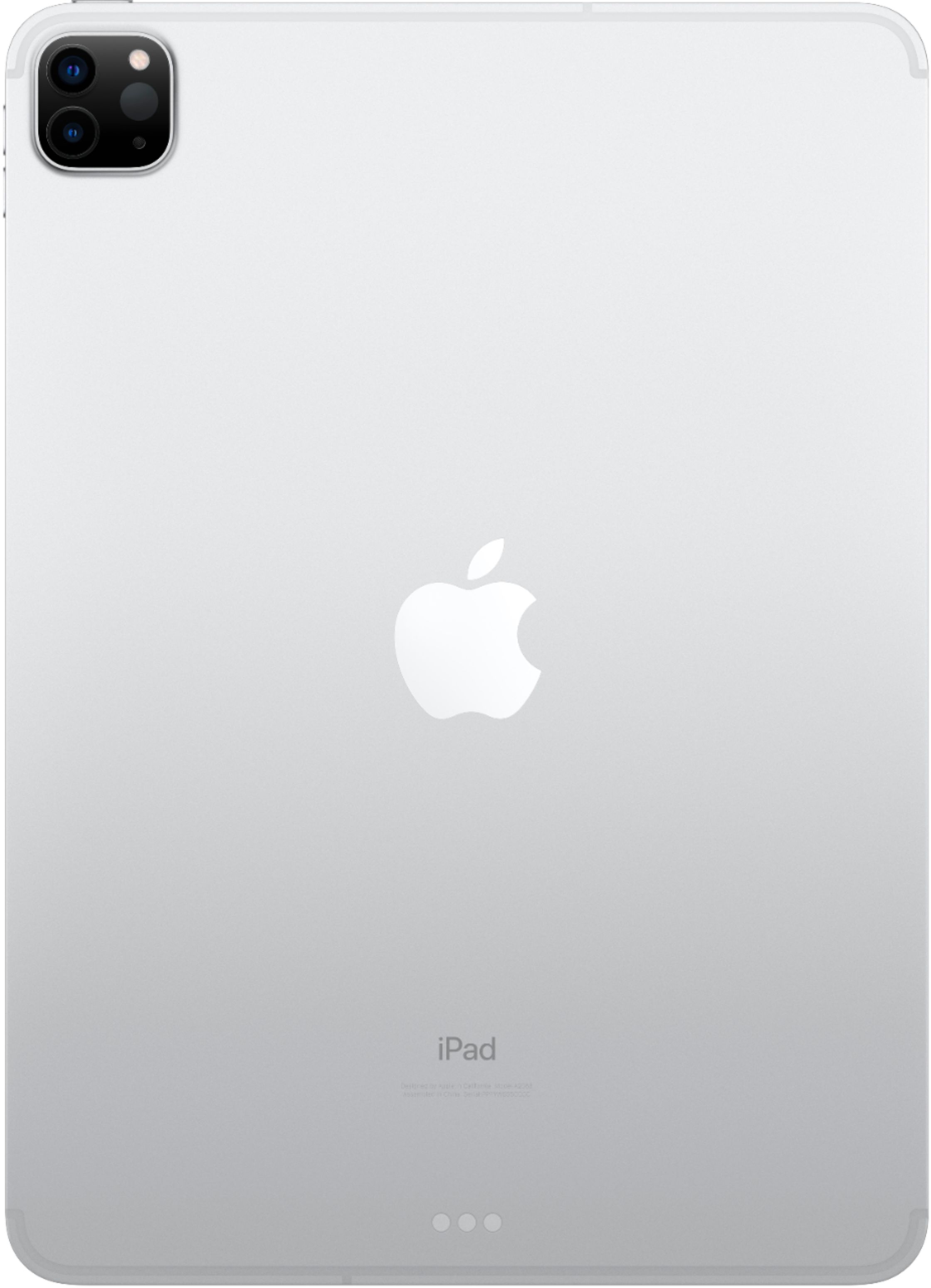
A:AnswerYes, all iPad models support Bluetooth headphones. It does not have a standard headphone jack, you will need a USB-C Dongle to connect wired 3.5mm headphones.
A:AnswerThere is no separate headphone jack for this iPad. Just as the iPhone you will need to have a headphone device that either has bluetooth or has a USB-C jack.
A:AnswerOf course. If you don't need a powerhouse to design and do art on, then I'd suggest an iPad air or mini for reading, even a Kindle or a much more affordable tablet.
A:AnswerIf you’re someplace where there is no Wi-Fi, iPad Pro with Wi-Fi + Cellular models let you stay connected to fast cellular data networks practically anywhere you go. Check with your carrier for compatibility and plan availability.
A:AnswerYou have to remember the iPad will register as a mobile device to websites and applications. Most likely it will depend on whether that site can handle a mobile platform. The iPad does have access to Google Chrome and Safari as a laptop would.