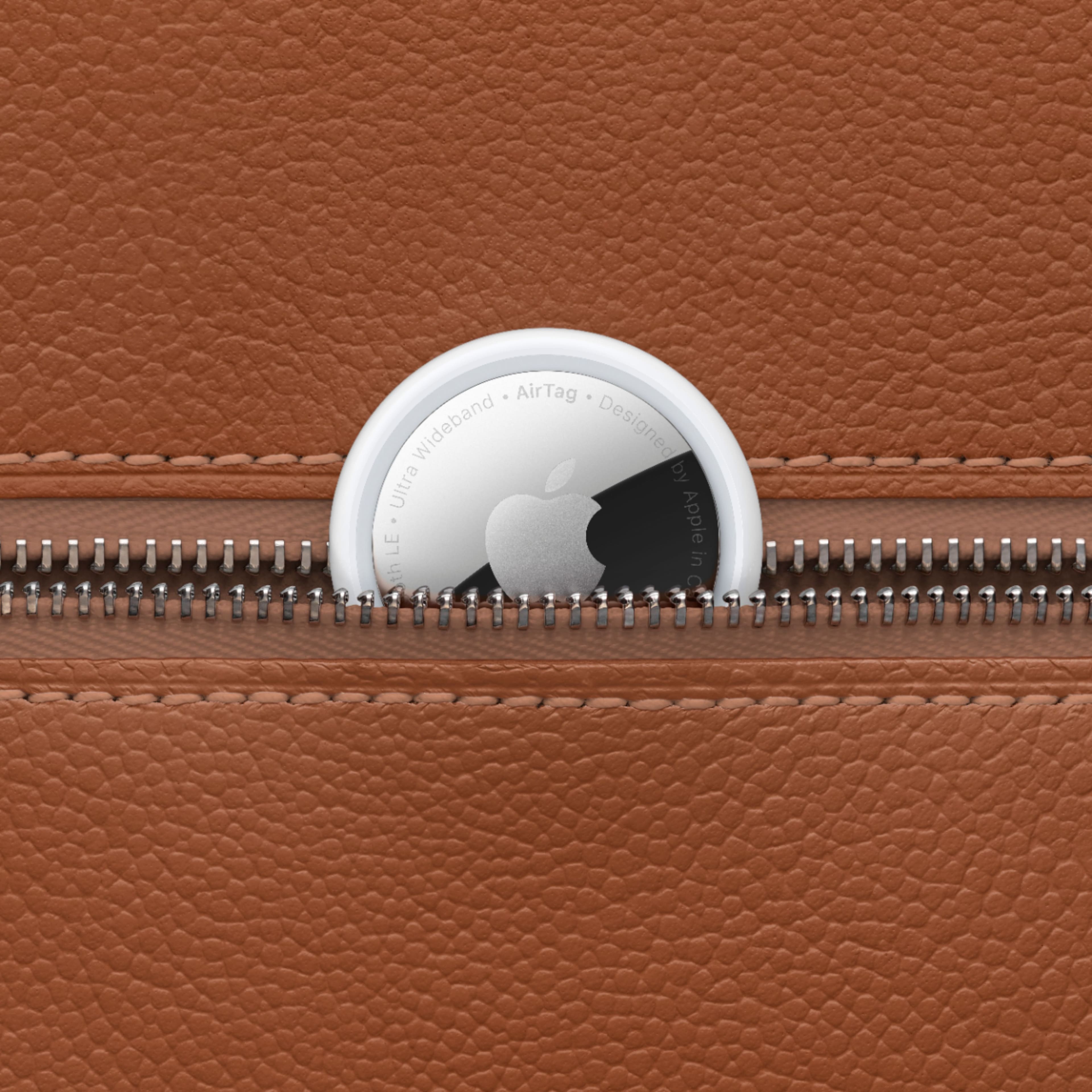
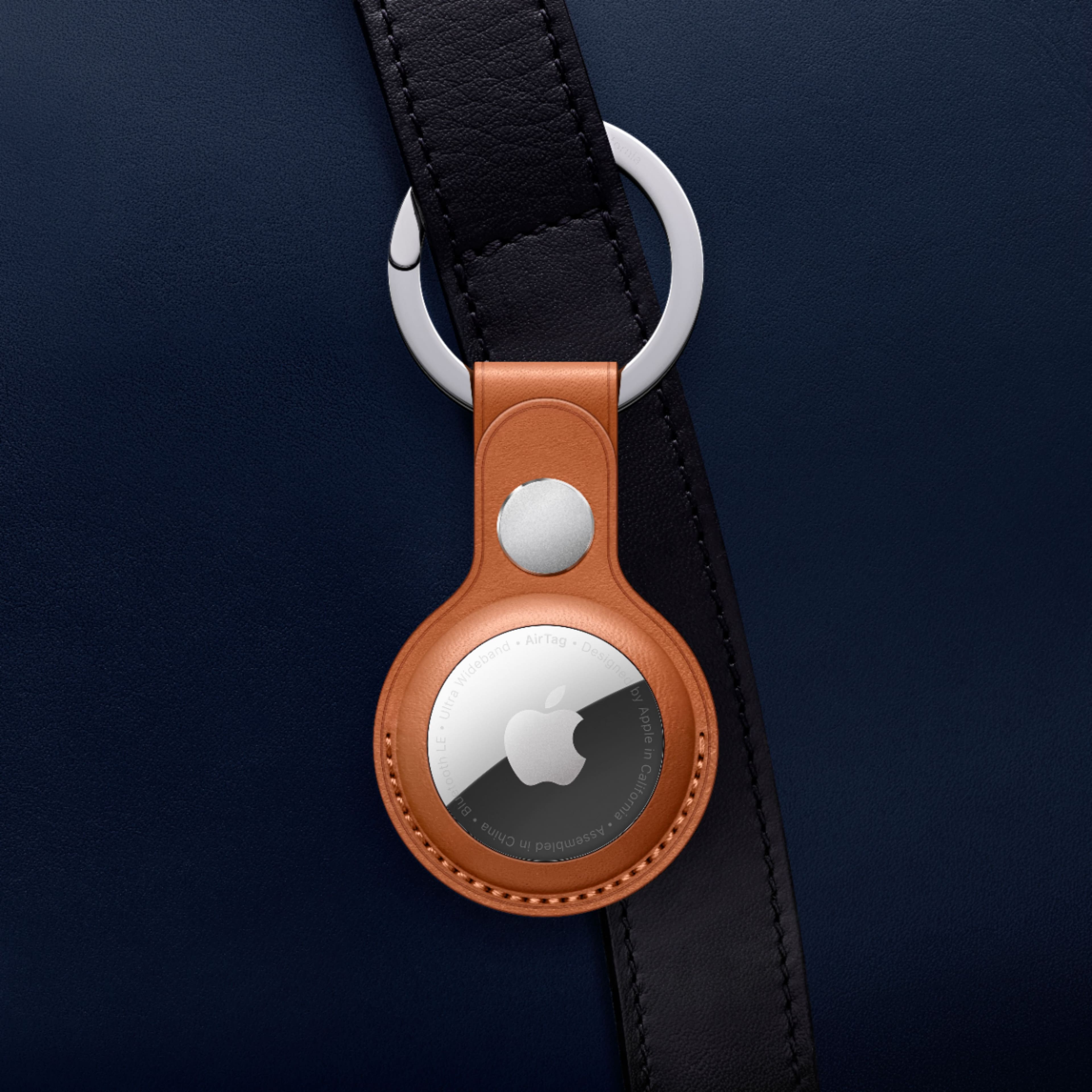
A:AnswerYou can definitely tuck it inside. I have mine tucked in an inside pocket (under multiple layers of fabric) and there’s no noticeable loss in signal. Just make sure you’re not putting it between large metal objects (such as multiple computers). While it’s unlikely this will cause interference or signal loss, it’s still possible.
A:AnswerIt lasts about a year and is easily replaced with a watch battery available at any drug store. There is an alert on the app that will tell you when the battery gets low.
A:AnswerNo problem what so ever. Just took this air tag in luggage to track dive gear from NC to Bora Bora. You have it bloothtoothed to your phone within 30’ or it “pings” off of someone with an iPhone within 30 feet of the tag which sends the info to the cloud. Hope this is helpful.
A:AnswerBattery claims to last about one year. Suggest you measure it every 9 months or so or use find my device item to make sure it is still beeping. I would not take off on a trip 6 months from now without testing the battery.
We used all over Europe and it worked great it just depends on Apple devices being nearby. Since there are iPhones everywhere this has not proven to be a problem even in Eastern Europe.
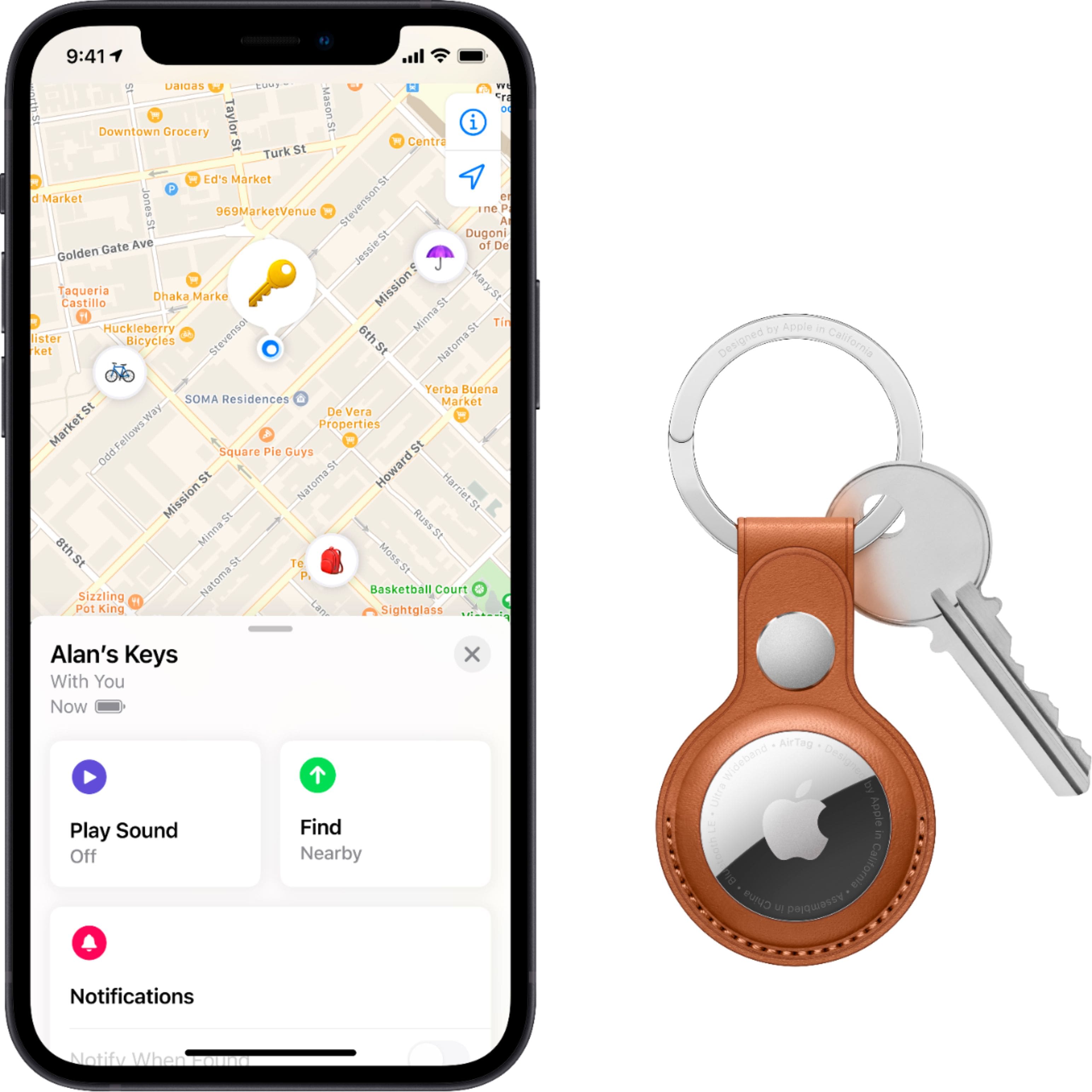
A:AnswerYou must use an iphone or iPad to complete the initial setup. Once synced to your icloud account you can track from any apple product register under your icloud account or thru a pc or andriod phone by logging into your icloud account.
A:AnswerI know it does not work 100 ft away from all Apple devices. My guess would be 30 ft or so. Have watched my luggage move from one airplane to my connecting flight across the tarmac. I think there are lots of iPhones out there so chances are there is one nearby at some point