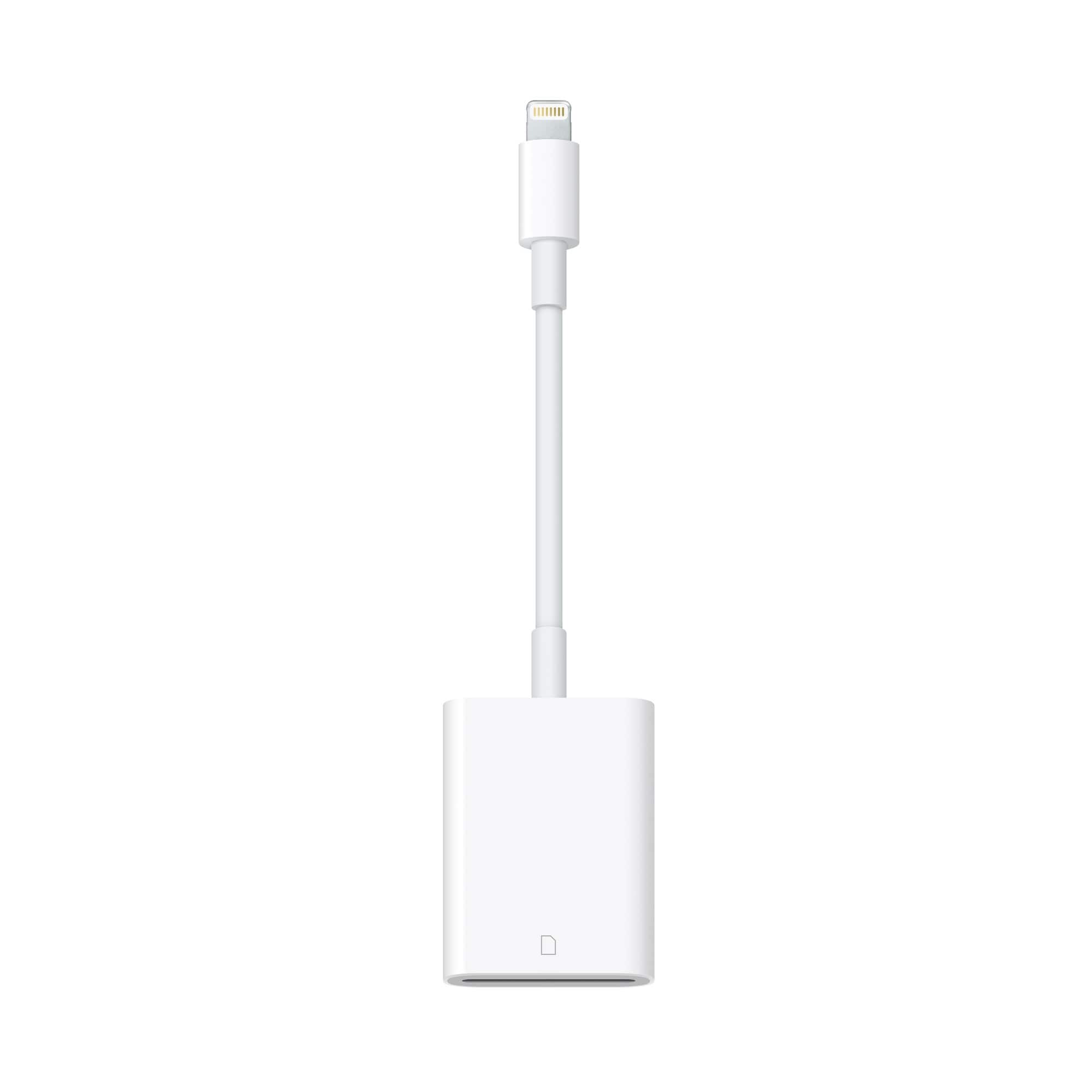
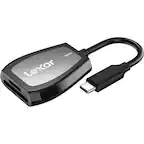
A:AnswerContrary to a lot of the other answers listed here, I can confirm that it DOES allow movement to and from the SD card via the Files application on iOS. I just bought it in person today and managed to get it work after exploring a while, though discouraged by the many saying otherwise.
A:AnswerIt worked perfectly on my iPhone 8. Once you connect it and put in an SD card, the pictures show right up. It's also quick to load and save them to your phone.
A:AnswerYes, this is exactly what I use it for on my iPhone X just plug it in to the phone or your Mac, and will automatically pop up your pictures and you chose what ones to import from the sd card to the phone. Then can use whatever program to edit. I love mine.
A:AnswerHi, I uploaded a 64gb sd card (it was not full though) and it worked with it. Hope someone else is able to answer your question more specifically.
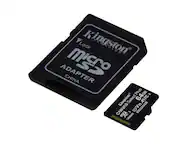
A:AnswerYou have to have the micro-SD card adapter that a lot of microSD cards come with. The SD card adapter is essentially an SD card with a cut out to slide the micro-SD card inside of it. Basically turning your microSD into a standard sized sd card.
A:AnswerYes. On the iPhone 5 it would automatically pull up the pics off the memory card. On the iPhone 7 you have to click on the photo icon, Go to all photos in upper right hand corner of phone, then click on import in lower right hand corner of screen. You can select all or choose only the photos you want.
A:AnswerIf u have a micro sd to sd adapter yes. Looks like a regular sd card & comes with a micro already in them. I use them in trail cameras. Makes it easy to check pics in the field.