A:AnswerUnless you’re downloading a lot of games it doesn’t really make a difference. You’d have to be loading a lot of apps to get close to using up the storage. Movies and shows aren’t stored on the device if using streaming services.
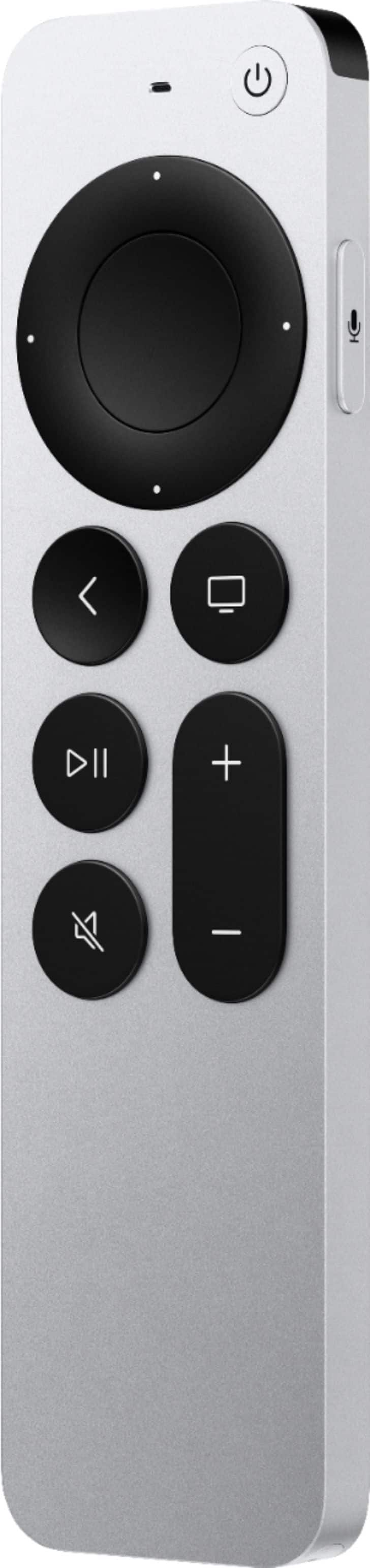
A:AnswerHonestly would likely need more information on the model you have. But I would bet the Apple TV remote will control your TV so you wouldn’t need the actual tv remote.
A:AnswerI haven’t used spectrum specifically. However, everything else I stream on my Apple TV are far and away better quality than what I saw on my Roku.
A:AnswerThere is no subscription required to use the device itself. AppleTV+ is an added subscription service. You can also buy and rent shows and movies from the store. Additionally you can use other third-party apps and services offered on the App Store.
A:Answer“Built in Apps?” Do you mean already downloaded? No, but just the click of a button gets you to the App Store to download an app you want including MLB
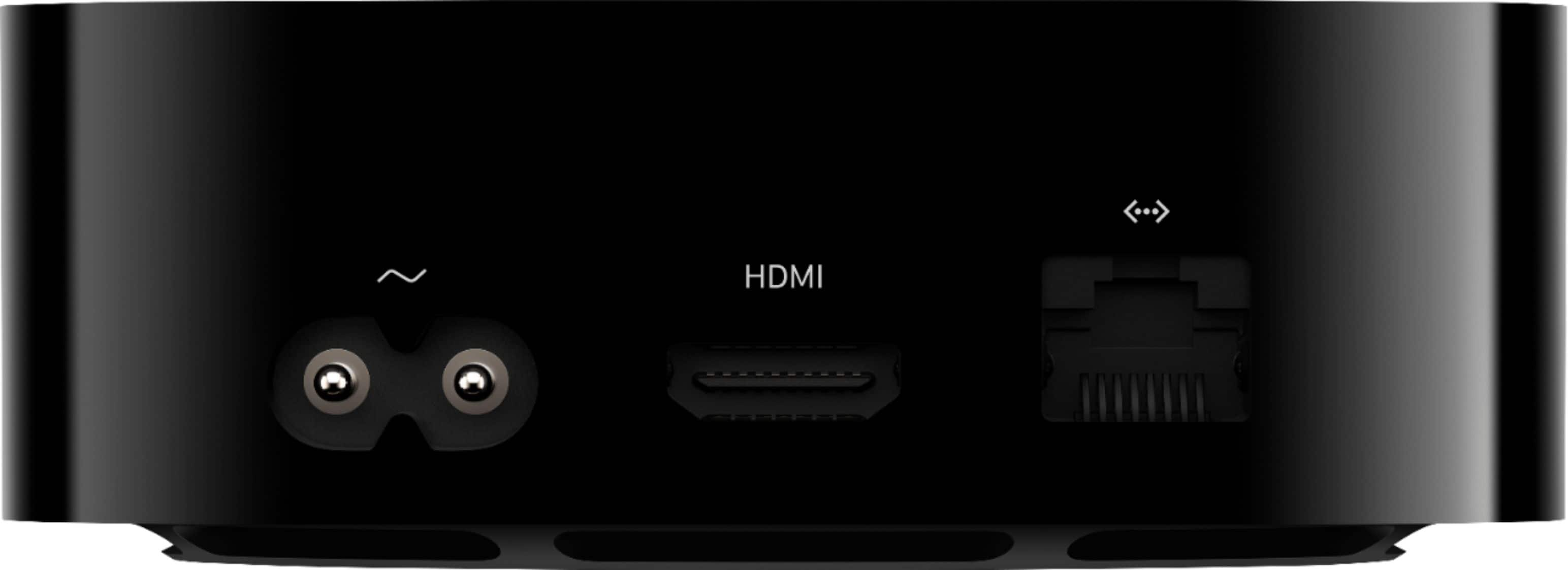
A:AnswerI have mine plugged into my avr but a few things are needed. 1. Make sure your receiver is rated and set up for Dolby atmos. 2. Make sure the show you are about to watch states it is in Dolby Atmos. Some programming is not so it won’t play it in dolby atmos… since it is not atmos. 3. Have the right high speed or ultra high speed hdmi.
All Atmos available programming works perfect on my avr.
A:AnswerNo, this is a replacement or substitute for your fire stick. If your tv has 2 hdmi ports, than you can hook both up, and switch inputs when needed. So you could watch you fire stick or switch your input and watch Apple TV with screen mirroring
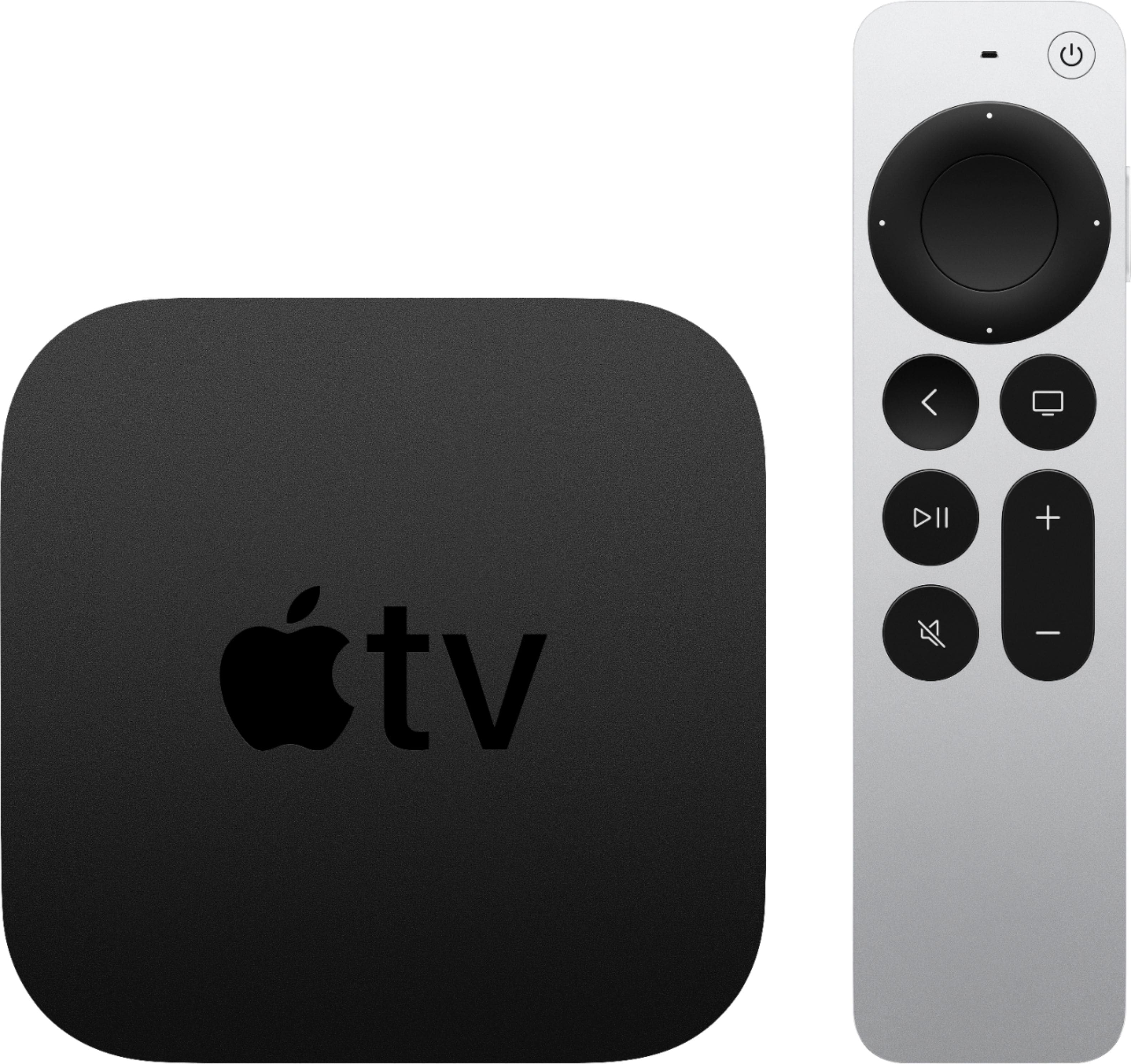
A:AnswerOh yes it is far and away better than what comes on your TV. The interface is simple and ad free. It also has a lot more storage and ability to keep your stream buffer free.