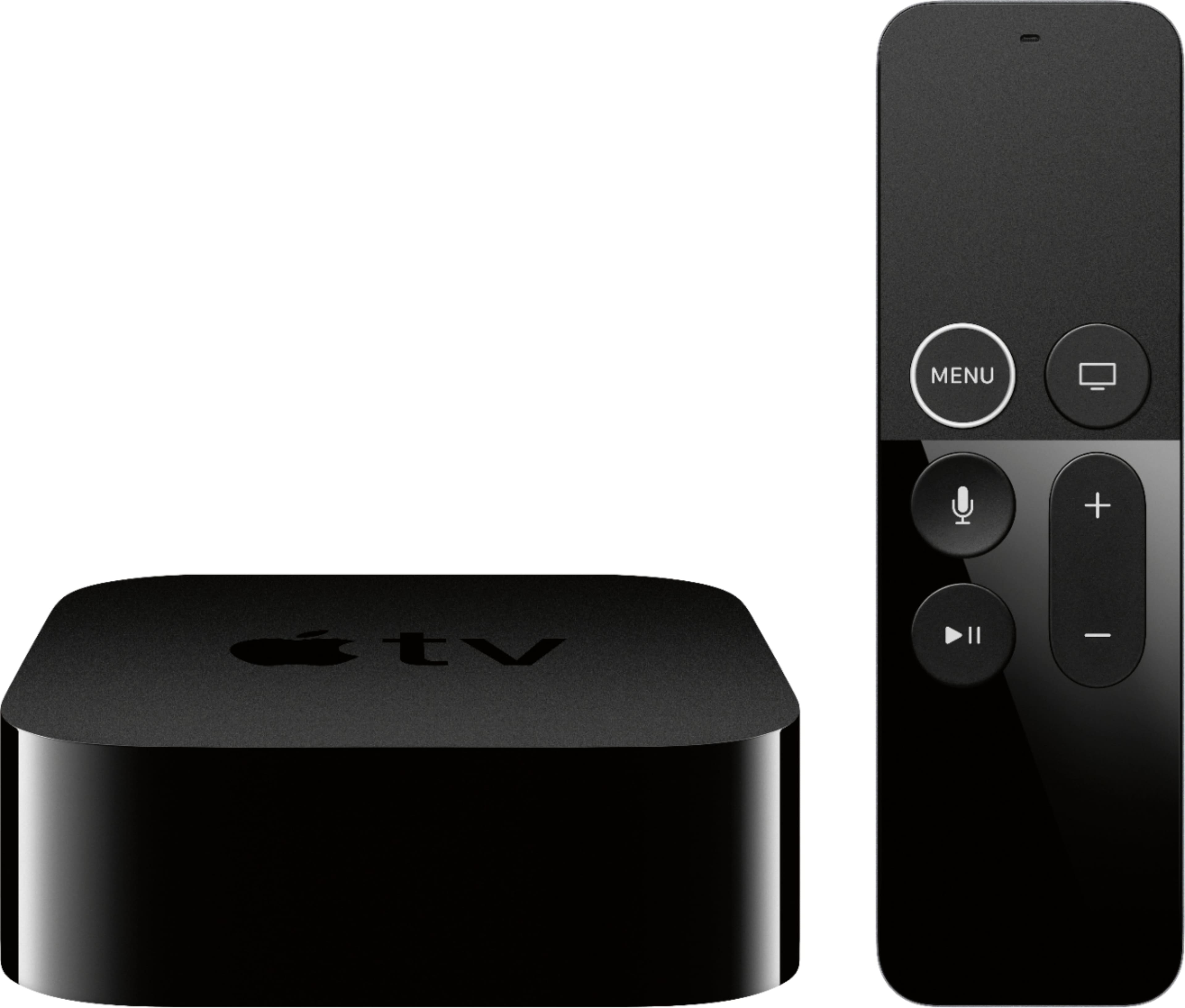
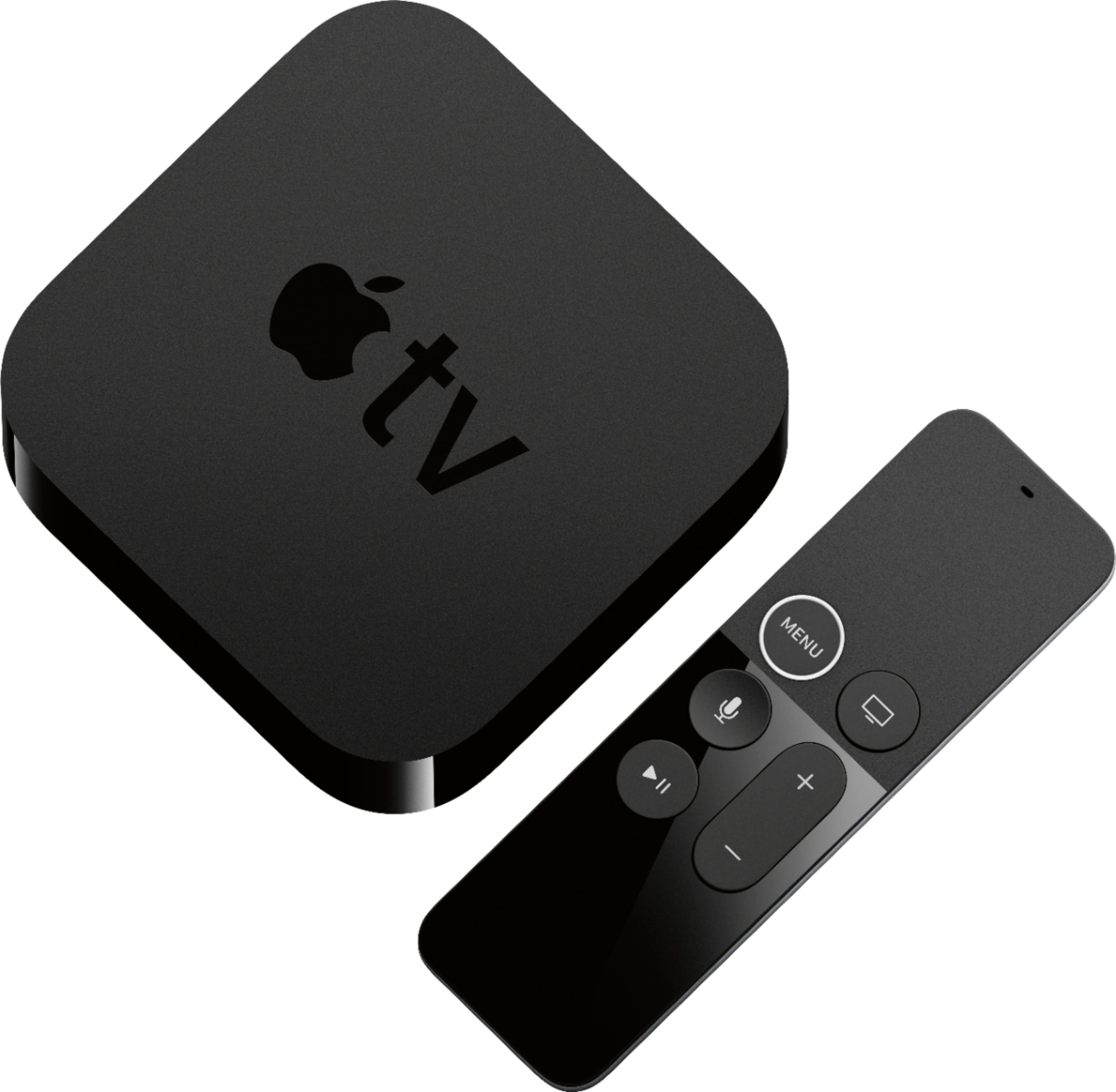
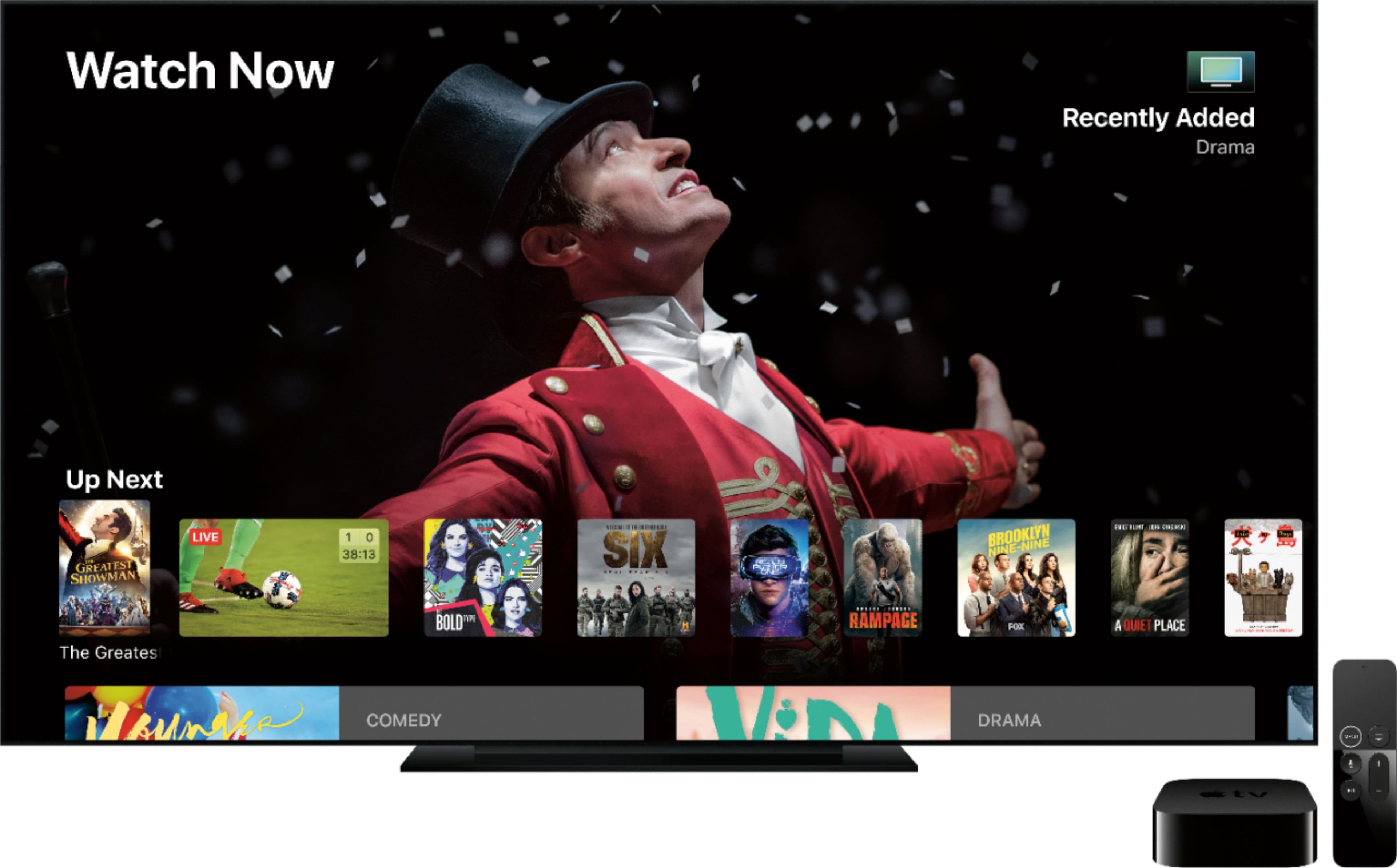
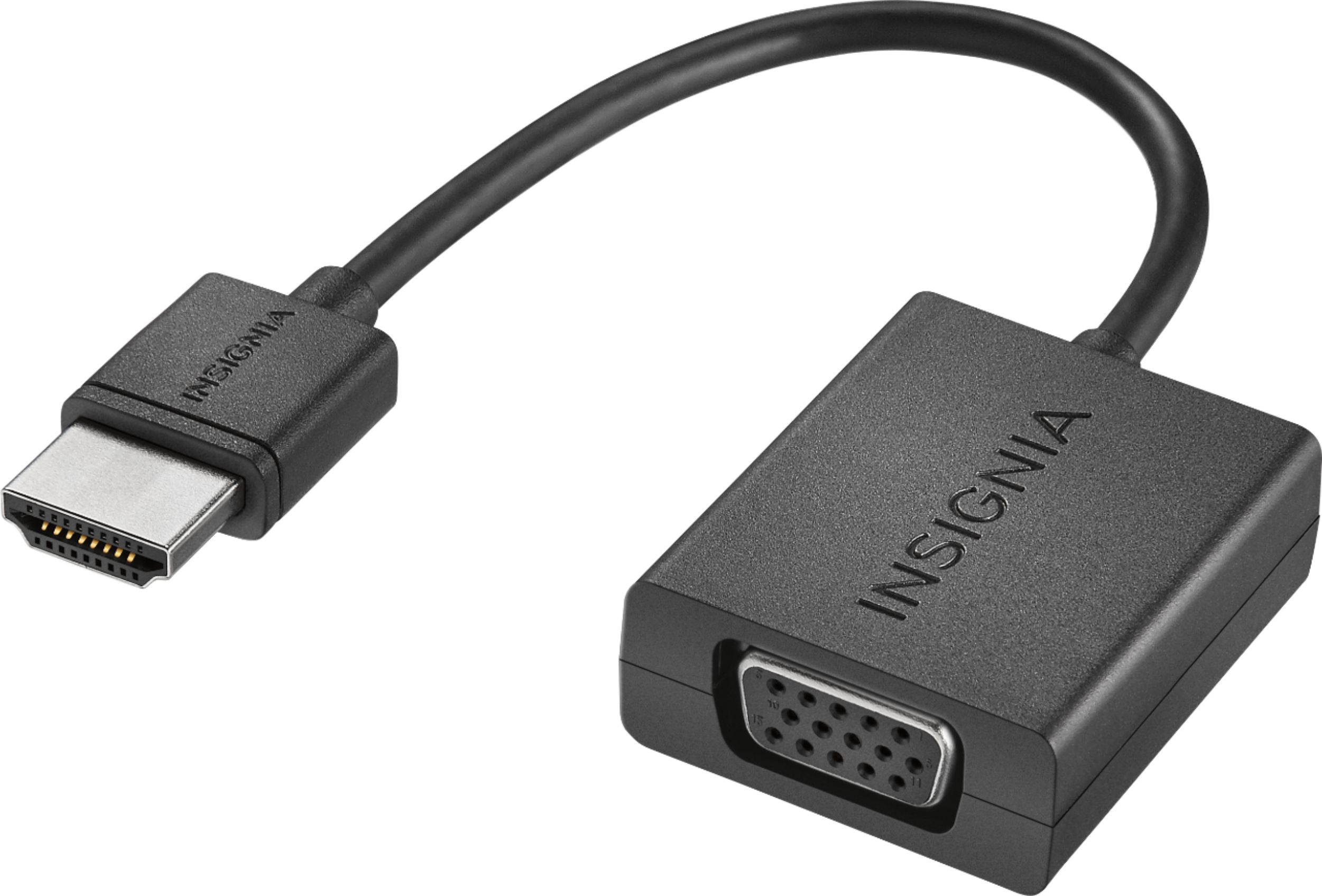
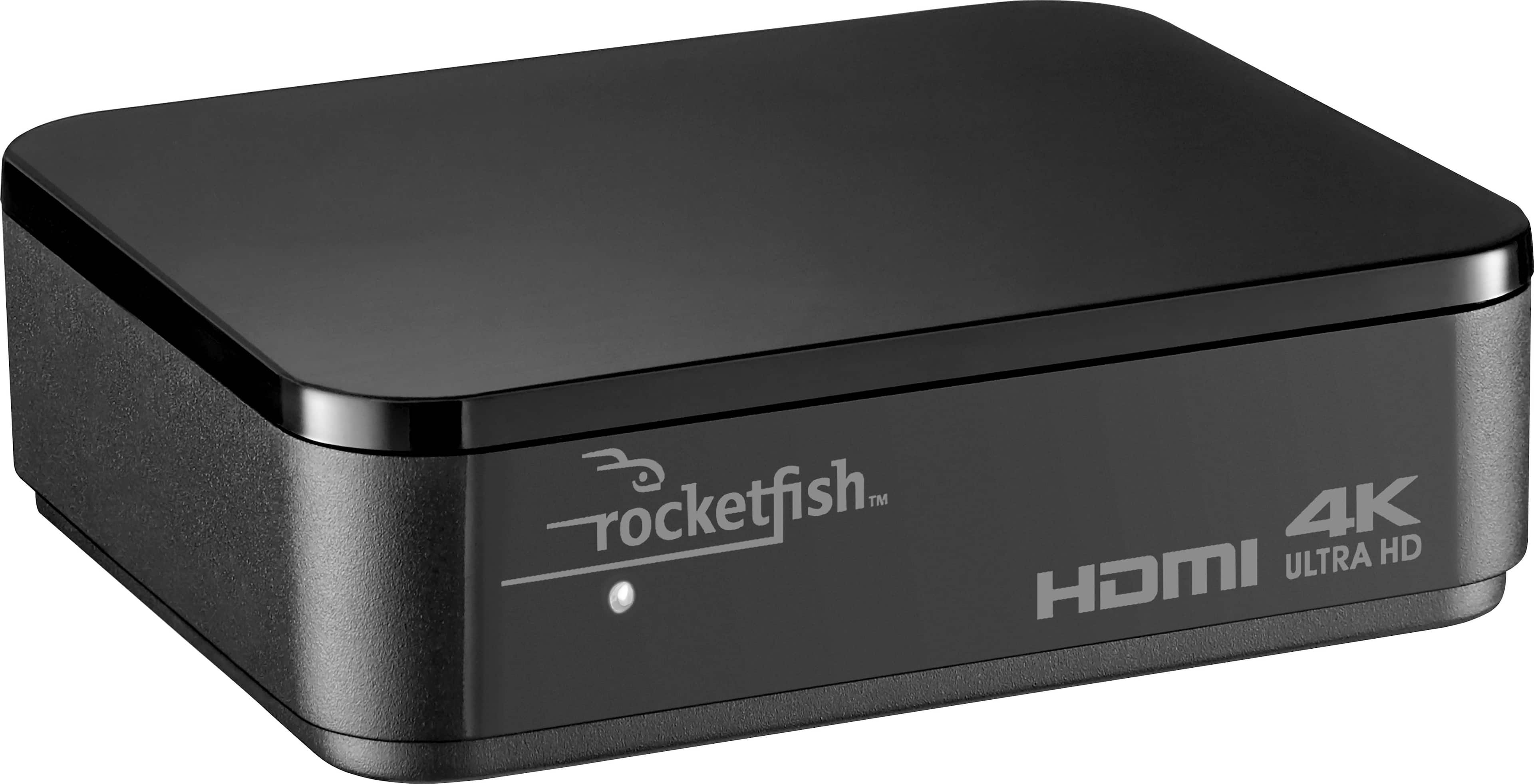
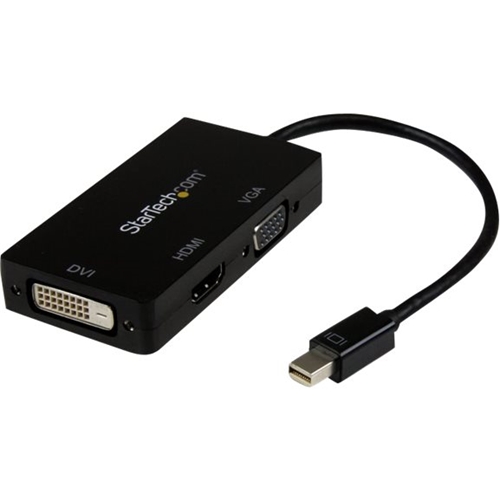
A:Answer Depending on the computer monitor, yes. I have my Apple TV connected to a 1920x1080 Dell computer monitor in my bedroom, and my Samsung TV in the Den. To connect this to a computer monitor, check what input the monitor has, if it has HDMI then you're good to go. If it uses DVI or VGA, just purchase a connector/converter (BestBuy should have them). If you want to display it to 2 monitors, just buy an HDMI switch or HDMI splitter, but remember, the signal will be the same, so it will display in the lower resolution (My TV is 4K, but I have to display it at 1080p so I can also get the signal on the Dell monitor in my bedroom). One more note, you may also need another source for audio if you're using a computer monitor.