A:AnswerIf it shows up in the Arlo app as a device and shows connected with a strong battery, Its most likely the settings are somehow corrupted. Delete the camera and re-add it.
A:AnswerI believe these devices need the 2.4ghz band. If your router allows for that, it connected easily. You may just have to check the wifi network you are trying to connect.
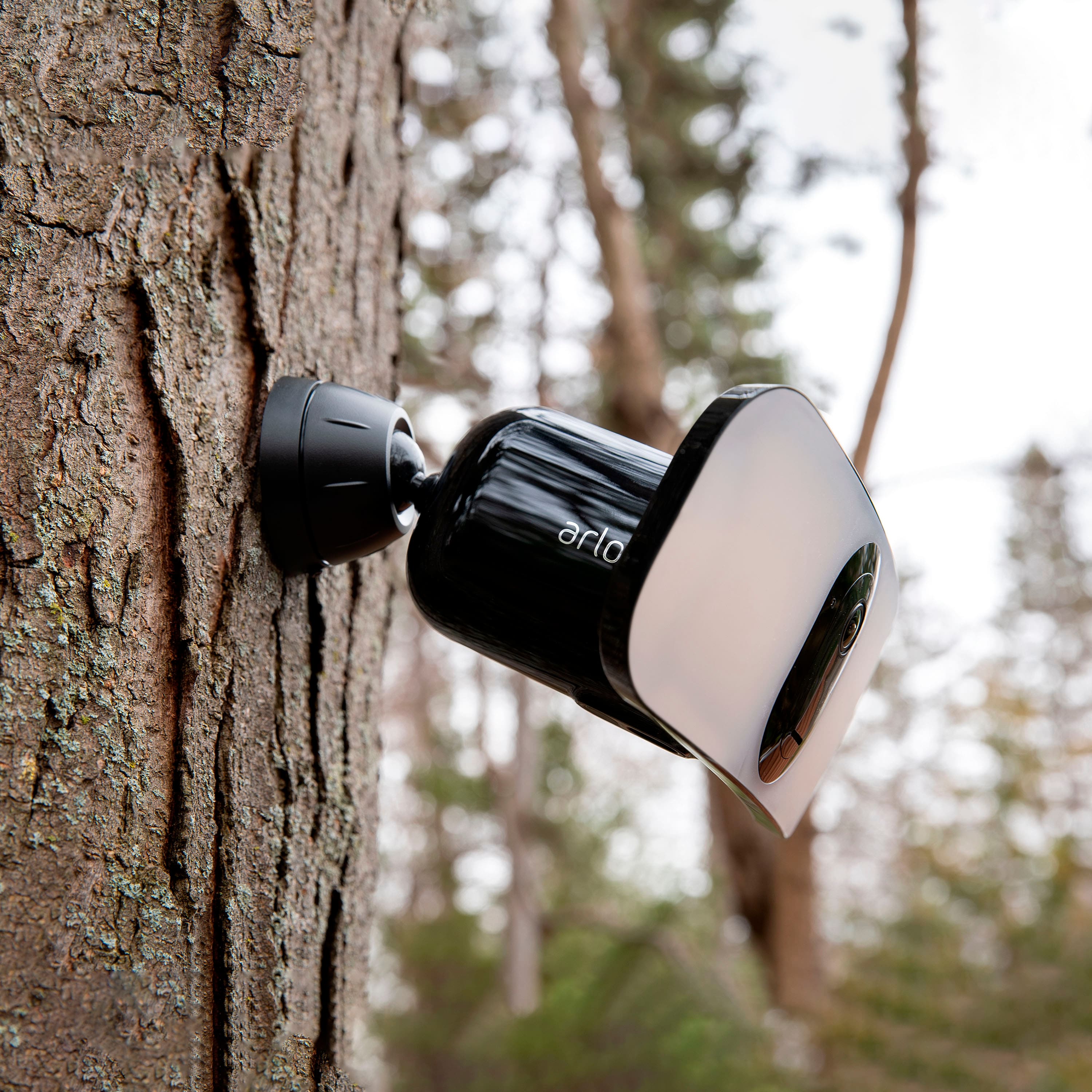
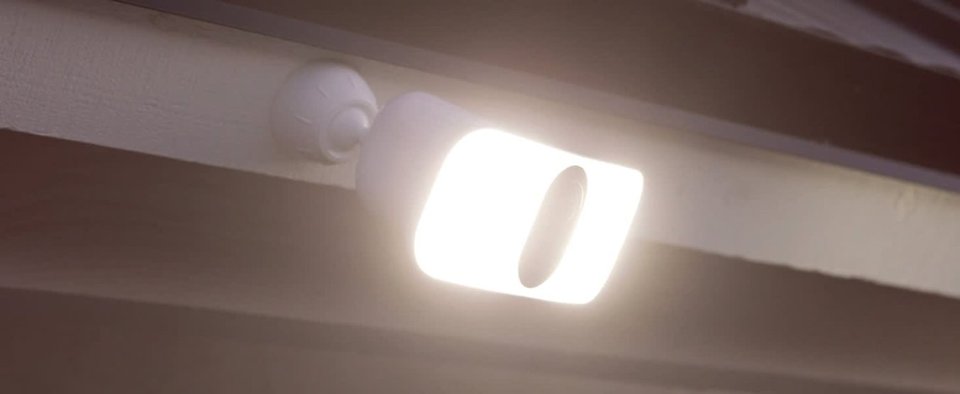
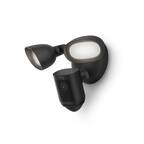
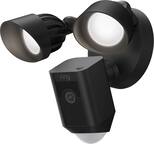
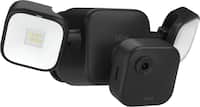
A:AnswerPlace your Arlo Pro 3 Floodlight Camera 8-10 feet (2.5-3 meters) off the ground, angled toward the ground, and within range of your WiFi router
A:AnswerDepending upon where you mount as in how high there is really nothing you can do. If that’s a real concern I would mount the camera in a spot where you would need a ladder or subscribe to the recording service so you could show to the police.
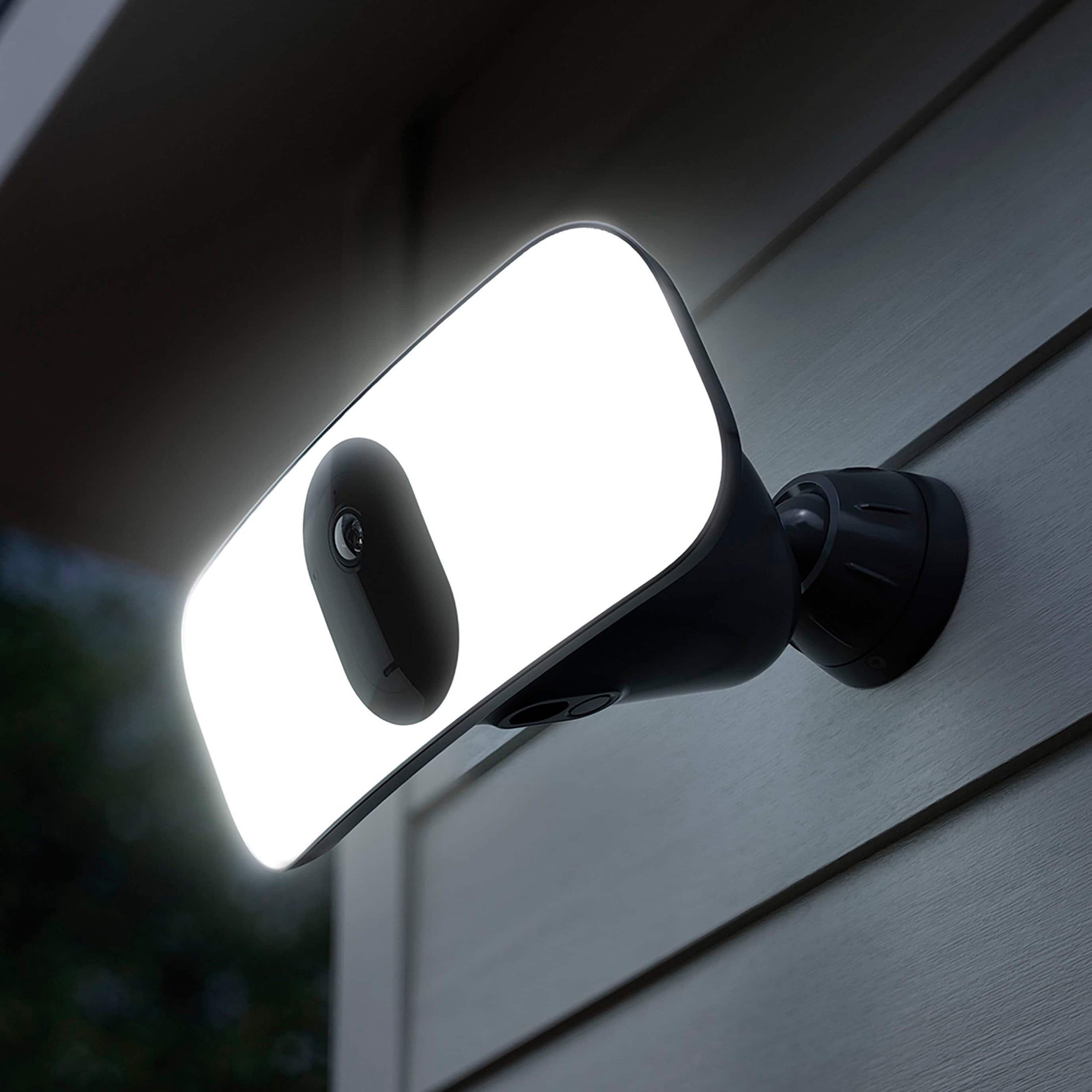
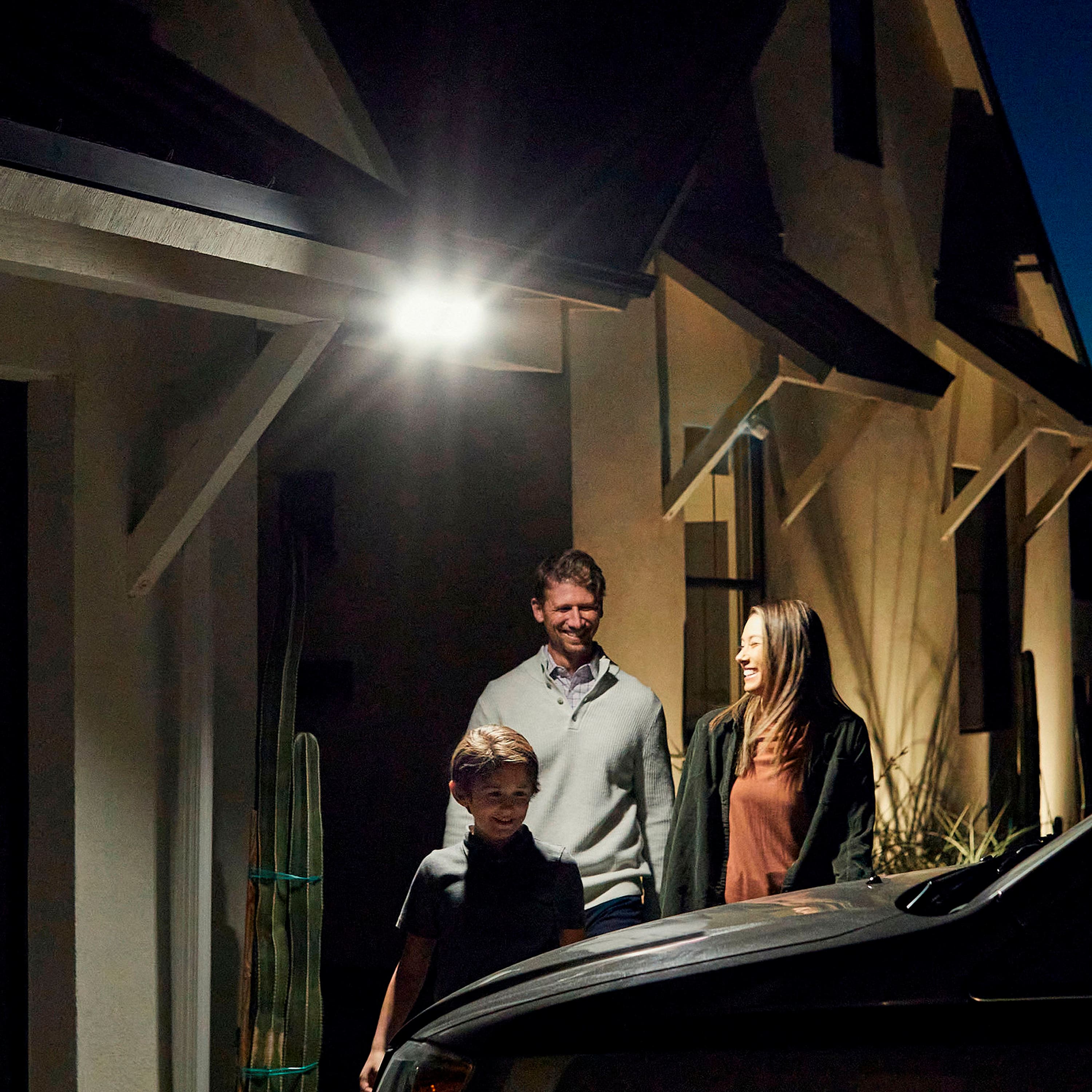
A:AnswerThe camera acts as a motion detection light. You can adjust the time will be on when the the sensor is tripped. You can also set how dark before the light will trigger. There is no ability to set from dust to dawn.
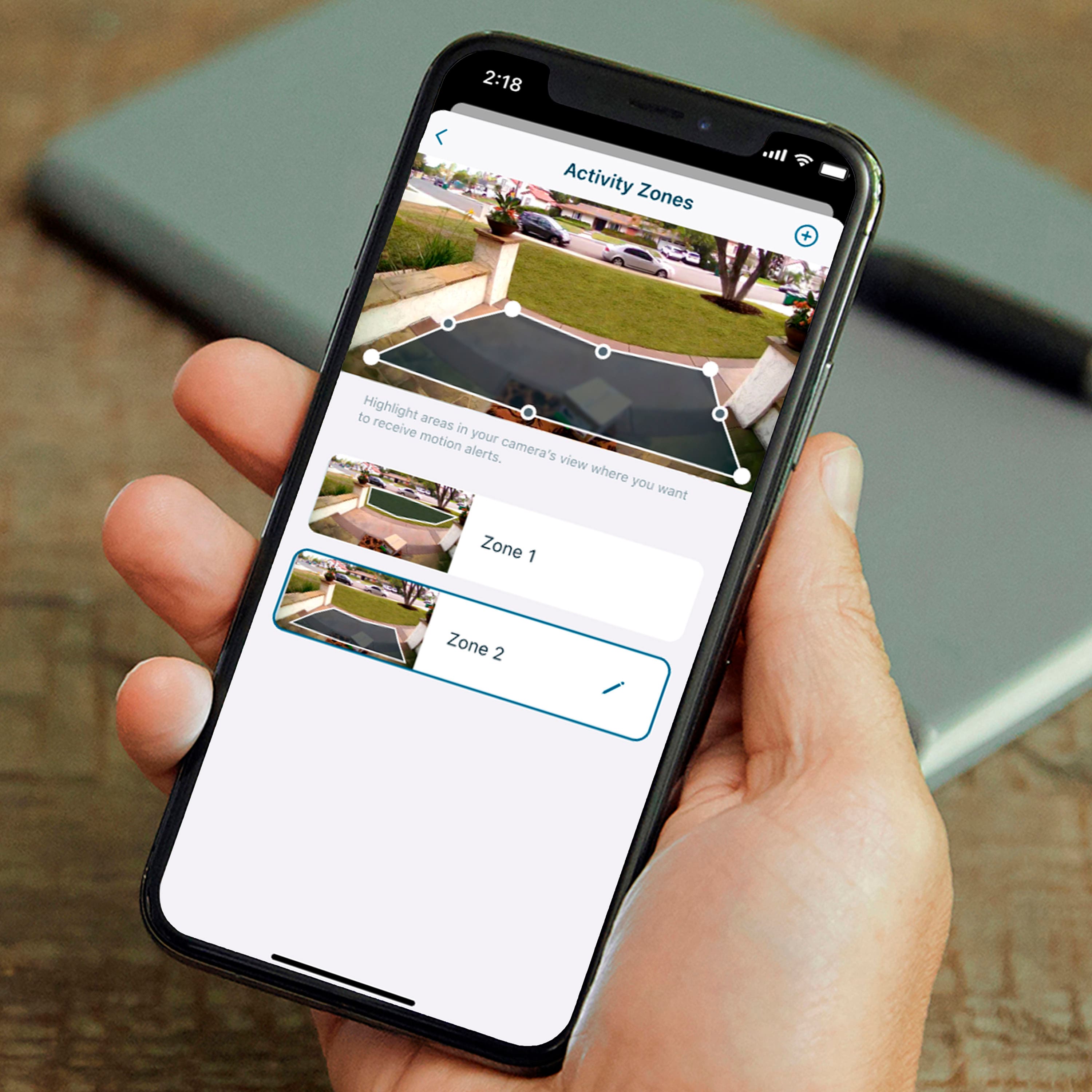
A:AnswerYes. This can be set up on a schedule base activation. Also has geofencing options too. Which is a nice feature to automatically activate when you leave your home.
A:AnswerSurprise. This happened to me also. This is unacceptable. There instructions refer to having a plan is optional however unless you add a subscription you will receive an alert and be able to live stream but no recording. This is a ripoff.
A:AnswerNope. You will be able to live stream and receive alerts but there is no recording unless you subscribe to a plan. This was my biggest complaint because it states that a subscription is optional but without being able to record you have a log of when the camera was triggered.