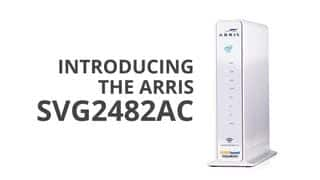
A:AnswerIt should work if your voice line is activated.Online activation is just to get the internet going but you still need to call your ISP provider to get them activated. Hope this helps.
A:AnswerYes. Thats the reasoni got it. I am still configuring my printer and NAS drive for the wifi side so I can get rid of my slower wifi router. Note that I called tech support after entering the wrong MAC address for configuring an internal fixed IP, and it cant be deleted. Have to reset. But we also have Xfinity security with their free wifi router so have been hesitant to do that (limited time to work on this). But system seems great in every other way and looking forward to getting rid of my extra equipment.
A:AnswerThis device can handle around 50+ devices connected to the network but keep in mind that the more devices that are connected the more shared bandwidth.
A:AnswerWow what pay $15.00 a month when you can buy it and own it? The first one I brought it 13 years ago so $15 x 12= $180 X 13 = $2,340 saving says it all. I never had a issue with service.
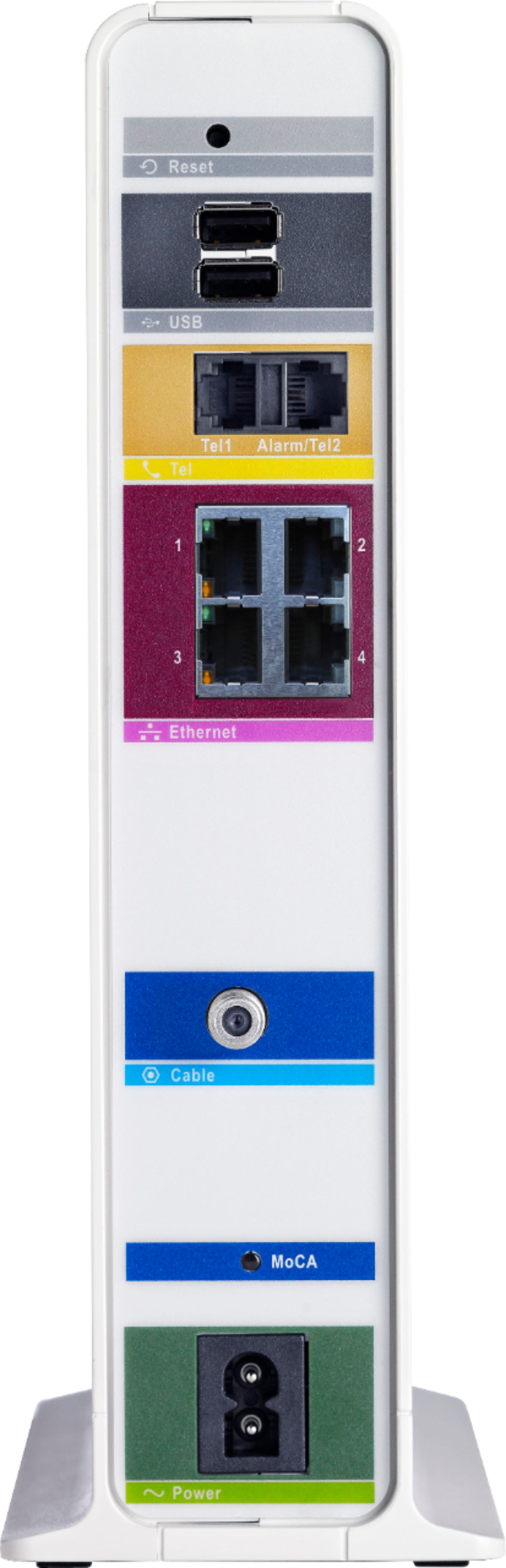
A:AnswerYes you can use the 3rd party VOIP adapter like Ooma with this device. Plug in the Ooma to the ethernet port of the gateway and plug in the telephone port to the Ooma adapter
A:AnswerThis router work perfectly with xfinity Comcast and if you have home phone lines is a+. I ham very satisfied with this router and I recommend to anyone.