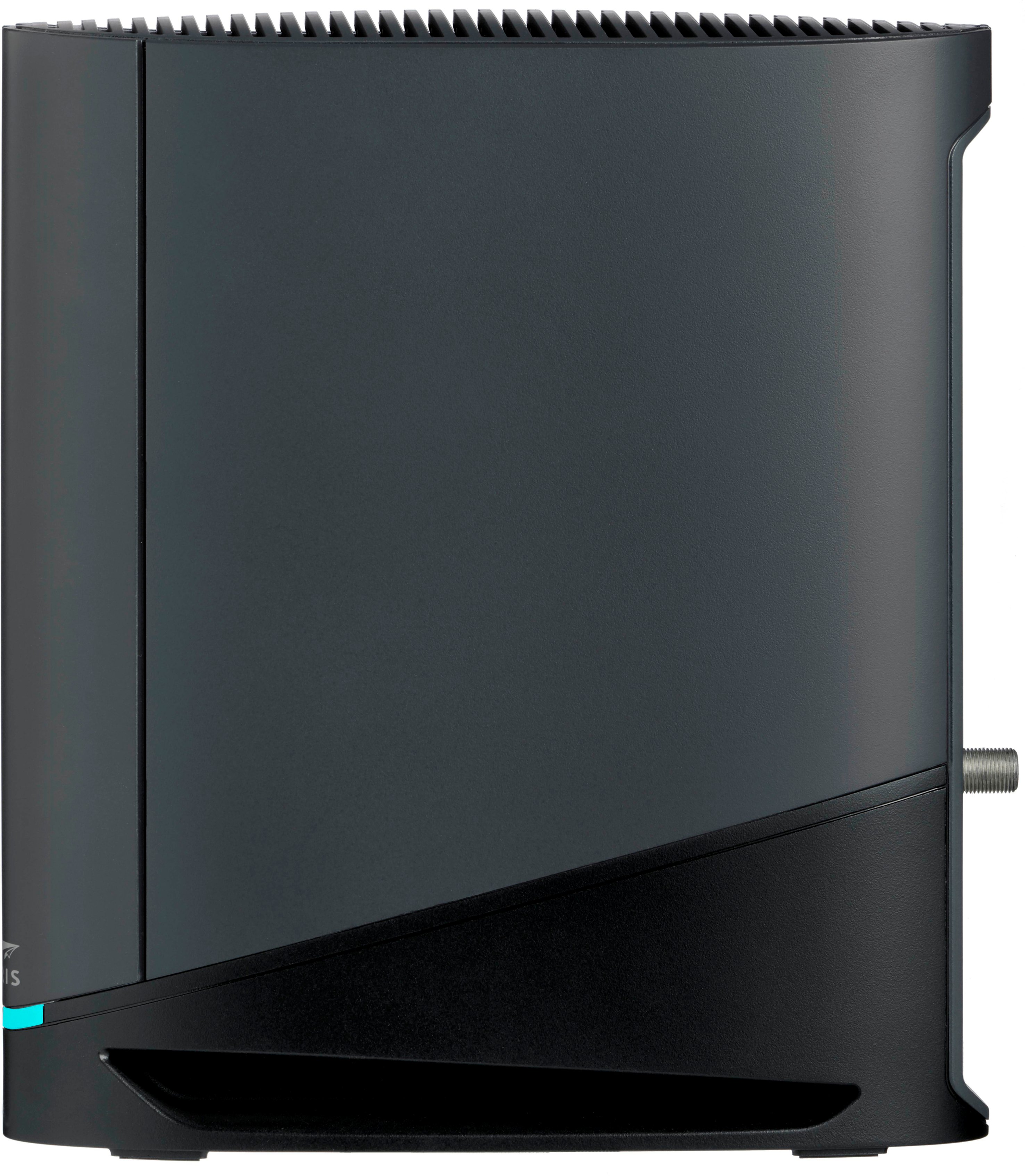
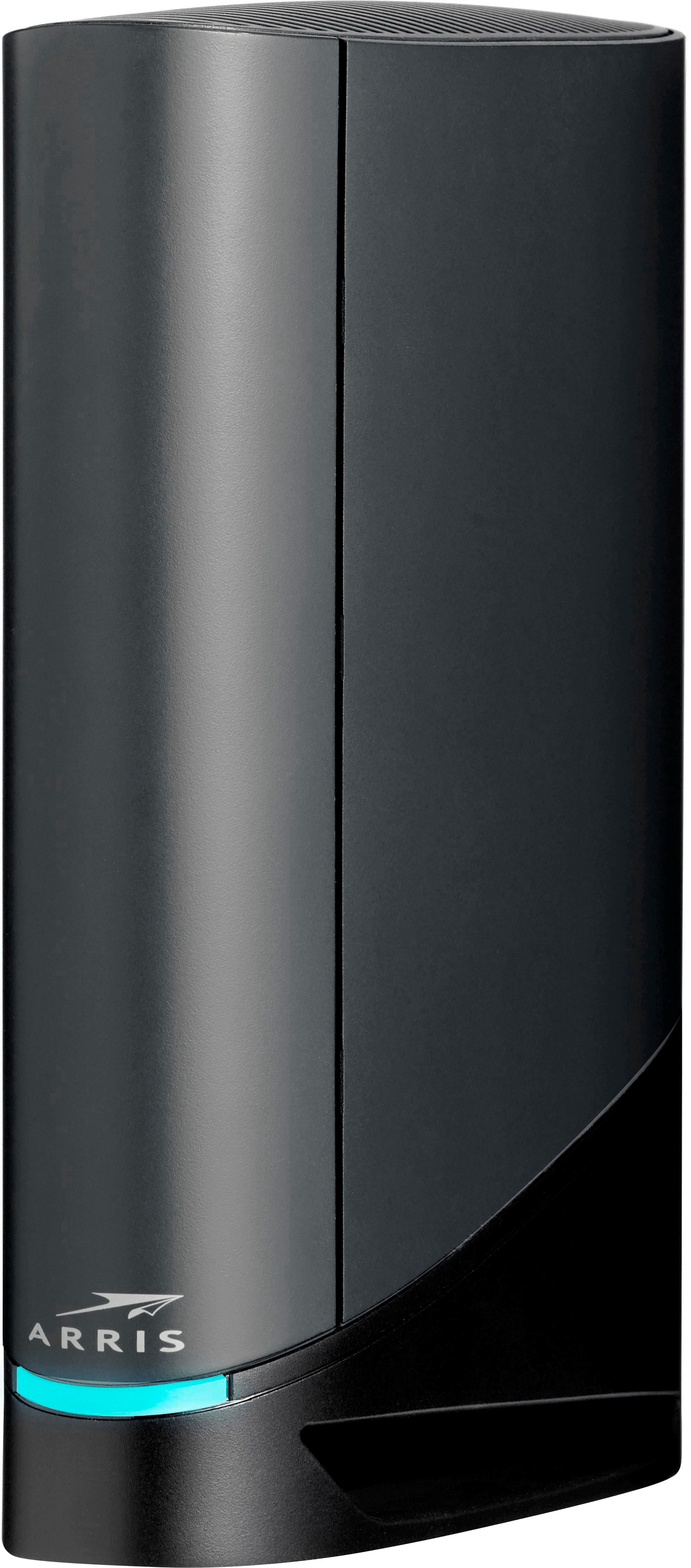
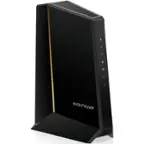
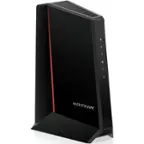
A:AnswerThe SURFboard G36 provides wireless coverage of up to approximately 2,500 sq. ft. under ideal conditions. Indoors, expect about 70–100 ft of range, but this can vary depending on your home’s layout, obstacles, and interference.
A:AnswerThe SURFboard G36 does include a functional Wi‑Fi scheduler, but it's implemented as part of the Parental Controls in the Surfboard Central mobile app (iOS/Android), rather than a traditional "Wi-Fi on/off" scheduler you might find in standalone routers.
A:AnswerThe SURFboard G36 works with Eero 7 routers, but you’ll need to prevent double NAT and interference. You can do this in one of two ways:
1. Enable Bridge Mode on the G36 and let Eero handle routing.
2. Set Eero to Access Point mode and keep the G36 as your main router.
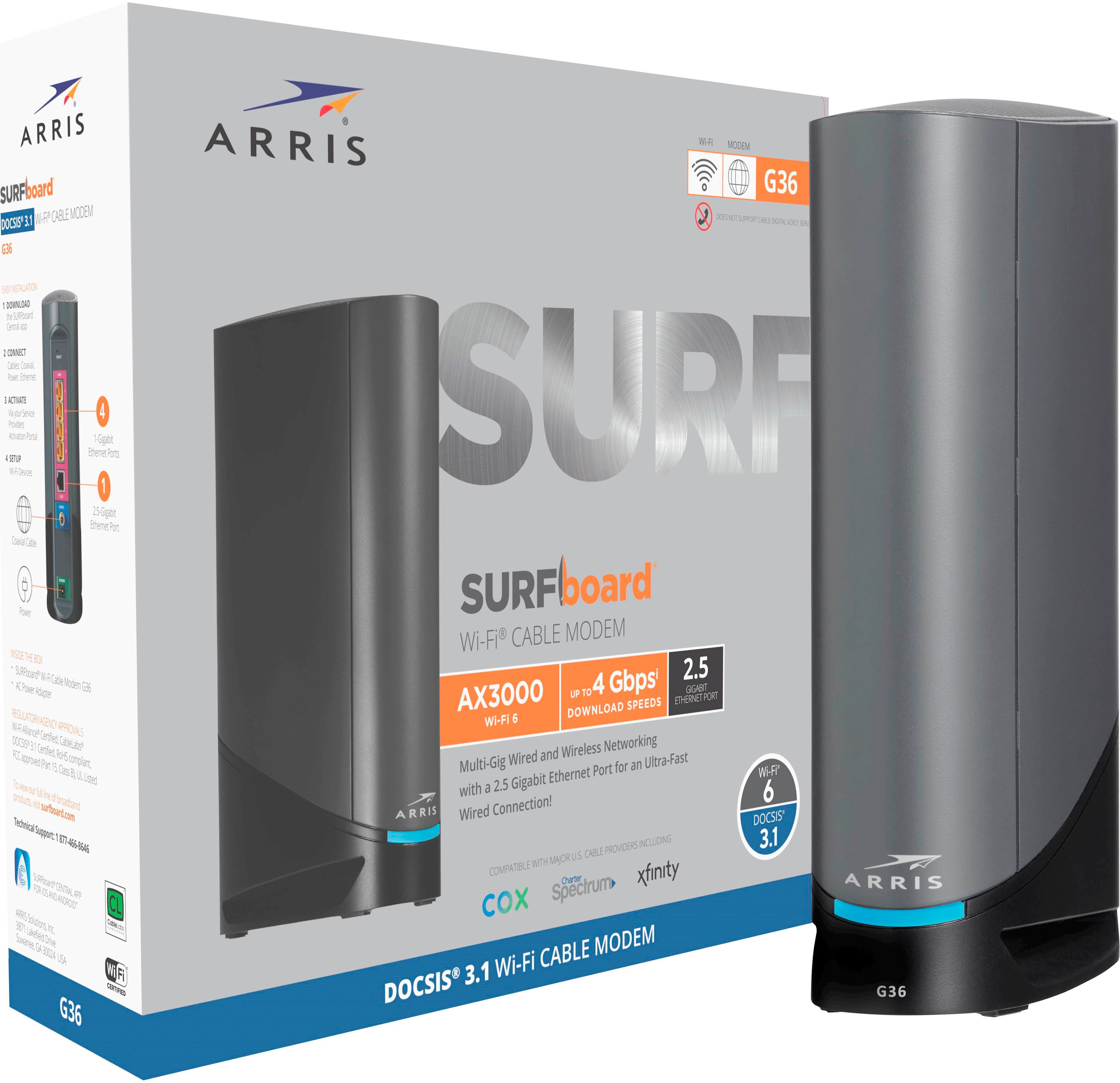
A:AnswerThe SURFboard G54 is compatible with major U.S. cable providers like Xfinity, Spectrum, and Cox, and is designed to support multi-gigabit internet plans. We recommend contacting your cable provider to confirm compatibility with your specific internet service plan.
A:AnswerThe G36 supports Wi-Fi coverage of up to 2,500 square feet under optimal conditions, ensuring seamless connectivity throughout medium to large homes.
A:AnswerThe G36 admin username is "admin" and the admin password is created when you first access the web manager. The default Wi-Fi name and password are printed on the sticker labels. The labels are located on the quick start guide and on the G36 unit.
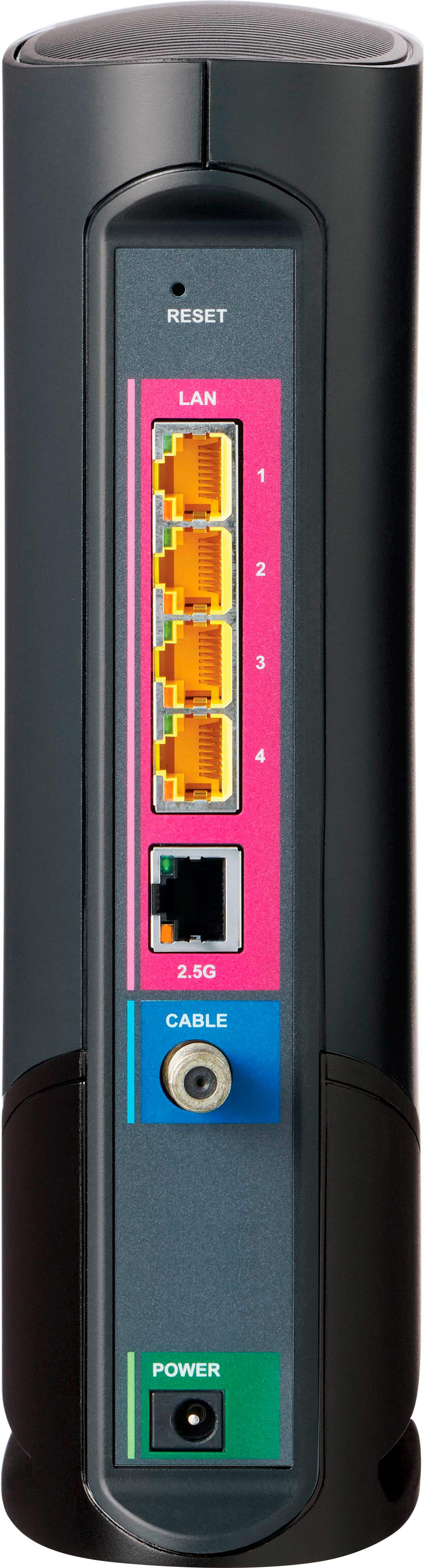
A:AnswerThe G36 is intended for major Cable Internet Providers. You can configure it into a Wi-Fi router for DSL Internet service . The 2.5G Ethernet port will become the WAN port and connects to the DSL modem.