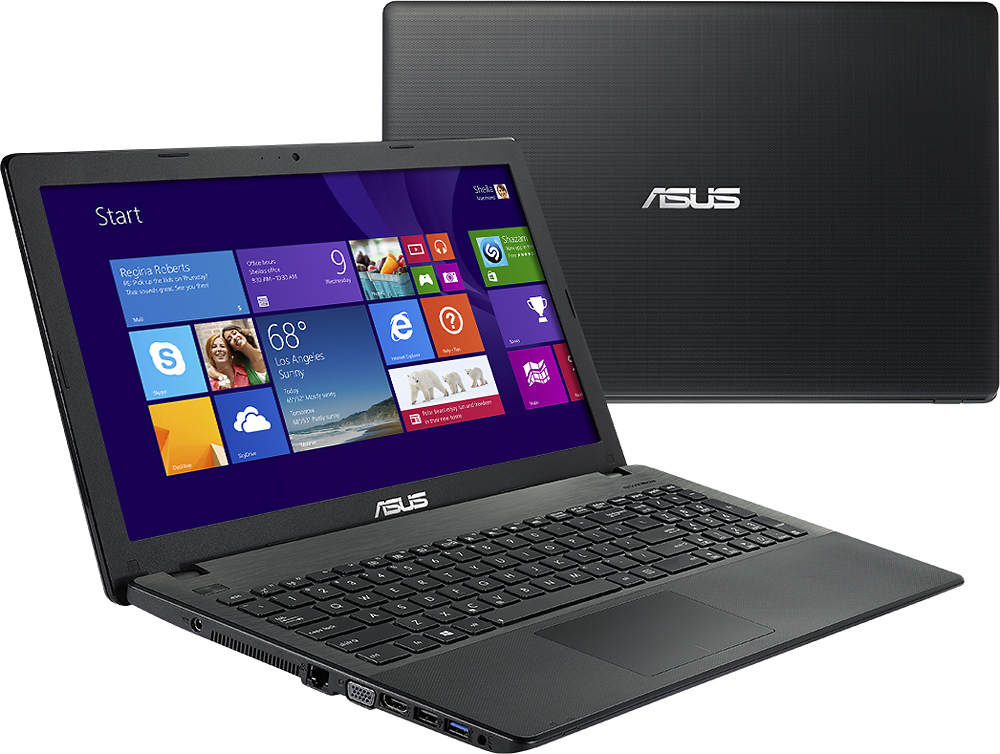
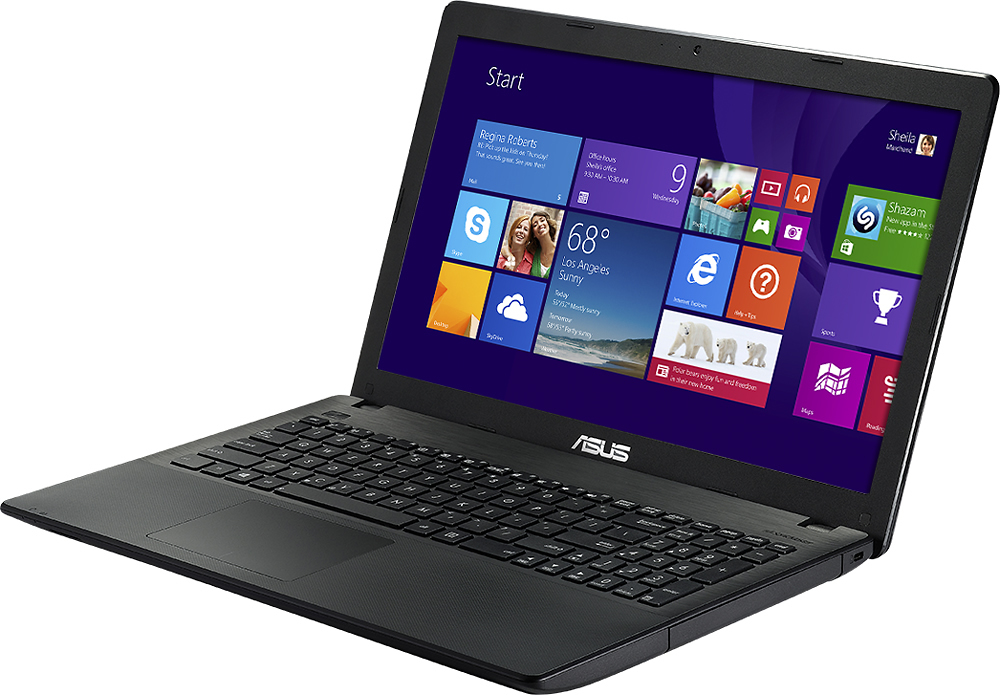
A:AnswerIt is an entry-level laptop recommended for light or basic computing needs. It passed highly-intensive quality control testing and inspection, nothing wrong with it.
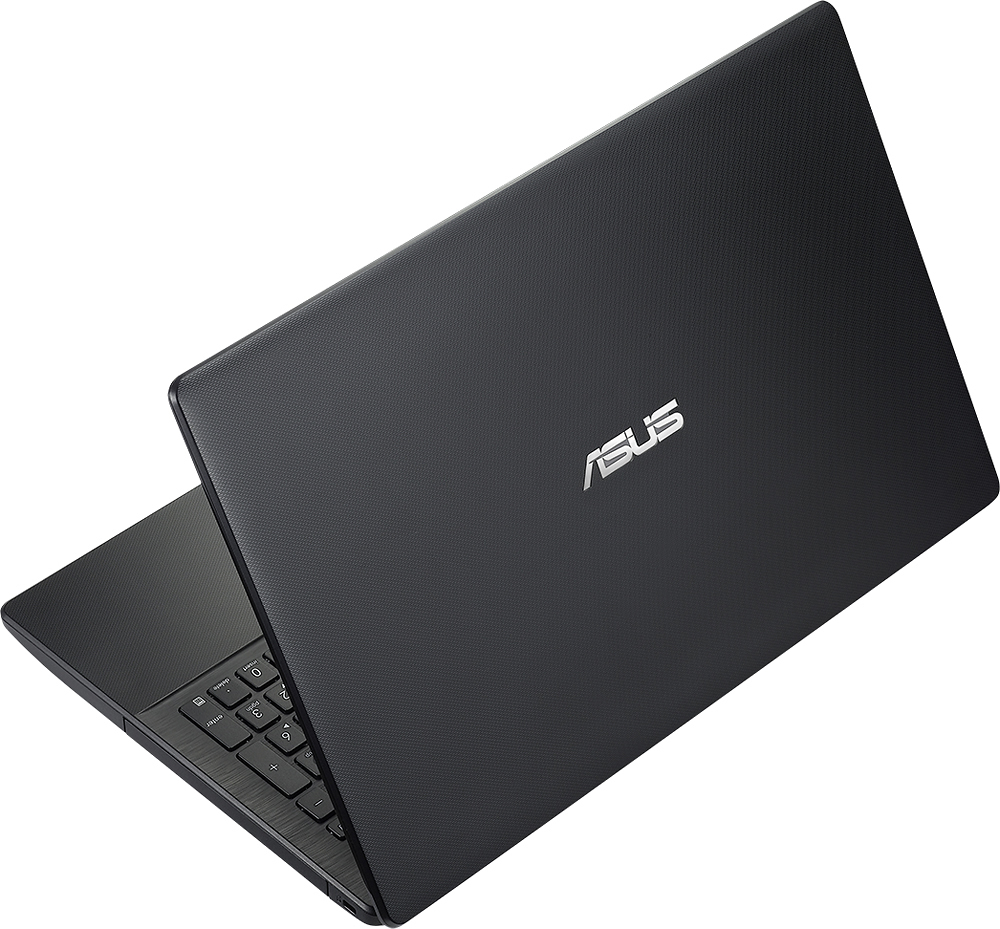
A:AnswerThe only thing about this laptop you might not like is it is plastic and gives a little when pressed on. I think ASUS could have put a little more work in the casing and made it feel stronger, but that would have resulted in a slightly more expensive laptop and a heavier one at that. I think they were trying to strike a balance between the two when building the case on this system. Other than that, great machine.
A:AnswerI've not experienced any problems with my WiFi connection to this computer. As a matter of fact it was a super easy set up and I've been on it ever since.
A:AnswerIt comes with a 32 day trial for free. But after the trial you must purchase it. Or if you have an older version of Microsoft Word you could just install it to your laptop.
A:AnswerYou would have to contact ASUS to know for sure. If it can be you would have to take the entire back off the laptop to access it. But if it worked properly you should get years of use without worrying about it.
A:AnswerIt could be one of a few things, depending on how long you've had the computer.
Its possible you have a virus on the system that causes this. In that case, I would suggest backing up all the information you want to keep to a flash drive or a cloud storage account, and then refreshing the machine. You can do this by going to the Charms bar (move mouse pointer to top left of screen to open the bar), select Settings at the bottom of the bar. This will take you to the Windows 8 settings. This is different from the Control Panel in that all these things are specific to Windows 8 and your personalization of the computer. There will be a tab that says "Update and Recovery", select that and then select the "Recovery" tab. From there, you can choose 2 of the 3 options. You can refresh the system, which will essentially reset the PC to factory settings, but save all your files. This might work, but if the error is caused by a virus, this likely will not work. The other option is "Remove everything and reinstall Windows". This will erase everything on the computer, and reinstall the Windows operating system, essentially giving you a new computer. If you have a virus and you cannot remove it with an Antivirus program (Windows Defender is free, comes already on the computer and set up, just search for it from the Search box in the Charms bar and select the full scan), then you'll want to do this to save the computer.
If its not a virus, its likely a setting you have set on the computer or something similar. You can simply refresh the system as I described above and that should fix the issue.
If its a hardware issue, such as one of the processor cores malfunctioning or an error with the RAM, you should take the PC to Best Buy for repair or replacement. They can transfer all your information from your broken computer to a new one, and you can be essentially back where you were with the old computer with a new one, only the new one will work properly
A:AnswerI'm sure it will, i've toyed around with a few online games that were somewhat graphics intense and it did fine, it only lagged when i had music playing and several internet tabs opened at the same time while playing a game.
A:AnswerThe warranty depends on where you bought the product. If the laptop was bought within the USA, then the warrant would exclude an international warranty.
A:AnswerYes, those programs can be installed and used on this system. The MS products will work fine on this system, however; remembering photoshop products from days past, depending on what type of rendering or photo modifying you do may impact performance. If you're doing casual photo editing and such, this system will be more than adequate. If you're working on really large photos and projects, you will want to go with something that has a faster processor and at least 8 GB of ram. This system is 4GB and cannot be upgraded. Whatever you do go with though, steer clear of AMD processors as those run slower and are less efficient when compared to an Intel based system.