A:AnswerI think you are referring to RAM memory as this laptop has 1TB (terabyte) storage, so that's more than enough. 4GB RAM is enough if you just browse the internet and don't have too many programs open, however based on today's anti-virus programs/security suites that require a bit more memory capacity and if you want to run several applications at the same time, it is not a bad idea to upgrade to 8GB RAM. Maximum RAM for this laptop is 12 GB and that's what I have upgraded my machine to. Cost: $42.00.
A:AnswerI bought this on 11/25/15. Since it only had 4G of ram, I bought 4G more ram and gave it all to the geek squad. They called me and said this model will not recognize ram installed in the expansion slots and the factory 4G is soldered directly on the motherboard. They tried several different types of ram and same results. If you want more ram, you will have to get a different model.
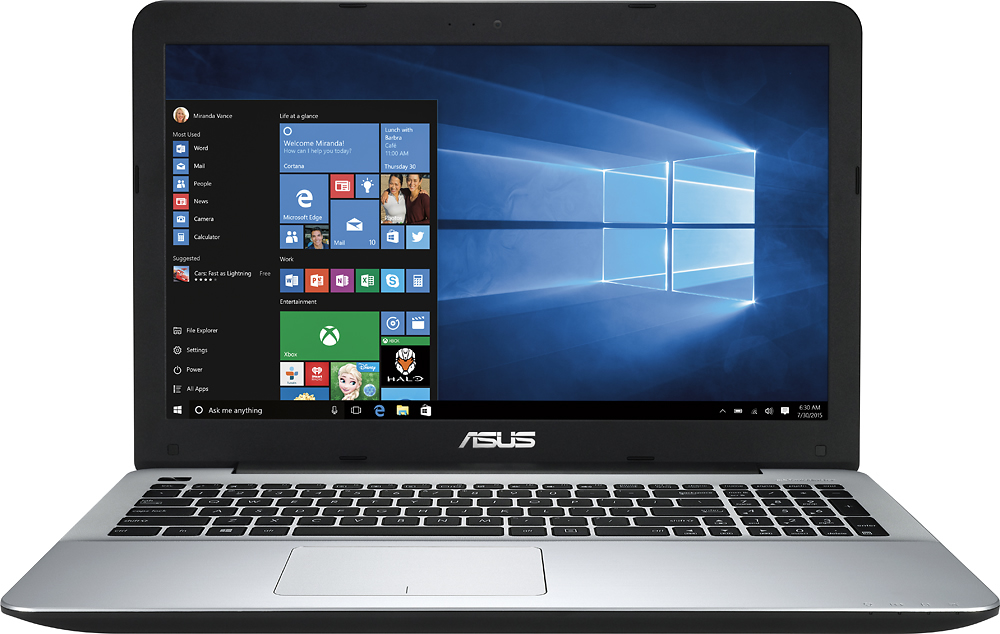
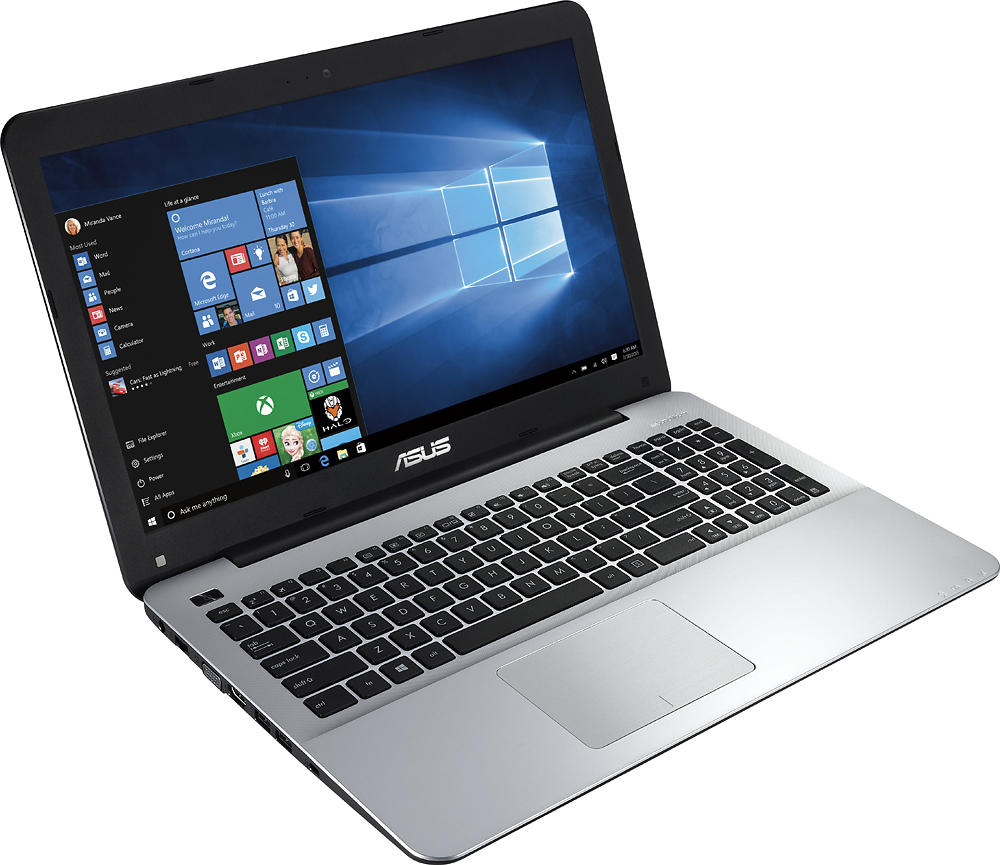
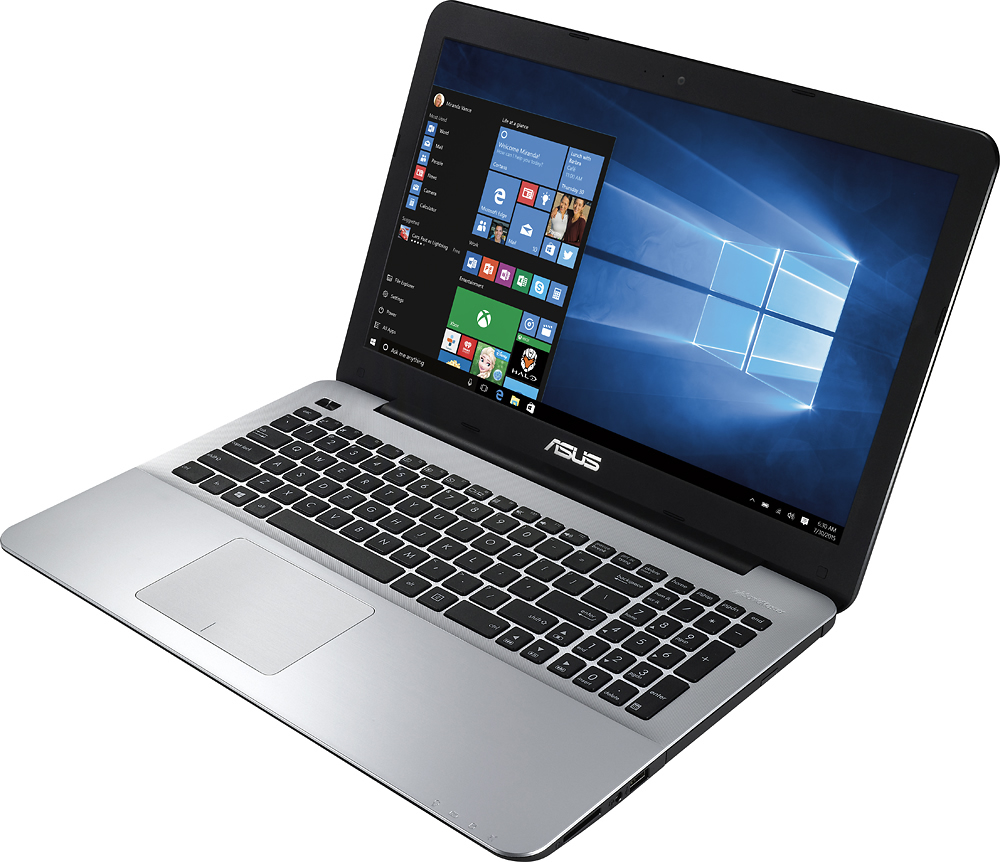
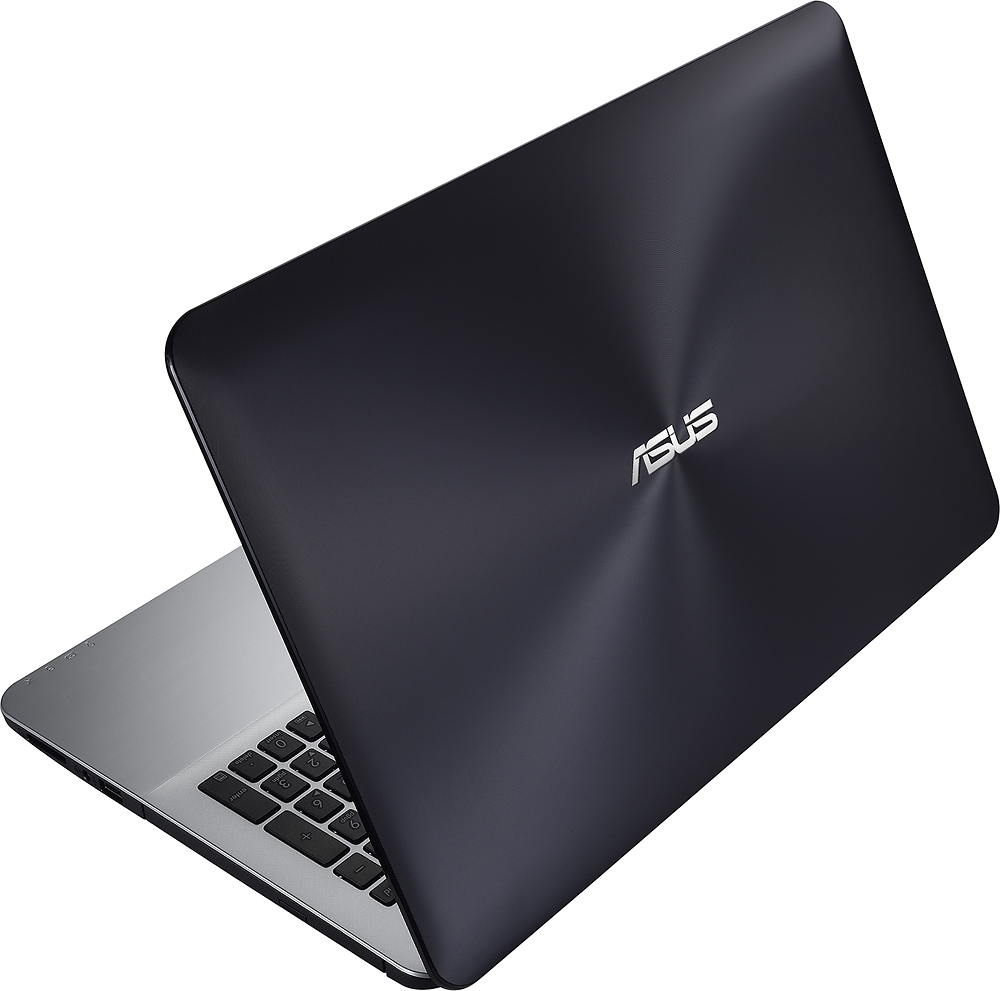
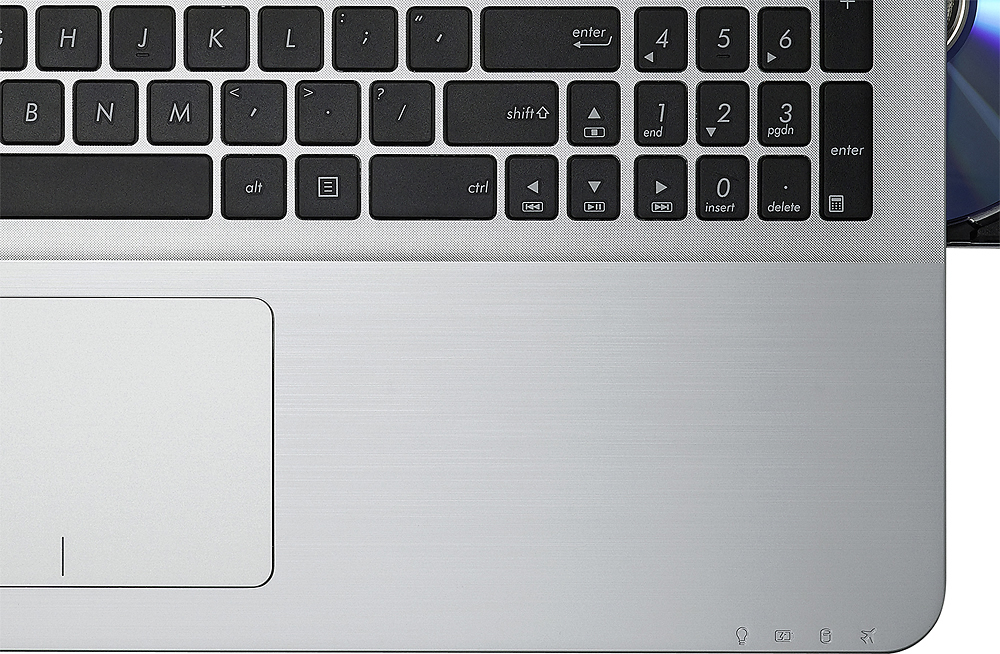
A:Answercomputer is black except for the keyboard area; not sure why Asus is emphasizing the trait of "Golden Gradient" in the name; keyboard frame looks more silver than gold to me----still looks very nice, but only slightly gold tinge to it
A:AnswerYes, there is a front facing webcam with a microphone on this machine.
If you are serious about video chatting this camera is fairly weak, however, at 0.3 megapixels. It may be best to add a better webcam (via USB) if you really want to use that feature often. Video with the built in camera will be choppy.
A:AnswerHi BAN,
You can upgrade it. I believe it was only a single slot. It has to be the low power card though. BestBuy recommends purchase it on NewEgg or some other site as they don't sell it in store (according to Geeksquad).
A:AnswerFrom a full charge the batter life is approximately 4 hours ( 3 hours 42 minutes). I think the battery life should be a bit more but hey, it works for the cost efficiency. Hope this helped!
A:AnswerNo, the display is not 1080. The resolution is 1366 x 768. I really wish Best Buy had that spec in the description.
Keep in mind that very few laptops in this price range will be 1080. Without dedicated graphics, playing games would be difficult anyway.
Media that is 1080p will easily just be scaled down. However, it can easily display to a 1080 monitor or television with the HDMI output.
A:AnswerYou have to remove the back; it's an easy process. First, loosen and remove all screws from the backplate. Then, get a plastic card - credit card will do; insert it at the side between the metal backplate and the rubber lip for the top plate. Slowly make your way around the unit listening for the plastic latches to click loose. Once you make it all the way around you can remove the backplate and get to the RAM slots. Be patient, but DO NOT USE A SCREWDRIVER ON THE SIDES OF THE COMPUTER... use a credit card and you'll have no problems.
A:AnswerHi, yes there is a 3.5 mm headphone jack, that also supports a mic input. This is pretty much the same jack you find on every phone nowadays.
There is also a mic built into the computer.
A:AnswerIt depends on what you are running. Mine lasts just around 4 hrs if I am on it non-stop, but all I do is internet browsing and some Office 2016 applications.
A:Answeronly a RAM access port is on the bottom to allow up to another 8GB of RAM being added; to access the HDD, you must disassemble the whole bottom of the laptop which i think would void the manufacturer's warranty; (see YouTube video on disassembly and installing SDD for Asus Model F555LA which is in the same product line as this model X555LA)
A:AnswerYes up to 8 GB, you could do 2,4,8 no more than 8 GB since you have the original 4 GB soldered and it will do a total 12G (maximum) but if you add 2 GB you will have a total of 6 GB, good luck