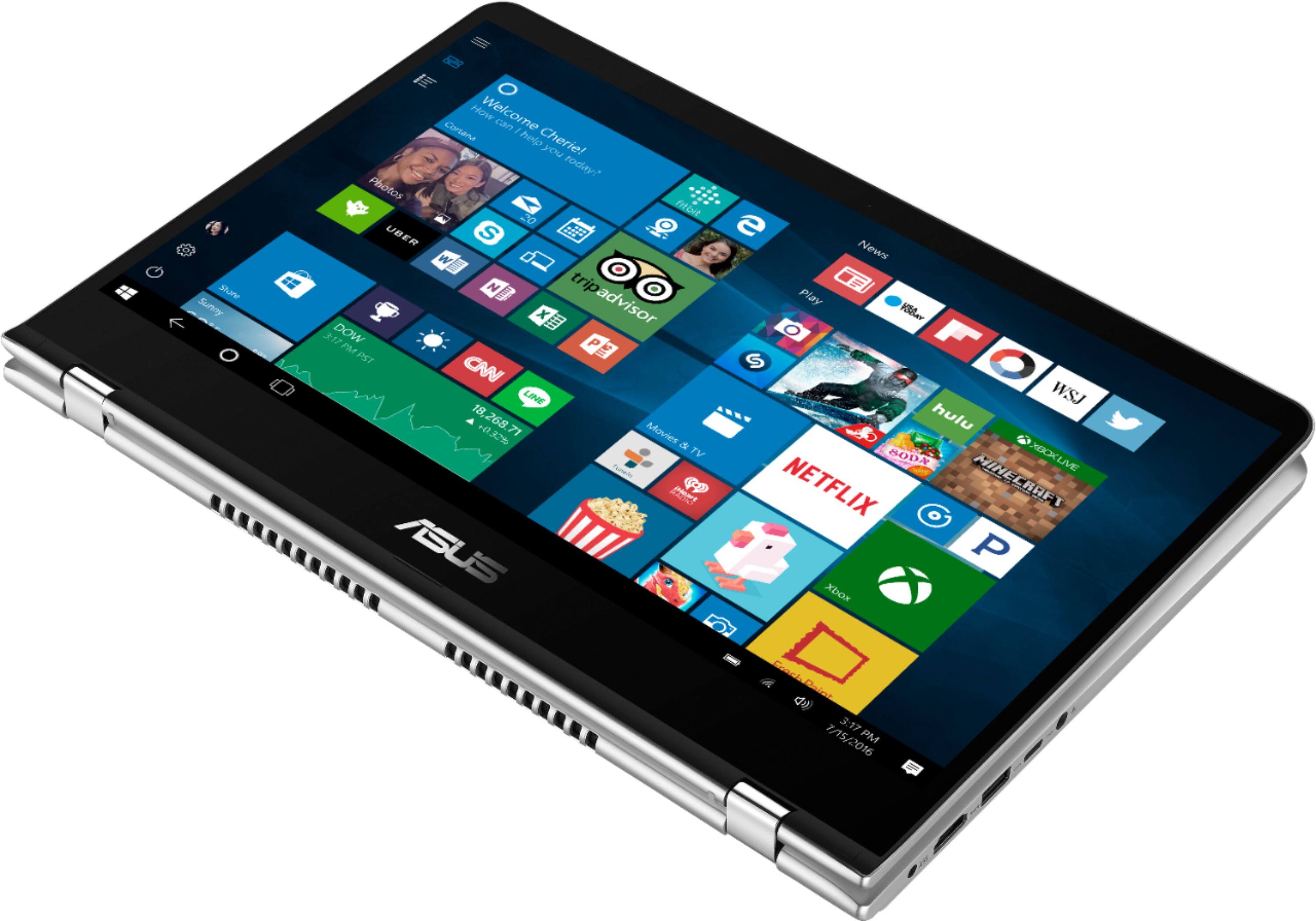
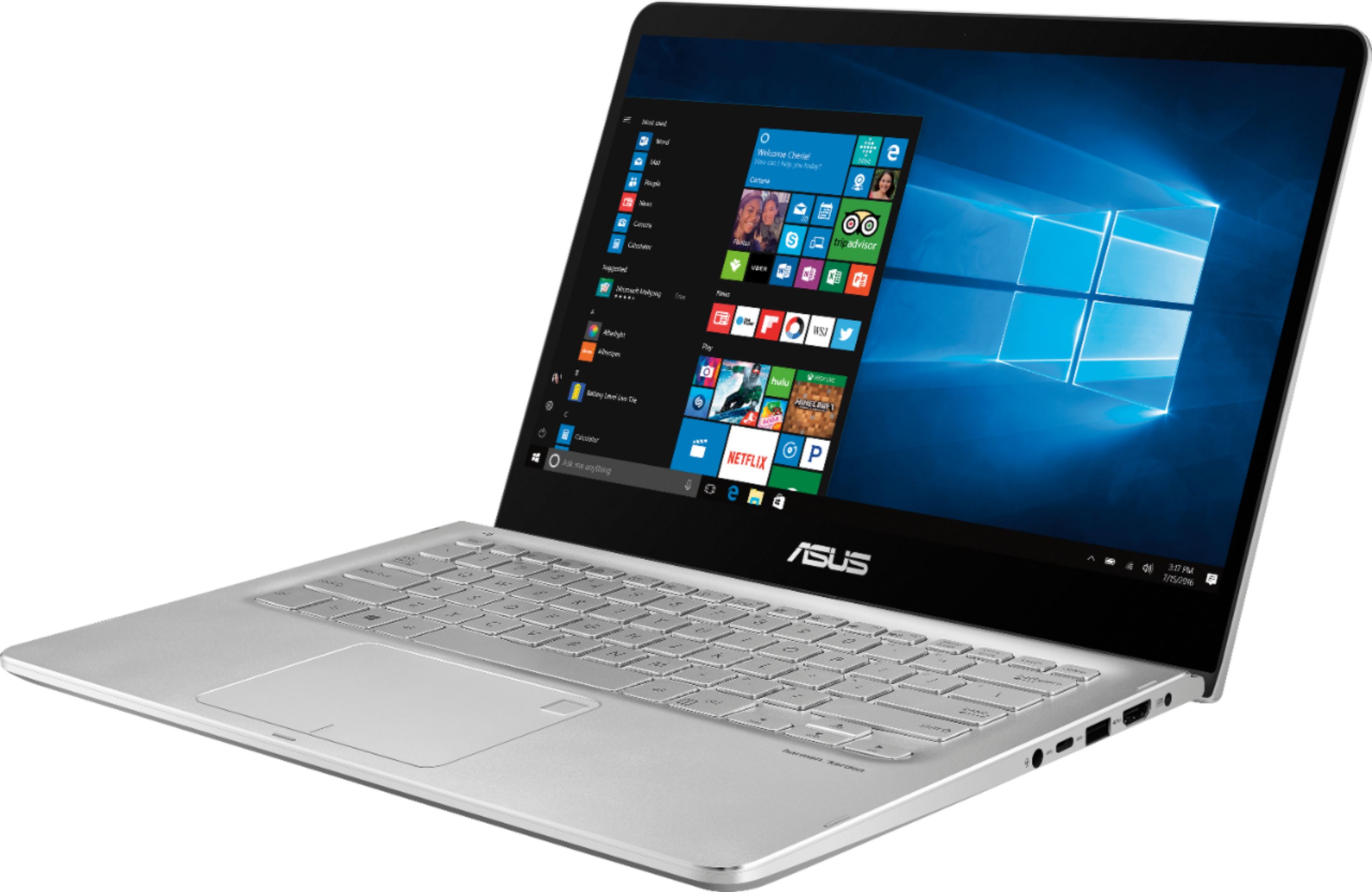
A:AnswerYes, you can have both an m.2 SATA SSD and a traditional SATA HDD in this laptop, however you would have to remove the motherboard (probably voiding your warranty) to get to the empty m.2 SATA socket on the underside to add the SSD.
A:AnswerI do understand your disappointment and the inconvenience if you are having difficulty running iTunes. In order to resolve the issue, please make sure cumulative WINDOWS Update were installed completely. Also, please verify if the correct iTune software version for WINDOWS 10 was installed successfully. Should you need further assistance with the product, please email me at [email protected] and I would be more than happy to help.
A:AnswerMine wouldn’t recognize the SSD upgrade either. It showed up in bios but would not boot. I resolved it by getting the intel Rapid technology drivers installed and no issues. Now it’s FAST!
A:AnswerI would recommend not performing a fresh install. Many of the new SSD manufacturers provide software that will allow you to clone your existing drive. After that, just swap it out. If the SSD you are looking at does not have the software, you can also purchase a kit that includes the usb cable to connect to the SATA drive and a CD with the cloning software.
A:AnswerYes, it does have a SATA M.2 port. It is very difficult to get to and requires full motherboard removal to access it for installation, but it is functional SATA M.2 port for expansion
A:AnswerThere's only room for one drive in this. You can replace the old drive with a SSD. It's the first thing I did after I bought it.
It made all the difference.
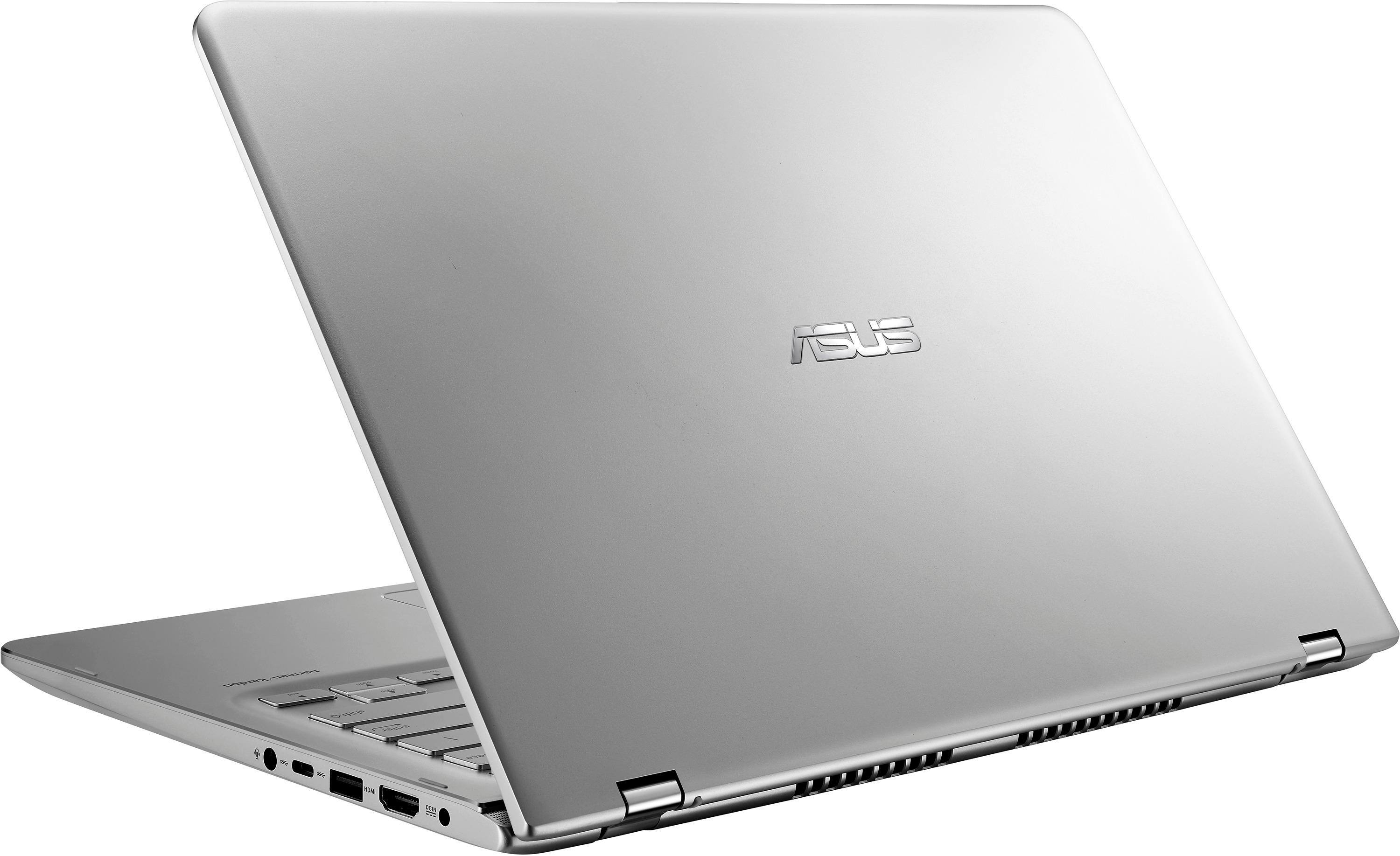
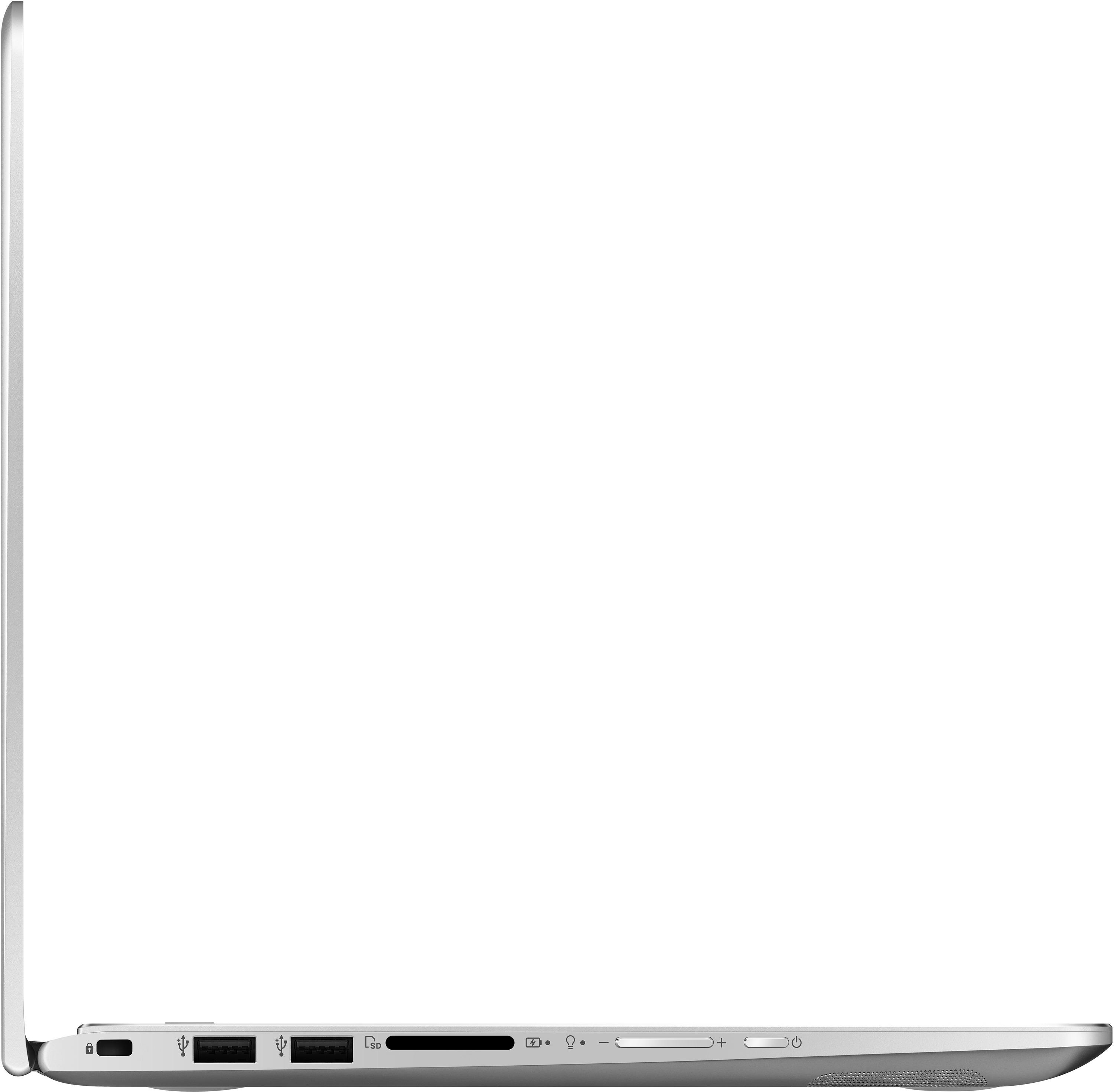
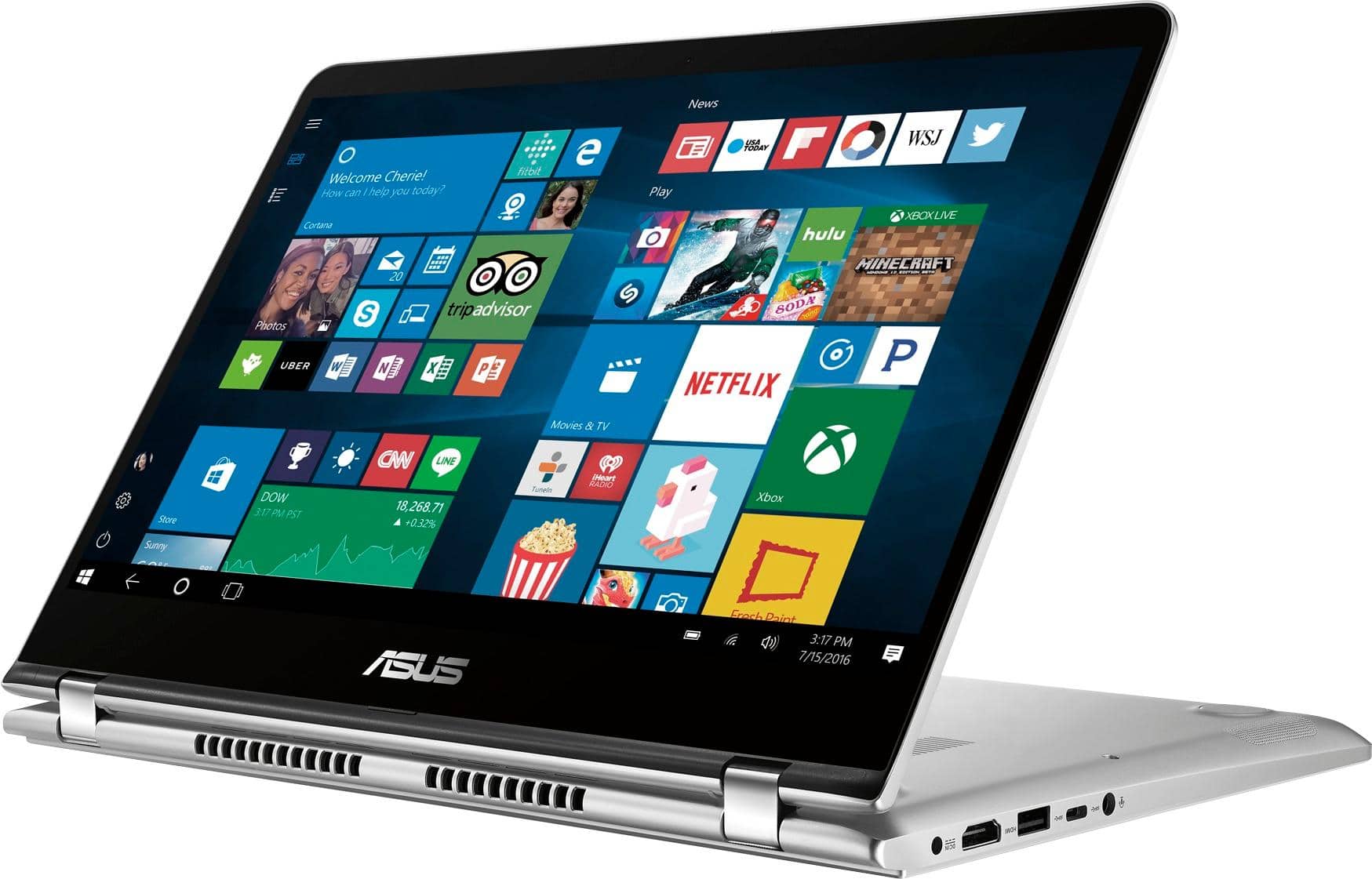
A:AnswerNo it does not charge with a Type C charger. It is a small round one. I looked for a size but did not find any markings. I have attached two photos.
Hope that helps.
I have only had it a couple of weeks. My old one died while I was traveling and had to make a quick purchase. So far I am very happy with it. I wish it had and Ethernet port so I could connect at the office since my Wi-Fi in the office is not great. Other than that, great computer.
Patch
A:AnswerDear Asus, I'm the author of the question. May I know what specific requirements you refer to? I've installed a new WD M.2 SATA SSD drive. And it is not recognised in bios. I made sure to properly stick it into the M.2 slot which is on the rear side of the motherboard. Then I thought maybe this motherboard works only with PCIe drives and does not recognize SATA but yet there are reviews by customers specifically mentioning that it will work only with SATA M.2 drives... So, Im completely confused now.
It took me an hour to disassembly the motherboard and get an access to that port so hope you can imagine my frustration... I cant just disassembly it one more time. Maybe I need to update or make some modifications in Bios in order to get this sata drive recognized? Currently its BIOS version is 306?
Also, can you please specify the exact model of motherboard on this laptop?
A:AnswerIf you purchased the protection plan from Best Buy when you bought the Laptop, they should be able to take care of it for you. If you did not, I would still take in to see if the GeekSquad guys can at least order the parts. Depending on the price of the parts, it might be cheaper to purchase a new... unfortunately.
A:AnswerThere is a DDR4 SODIMM slot for expansion, but the motherboard must be completely removed to properly install the DIMM. Once the motherboard is removed, there is access to the SODIMM slot on the backside.
A:AnswerIt's pretty simple. Just go to the settings and look for devices, then why you want to do is add the speaker to the compute. But make sure that the speaker is also looking for the laptop as well. Then after that the devices should be paired up.