A:AnswerThere are adapters to go to hdmi if u really want otherwise there are plenty of 144hz monitors with 2 hdmi ports just google the size and refresh rate and look at the reviews.
A:AnswerNo, it is not IPS and the viewing angles are very good. The colors may look a little off if you tilt it all the way but it is not very noticeable.
A:AnswerNo, a Displayport cable is NOT included. You can purchase one for roughly $10. I recommend the CableMatters Displayport cable as the cable quality and connectors are of excellent quality.
A:AnswerYes you can! Reference your computer specifications though as some older computers may not support multiple displays. You need to use a DVI cable or a Displayport cable in order to utilize the 144 Hz of the monitor though.
A:AnswerThe speakers on this monitor like in almost all I have tried are not good if what you are looking for is a better sound quality than a video quality I will put my money on a separate hardware from 1 to 10 I will say 4
A:AnswerYes. This model unit will be a good replacement to your HP Pavilion. The monitor has ultra smooth action with 144Hz rapid refresh rate and 1ms (GTG) response time to avoid input lag and ghostings.
A:AnswerYes it does have built in speakers, but I would still recommend getting some external ones. Speakers within the monitor are not the best, but will suffice.
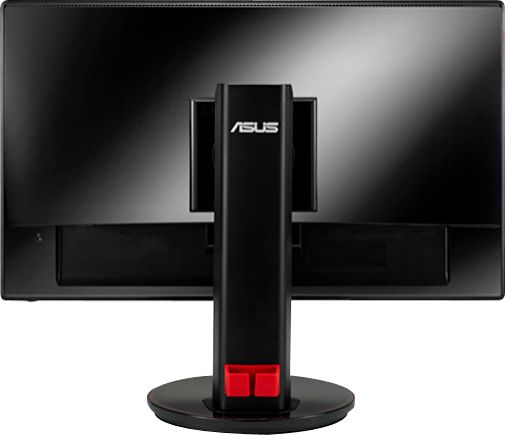
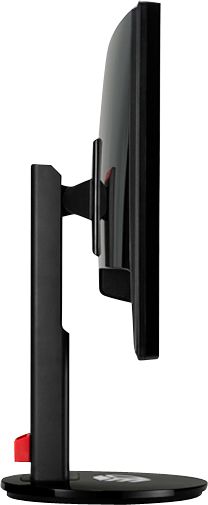
A:AnswerYes, the stands come off and the monitors have standard VESA mounting points. I would also ensure you have a fairly heavy duty stand to support these as the monitors themselves are a bit top heavy. Make sure the mounting plate can support heavier monitors so you don't have to prop something up under them.