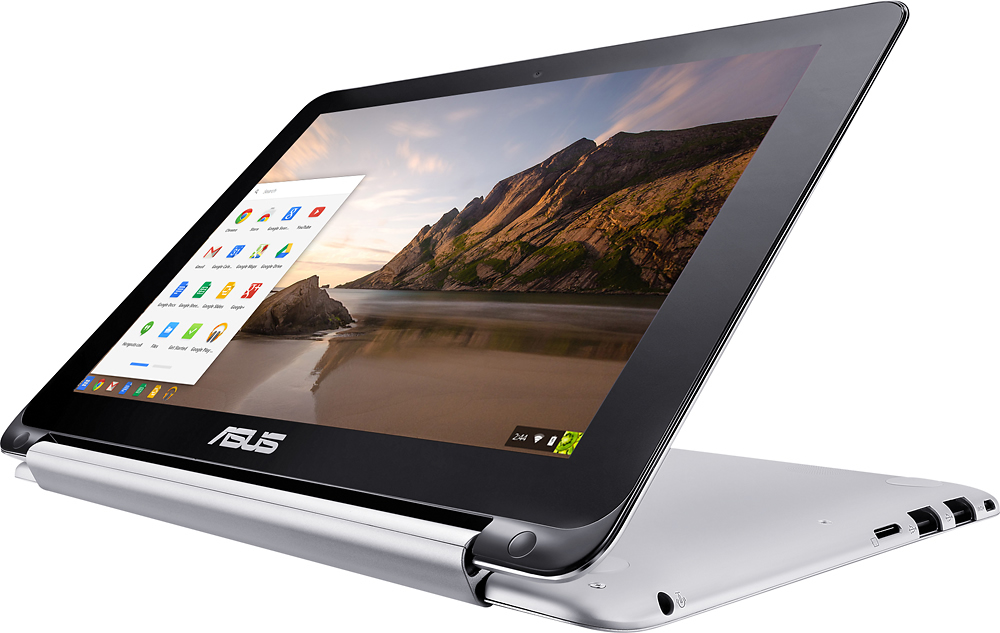
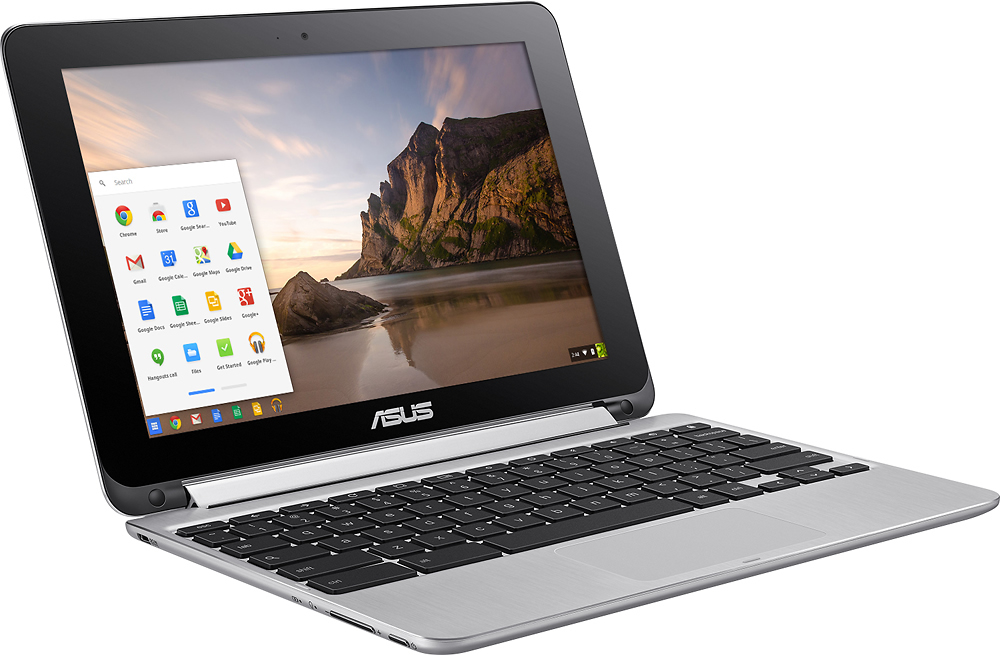
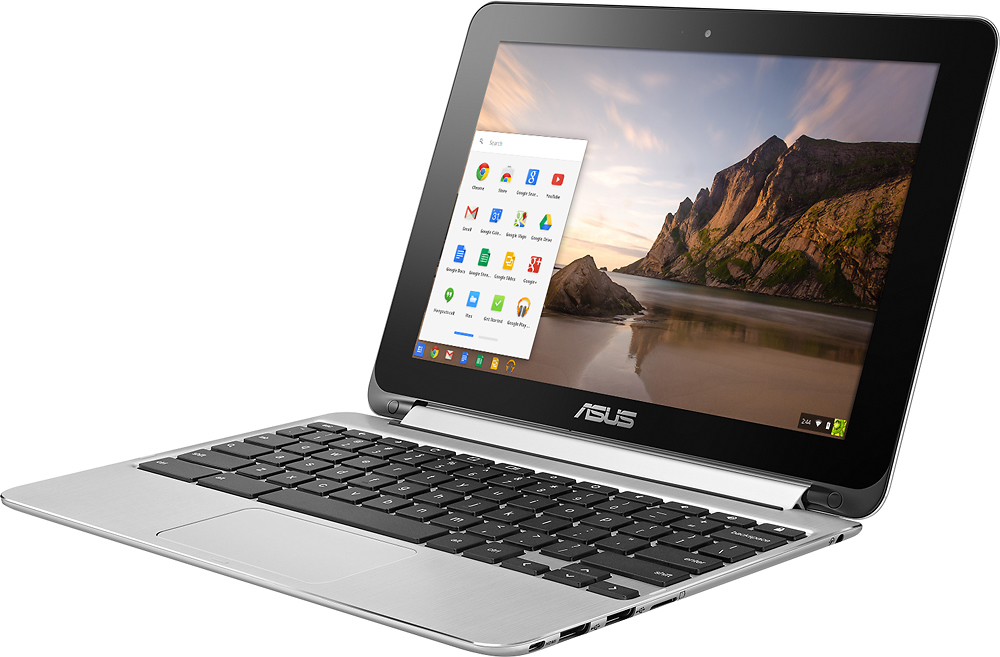
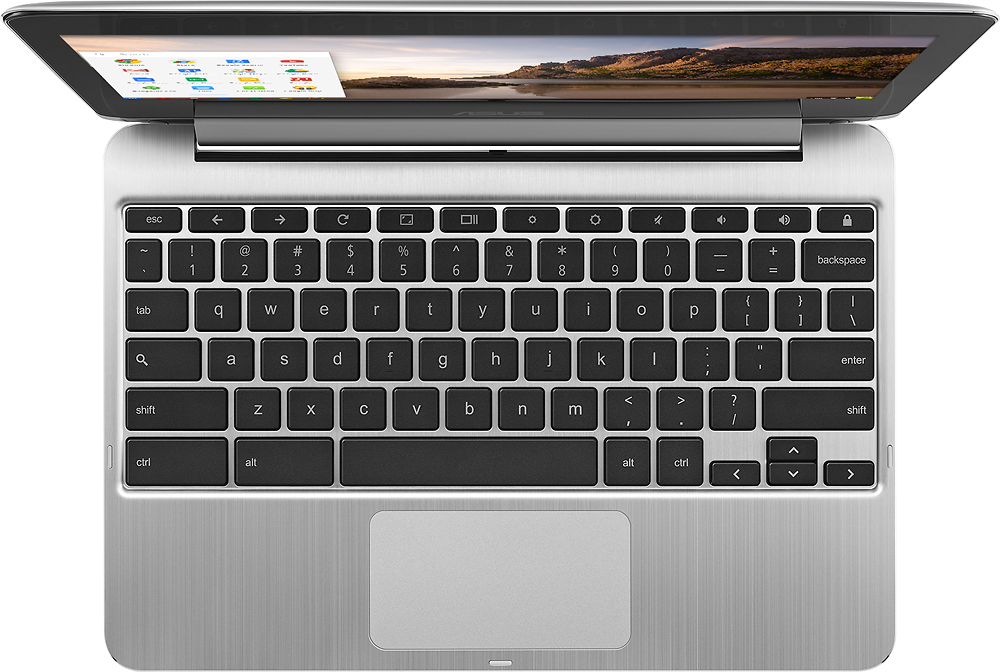
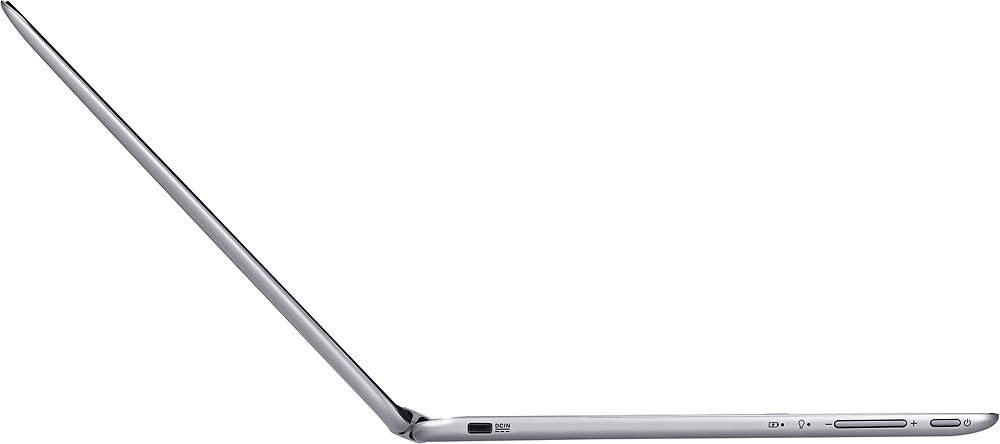
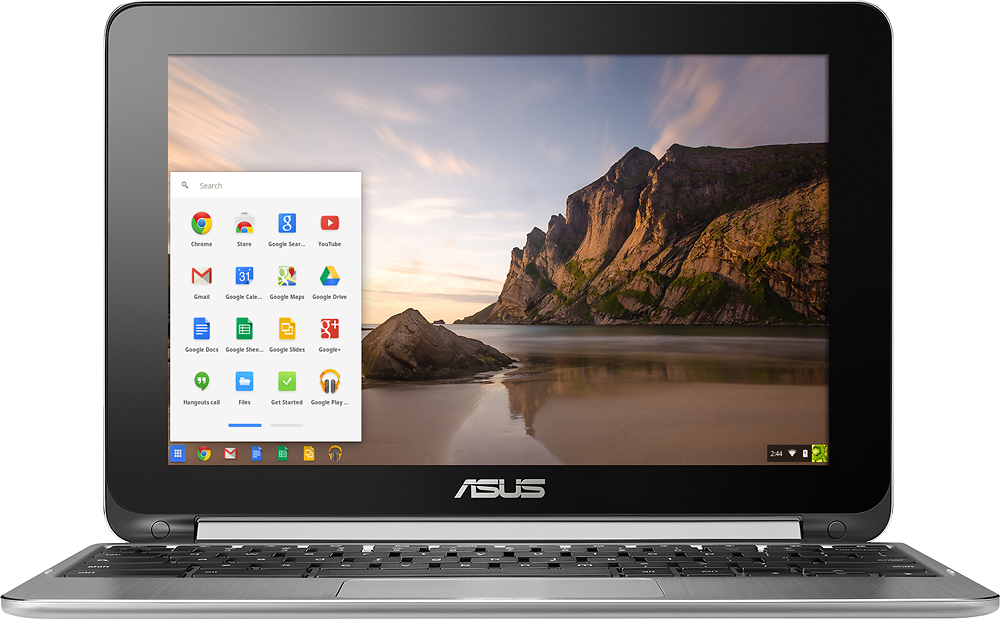
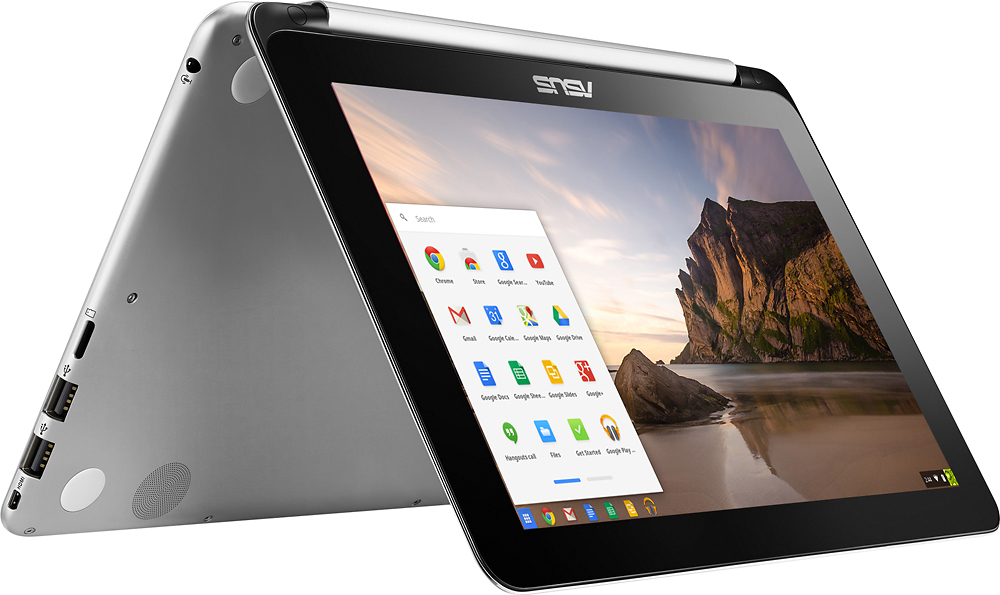
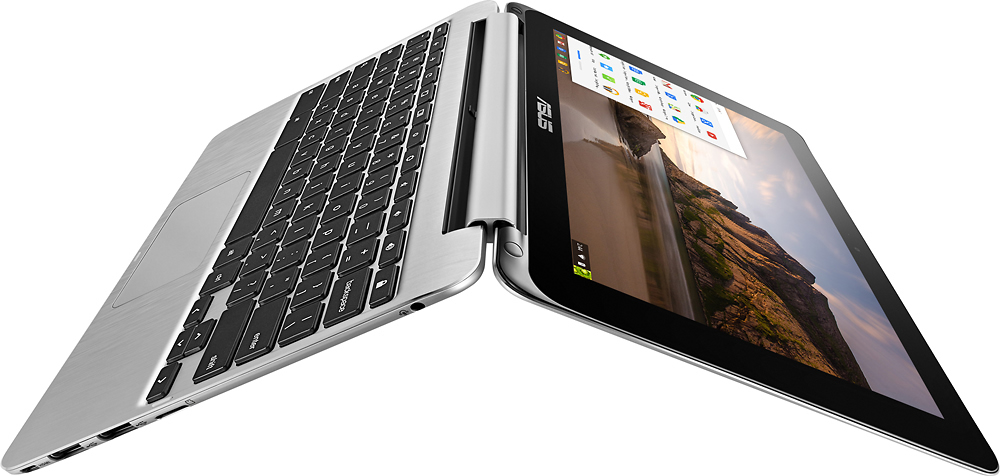
A:Answer I got my wife this Chromebook for Christmas after months of researching it. We both have iPhones and a very old MacBook that is on its last leg. We aren't in the budget for another MacBook anytime soon, but after having this little ASUS Flip for a few weeks, I don't know that we'll ever get another expensive computer. We love it, and I'm probably gonna get one for myself. You need to have a Gmail account in order to be able to use this, or any Chromebook. If email, internet, and occasional office suite documents/projects is all you do, this may be the product for you. You will not be able to back up your Apple devices to a Chromebook, so if you don't have a primary computer that you can back up to, I would recommend increasing your iCould storage and backing up to the cloud. But to your other question about sending and receiving documents/PDFs between devices... no problem. Google Docs handles just about anything you might have done in Word... but with Android Apps on the Chromebook, you can even download the Microsoft Suite apps for Word, Xcel, etc. There's also another great app called Pushbullet that you can install on your iPhone and your Chromebook and send/receive files across platforms that way. We use it all the time. This is a great device. It's built well. It's blazing fast. It just works. If you get one, pay the extra $30-$50 for the 4gb version, you won't regret it. Hope this helps.