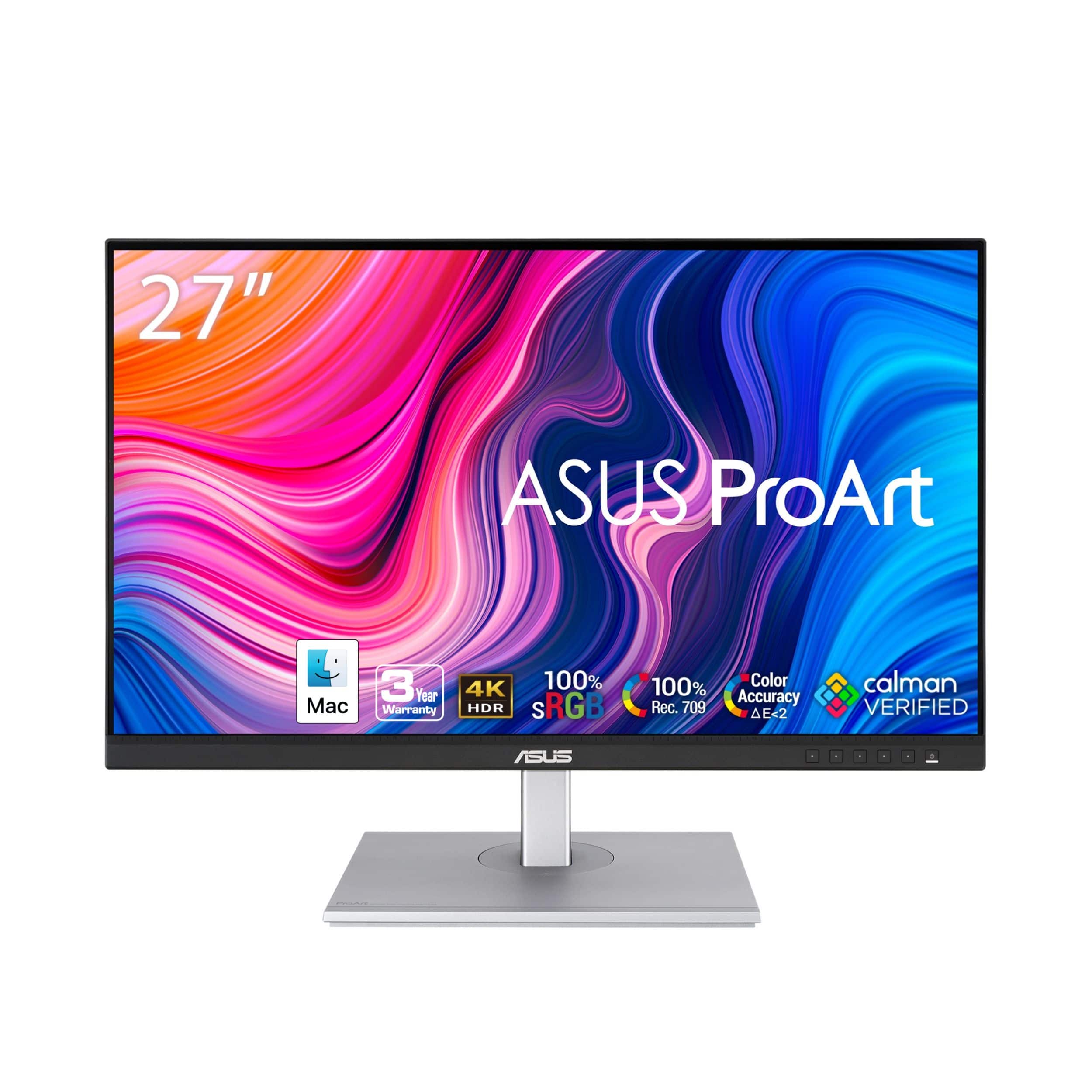
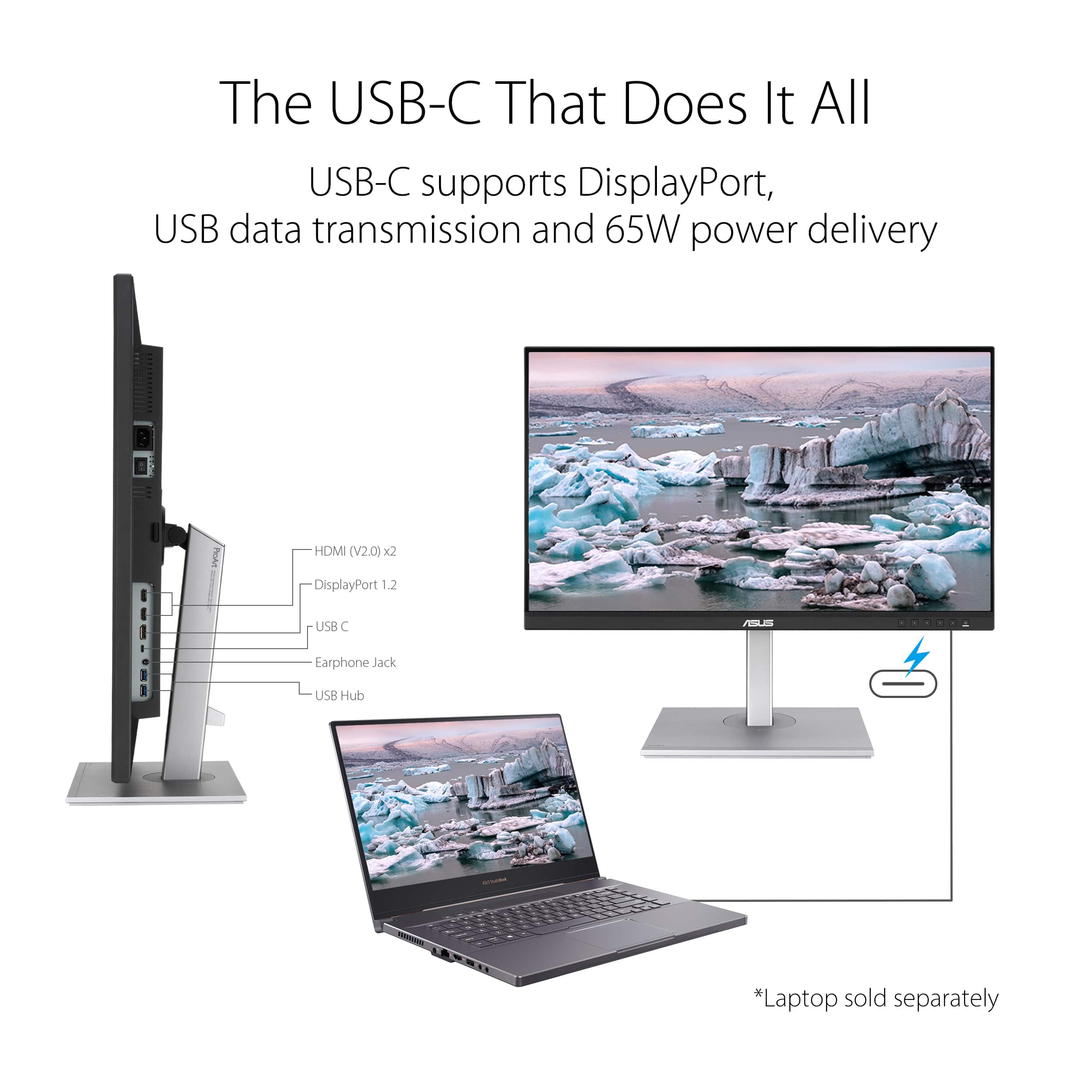
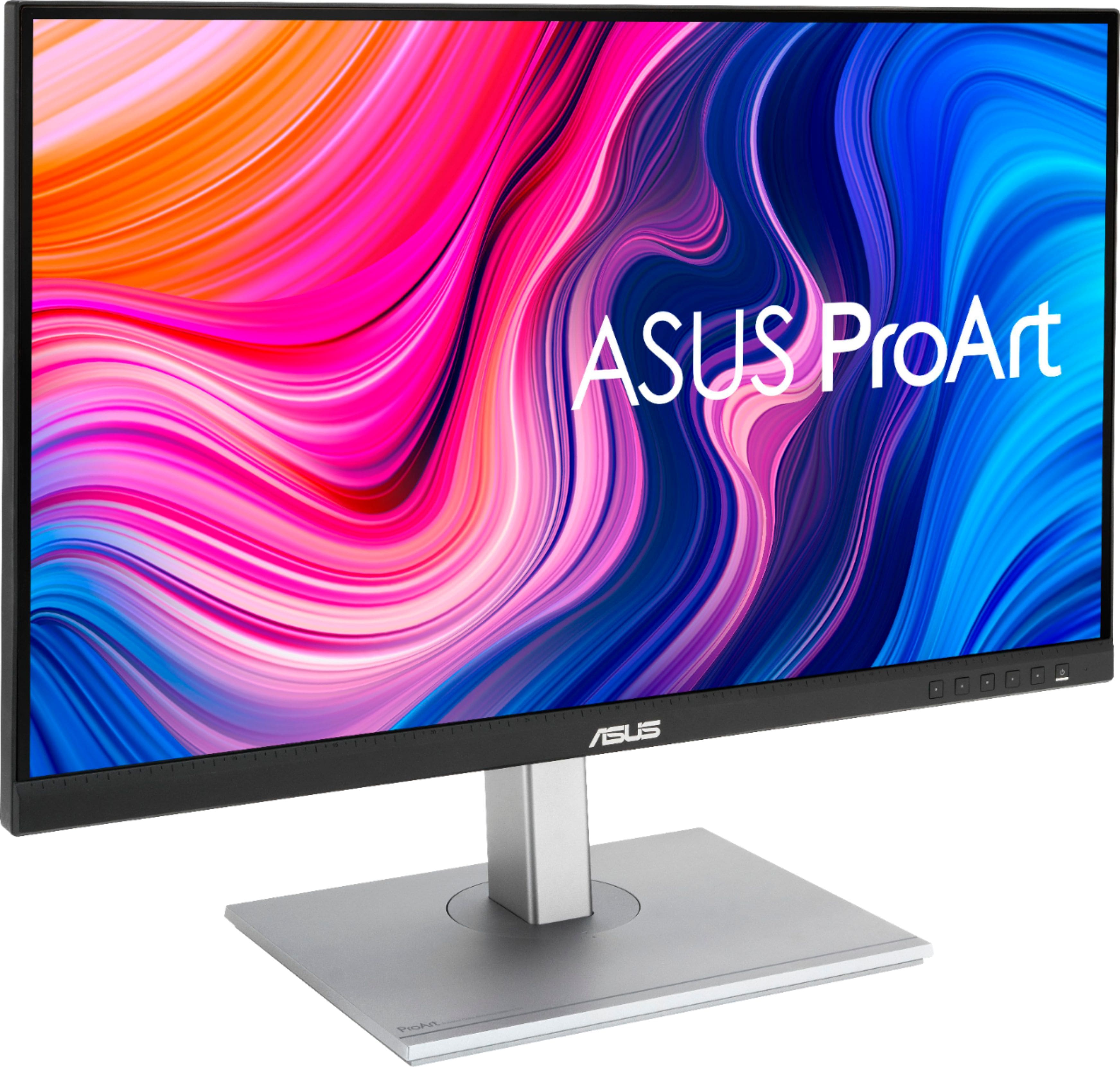
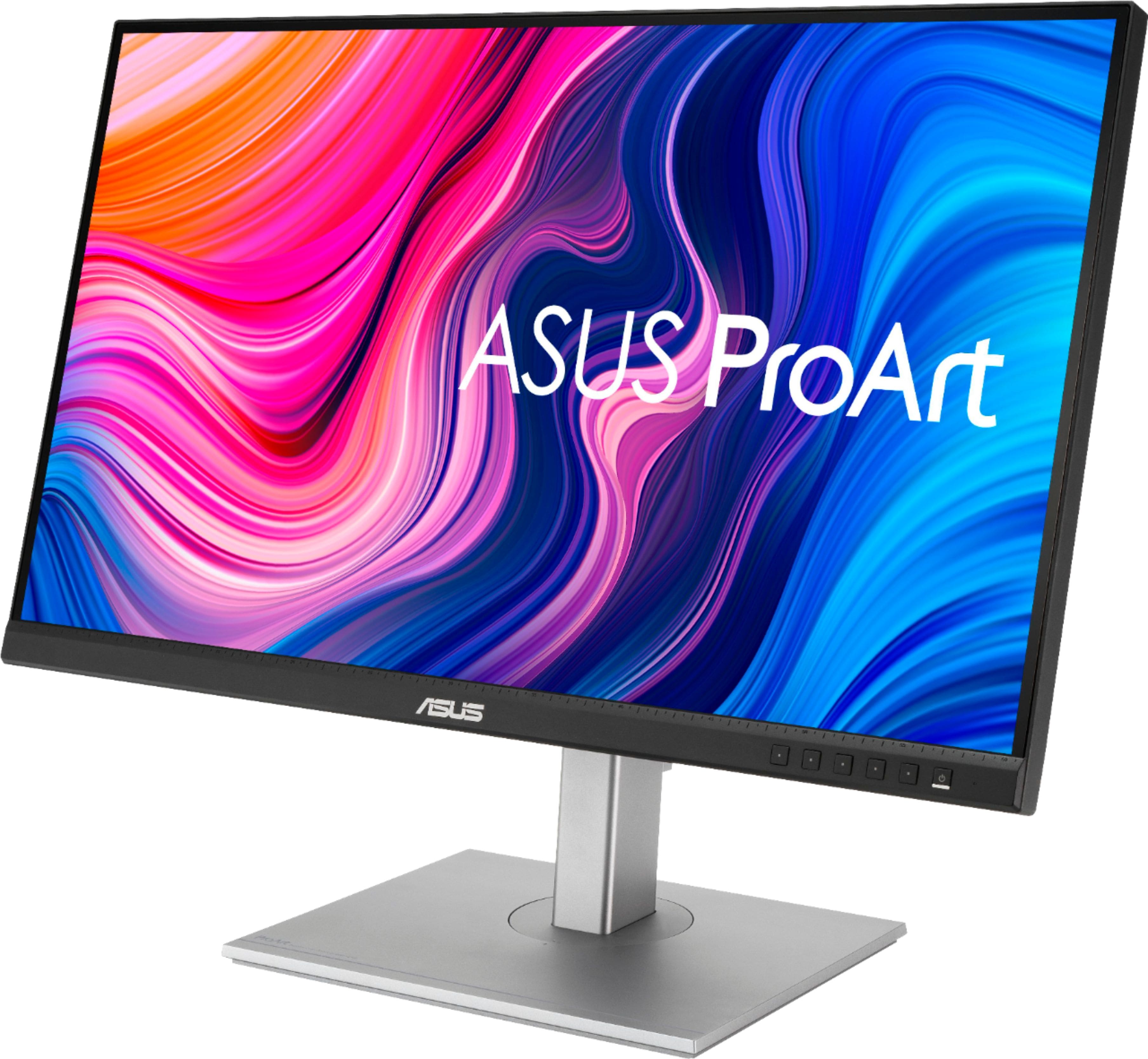
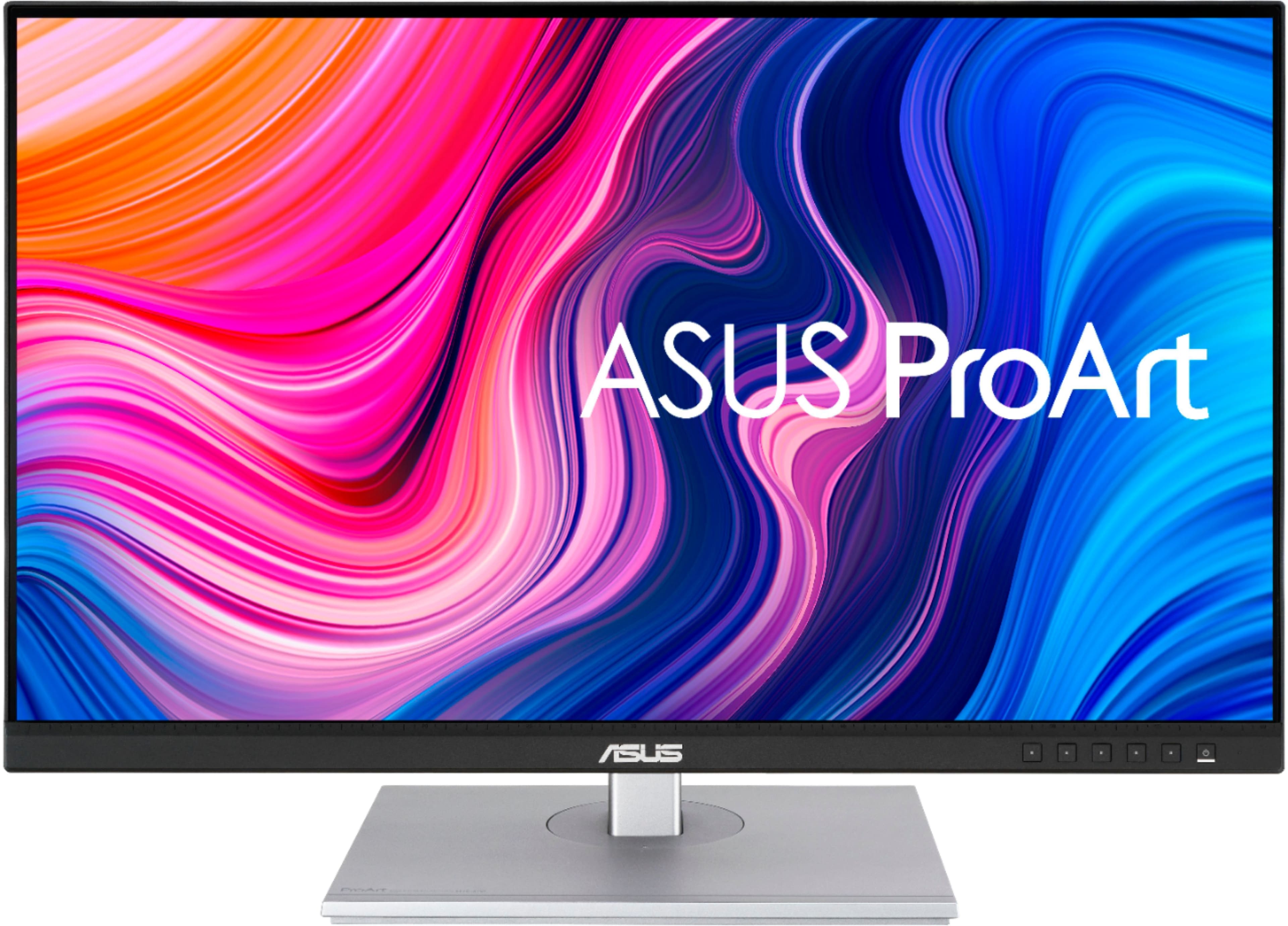
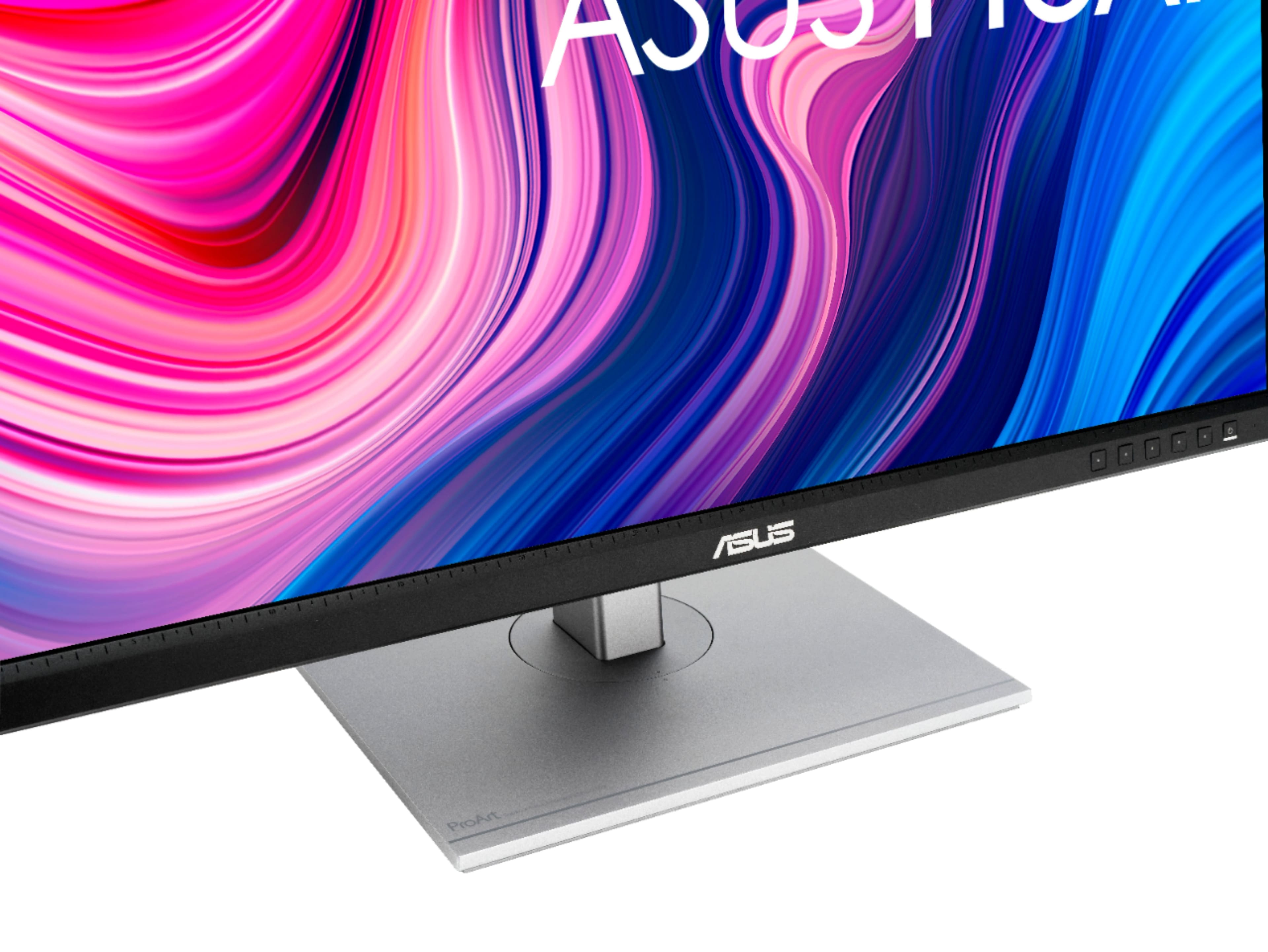
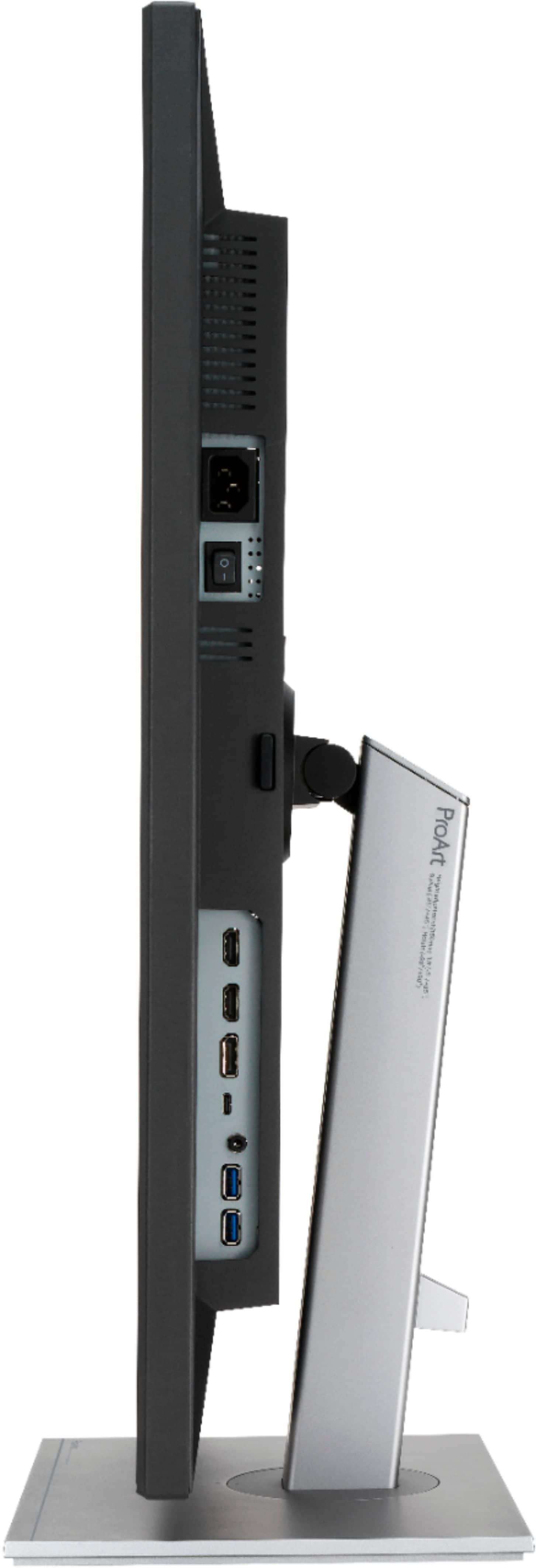
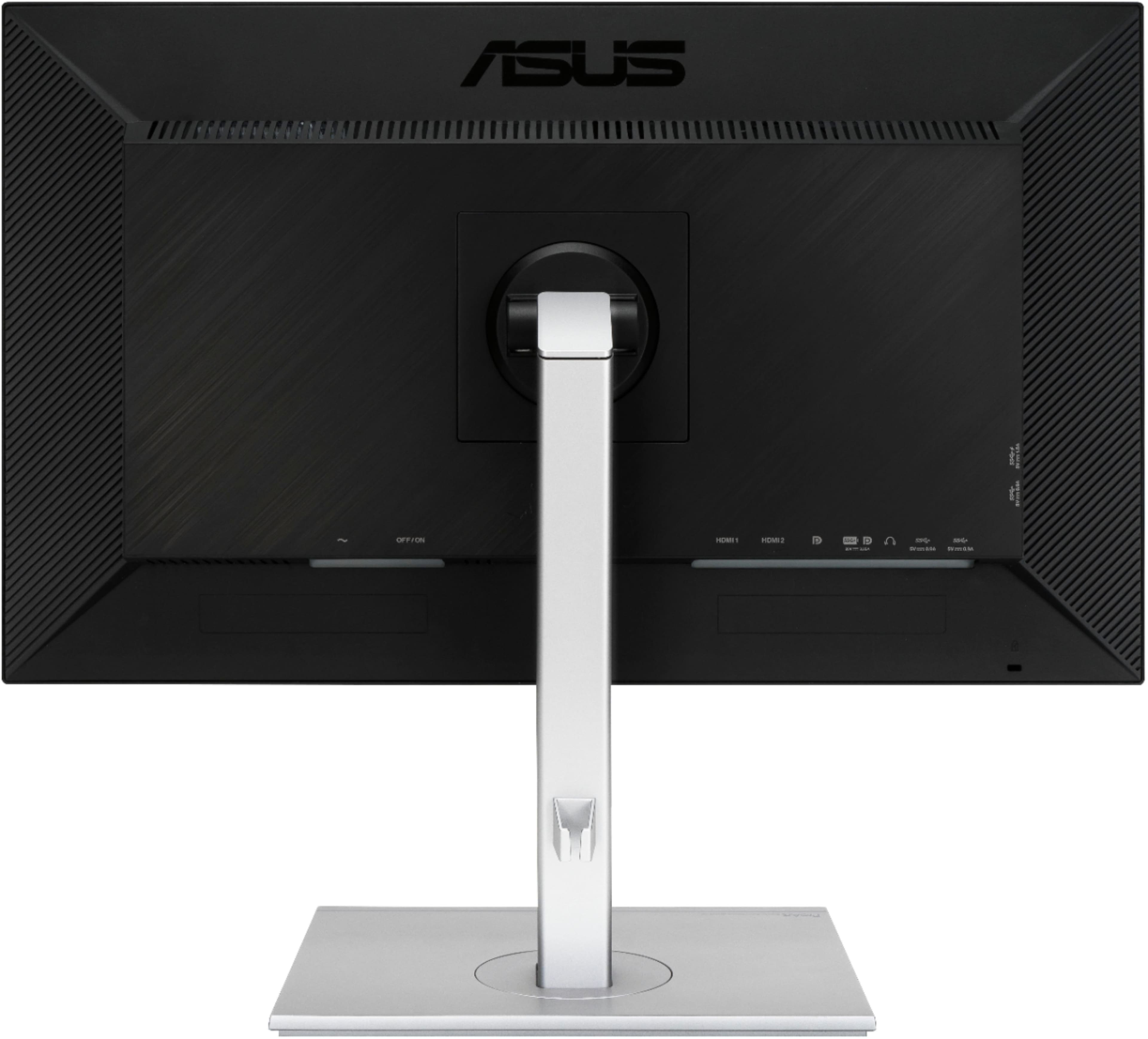
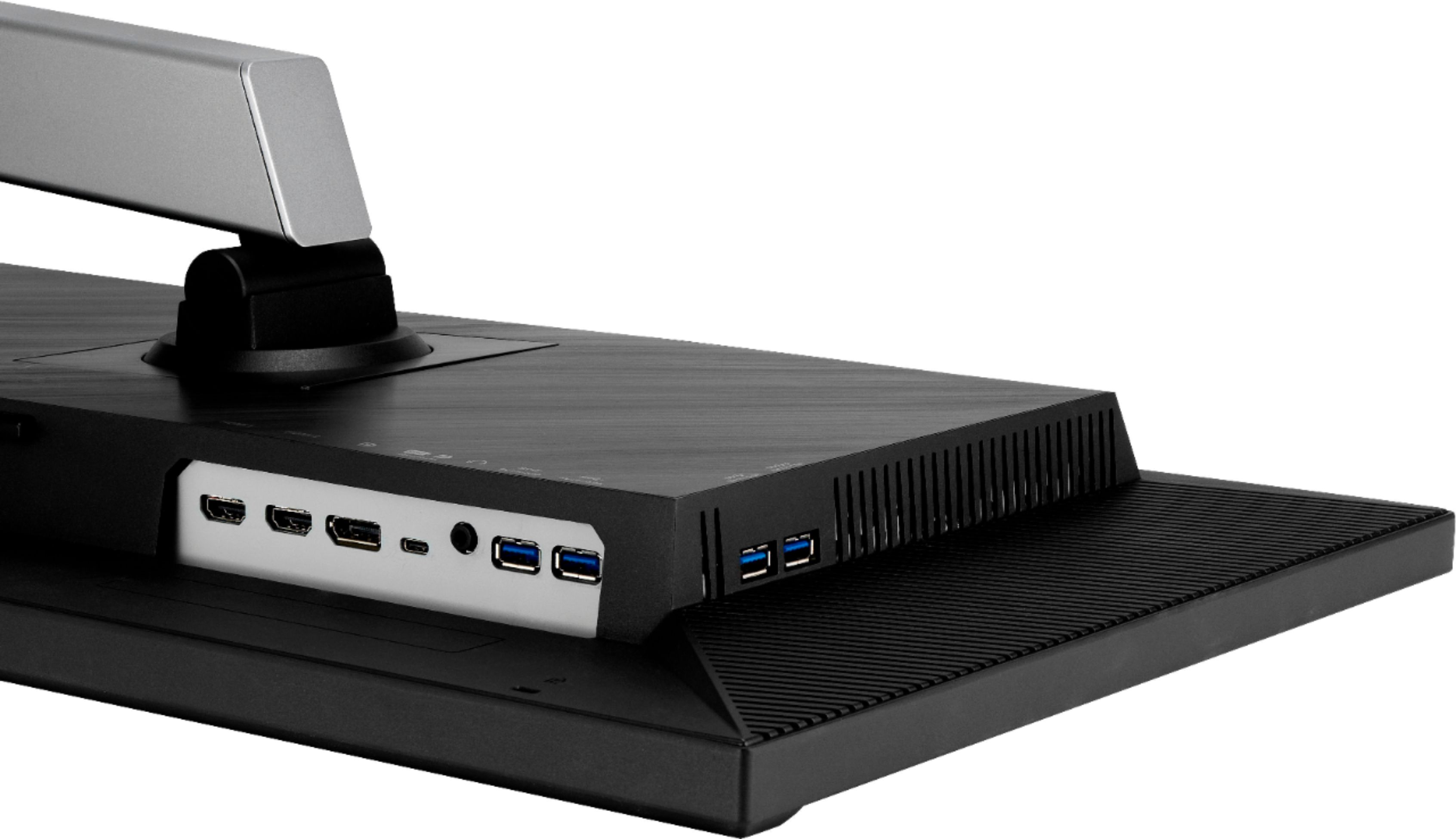
A:AnswerYes, the ASUS PA279CV monitor will work with the MacBook Pro M4. It supports USB-C with DisplayPort Alt Mode, which is compatible with the MacBook Pro’s Thunderbolt 4/USB-C ports.
https://www.asus.com/displays-desktops/monitors/proart/proart-display-pa279cv/techspec/
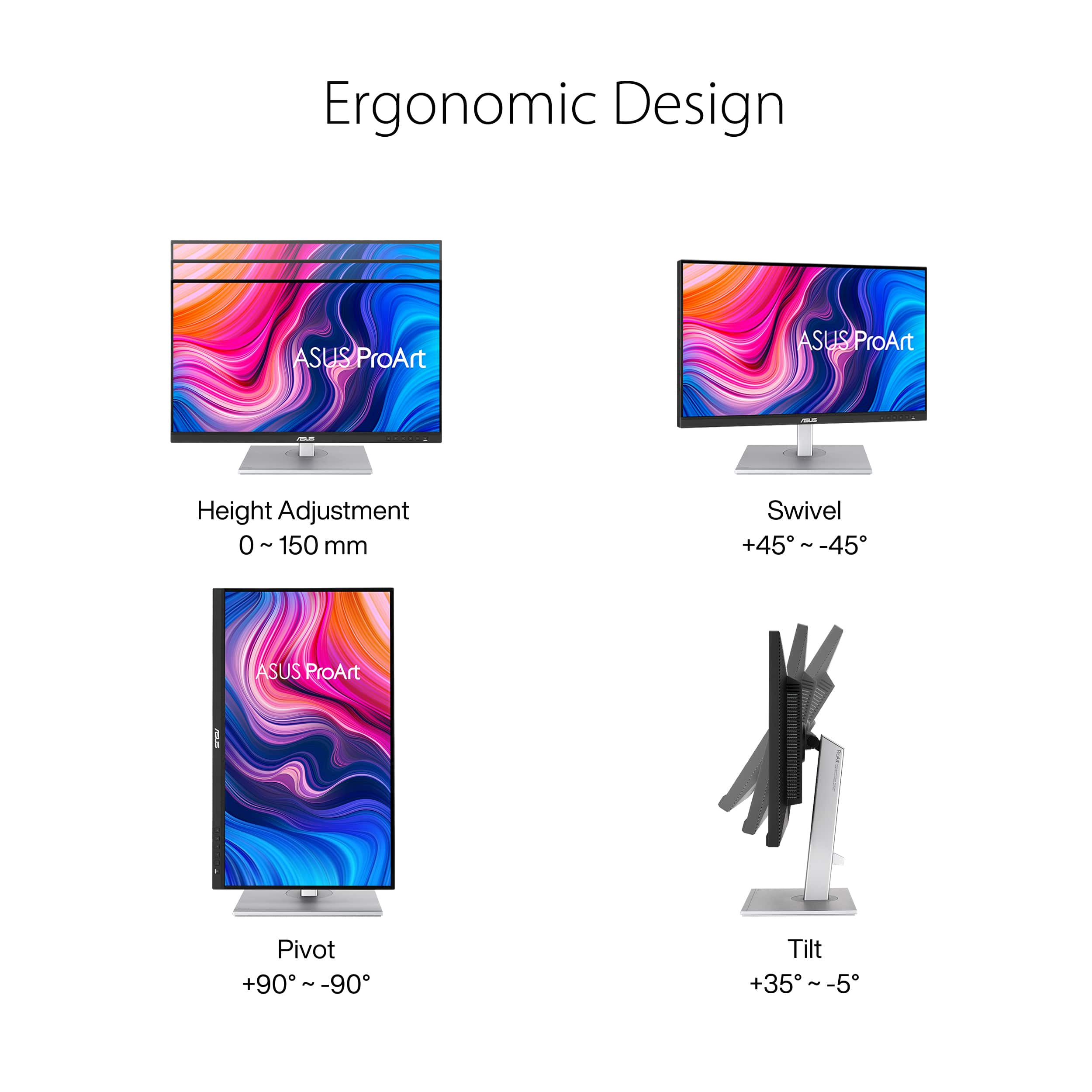
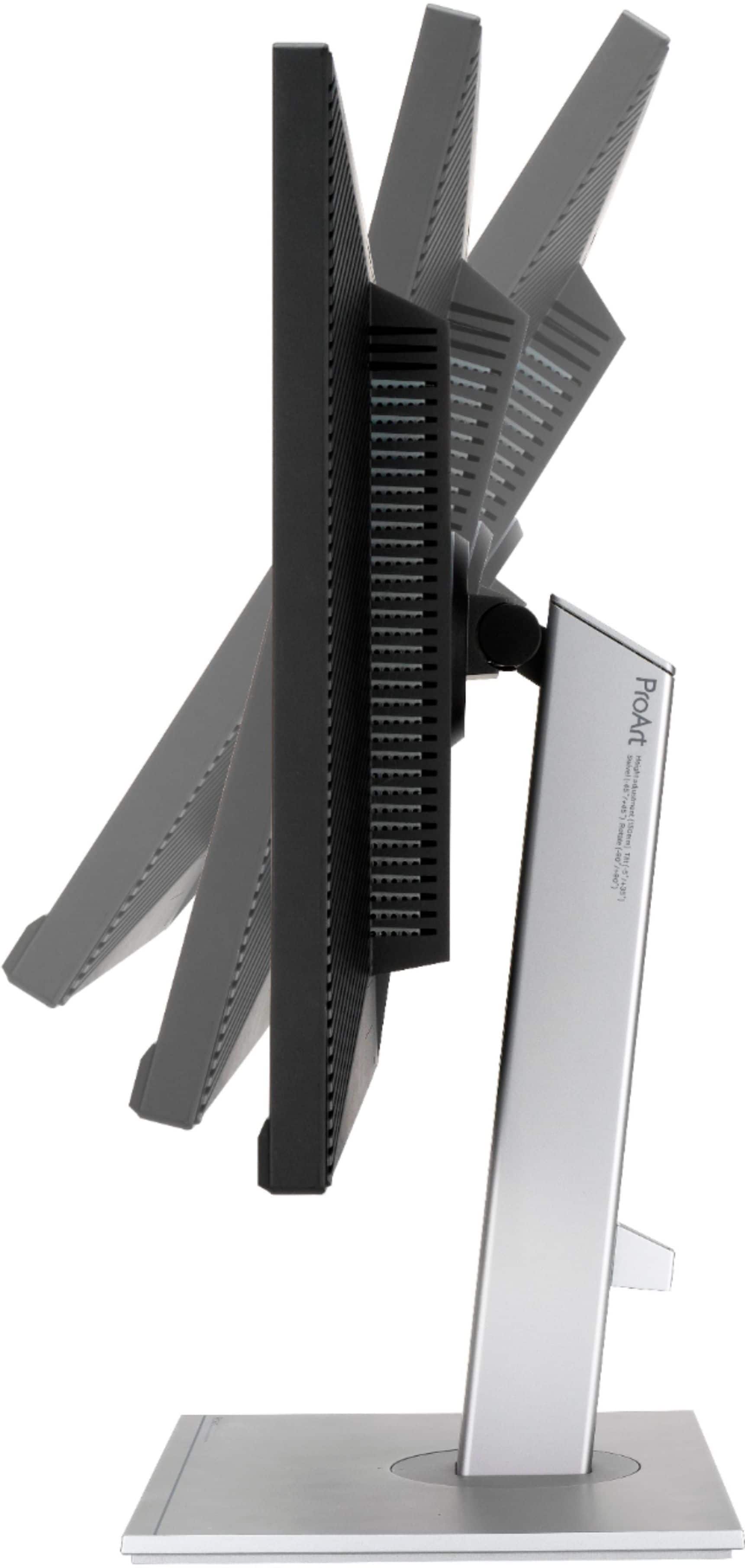
A:AnswerYes, the ASUS PA279CV supports VESA 100 x 100 mm mounting and can be attached to a compatible dual monitor stand that supports 27-inch displays and the monitor’s weight.
A:AnswerYes, I use this monitor that way in my work. You can connect different devices to different inputs at the same time (USB-C, HDMI, or DisplayPort), and then simply switch the video source. There’s also an option to display signals from multiple devices simultaneously, but I personally haven’t found much use for that feature.
A:AnswerDespite what the manufacturer says, this monitor will ABSOLUTELY NOT Daisy Chain. They get around that bay saying it can "as the last monitor". That's true, but VERY misleading. This monitor can NOT DAISY CHAIN!
A:AnswerNo. According to Asus support website, if you have a M1/M2 Apple computer, you'll need to manually update the firmware of the monitor. The catch is it's a multi-step process that requires the use of a PC with Windows 10.
A:AnswerTo resolve the issue, please verify if the computer meets the system requirements of the monitor. If it does, check if the chipset and video driver for PC are up to date.

A:AnswerThis model comes with HDR (High Dynamic Range) Support : HDR10. Please review further specs here: https://www.asus.com/us/Displays-Desktops/Monitors/ProArt/ProArt-Display-PA279CV/techspec/

A:AnswerThis model comes with VRR Technology : Adaptive-Sync. You can review further specs here: https://www.asus.com/us/Displays-Desktops/Monitors/ProArt/ProArt-Display-PA279CV/techspec/
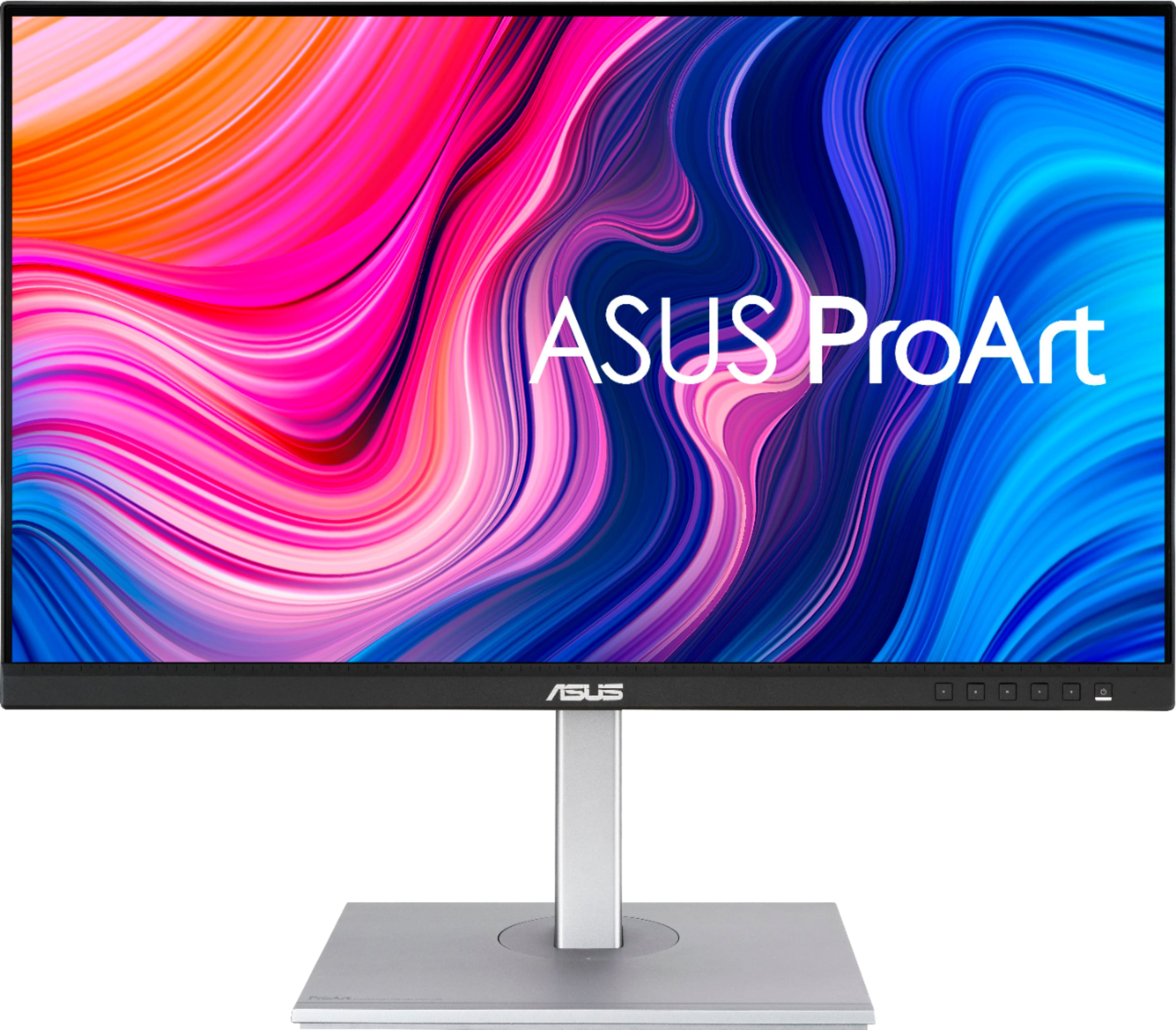
A:AnswerYes, it has muitiple preset modes or factory-calibrated DCI-P3 color gamut for quick adjustments for color-grading, video-editing or or manipulating photos.
A:AnswerOn my system the display has a maximum refresh rate of 60Hz, My system has 4Gb intel graphics card and gives what I consider to be an exceptional display at 3480 x 2160. I use two inputs from two different systems, it switches and reconfigures perfectly. I’m pleased with my purchase.
I don’t know what the monitor would give with a more capable graphics system, probably just a greater depth of color since it is a 4K HDR unit.
Hope this helps.
A:Answerchange your input select by pressing on left side next to power button, and it pop up the option for input select by navigating up down option and select what port you connect your monitor (ex. HDMI, Display Port or DP port)