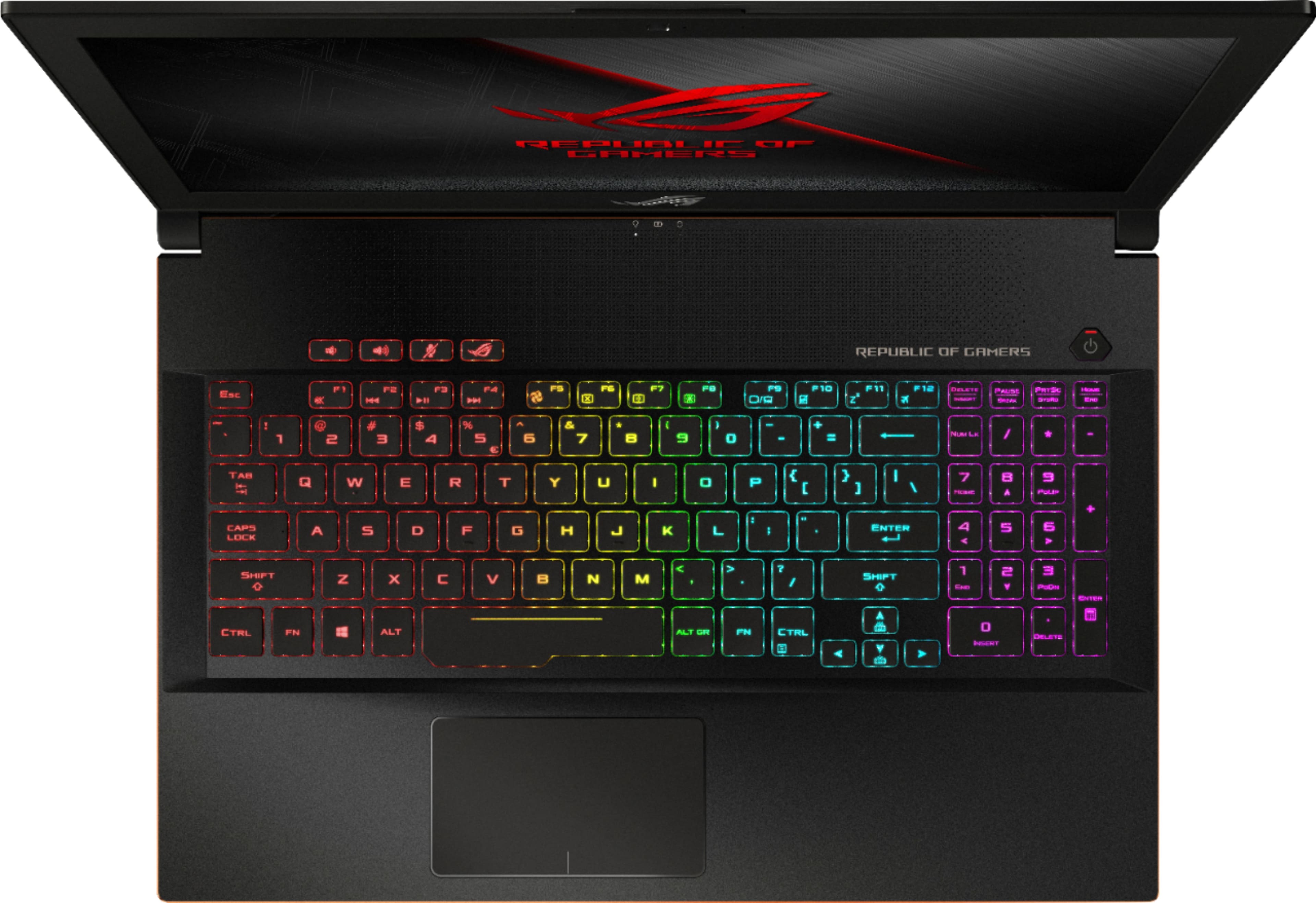
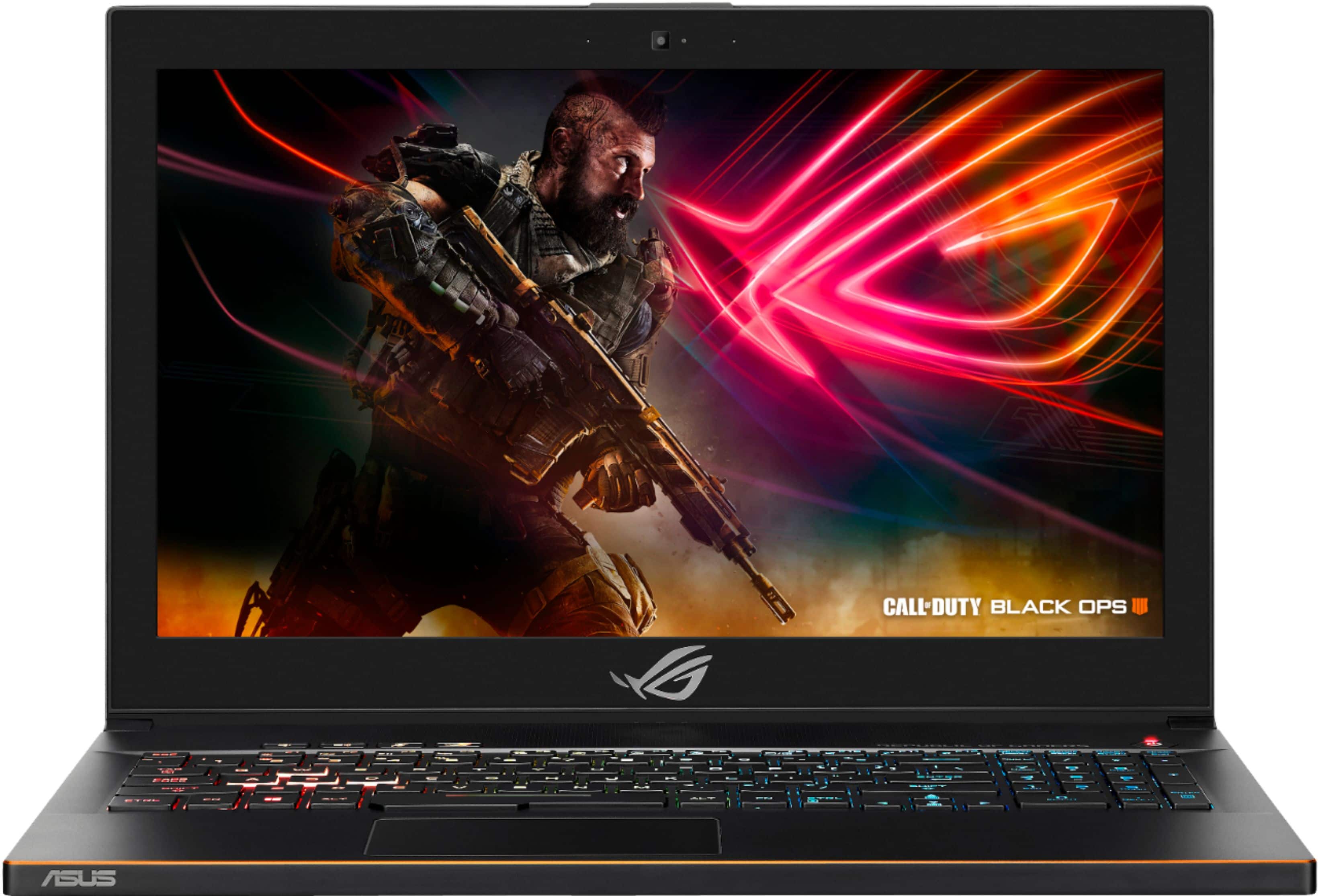
A:Answer120, I believe -yes it is worth it, especially on sale. This has high specs of things that can't be upgraded, like screen refresh rate And fast 6 way processor, and cashe. And it is very upgradable. It is great for now and the future. It is fast, that was very important to me, I returned 2 other laptops in my search for a fast laptop--- this one was a keeper. I am so happy with it'd performance. It is fun to work on it, all my focus is on my work and no fussing with The laptop. The 3 refresh rates I know of are 60, 120, 144.
A:AnswerIt should automatically register your warranty via a program that you setup when you first start to use the laptop after making and or linking an ASUS account.
A:AnswerI just recently upgraded my M.2 drive to a 500GB Samsung 970 Evo, and swapped the 5400 RPM SATA drive with a 960GB Sandisk Ultra II.
According to ASUS support, the M.2 socket will only support NVMe drives, and only up to a max of 512GB. Since there aren't really any NVMe to USB adapters because USB doesn't have enough throughput for it, you have a couple of options:
1) If you have a desktop, you can get an NVMe to PCI card (I paid $14 for mine online). You can then remove the existing M.2 drive, connect it using the expansion card, and use your drive cloning software of choice.
2) You can download a tool like Clonezilla that can be loaded onto a bootable USB. You'll need to boot to the Clonezilla drive and save the clone image to the SATA drive. However, be aware that I couldn't get this to work when I tried it... for some reason, it wasn't able to find one or both of the drives. I didn't bother investigating this too closely.
Other things to note: I've seen some reports that other people got SATA M.2 drives to work in this machine. I think it's likely that they have some other slightly different model that does accept SATA drives. I would stick with ASUS's specifications for the interface, and only use an NVMe M.2 drive of 512GB capacity or lower.
Also, the ribbon cable and connector for the 2.5" bay is a bit fragile and it's awkward to unplug and remove the drive due to how they designed the connector. Be careful when removing it.
Finally, you'll need a Torx 5 (T5) screwdriver and a spudger to even get into the computer.
With my setup, this laptop goes from cold shutdown to logged in, on the desktop within 10 seconds. It was some hassle to replace the drives, but it was worth it.
A:AnswerI don't have that issue, if you just got the computer, even if you didn't buy coverage with it, they will still fix the issue due to just bought it.
A:AnswerAs long as you're plugged in, you can do all of the above effectively though a modest amount of productivity work will be okay on battery. I've gotten around 3.4-4 hours when surfing and using Office.
A:AnswerIt was fairly easy to open up the bottom panel. You'll need a Torx screwdriver (T5) and a plastic spudger. The plastic clips popped open relatively easily with no damage.
The M.2 bay is an M-keyed NVMe bay. It will accept M-keyed and B+M-keyed NVMe drives only, up to 512GB in size. The existing drive that was installed in mine was a 128GB Kingston B+M-keyed NVMe drive. Note that the connectors on SATA3 drives have a different number of pins than NVMe drives do, and they will not work in this bay according to ASUS support.
A:AnswerYou better off buying that GL702ZC model for rendering. Its only 10-12% better in multi threaded performance compared to that 8750H. But for portability, I would definatley go for the ROG GU501. Ultra thin form factor with better GPU performance.
A:AnswerI don't see why not. This is is clearly the fastest processors you can get in a laptop and with capable GPU. May be you would have to upgrade the ssd to higher capacity other than that it is more than capable of rendering I think. Only other thing that would be better is going to a desktop.
A:AnswerI am and it is really annoying! I honestly thought Asus was the leader in computer technologies but thus far I have been pretty disappointed with some of the aspects of the new Asus ROG GU501GM Laptop I just purchased. I mean even companies like HP can make a headphone jack that doesn't admit this hi pitch hissing noise like I just plugged into the cheapest piece of audio equipment on the planet. I'm not asking for 7.1 fidelity if I was Id use better headphones which I do own. However it is a laptop so why should I have to cart around giant expensive headphones with me just to use my laptop which by design is made to be portable and convenient. I'm just looking for decent quality sound without this horrible hiss would have been acceptable.
A:AnswerAssuming you mean the external HD60 or HD60s, then yes this will be able to handle that like a dream. The full PCIe cards will not work as it doesn't have those slots.