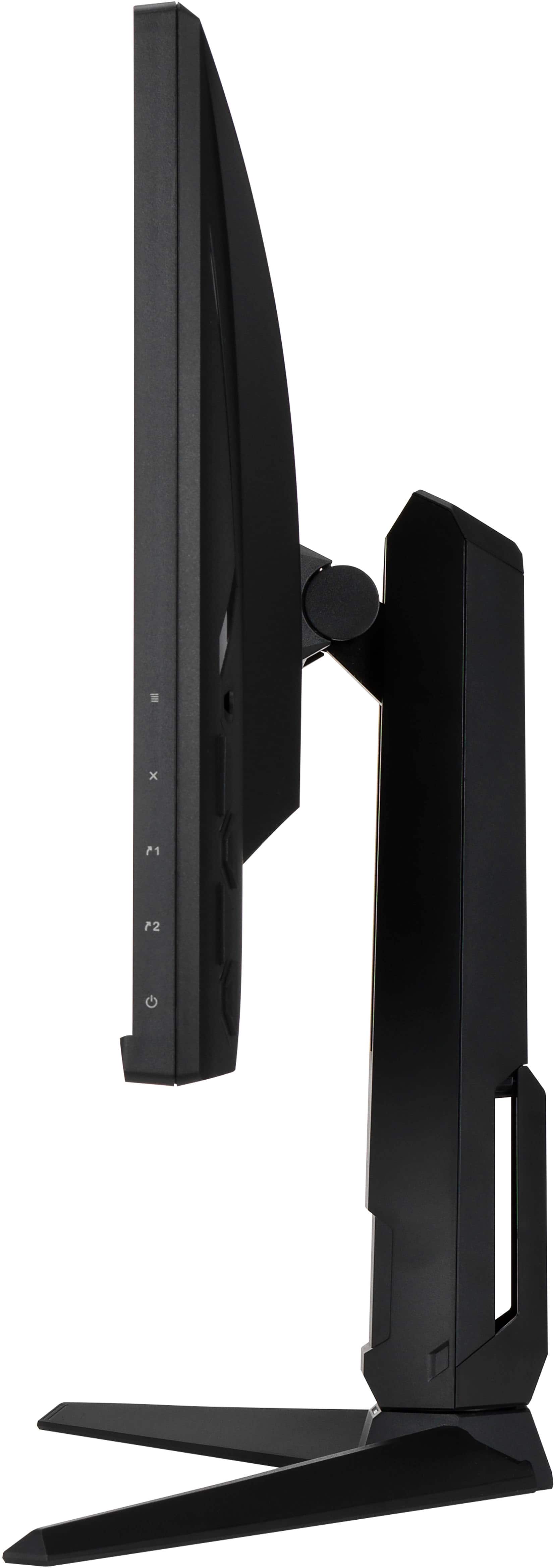
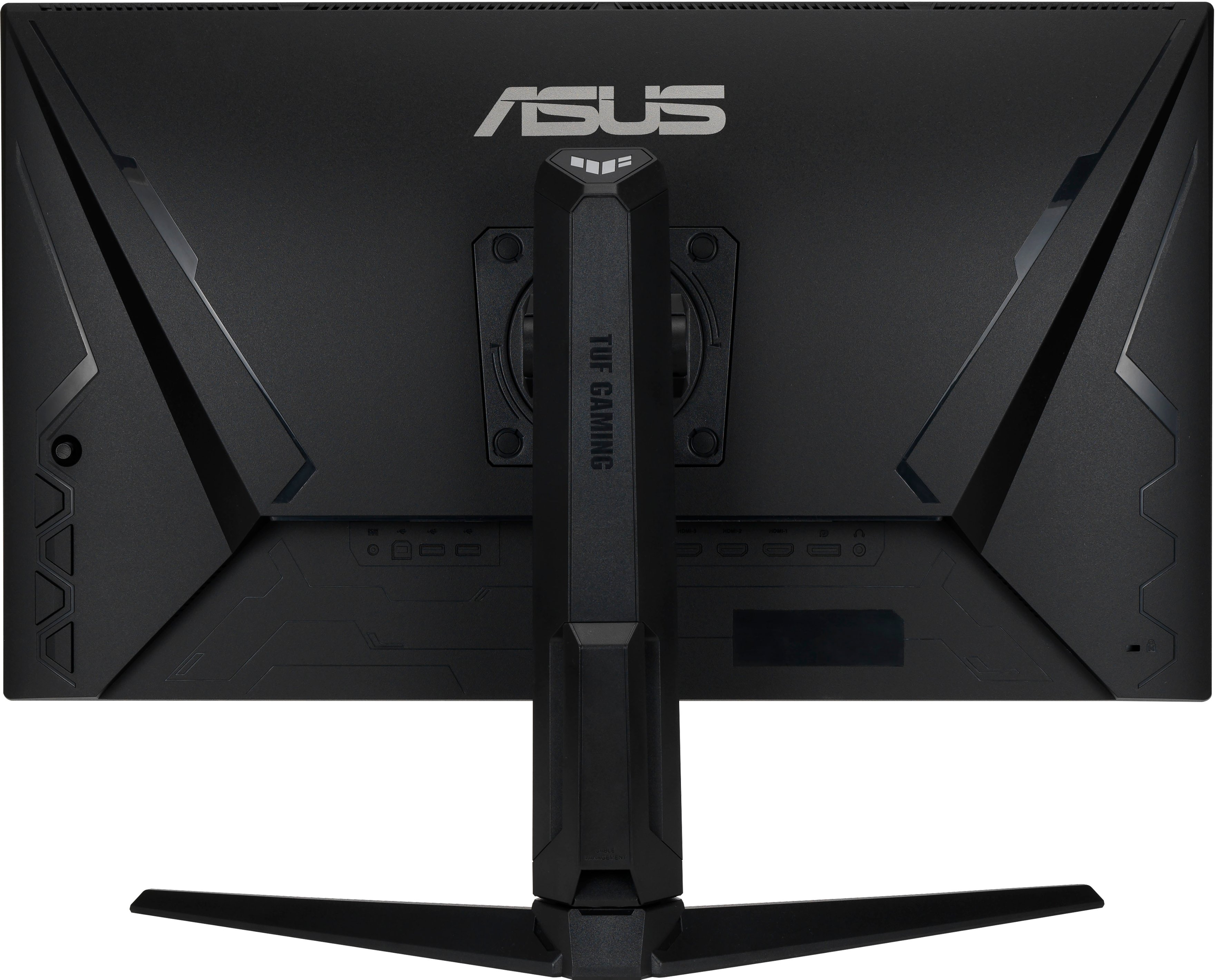
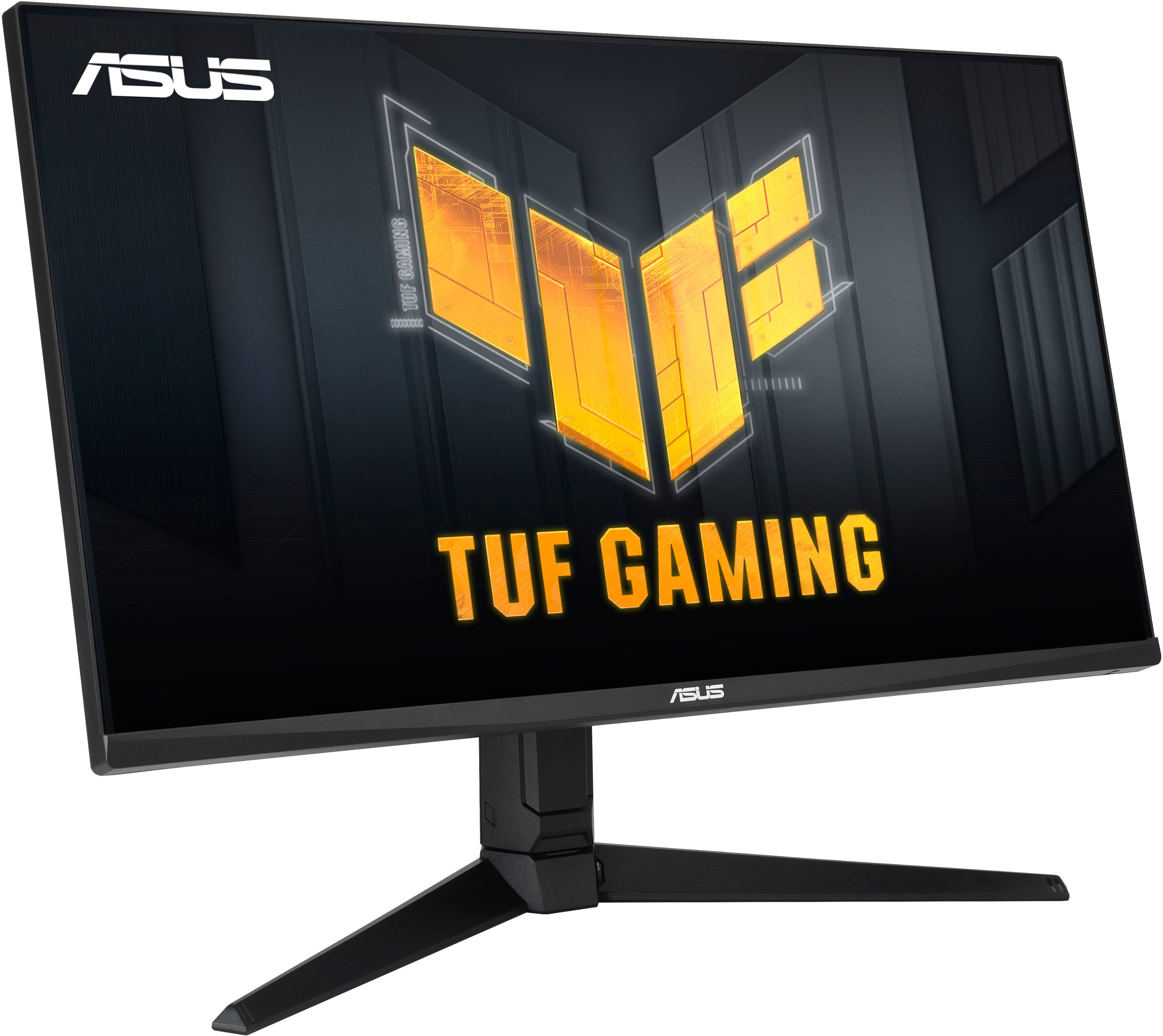
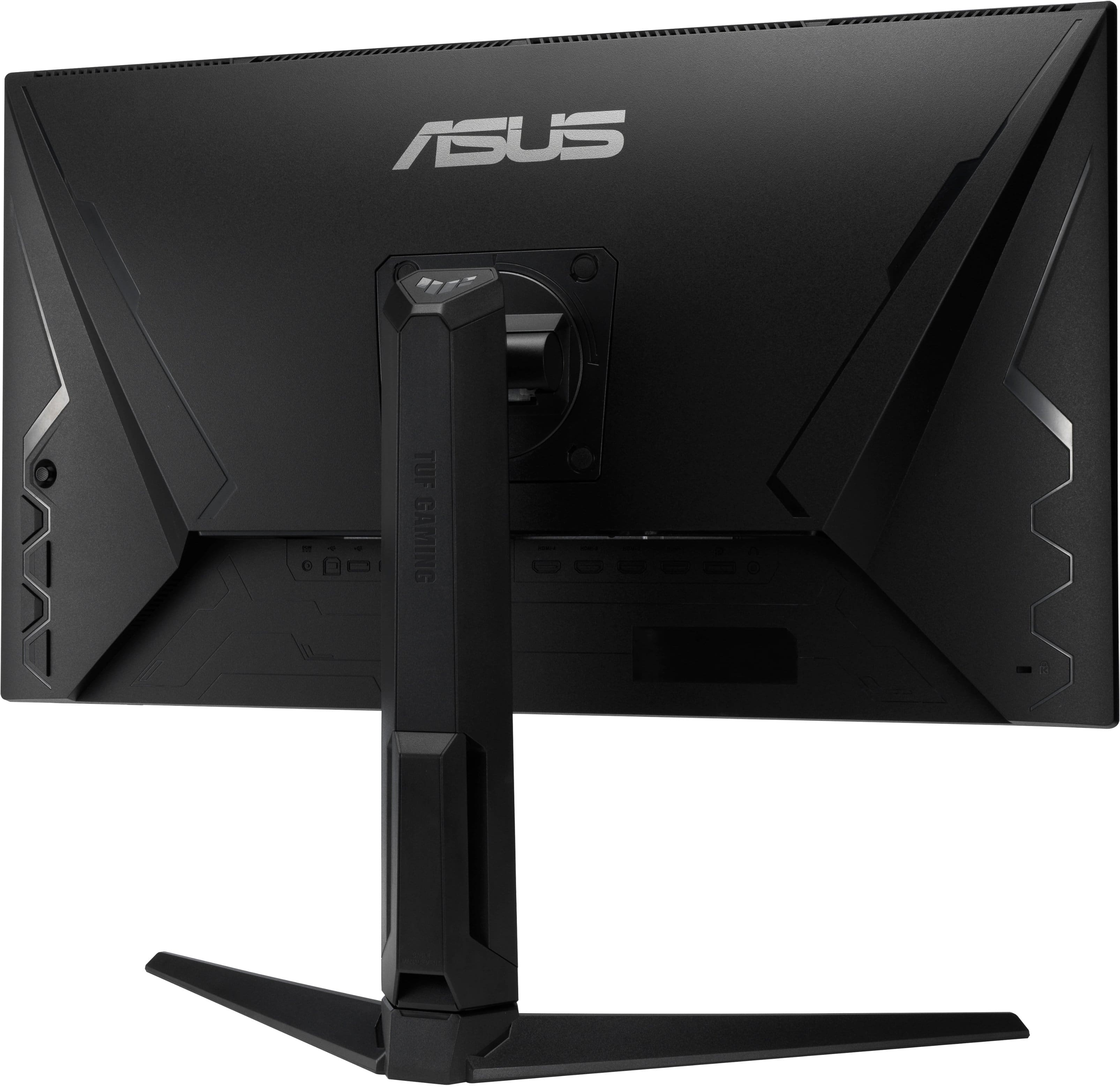
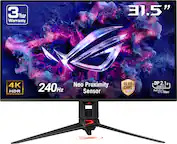
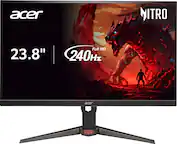
A:AnswerSo looking at the back of the monitor at the bottom left theres a set of buttons . These buttons will allow you to bring up the menu and turn the volume up. But hear me out, if your son wants the best quality sound buy him a headphone set and mute the monitor. This is how i play and i own this monitor i use the turtle beach gen 2 headset that i bought from best buy its a perfect gaming set up
A:AnswerHave you tested your electrical socket? More common then you think. Can fry your electronics if your plugs are wired incorrectly. Worth checking. Cheap testers out there.
• Wired Correctly
• Reversed
• Open Ground
Hot/Ground
• Open Neutral
• Reversed
• Open Hot
Hot/Neutral
• Dual Open
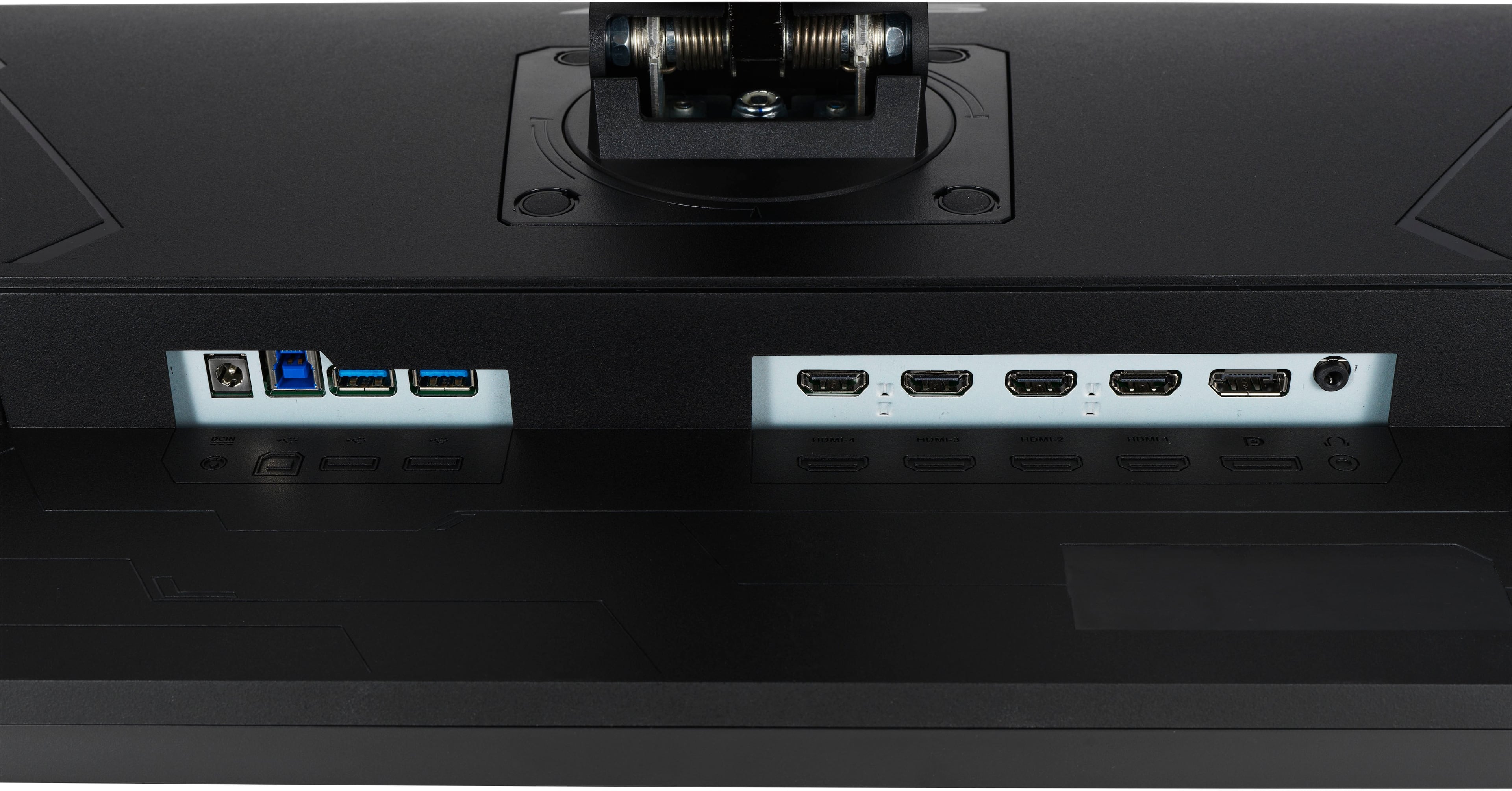
Also are your inputs into the monitor pushed all the way in? If not it will cause buzzing.
A:AnswerOur standard warranty for monitors is 3 years. Please review further information about the warranty here: https://www.asus.com/in/About_ASUS/Warranty/
A:AnswerTypically the settings are done via PS5, settings that are on the OSD are adjusting the color pallet of the screen. In some cases, you can put the monitor on overdrive which allows the monitor to go to the marketed refresh rate.