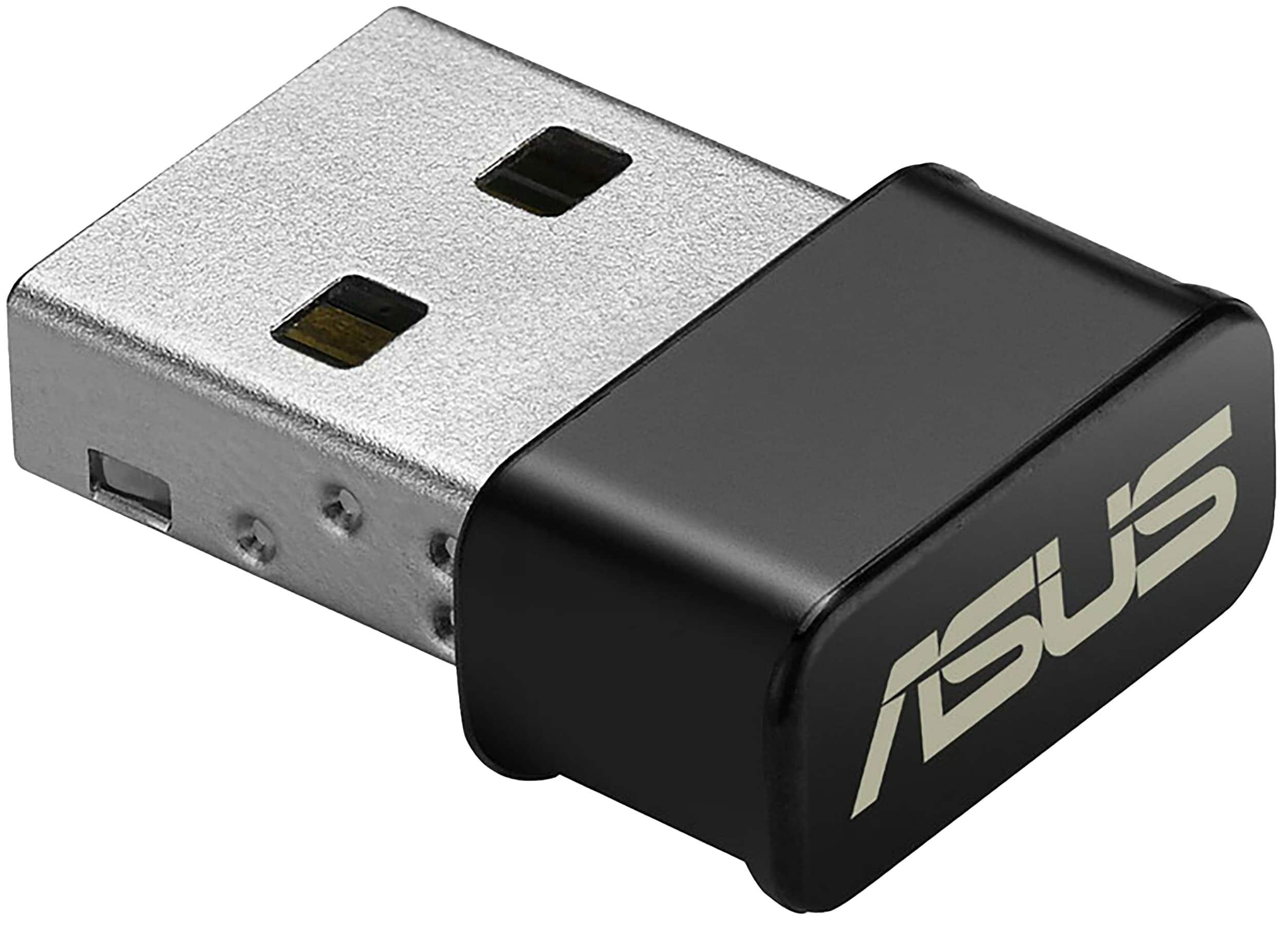
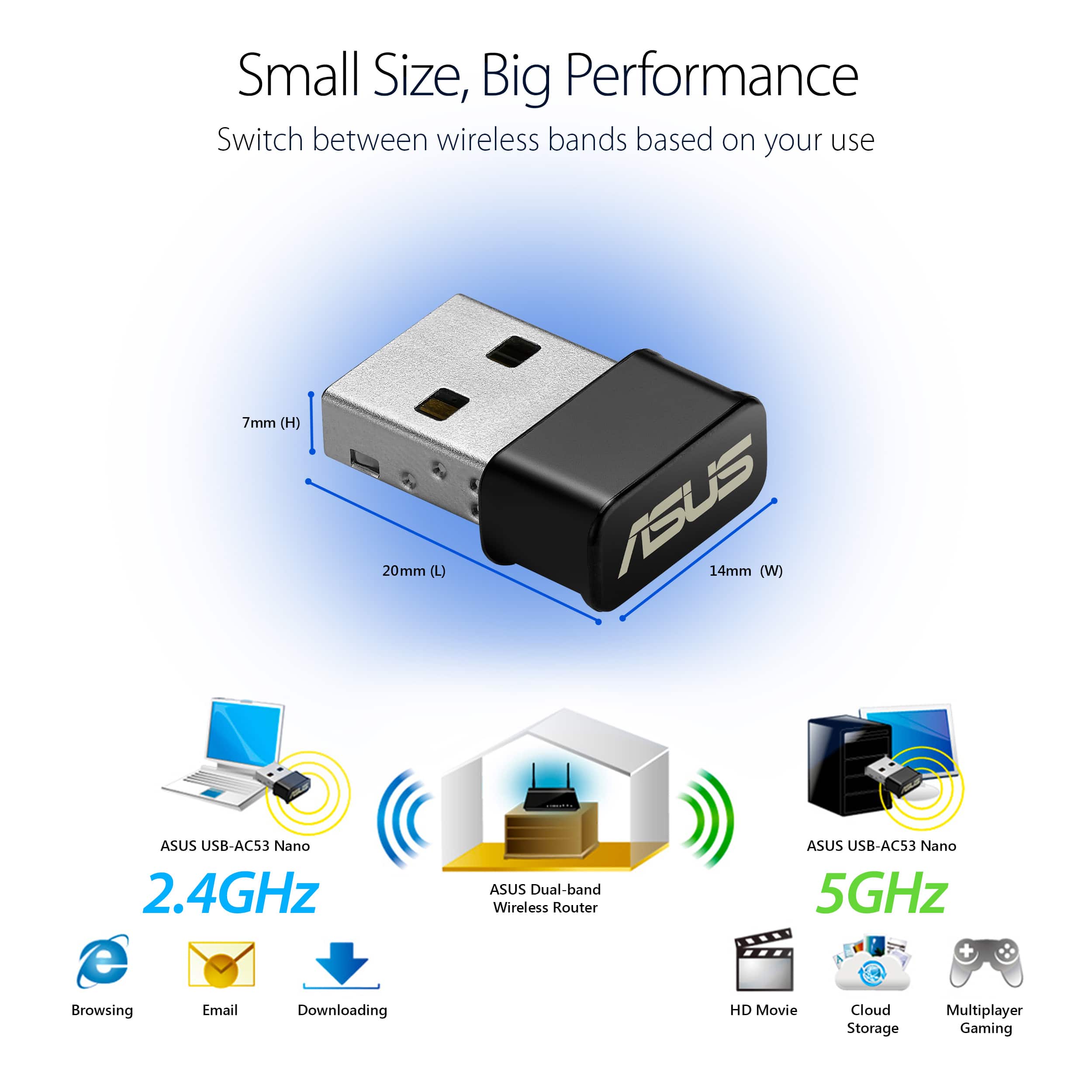
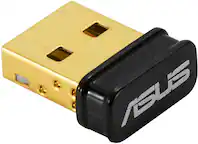
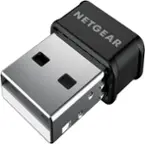
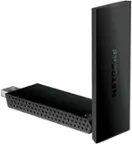
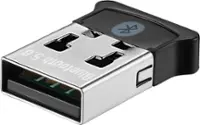
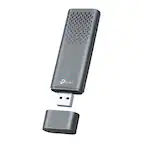
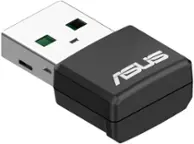
A:AnswerNo. A "wireless network USB stick" will not connect to a "Bluetooth device."
If your computer has a Bluetooth connection (different than WiFi), then you may connect a Bluetooth Controller.
A:Answeryou have to run the program on the included installation cd, so if your tower doesn't have a cd player that could be a problem, unless you can copy and paste the info to a flash drive and cut and paste it on your hard drive first, then run.
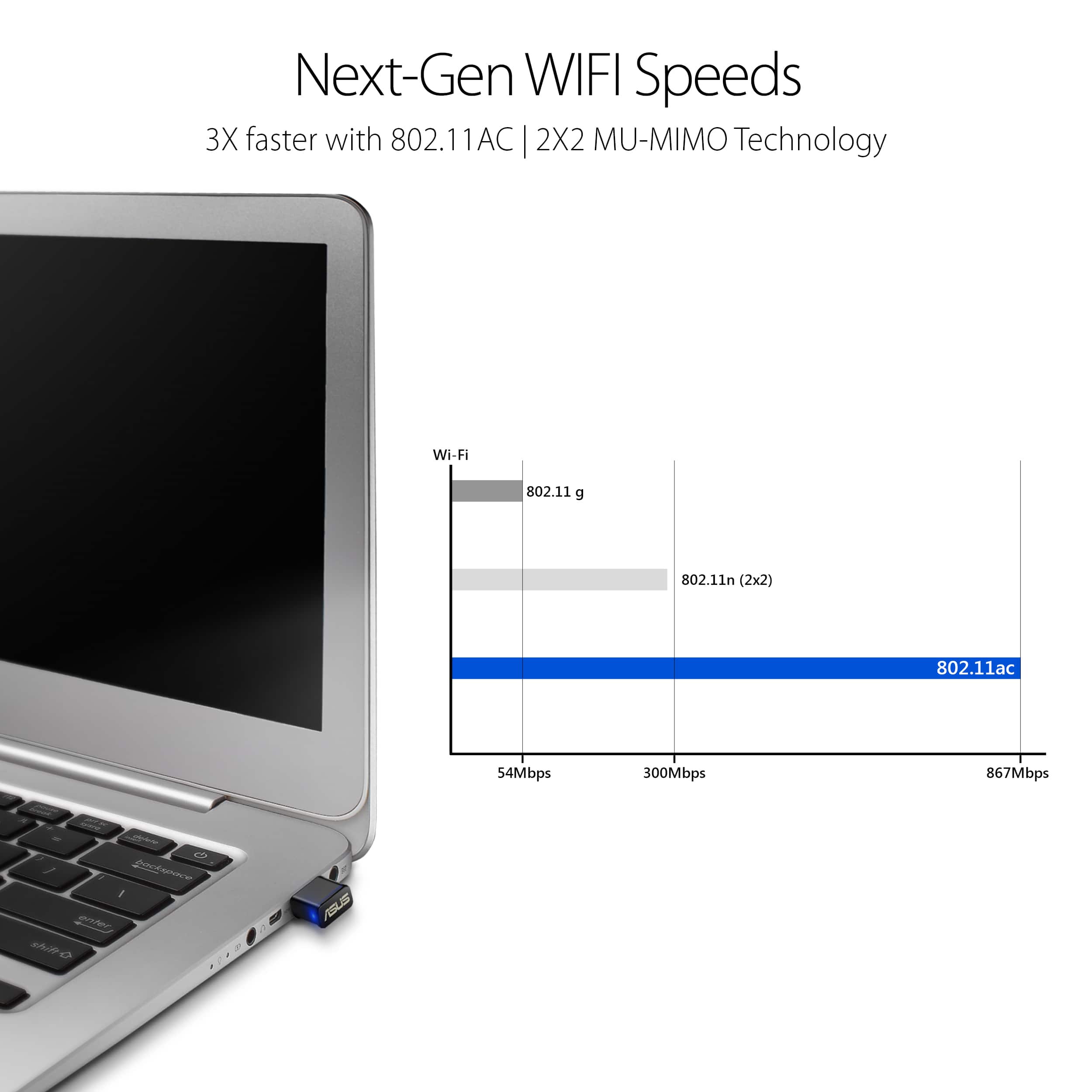
A:AnswerIt certainly should providing the distance is within reasonable tolerance. Mine works at a distance of about 200 feet. The only way to know is to simply try it. Best Buy said it's fully returnable within a few weeks.
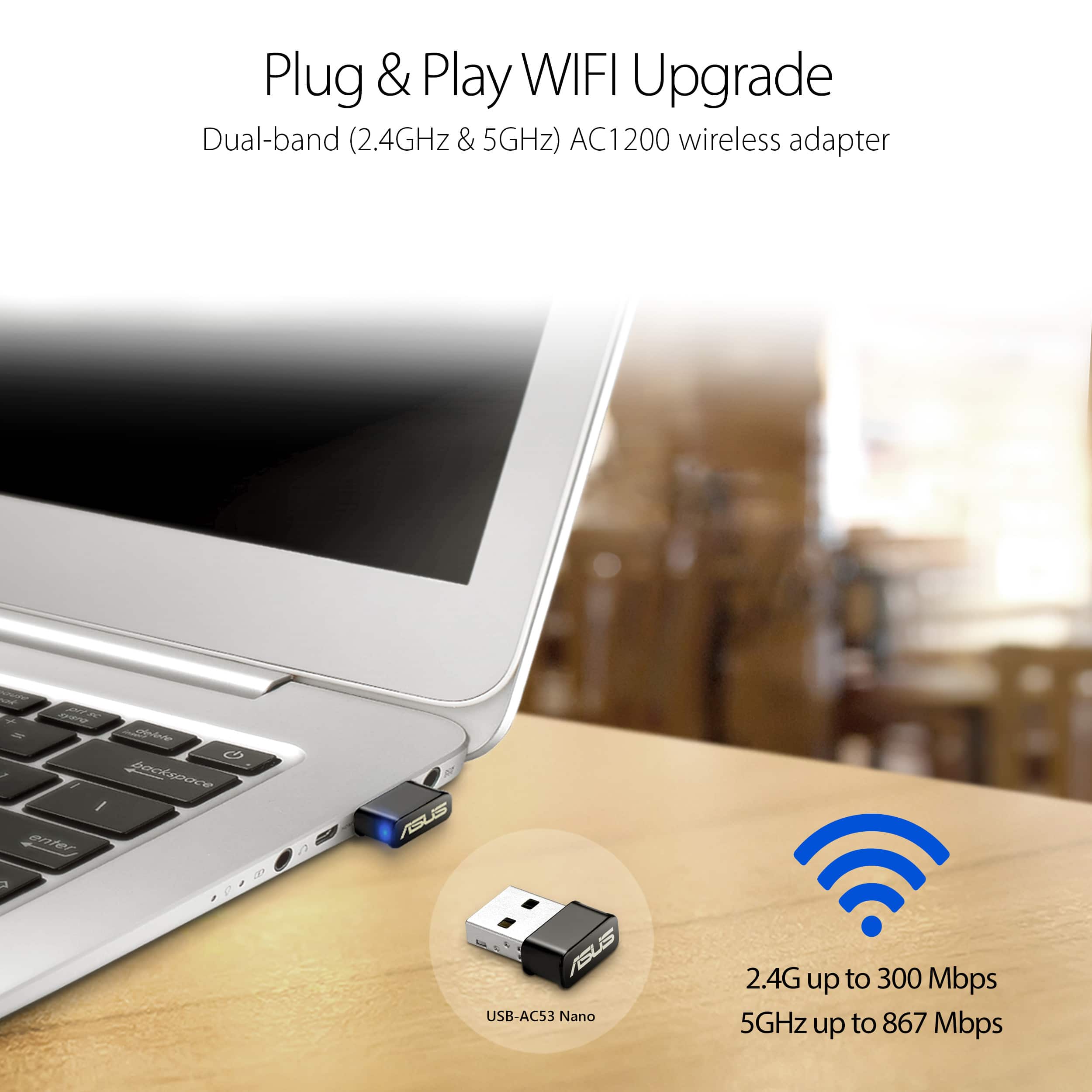
A:AnswerMake sure your laptop has either an internal wifi adapter or a usb wifi adapter. Without such you cannot connect with the internet wirelessly. The usb adapter does not need to be an Asus product in order to work with an Asus computer. If your ASUS laptop is fairly new, it should come with an internal wifi adapter.
A:AnswerYou need wifi adapters. These are two adapters. One plugs into your modem and directly into a wall outlet. The other goes into your gaming system and directly in a wall outlet. Connect your gaming system as you would if you were using an ethernet cable. ( You must plug them directly into a wall outlet. No powerstrips or extension cords can be used)
A:AnswerIt could help you but I rather get a more powerful wifi router, usually a weak router is unable to cast its signal through a number of walls or furniture.
A:AnswerIt is an antenna with excellent reception. It should work--it's only function is to grab the signals and send them into the laptop/notebook, etc.