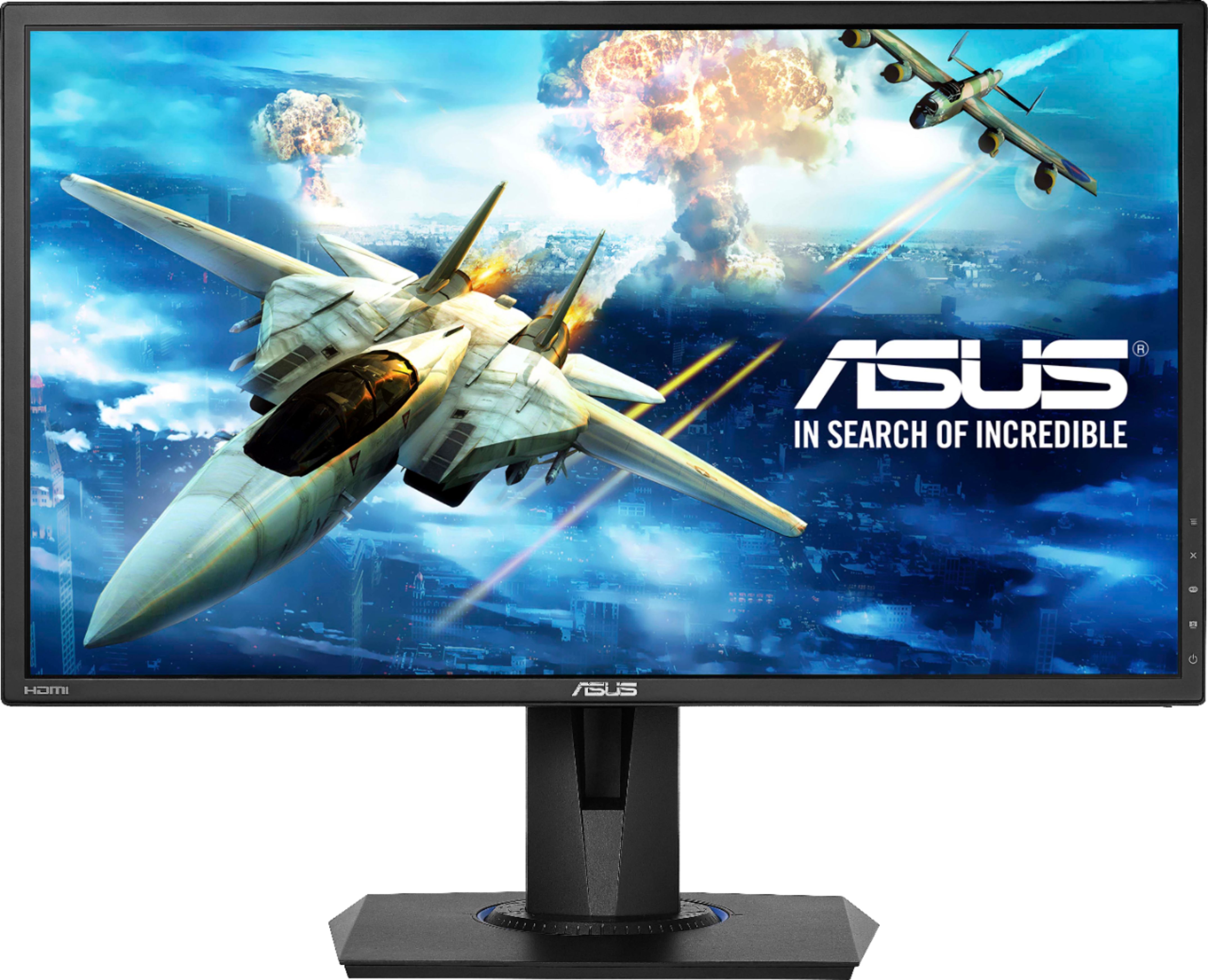
A:AnswerIt is not going to lag because the refresh rate is 75hz and a PS4 will only ever do 60Hz/fps. The picture will not look as clear on a 1080p, but nothing major.
A:AnswerGo to your display settings (right click on the desktop) --> Display Adapter Properties --> Monitor tab --> Screen refresh rate and change it to 75hz
A:AnswerYes. Hard to describe but it's almost a "gravity" system. Manually, pulling up or down on the mount, it springs back to the top. But the weight of the attached monitor is almost like its floating in space. When you adjust it vertically, it doesn't take a lot of force and letting it go, it sticks where you want it. Definitely beats screwing and unscrewing knobs or nuts when you want to make a change!
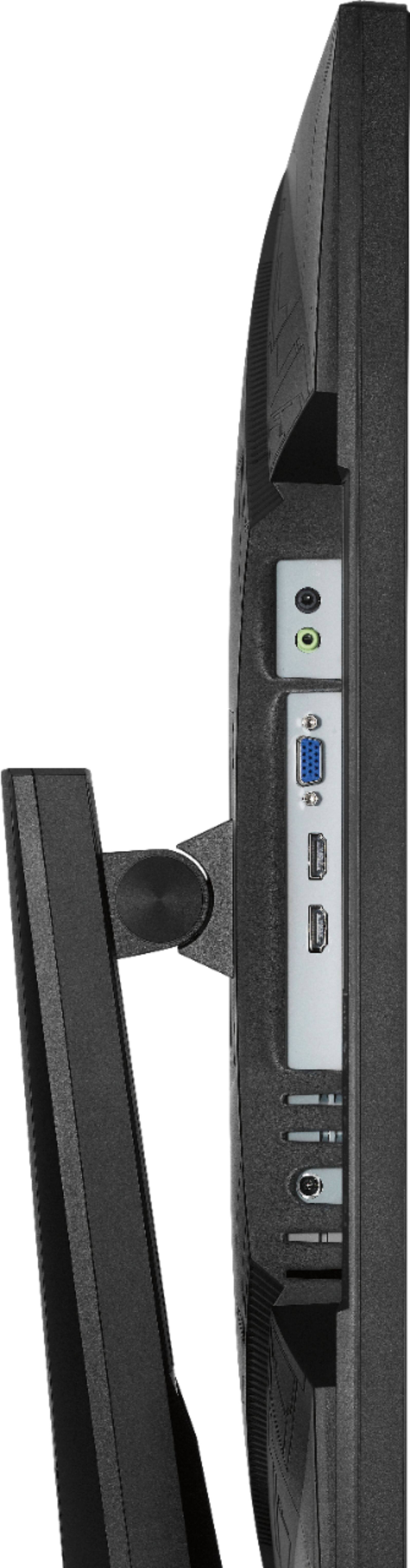
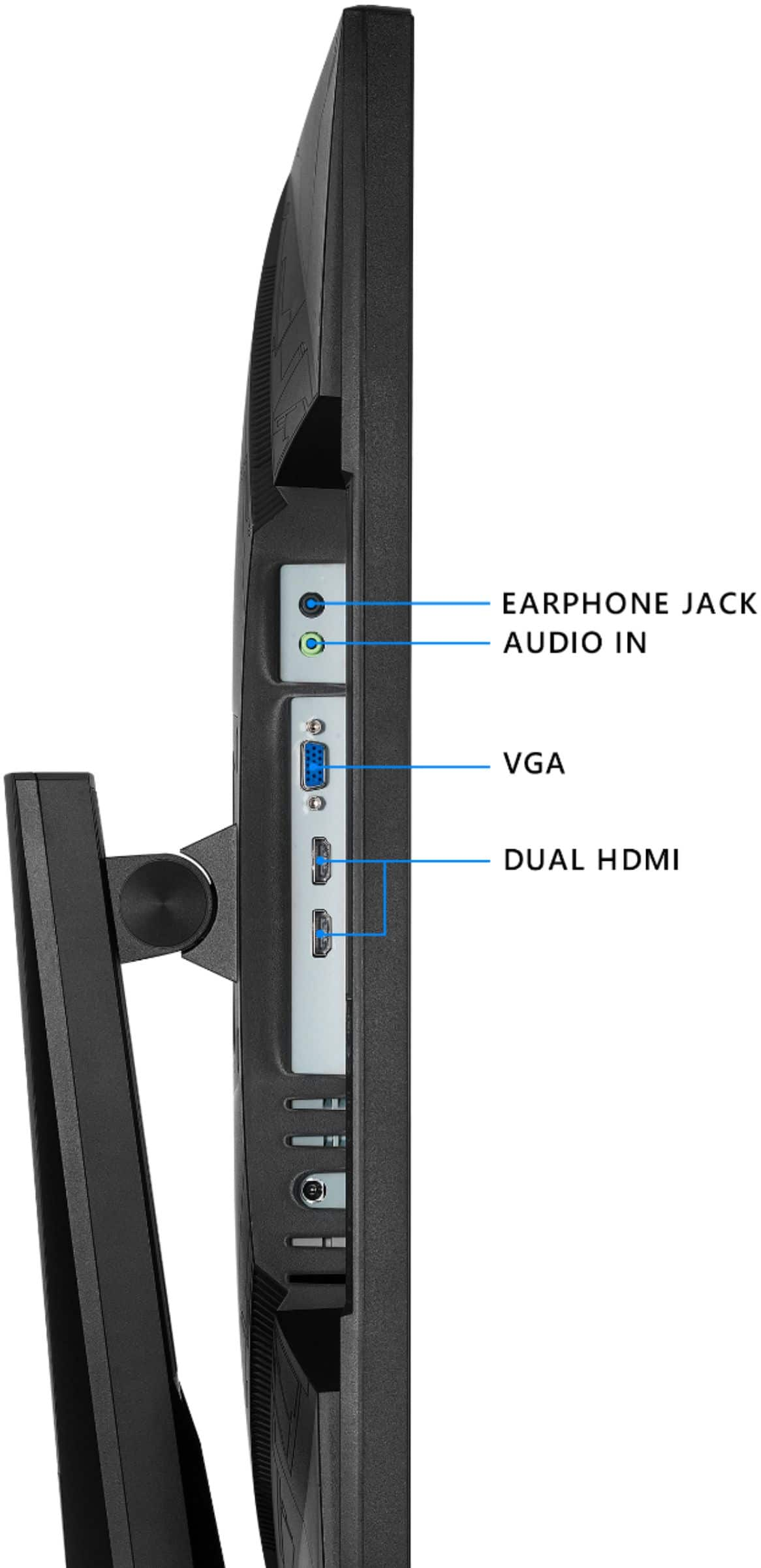
A:AnswerThe monitor has a 3.5mm audio output for connecting speakers to the monitor. It also includes built-in 2W stereo speakers which are fairly good internal speakers.
A:Answerim gonna die im in europe oekraine help Me plsssss!!!!!!!!!!!!!!!!!!!!!!!!!!!!!!!!!!!!!!!!!!!!!!!!!!!!!!!!!!!
probebly my last massege ever send to thhe world
thats what my dockter send me?
A:AnswerThe Net Weight without stand : is 2.88 Kg. Please review further specifications here: https://www.asus.com/us/Displays-Desktops/Monitors/All-series/VG245H/techspec/