A:AnswerDouble check your cables connections and try a different monitor/tv if available to ensure its not an issue with your PC. If issue persists I would return & exchange.
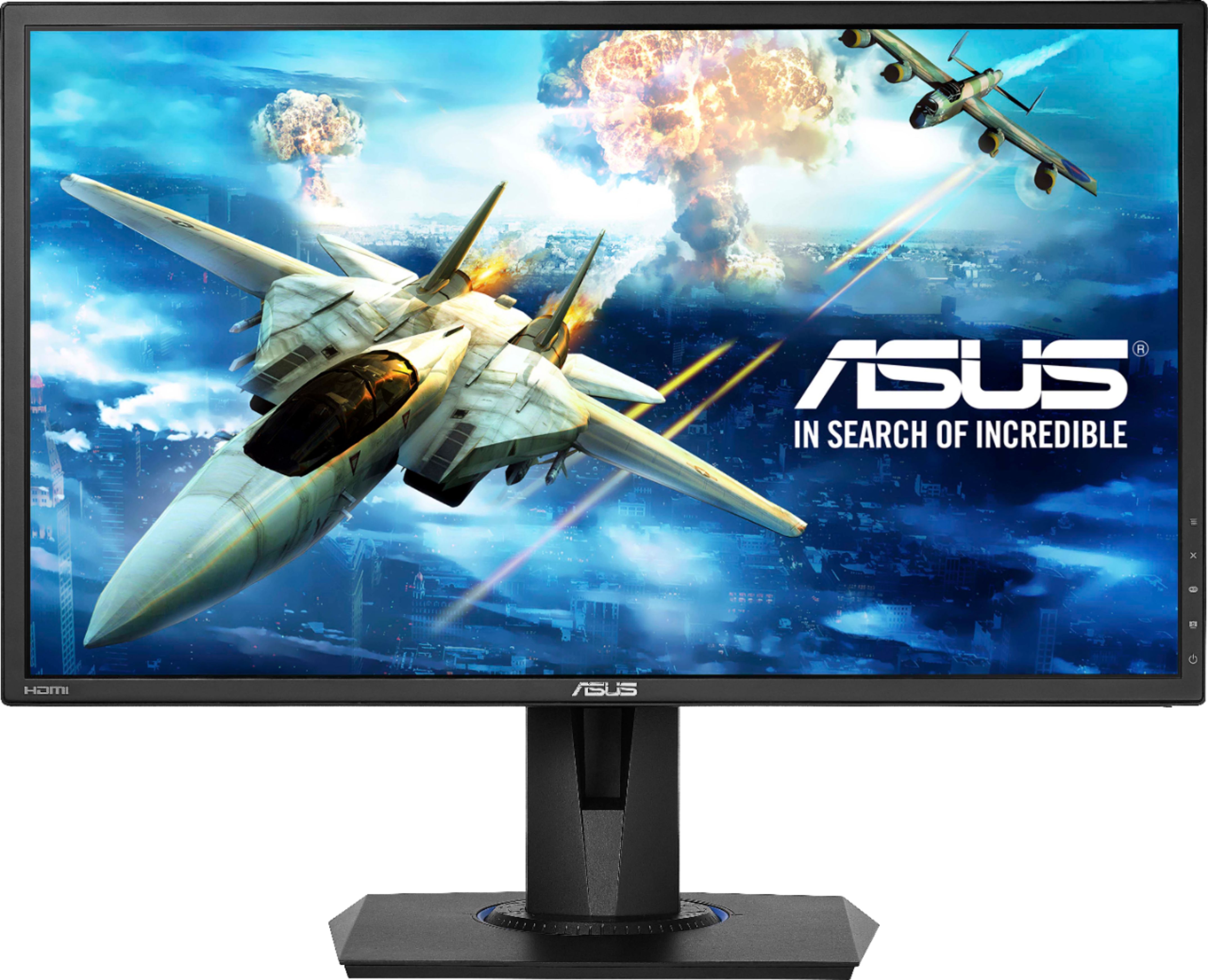
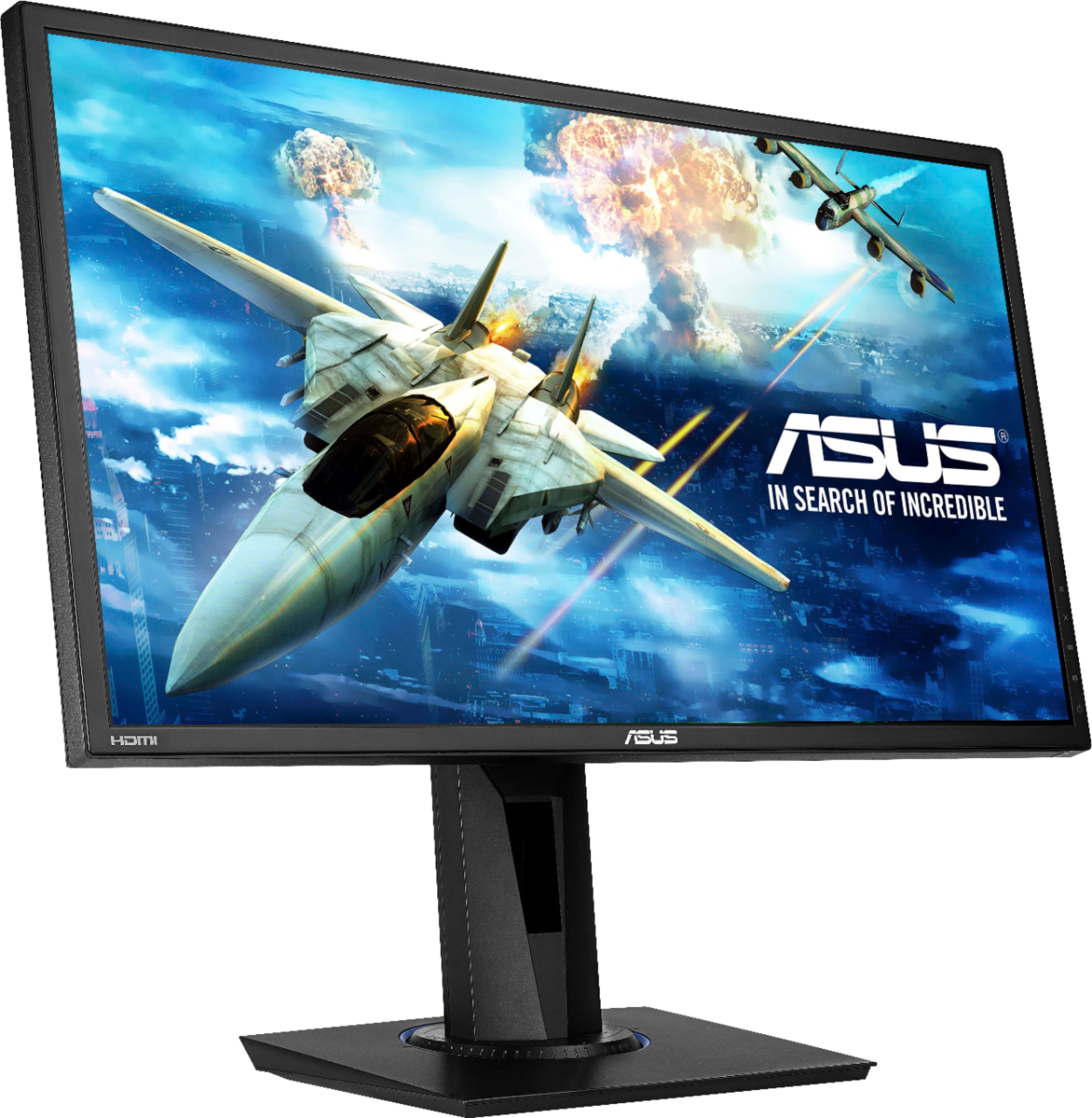
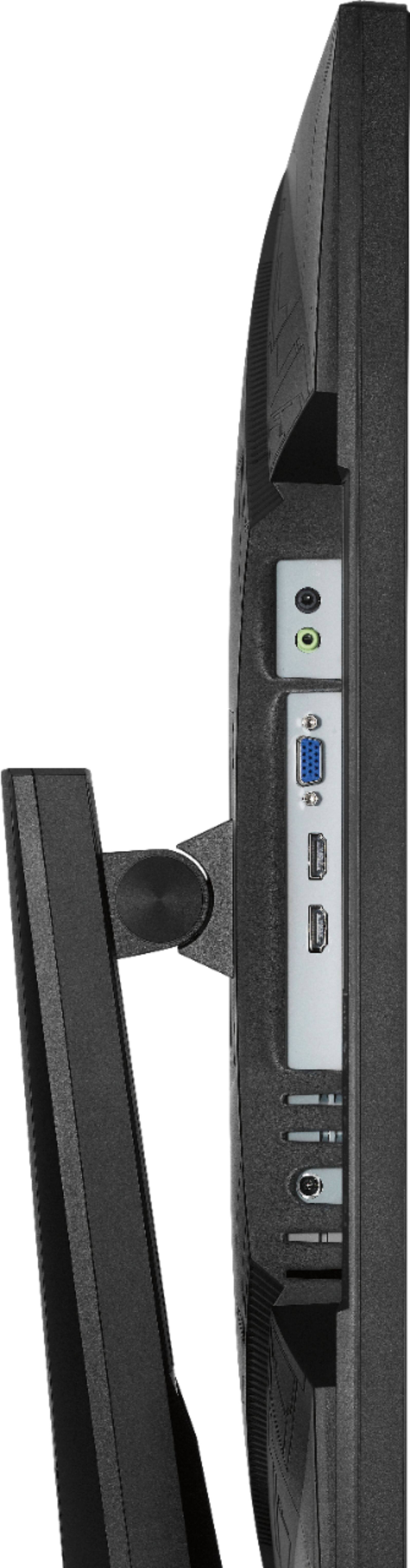
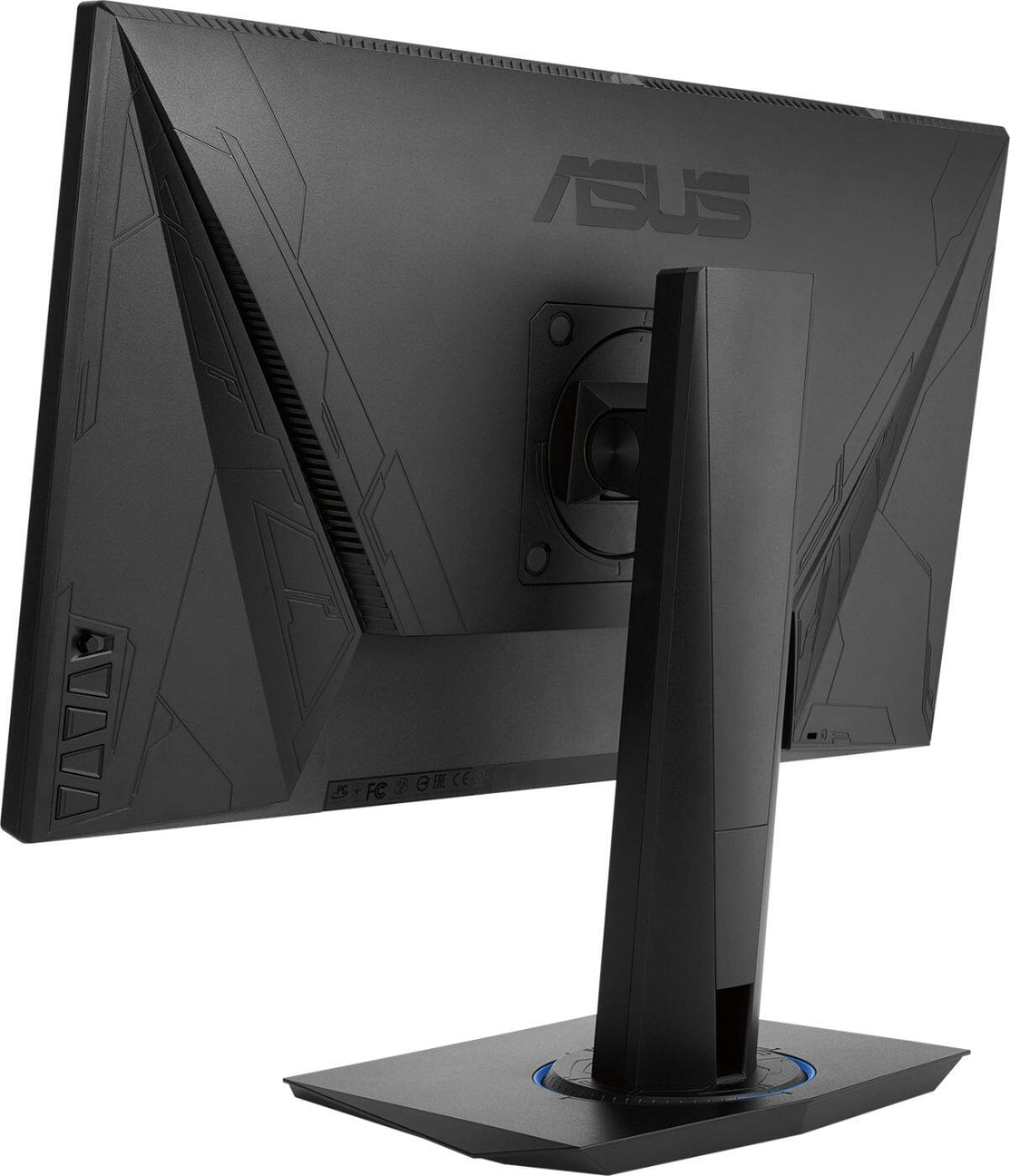
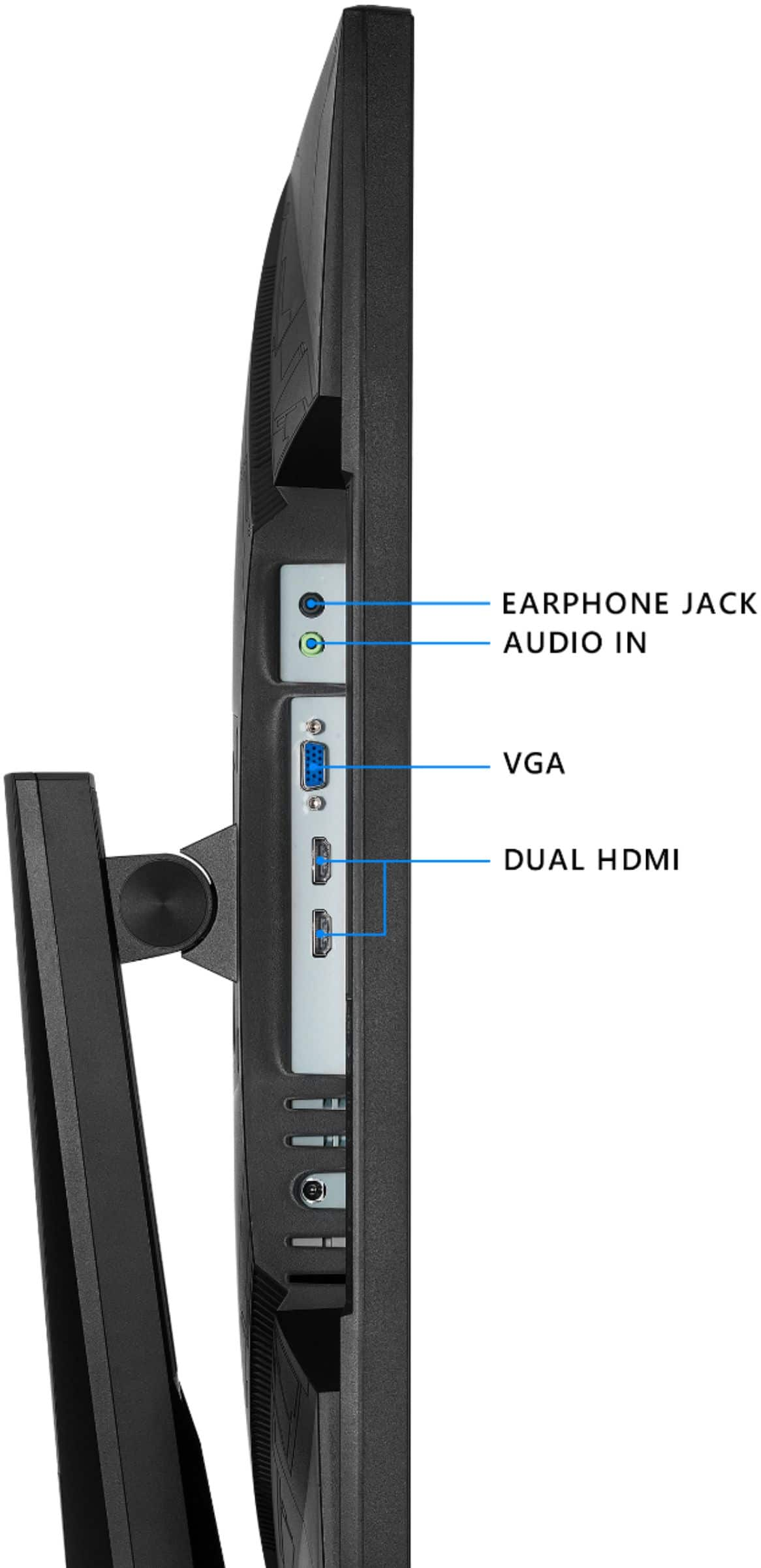
A:AnswerYes, you can connect your Nintendo Switch and play. You don't need a PC to power the monitor, it comes with its own power cable as well as an HDMI cable which you can use to connect to your game console.
A:AnswerYou are able to screen record on this monitor however you would need to do so with third-party software such as OBS Studio, Streamlabs OBS, or any other recording software.
A:AnswerFor troubleshooting help, please reach out to ASUS Support either by phone, chat, or email. https://www.asus.com/support/ You can also find us on Twitter @AsusHelpUS.
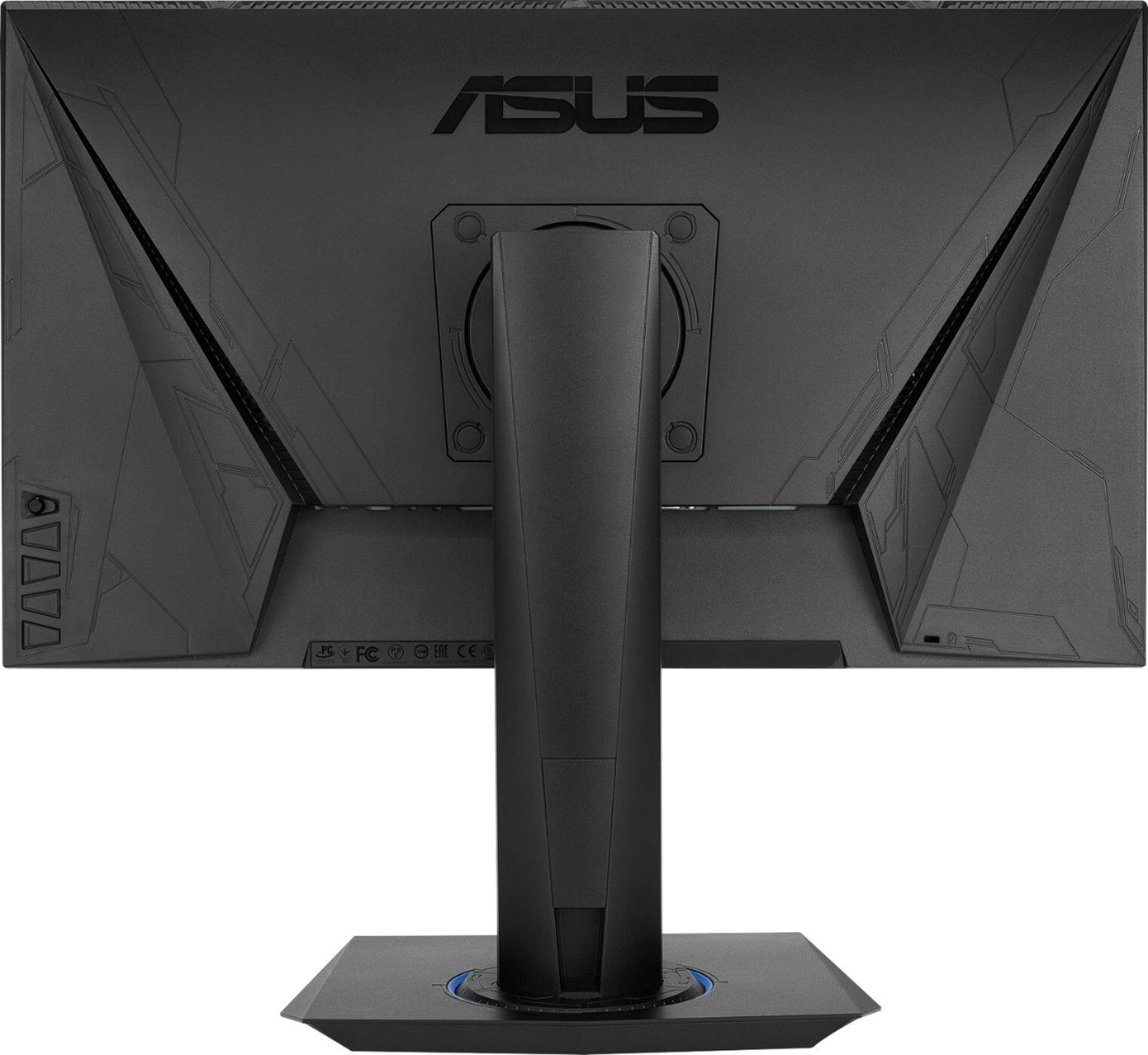
A:AnswerThe second link is not active, however this monitor is compatible with any PC that has an HDMI or D-Sub video output. The first machine would be fine. https://www.asus.com/us/Monitors/VG245H/specifications/