A:AnswerYes, BestBuy will be able to do a hardware upgrade. Regarding hardware upgrade service fee, please contact BestBuy customer service at: 1-888-237-8289 for details.
A:AnswerNot sure what capacity RAM modules you're using. I used a 16GB from Silicon Power and it worked fine.
https://www.amazon.com/dp/B08QZBB53R?ref=ppx_yo2ov_dt_b_fed_asin_title
Not the high priced spread, but it works. I have not read how much RAM this notebook supports. Having a bad slot would be highly unlikely. Problems like that are rare, but not necessarily impossible.
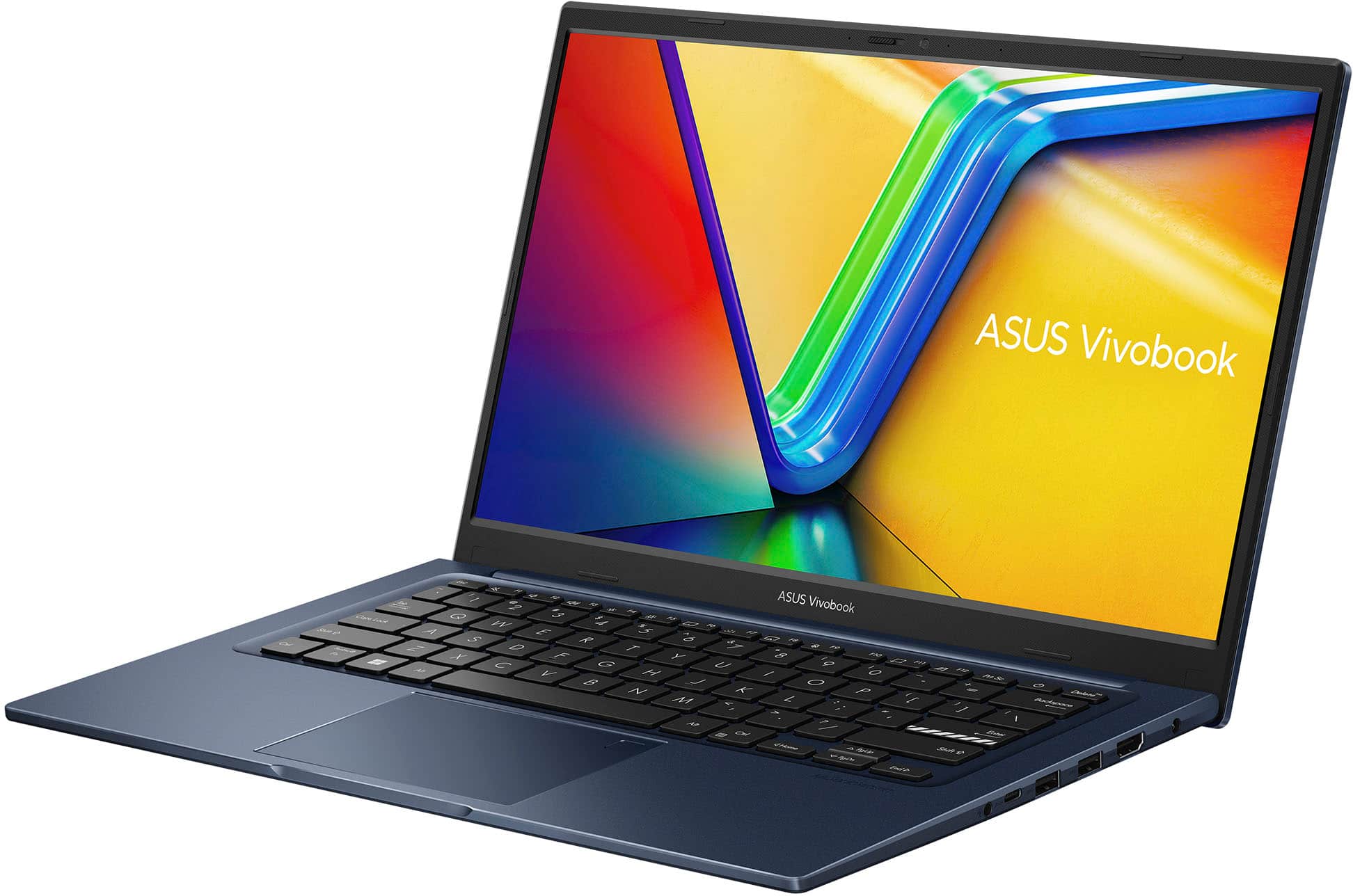
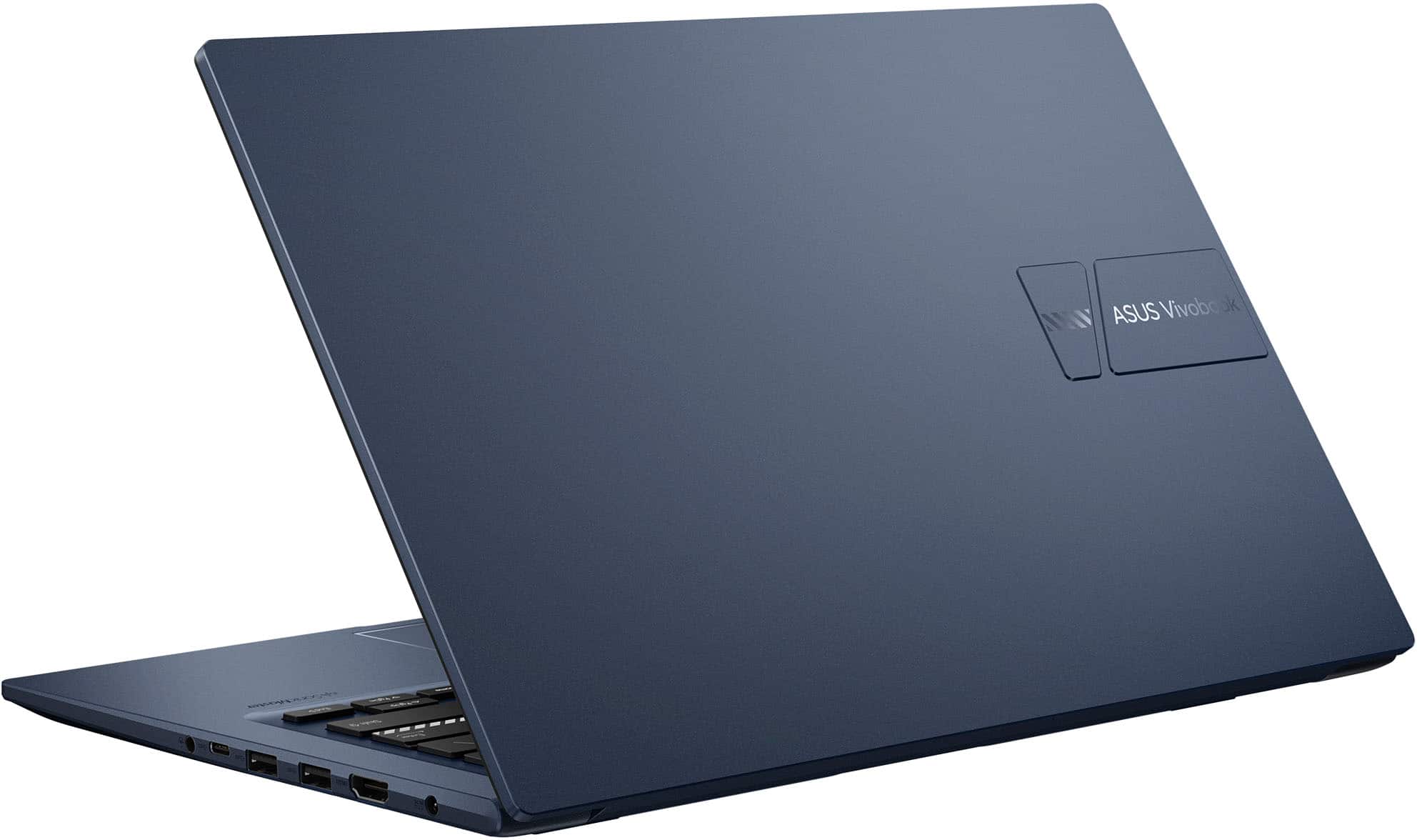
A:AnswerYes, the ASUS Vivobook 14 (X1404) can output to a 2560x1080 monitor via the HDMI port. However, the resolution the HDMI port supports is 1920*1080,60Hz.
A:AnswerI'm like the processor, which I've not seen in a laptop this inexpensive. The Intel i3-1215U is 15 watts, so there is a fan.
Upgrading is discussed in other questions; One empty SODIMM slot allows max of 24 GB.
A:Answeri am pretty sure it is a TN panel. The viewing angle and color has nothing to praise for. ultralight basic, inexpensive laptop that does basic tasks.
A:AnswerThis laptop will AutoCAD slow due to hardware limitation. Inventor, NX Siemens, Python, MatLab, Codesys will run smoothly. We don't provide Linux drivers support.
A:AnswerNot sure about the display docking, but I do know that data is fine. You canNOT charge the computer that way. You have to use the pin charger that comes with it.
A:AnswerYes, the ASUS X1404ZA comes with a universal power adapter that supports an input voltage range of 100-240V. This means it can be used internationally without any issues, as long as you have the appropriate plug adapter for the country you’re visiting.
https://www.asus.com/laptops/for-home/vivobook/asus-vivobook-14-x1404/techspec/