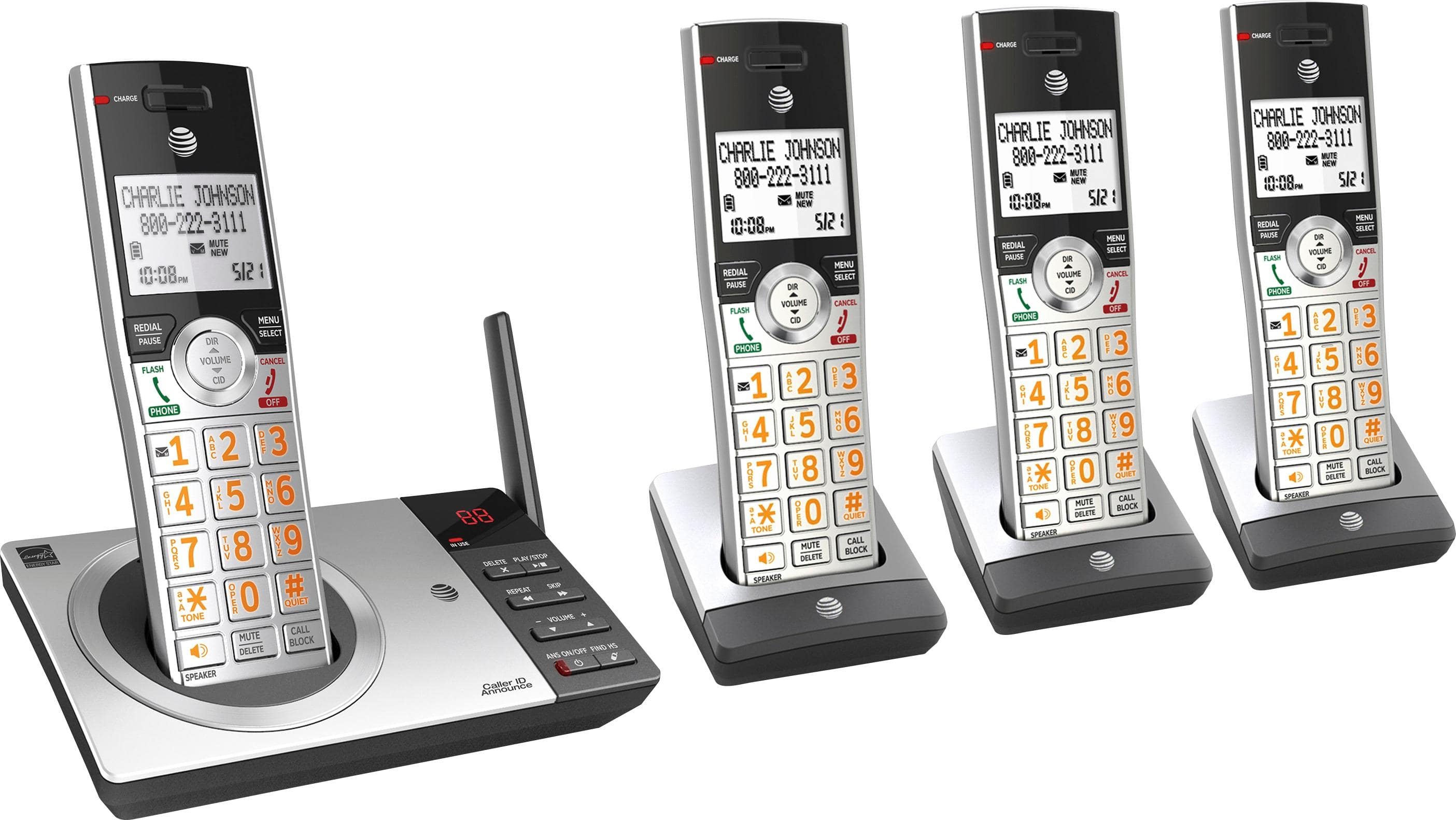
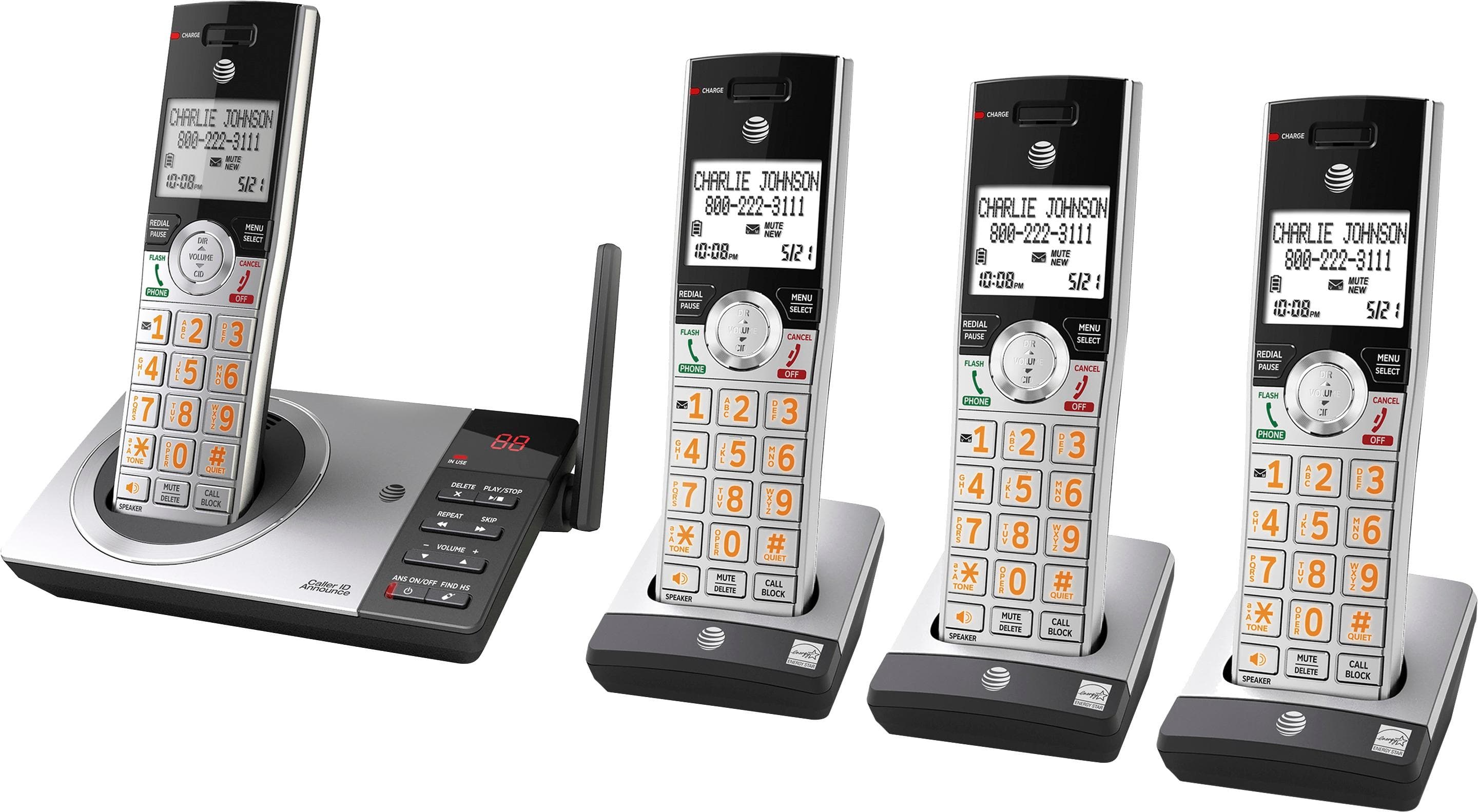
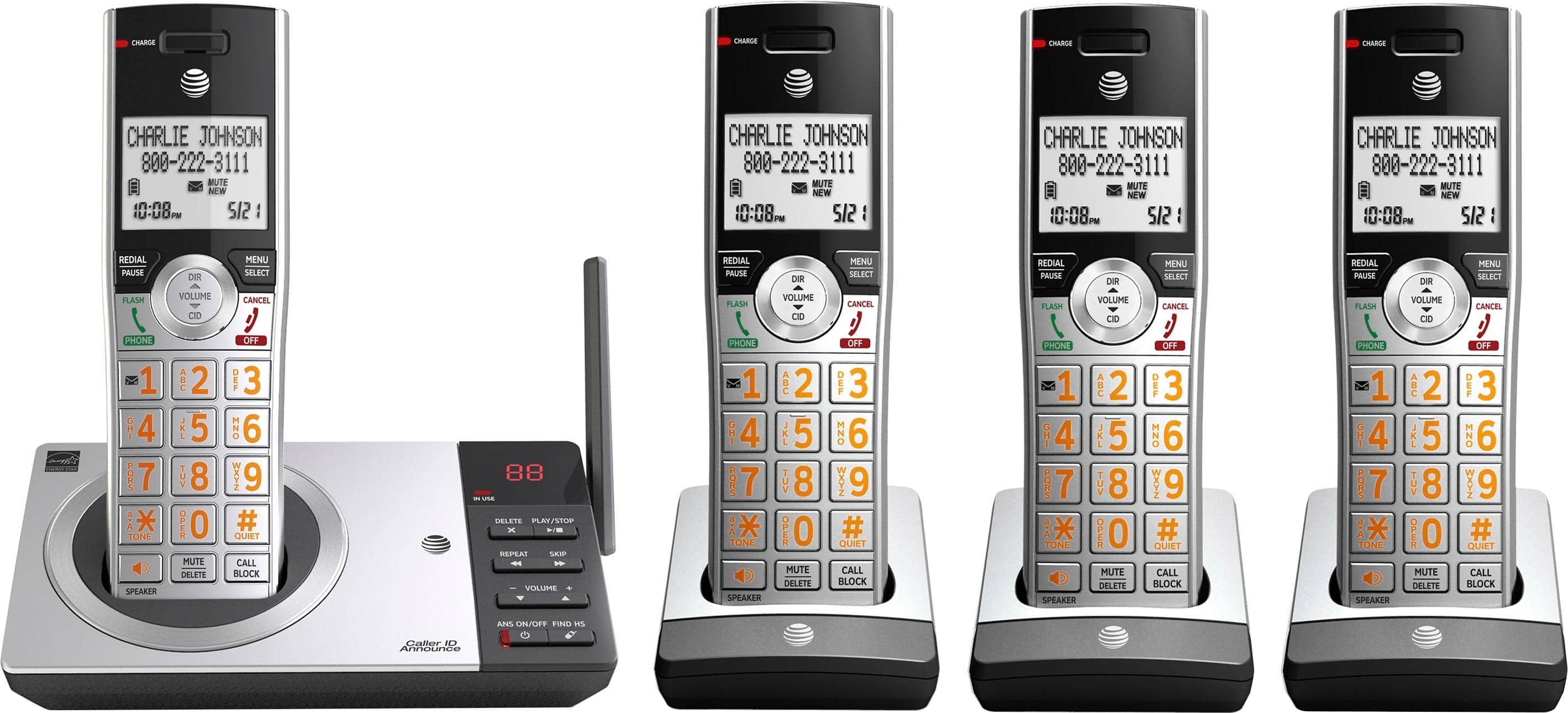
A:Answer1. Press the Call Block on handset.
2. Press arrow up or down to Allow List, then press Select.
3. Press upor down to Add New Entry, then press Select.
4. Enter number, and press Select.
5. Enter name, and press Select.
A:AnswerYou do not have to change your phone number. There is no fee for call block. You can manually enter phone numbers you want to block. You can update the list anytime.