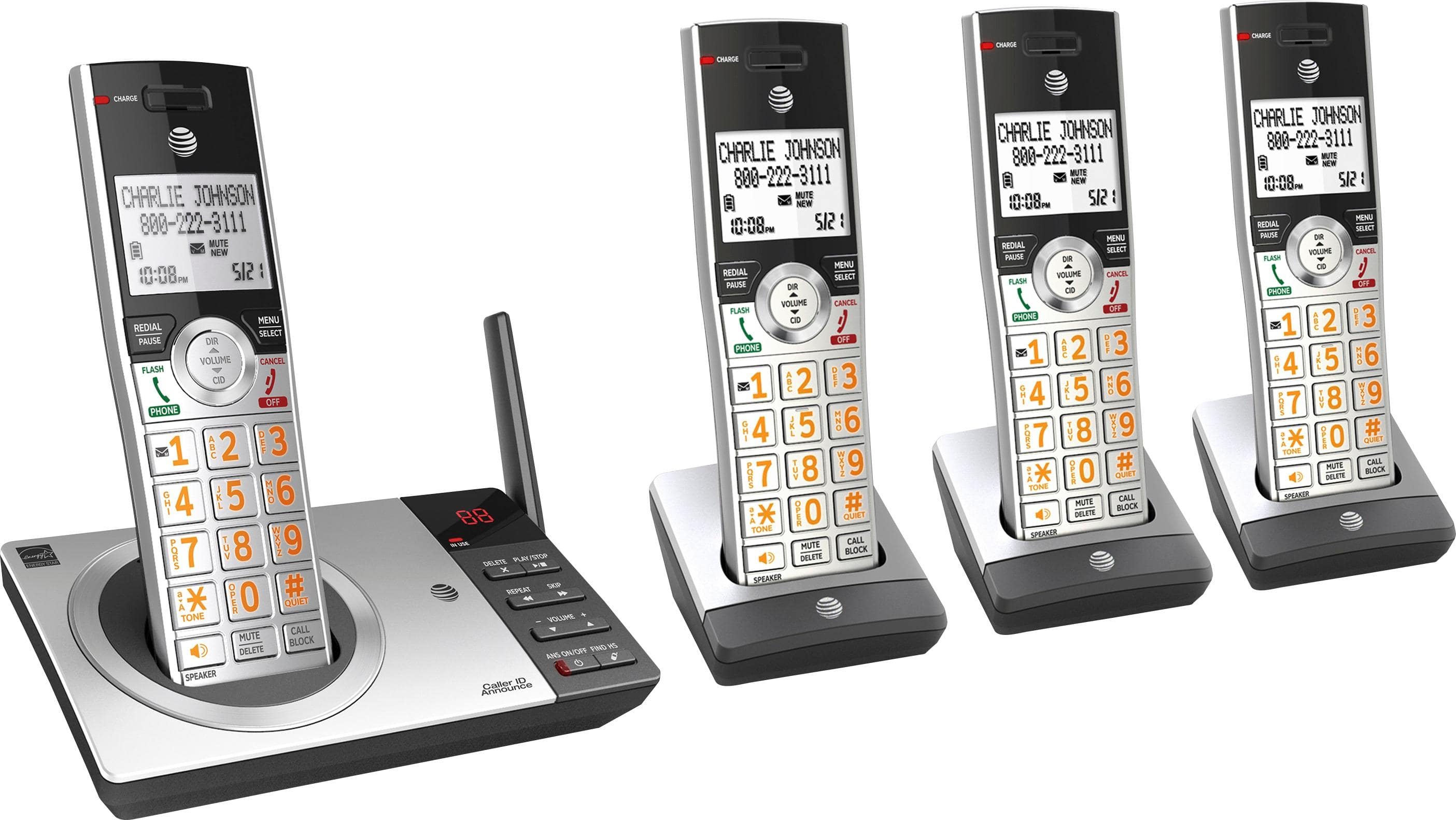
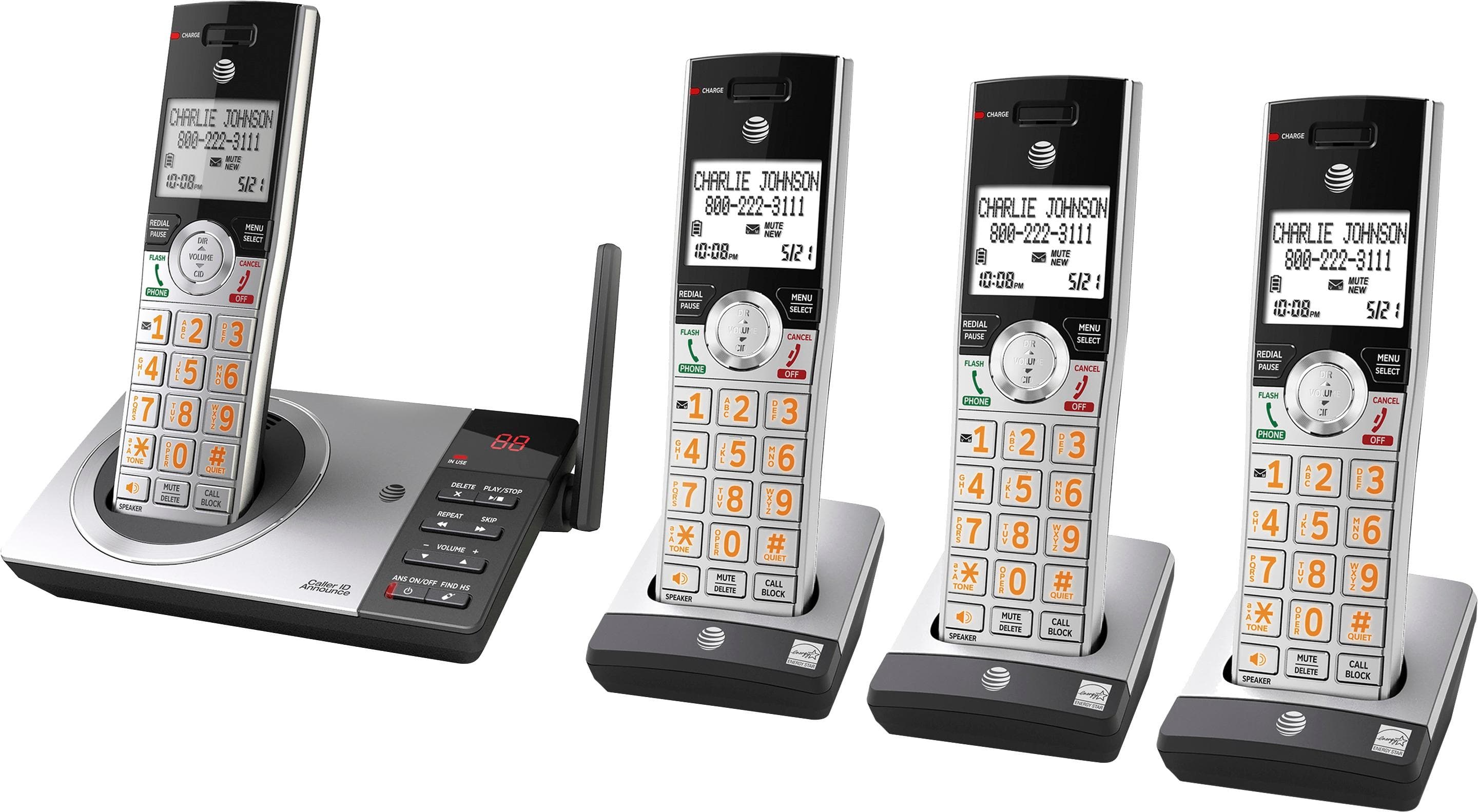
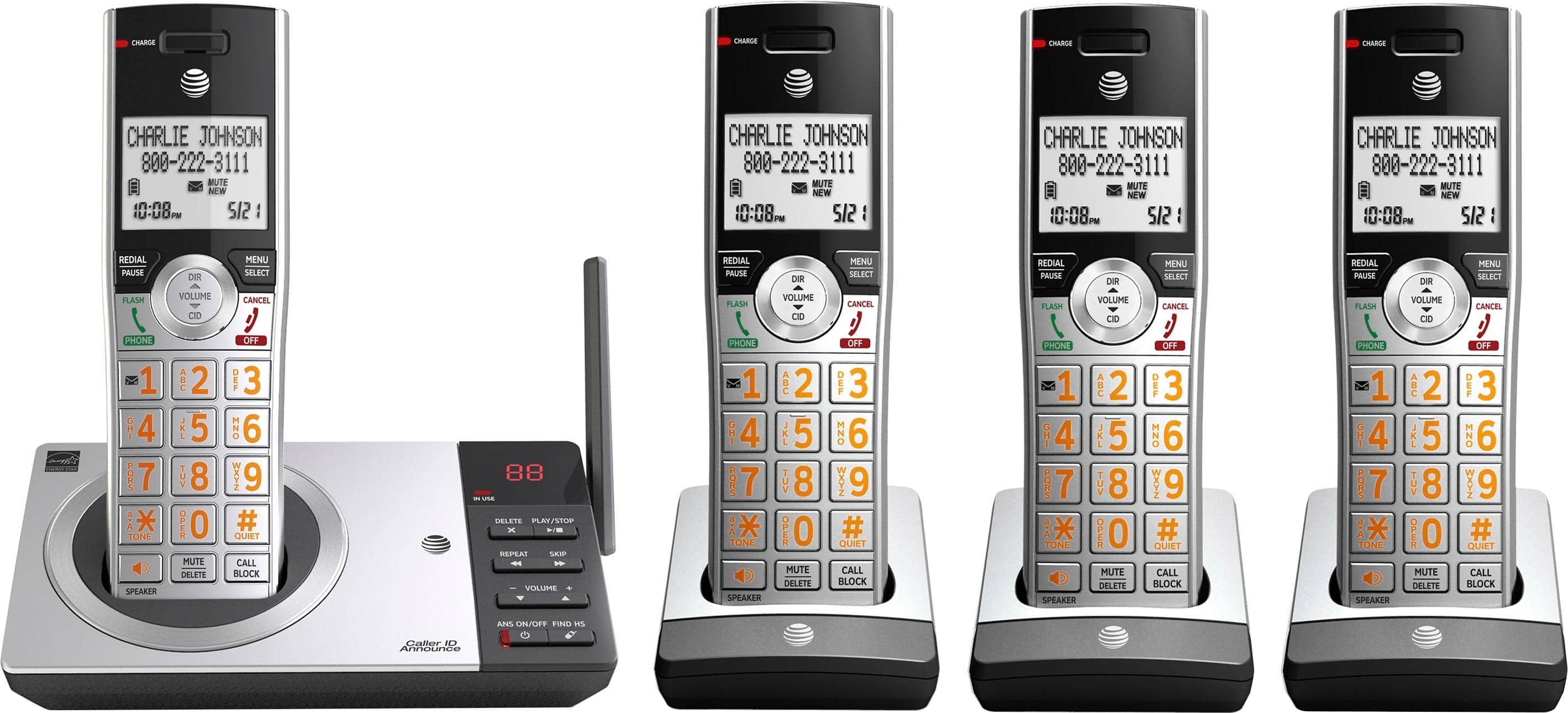
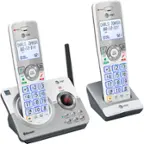
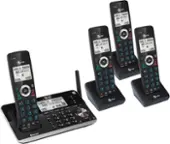
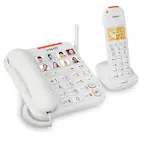
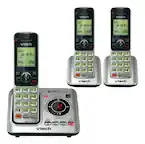
A:Answer Look at the base of your phone. Is there a number displayed? If so, that tells you the number of messages you have received. Using anyone of your handheld’s, push the “Menu” button. Now this same button is your “select” button and the display now says “play messages”. Select this command, the phone will tell you the number of messages and start playing them. Below the 0 ( the number 0 ) is the mute\delete button. Press it to delete your messages as they play or after you have heard each message. Once you have completed this for each message, then use the Red button to exit. I hope this helps.