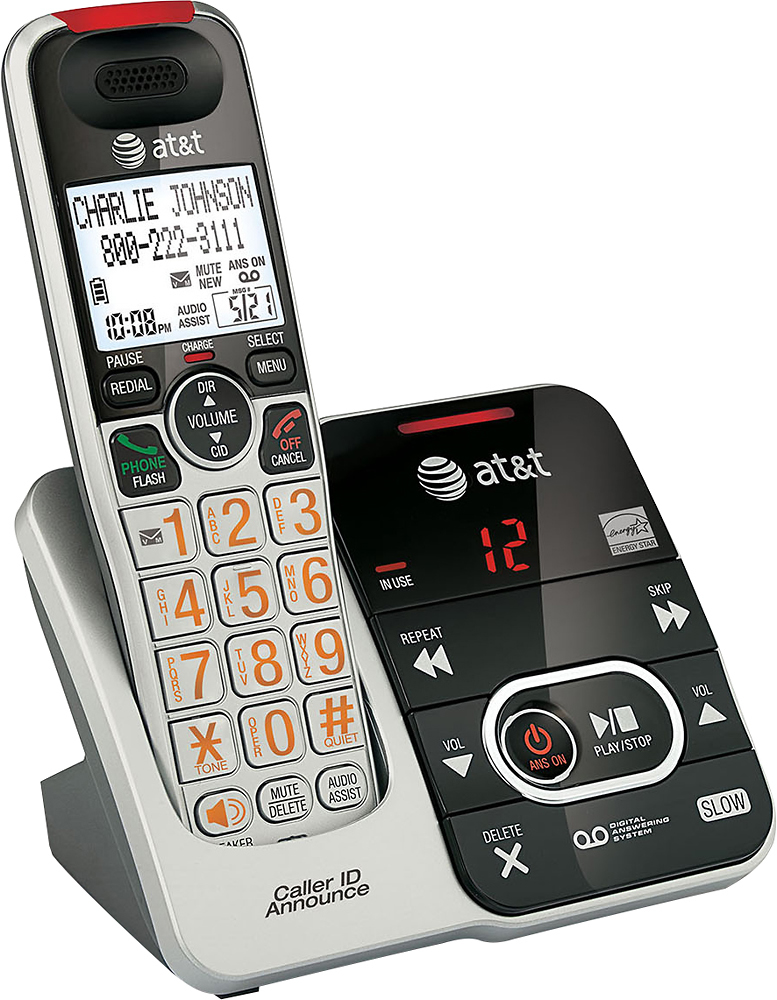
A:Answer Press menu button, then press the down or up arrow to scroll to >Directory, then press menu/select
Use down or up arrow to scroll to >add contact, then press menu/select
use the dialing keys to enter a telephone number when prompted
After entering the phone number, press the menu to enter the name of the contact
When finish entering the contact name, press menu to save the contact