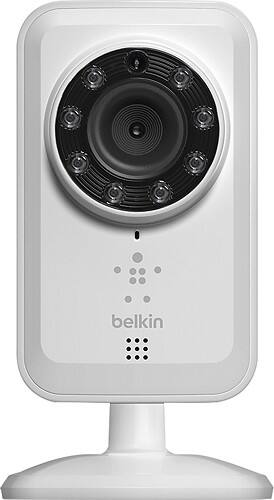
A:AnswerYou will need one smart device with a NetCam app to manage the NetCam. You can then share the NetCam feed to other viewers.
http://www.belkin.com/us/support-article?articleNum=8033
A:Answerthe cool thing is that it is cheep and easy to setup but after you begin using you will be thirsty for a real camera. works on internet period but 10GB might not be enough
A:AnswerThe cameras can record to the cloud based on motion detection but only if you sign up for a monthly subscription service.
Otherwise you have to be watching the camera and either click the camera button to take a picture or click the record button manually to record video.
A:AnswerSee if a neighbor of hers has wifi and ask if youcan use it (perhaps offer to chip in on the monthly bill). This wouldn't take much bandwidth and they may be happy to help. Only works if she's in a fairly dense neighborhood of course.
A:AnswerCreate an Account inside the iOS / Android app. If this is your first time setting up your camera, you will need to create an account. Next create the camera name and its description. Click “Continue.” It will take a few seconds to register the camera with the server.
A:AnswerNo there is no charge and currently the way I understand how it works, you can only record from your cell phone, I have seen no other way to record to a DVR or other recording device.