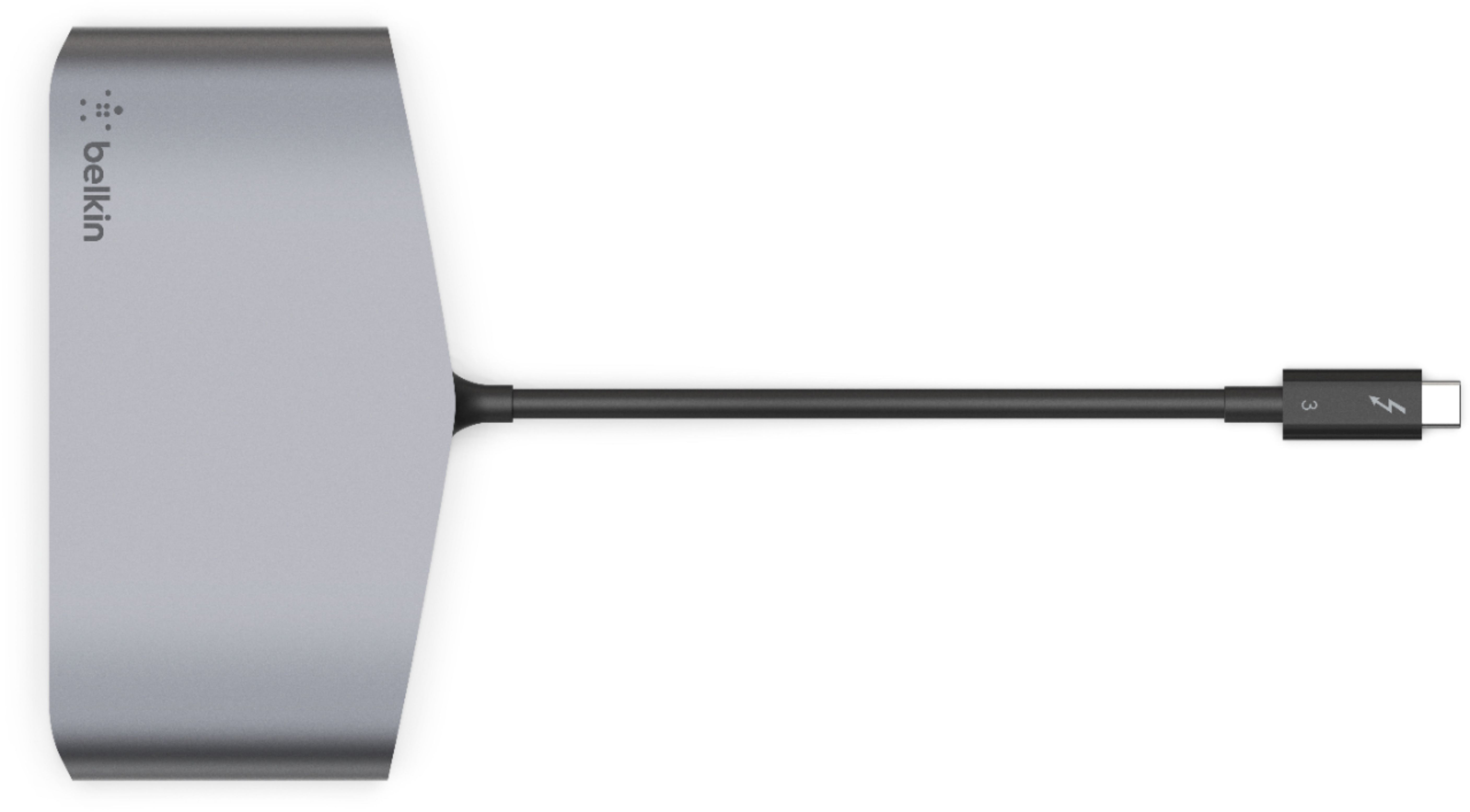
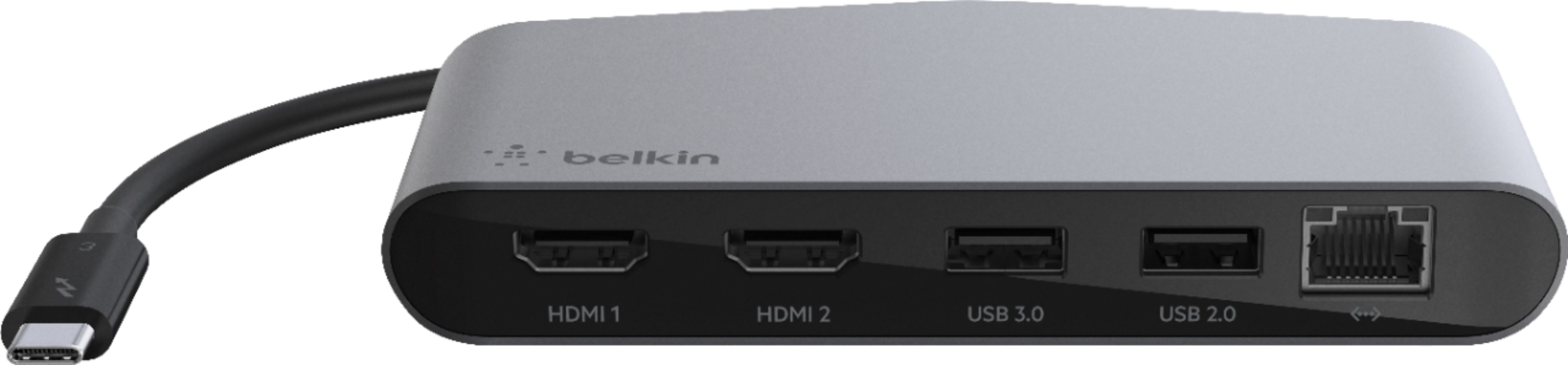
A:AnswerHello, Karri. The Belkin Thunderbolt 3 Dock Mini HD, F4U098 is a docking solution that connects to your computer (USB-C and Thunderbolt-enabled) via a single tethered cable. It has dual HDMI® 4K ports at 60 Hz that allows you to connect two 4K monitors to your laptop, to experience fast, high definition visuals across multiple screens. For more details about the system requirements, click here; https://www.belkin.com/us/support-article?articleNum=316322.
A:AnswerHi. We are still doing testing on our products with the new Mac OS operating system. We will update the product pages with the results once finished.
A:AnswerAs a follow up, my IT department was able to install/update the Thunderbolt driver and all is good now. I'm able to utilize a Logitech unifying receiver as well as a web cam both connected to the dock now.
A:AnswerHi. The Belkin F4U098 is powered from the Thunderbolt 3 port on your computer, so it needs a laptop that has USC-C port or has are equipped with Thunderbolt 3 technology. Here's a link for more information (https://www.belkin.com/us/support-article?articleNum=316322).
A:AnswerHi, ThunderboltHDMIuser. Let us better assist you by sending an email at [email protected] with your contact details and the link to this post for our reference.
A:AnswerHello, Martha. The Belkin F4U098 should be connected directly to the USB-C port on your computer. However, we would like to know your current setup so we can have it checked with our Product Expert by sharing it through email at [email protected] with your contact info and the link of this post, for our reference.
A:AnswerHi there. For us to better assist with these inquiries, please get in touch at [email protected] with your contact details and link to this post for our reference.
A:AnswerHi, Maximus. The Belkin Thunderbolt 3 Dock Mini (F4U098bt) has two USB-A (1 x 3.0 & 1 x 2.0) port where you can connect two USB peripherals and, you can connect two 4K HDMI monitors to its HDMI ports.
A:AnswerHi, Jpc265. First, make sure that the HP notebook has a thunderbolt 3 port as the dock is only compatible with computers supporting thunderbolt 3. Second, the displays should be using HDMI as using an adapter may or may not work with the dock.
A:AnswerI have had a lot of trouble with thunderbolt docking station in general. Make sure that the docking station firmware is current. Most of the issues I ran into were cleared up once I downloaded and updated the firmware on the docking station. Check the model of the docking station and download the 'google' thunderbolt 3 docking 'mode' firmware.
For example here is firmware for ThinkPad Thunderbolt 3 Dock (40AC)
https://pcsupport.lenovo.com/us/en/downloads/DS506115
A:AnswerHi there. You can utilize an adapter to manage the connection between devices. You can refer online or go to your local electronic stores to look for the compatible adapter.