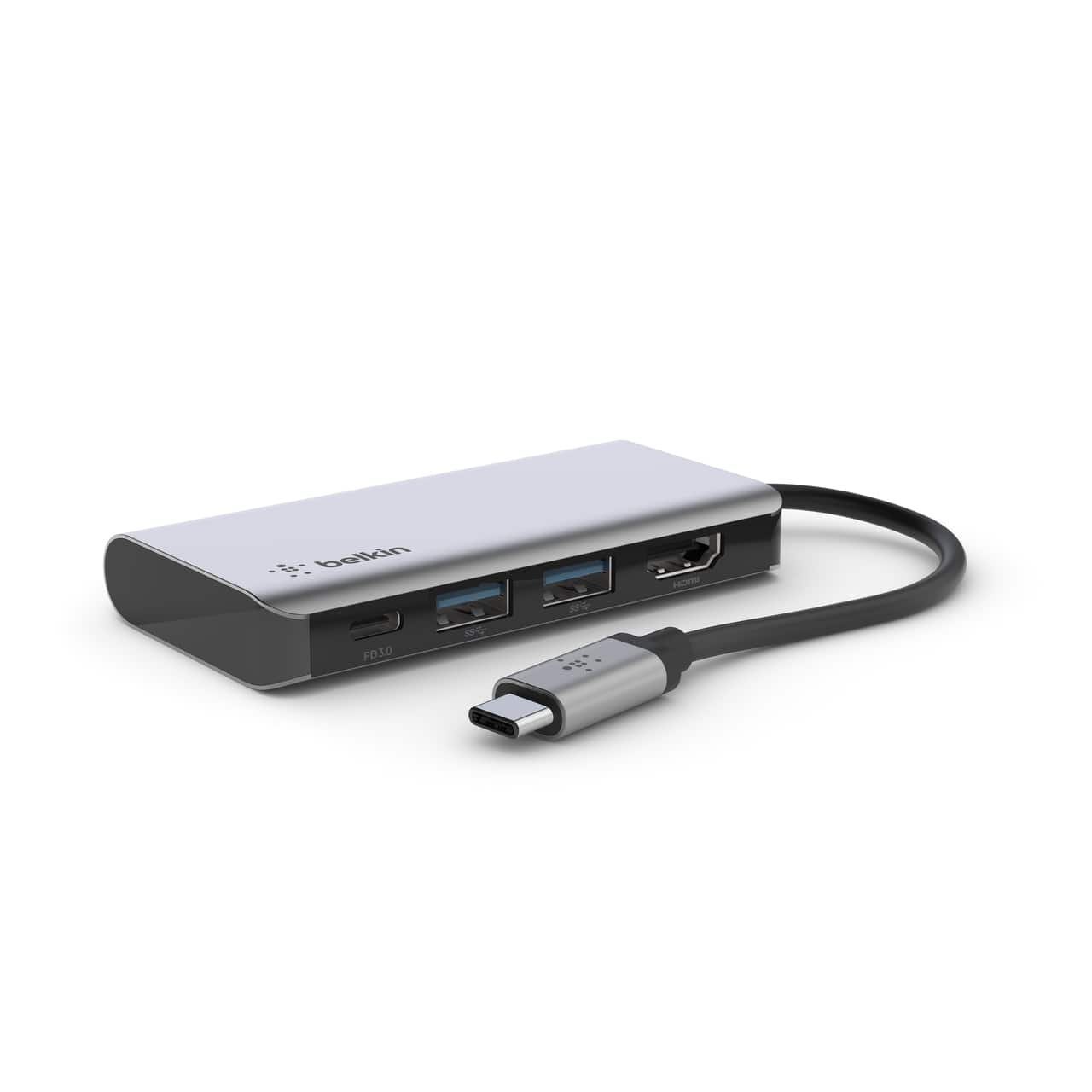
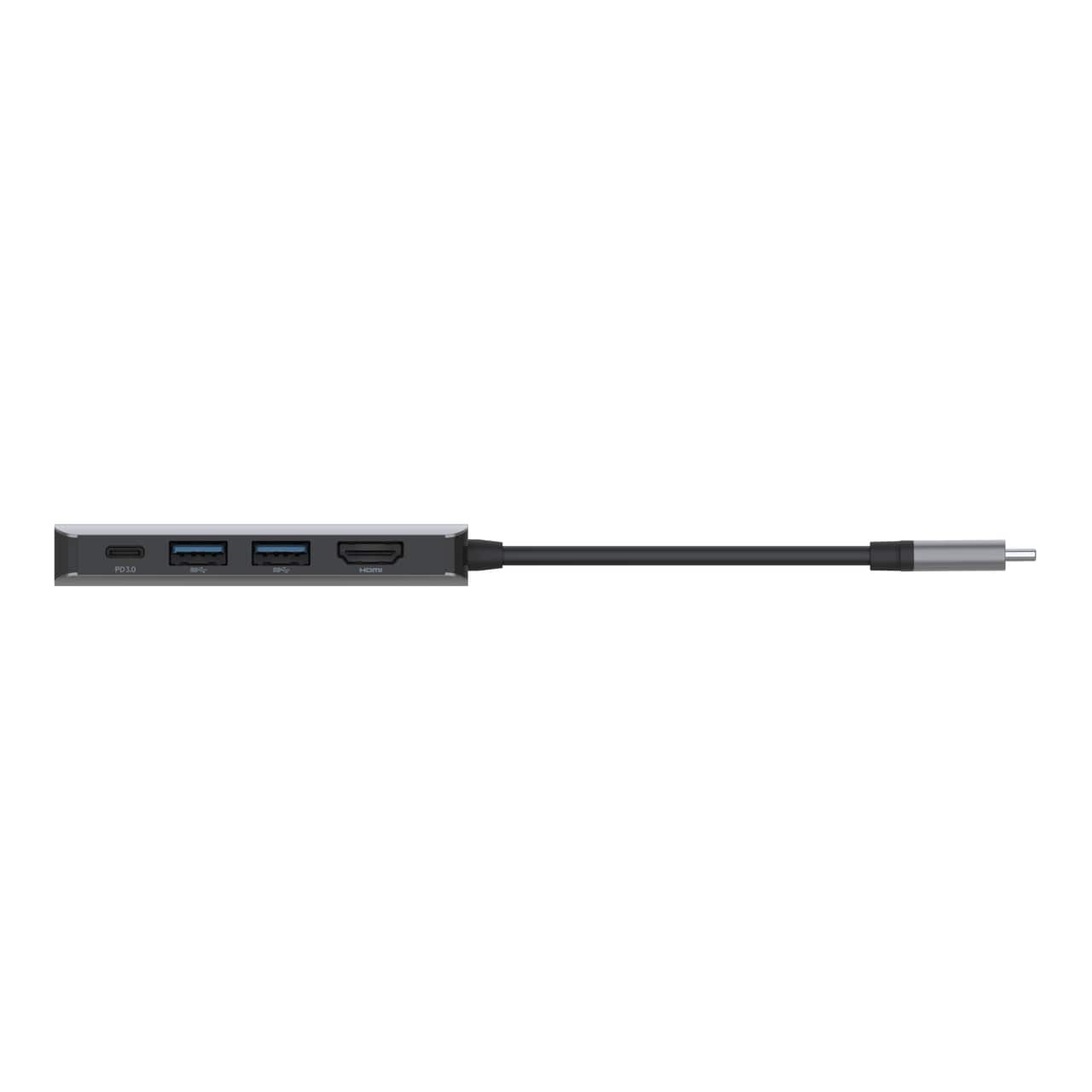
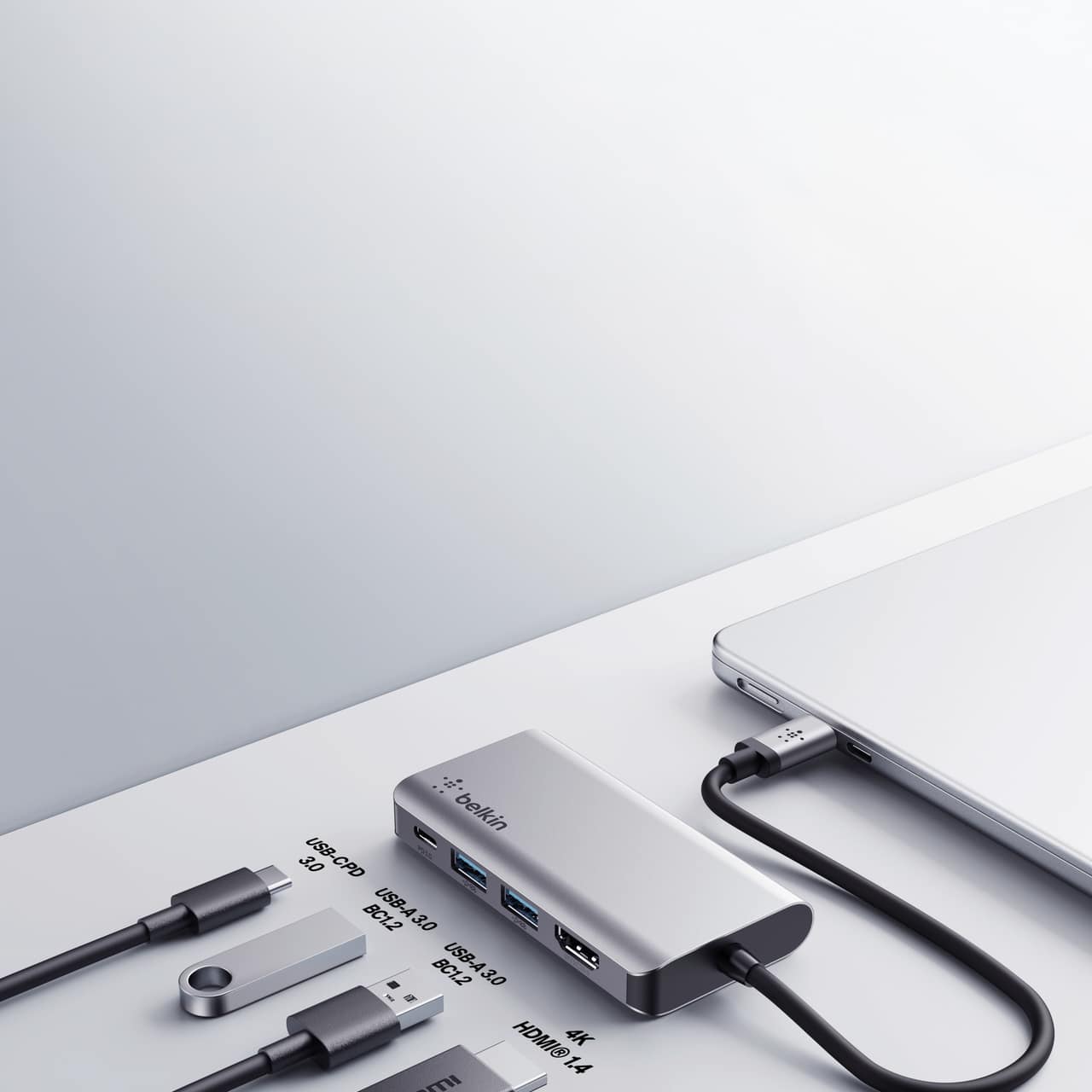
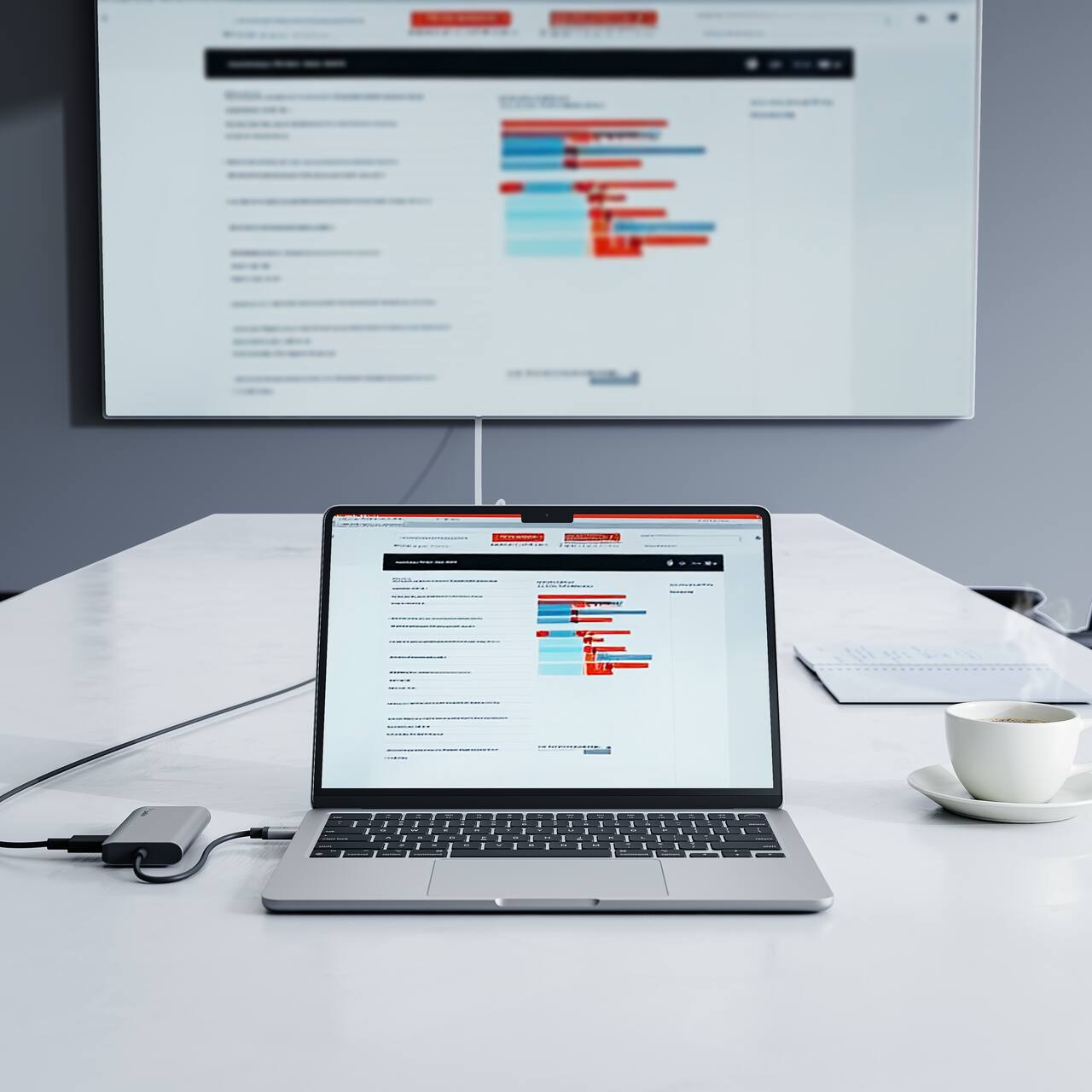
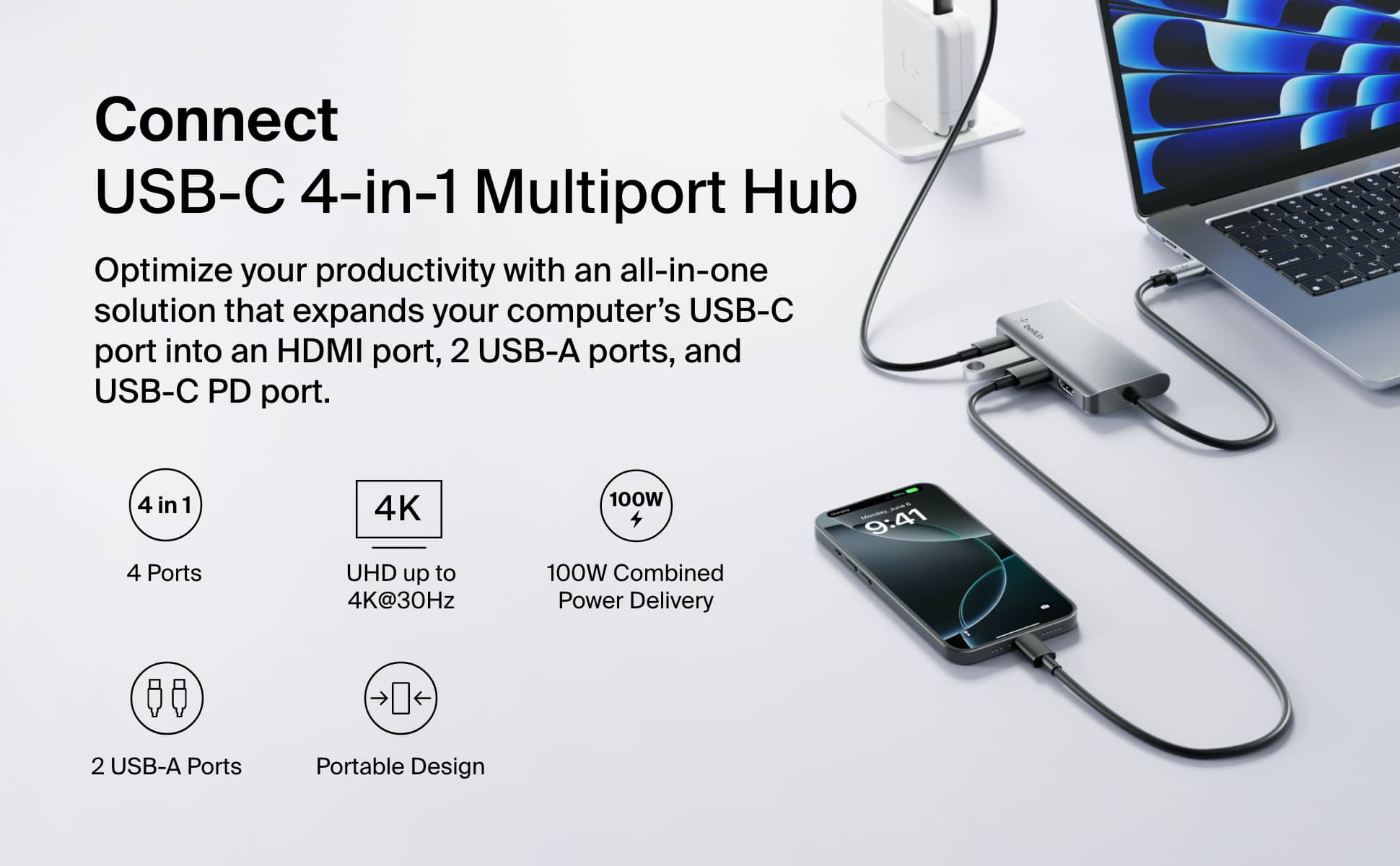
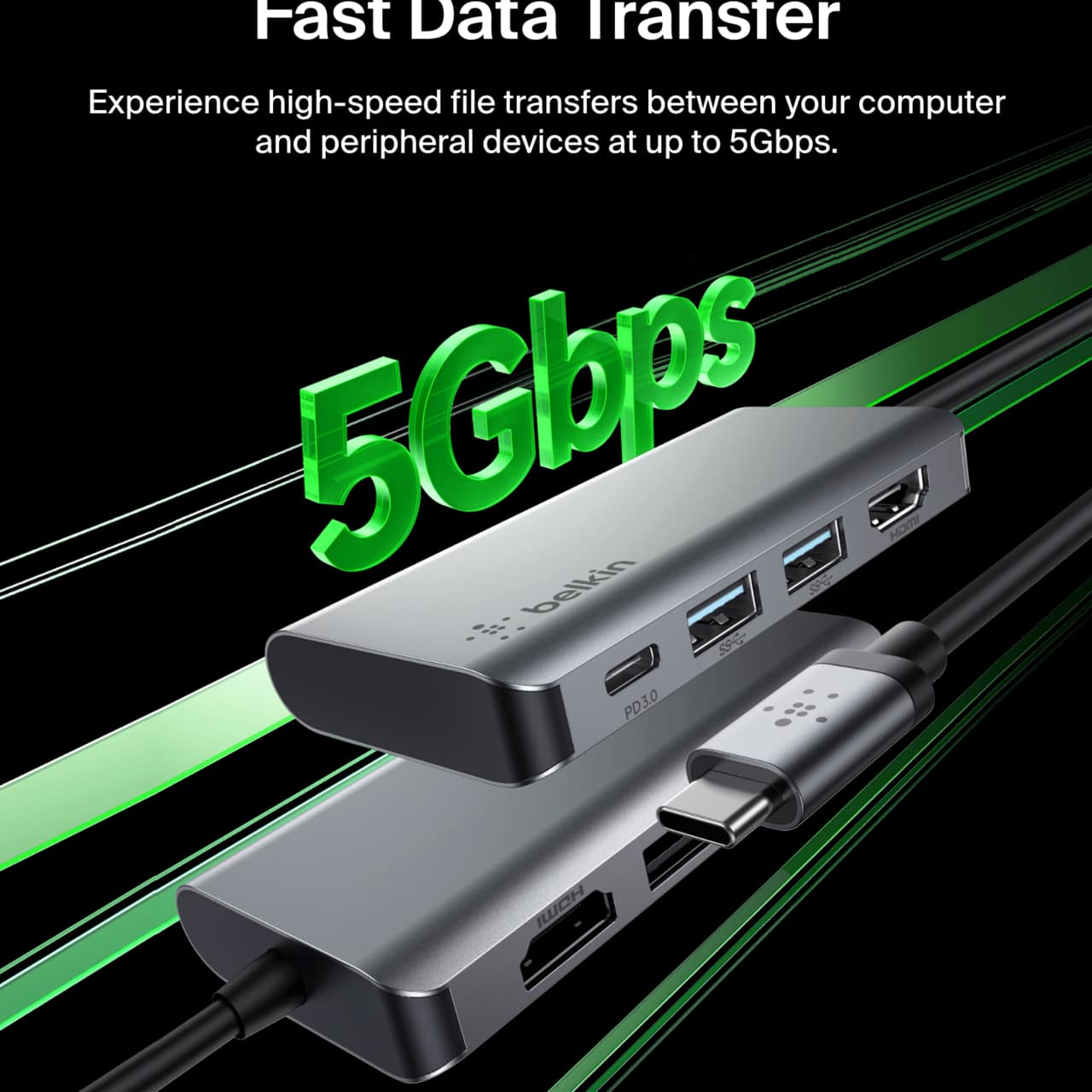
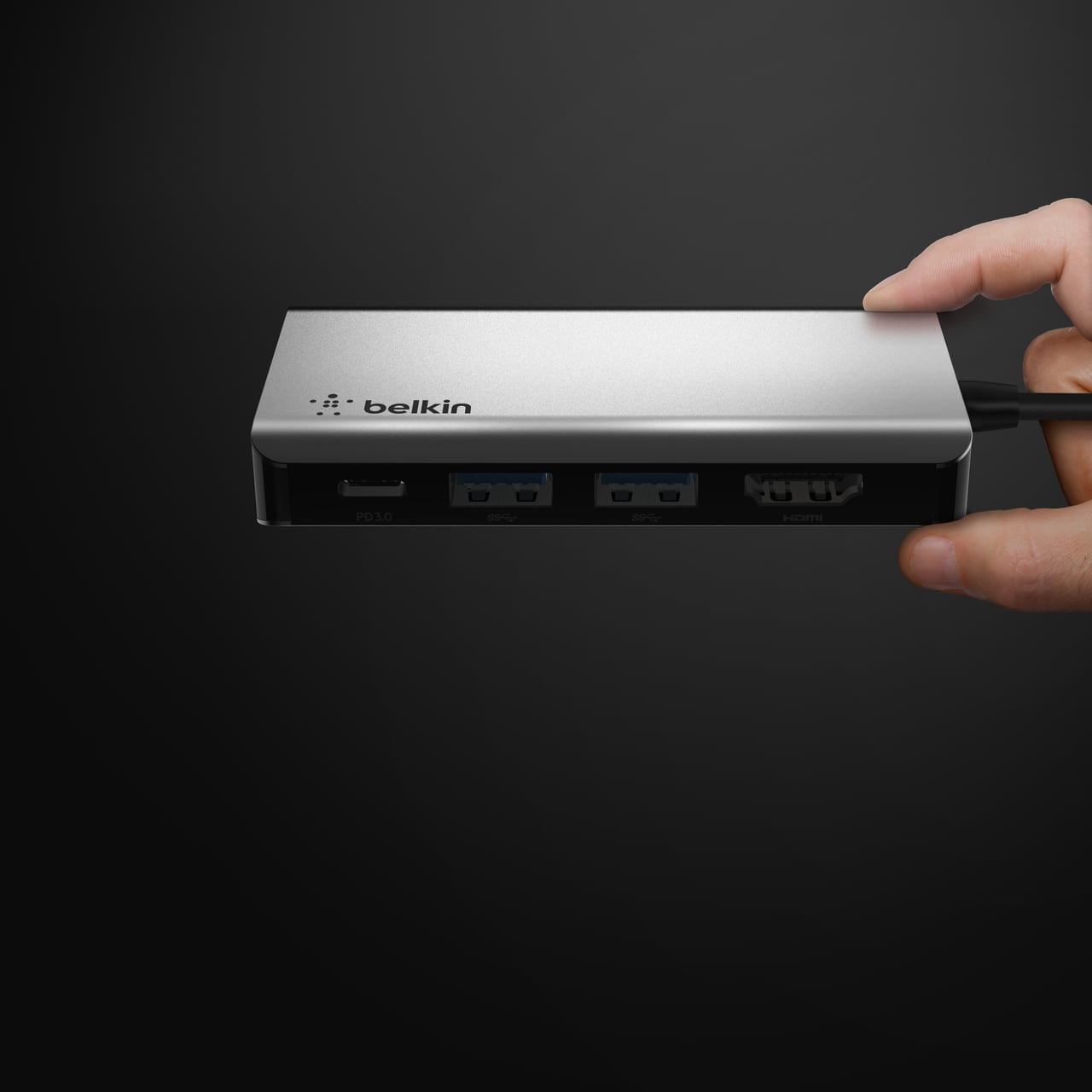
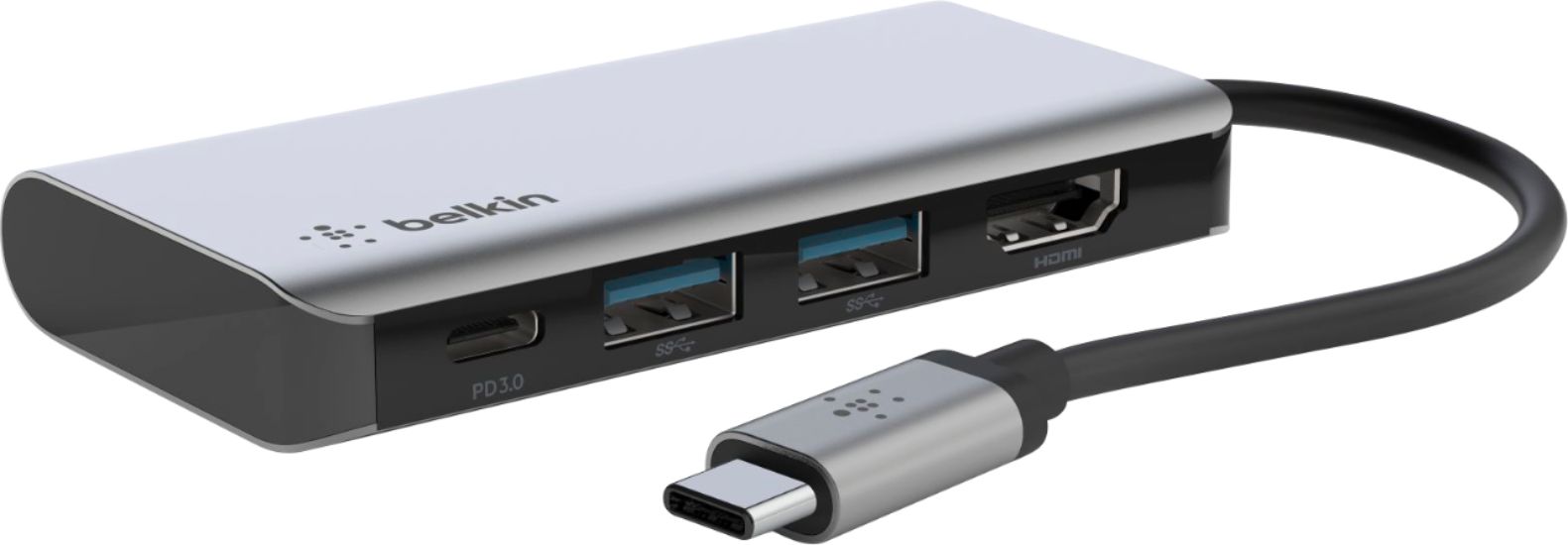
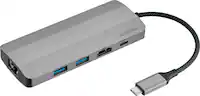
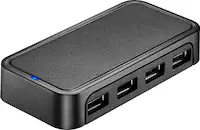
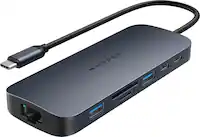
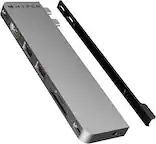
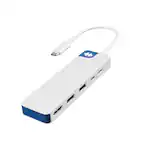
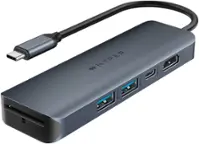
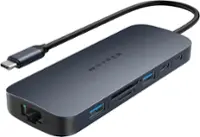
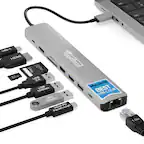
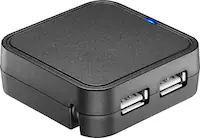
A:AnswerHi Frank. You can only connect one external monitor with the Belkin USB‑C Hub 4‑in‑1 Dock, since it provides a single HDMI port supporting up to 4K resolution. It does not support dual‑monitor output.
A:AnswerHi Hack! The Belkin AVC019 hub works with newer generation iPads that feature a USB-C port, provided the connected iPad supports a USB-C data connection.
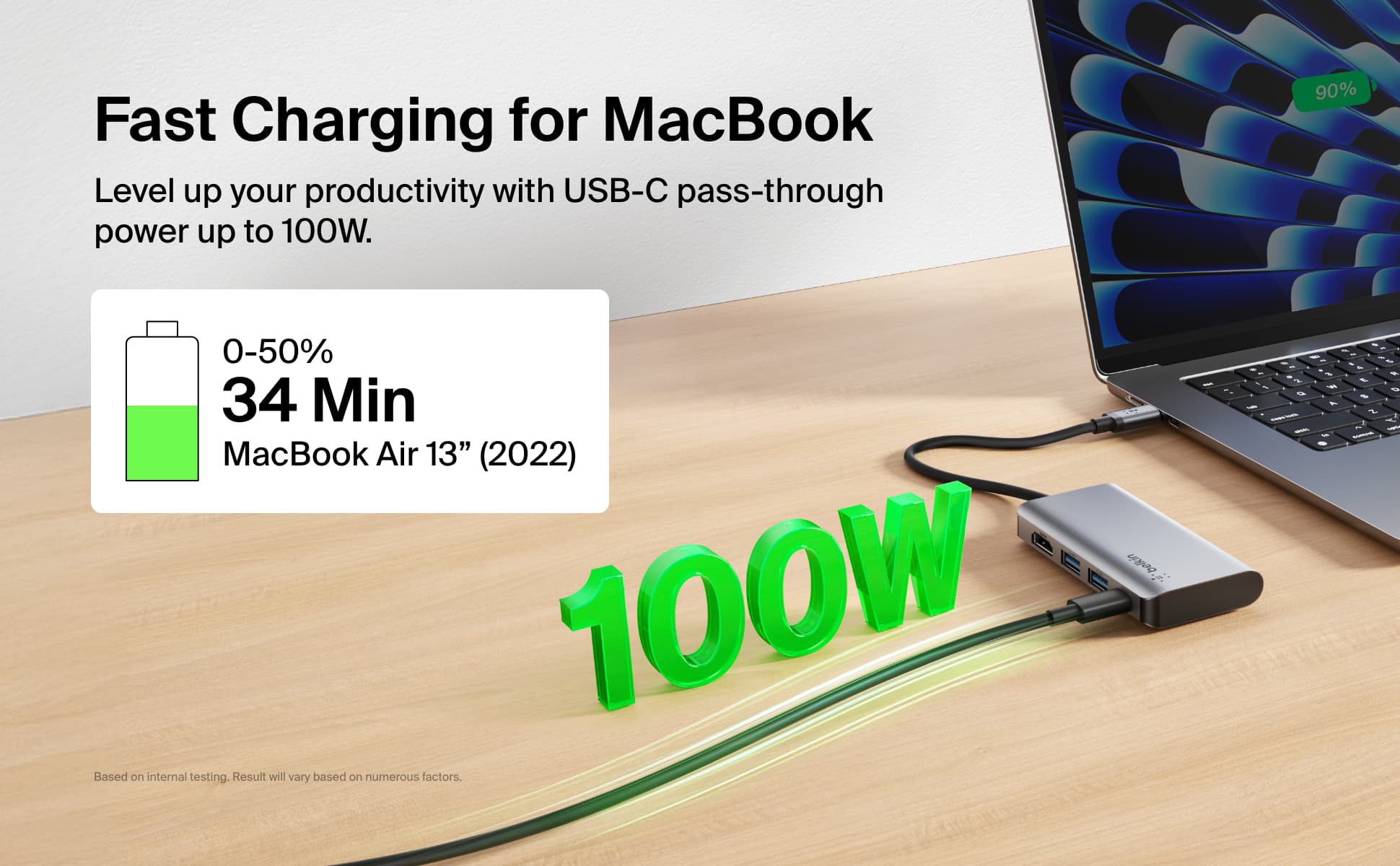
A:Answeryou need to buy a separate power supply/charger. This does not include a charger, but it does have power delivery pass through, so if you connect a charger, it will flow through to the laptop.
A:AnswerHi Mark, this device has not been tested for compatibility with the iPad (10th generation). However, it is compatible with USB-C enabled devices, including certain laptops, tablets, and smartphones.
A:AnswerI do not believe so. I haven't been able to find any bluetooth functionality. But then again, what do you need bluetooth for on a docking station?
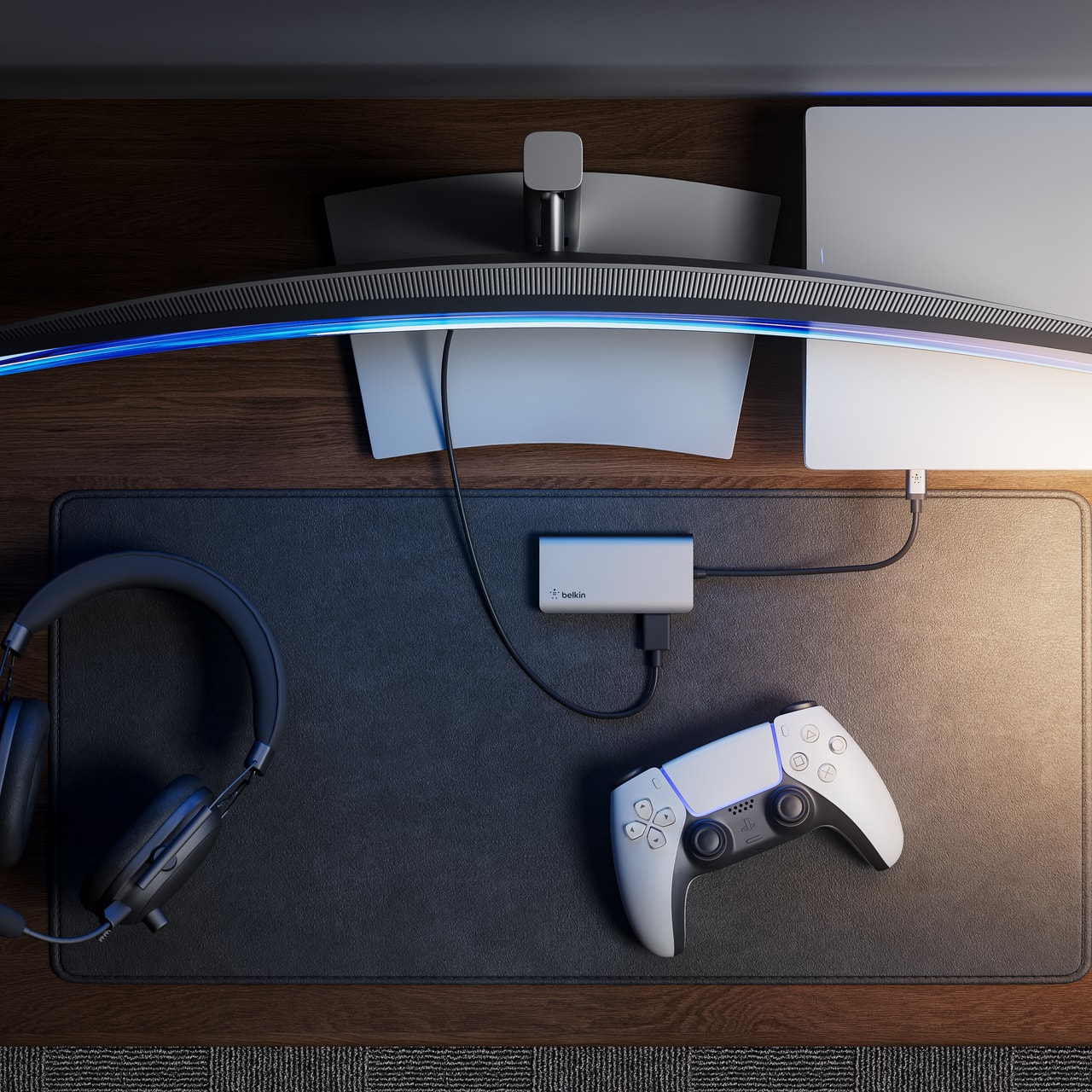
A:AnswerYes I use it with mine all the time. You do have to have the steam deck in the sleep mode or off first before you plug in the adapter. Then you wake up the steam deck and it dis
A:AnswerHi Gametrix. The HDMI port of the Belkin AVC006 supports up to 4K resolution at 30 Hz. For more info, you can check the FAQs: https://www.belkin.com/support-article/?articleNum=318250#F3
A:AnswerHey there! The Belkin AVC006 has not been tested to work with the Asus Zenbook but the hub is designed for Windows and Mac laptops with a USB-C connection. For charging, the computer must support charging over USB-C or by connecting an external power supply. Once this set up will be met, ports should work by then. Should you need further assistance regarding your Belkin AVC006, please don't hesitate to reach us.
- BelkinCares@belkin.com
- https://www.belkin.com/support-center/
Regards,
Maryann
Belkin Support