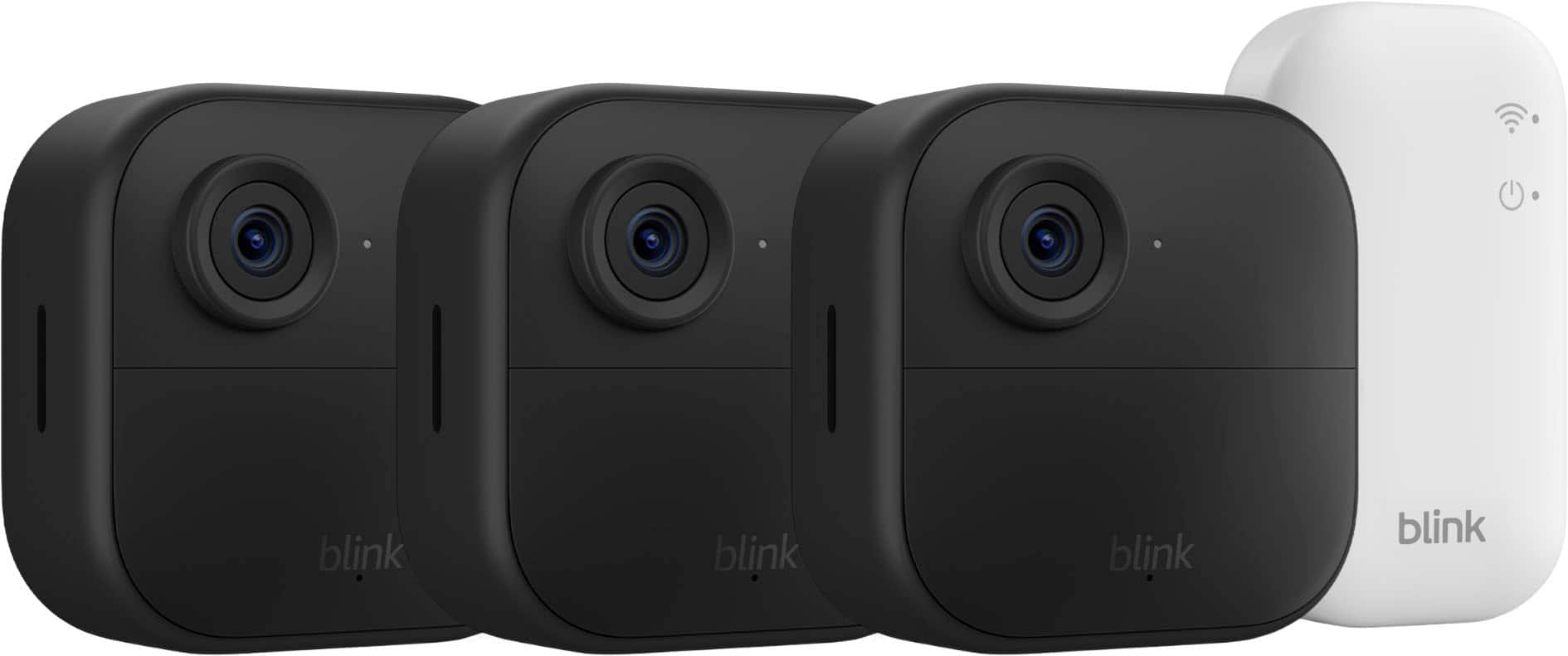
A:AnswerHello RonK62, thank you for your question. A Blink Sync Module 2 can support up to 10 Blink cameras. This includes Blink Outdoor 4, Video Doorbell, Wired Floodlight, and Mini cameras. You can run these cameras on your current Sync Module 2. I hope that helps, have a great day!
A:AnswerHello, thank you for your question. The Sync Module Core from Blink can communicate with cameras within a range of up to 100 feet (30 meters). The Sync Module XR extends this range with extended range options for Outdoor 4 cameras, reaching up to 250 feet (XR mode) and 400 feet (XR+ mode). I hope this helps, have a great day!
A:AnswerHello, Joe! The answer above is correct. A single Blink Sync Module (such as the Sync Module 2 or the Sync Module XR) can connect to and manage a maximum of 10 Blink devices at once. You can mix and match, but you cannot exceed 10 cameras on that individual Sync Module system.
Also, If you need more than 10 cameras, you can add another Sync Module to create a separate "system" within the app. A single Blink app account can comfortably manage multiple Sync Modules. I hope this helps
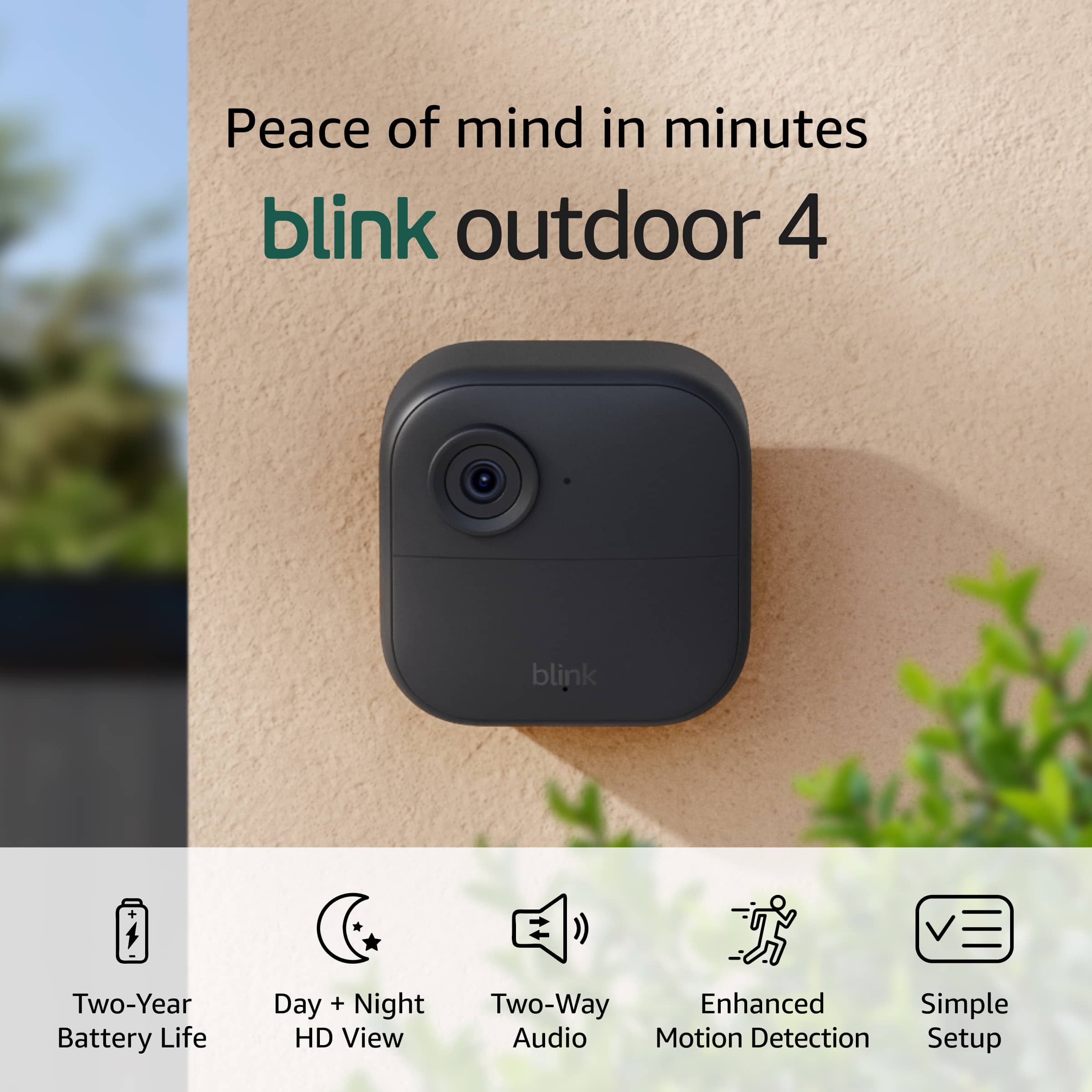
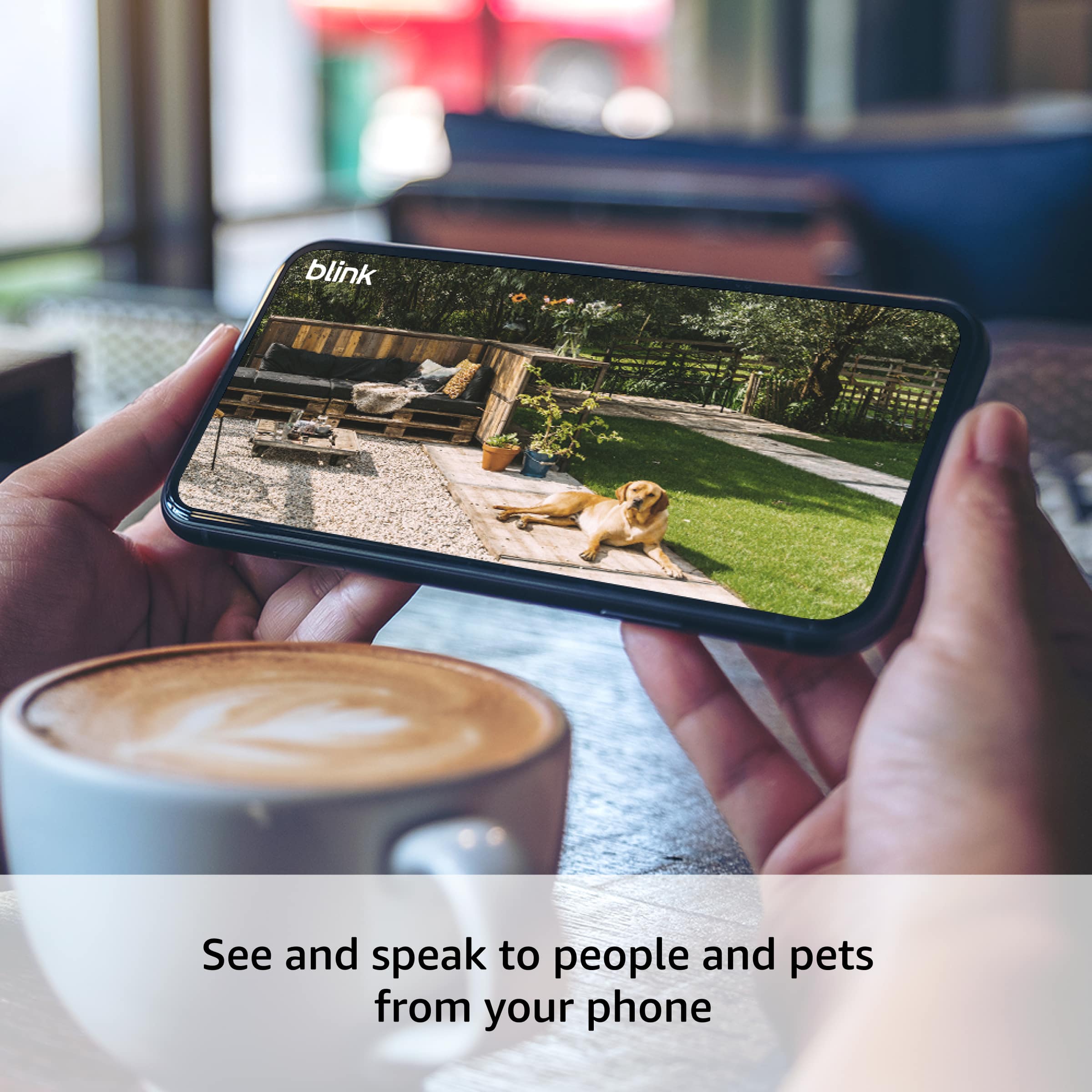
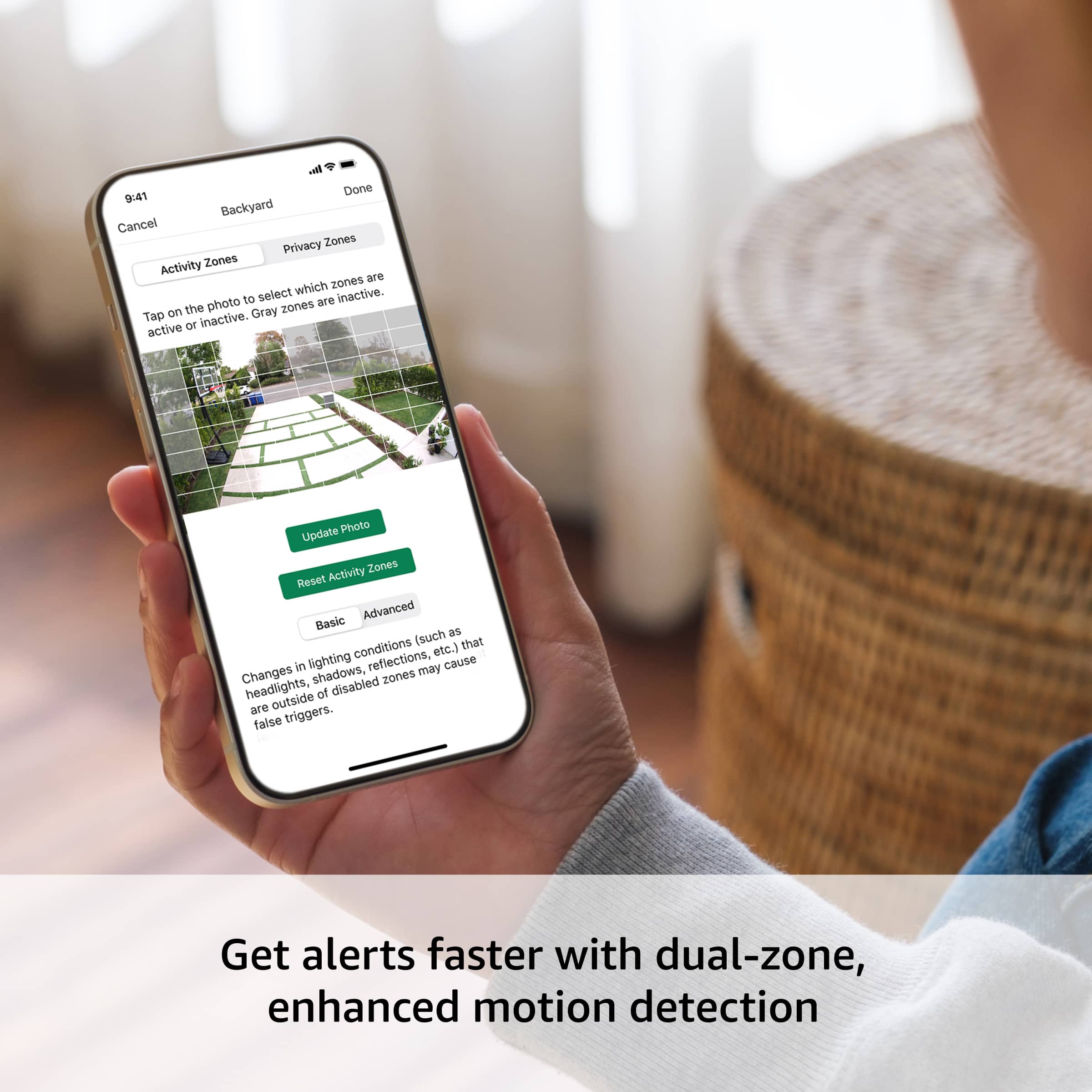
A:AnswerHello and thank you for your question! Yes, the Blink Outdoor 4 is fully compatible with Apple iPhones. You'll manage and view your cameras through Blink app, available on the App Store. The minimum requirement is iOS 17 or later. Once set up, you can use the app for 1080p HD live view, two-way audio, motion alerts, and clip storage. Hope that helps! Have a great day!
A:AnswerHi playmaker,
Great question! Here are the viewing and detection distances for the Blink Outdoor 4:
Field of view: 143° diagonal — this is a wide-angle lens that covers a large area, perfect for monitoring driveways, yards, and entryways.
Motion detection range: Up to approximately 20 feet (6 meters) — this is how far away the camera's PIR sensor can detect movement.
Video viewing distance: The camera records in 1080p HD, so while motion triggers at around 20 feet, you can visually identify objects and people beyond that range in the video depending on lighting conditions.
Camera-to-Sync Module range: Up to 100 feet with the included Sync Module Core. If you need more distance between your cameras and the module, the Sync Module XR (sold separately) extends that to 250 feet, or up to 400 feet in XR+ mode.
For best motion detection results, we recommend mounting the camera 4–5 feet off the ground with the sensor pointed where you expect activity to occur.
We hope this helps! If you have any other questions, feel free to reach out to us at 1-888-280-4331 or through the Blink app.
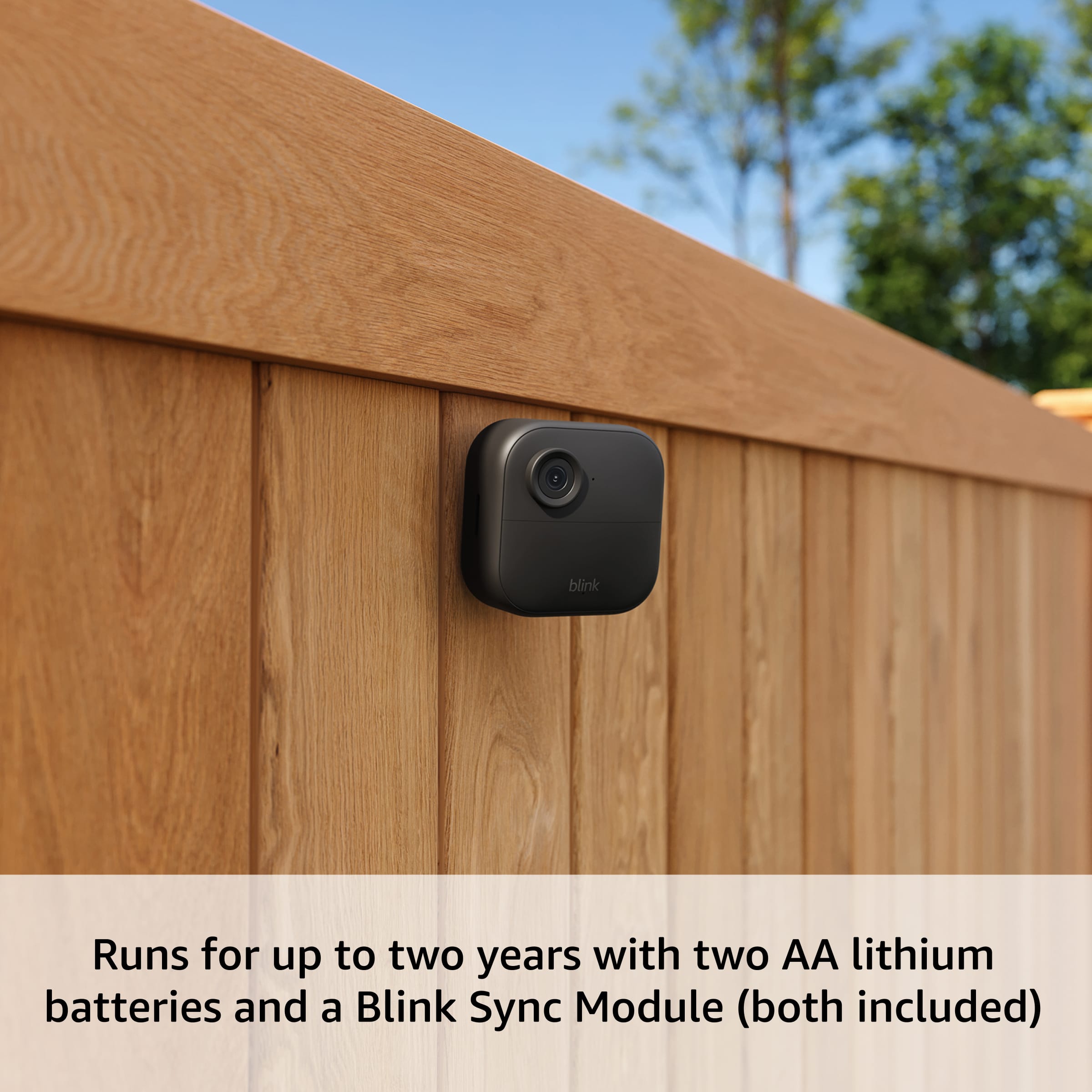
A:AnswerHello, Sporty53! The Blink Outdoor 4 cameras have a range up to about 100ft (30m) from the sync module. It is more practical to say somewhere between 40 - 60 ft will provide a stronger signal from the sync module.They use a low-frequency radio signal to talk to the Sync Module (to wake up, check temperature, etc.), but they pass all video and live-view data over your home's 2.4 GHz Wi-Fi network. If a camera is 80 feet from the Sync Module but too far from your Wi-Fi router, it will fail to load. I hope this helps!
A:AnswerHello! Yes, you can add multiple properties into a single account within the Blink app. Each location can be armed, disarmed, and managed separately from the same account within the Blink app. I hope this answers your question and I hope you have a great day!
A:AnswerHello! You can't be logged into multiple accounts at once so you would have to log in and out each time to see different accounts. You may not need two separate accounts depending on your situation however. If you want to monitor two different properties (e.g., Home and Vacation House) you can add multiple independent locations to a single Blink account and switch between properties seamlessly within the Blink app. I hope this answers your question and I hope you have a great day!
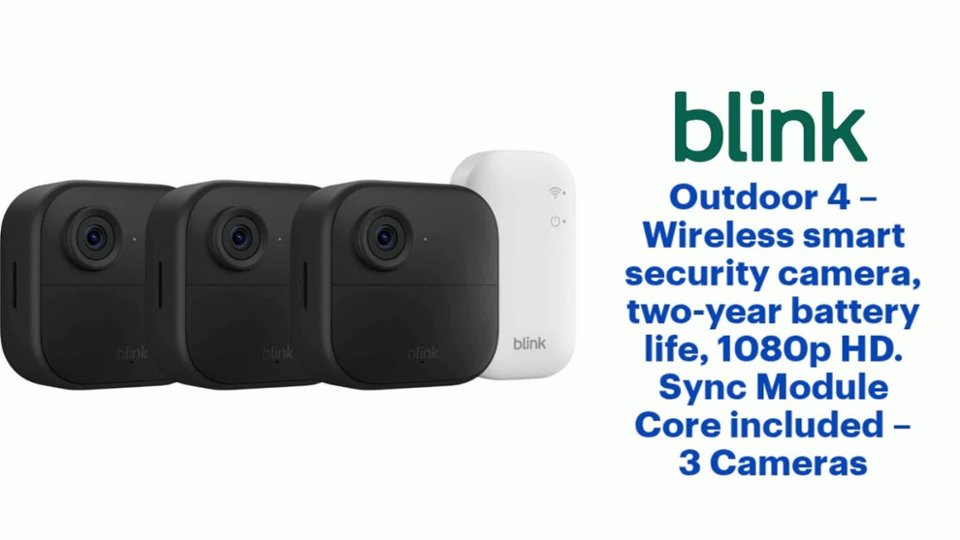
A:AnswerHi Phyllis! The Blink Outdoor 4 Wireless smart security camera does require a Sync Module to access its available features. This product has the Sync Module Core included to ensure setup and functionality is smooth for the product. Here is an additional link that goes into more details with Blink device requirements: https://support.blinkforhome.com/en_US/using-your-sync-module/sync-module-reqs
A:AnswerThank you for asking about the requirements for Blink subscriptions Cholula. No, you do not need a subscription to use Blink cameras. Standard features like motion alerts, two-way audio, and Live View work right out of the box for free. However, how you store and access your video clips depends on your setup. If you choose to use free local storage using our sync module 2 or XR you can save clips locally for free by plugging a USB flash drive or micro sd depending on the model. You can view these saved clips directly in the Blink app. If you prefer cloud storage, advanced features (like person detection, photo capture, and extended live views), you will need a Blink Subscription Plan.
A:AnswerHello T2IV!
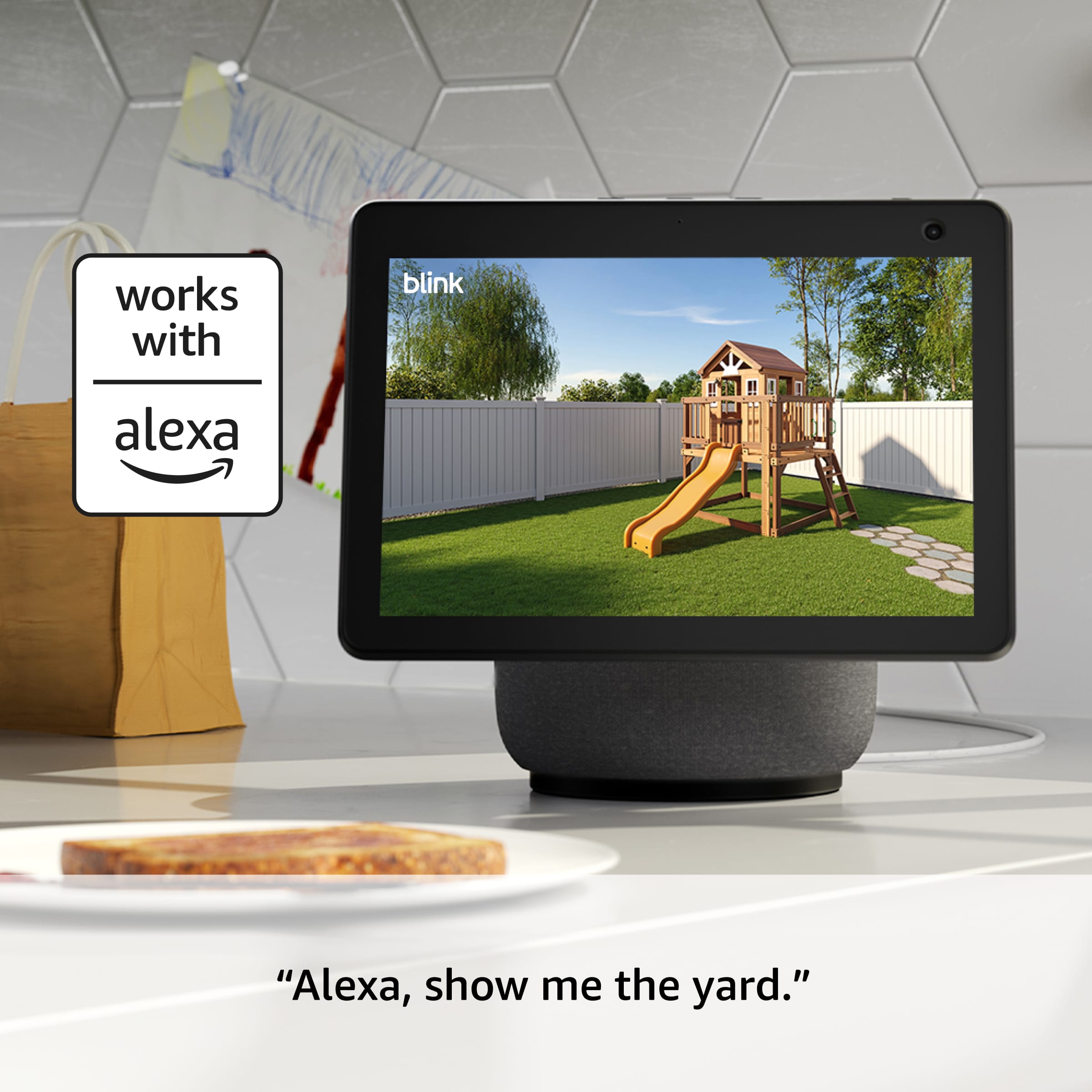
Yes! The Blink Outdoor 4 can trigger an Alexa routine to turn on a smart outlet when motion is detected. You'll need the Blink SmartHome Skill enabled in Alexa, the camera armed in the Blink app, and a Blink Sync Module 2 to connect the camera to Wi-Fi. Your Echo Dot 5th Gen will run the routine and control the plug, but it doesn't replace the Sync Module so you'll need both.
A:AnswerHello, MJ! Currently there are a few options available for you. Currently, you can use the cameras without the plan but there are benefits tied to the subscription. Here are a few examples:
Basic Plan - $3.99/month or $39.99/year. Covers one device, Motion-activated notifications, Video cloud storage for up to 60 days, up to 90 minutes of Extended live view, Live view recording, Person and vehicle detection, and much more. The next plan up is the Plus Plan at $11.99/month or $119.99/year. All that was listed above is included along with unlimited devices for your home setup. For more information, you can visit this website : https://blinkforhome.com/plans. I hope this helps!
A:AnswerHello Tracy and thank you for asking this question. The sync module included with this bundle does not support local storage via micro SD cards. The Blink sync module XR does have this feature, and can be purchased on its own or in a bundle with additional cameras. I hope this answers your question and that you have a wonderful day.
A:AnswerHi Lindsey, you can buy any standard microSD card from places like Amazon, Best Buy, or Walmart.
Just make sure it’s Class 10 (or higher) and up to 256GB.
No subscription needed — just insert it into the Sync Module for local storage.
Hope this helps!
A:AnswerHello Tony, yes you can add your older Blink Cameras to this system. All Blink cameras are compatible with the new Sync Module.
Have a great day!
A:AnswerHello Toni, yes you can add your older Blink Cameras to this system. All Blink cameras are compatible with the new Sync Module.
Have a great day!
A:AnswerHi Jay712,
Yes — Blink Outdoor 4 records motion clips and lets you play them back in the app. Cloud (subscription) or local storage options are available.
Hope this helps!