A:AnswerHello Brian. Thank you for your question. While both the original Blink Outdoor and the new Blink Outdoor 4 are similar in design, they have slightly different dimensions which means they aren't fully compatible with older generation mounts. You will need to use the new mounting brackets that come with the Blink Outdoor 4 cameras. Each Blink Outdoor 4 camera comes with its own mounting kit, so you won't need to purchase additional mounts separately. I hope that helps and have a great day!
A:AnswerHello Tim,
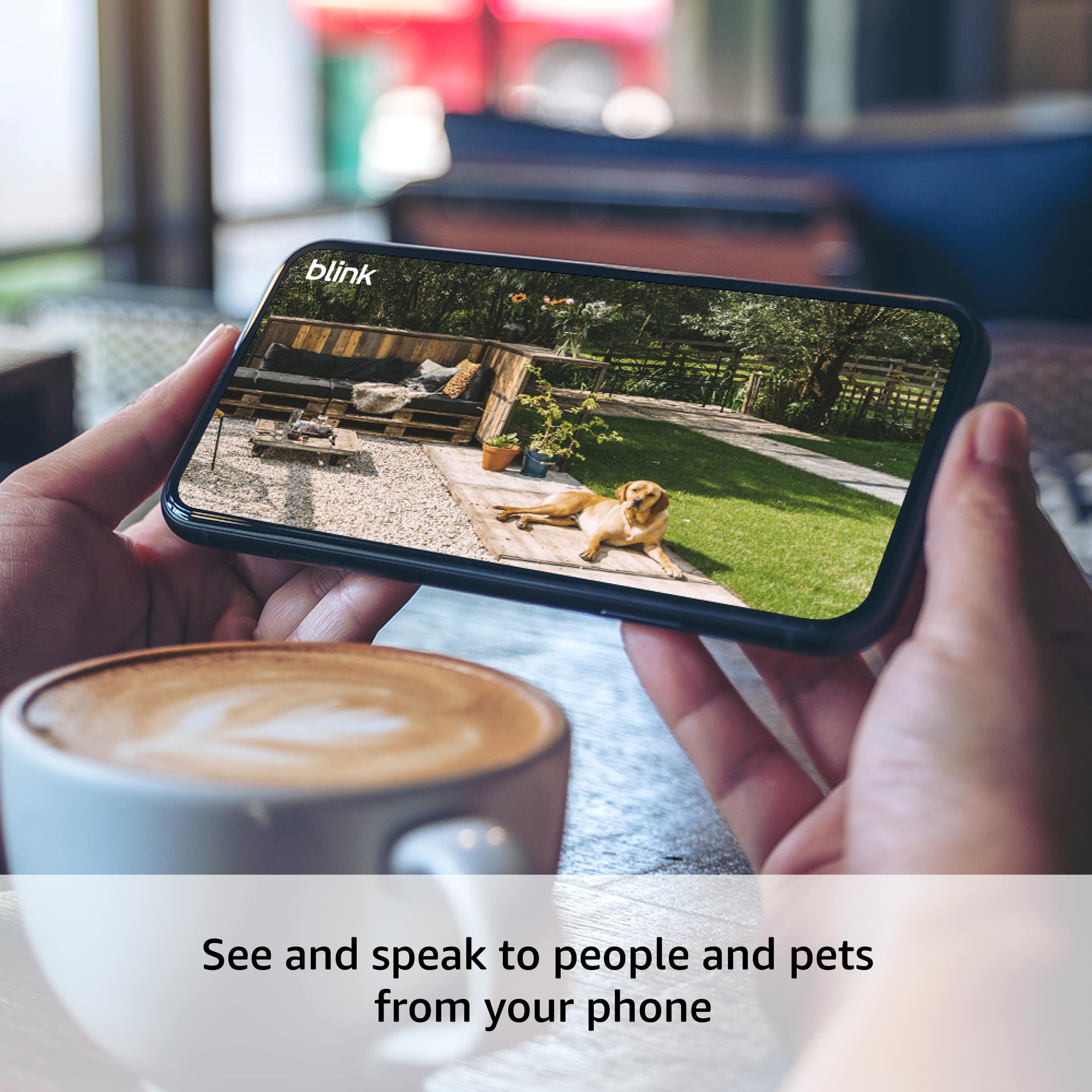
Yes, the Blink Outdoor 4 camera has crisp two-way audio that allows you to both hear and speak through the camera from the Blink app.
Audio Features:
Listen in to what's happening around your camera
Speak through the camera to communicate with visitors or deter intruders
Surprisingly clear sound for such a compact camera
Customers specifically mention the speaker is "surprisingly useful for such a small size" and that the audio quality is "nice and loud." This makes it great for checking in on deliveries, talking to family members, or even scaring off unwanted visitors. I hope this information helps, have a great day!
A:AnswerHello and thank you for asking this question. Blink cameras require a 2.4 GHz connection to operate and would not be able to connect to a 5 GHz WIFI source. I hope this answers your question and that you have a wonderful day.
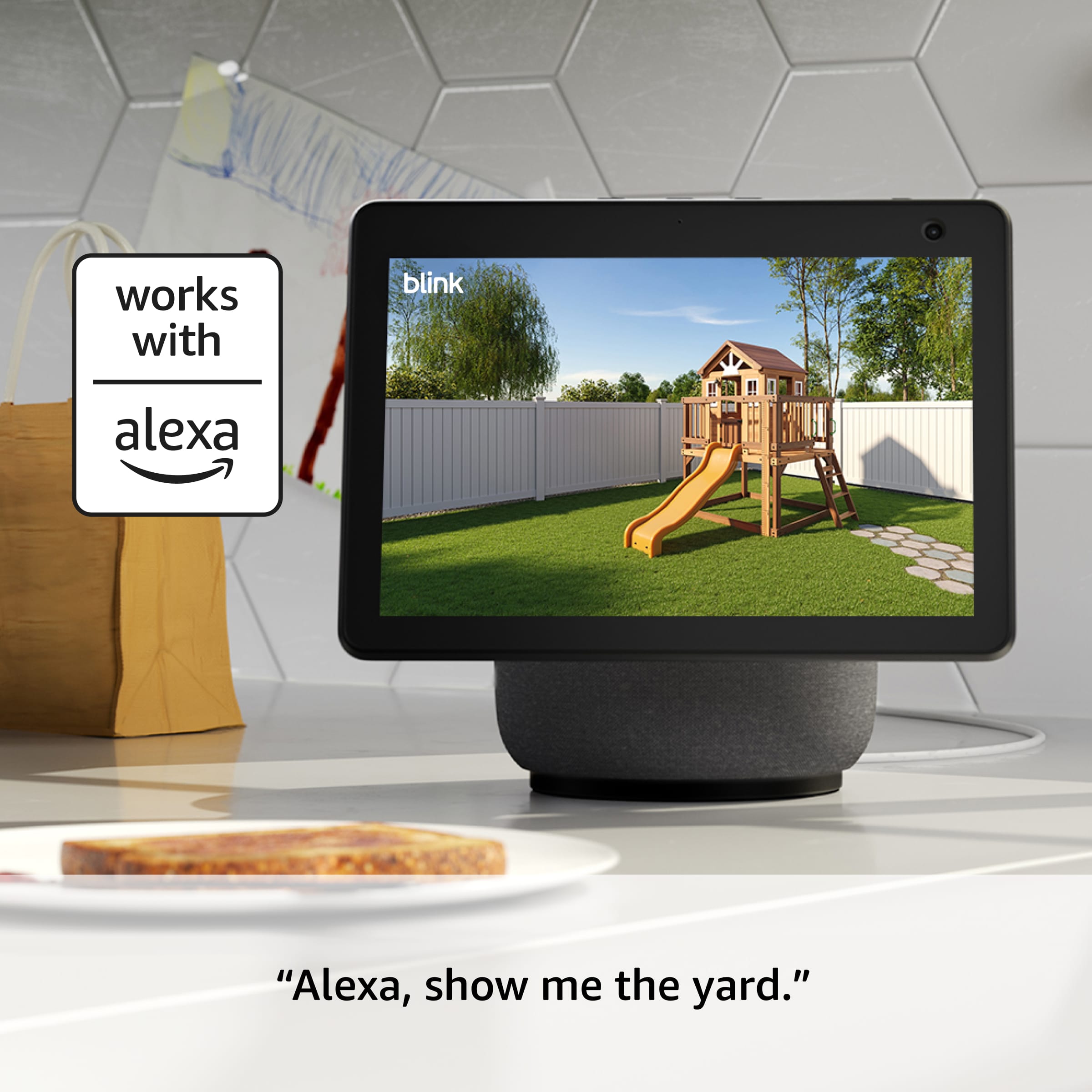
A:AnswerHi India! The simplest way to view your Blink cameras on a TV is to use an Alexa enabled TV, like a Fire TV, and ask Alexa to view your cameras. There is no way to directly connect the cameras to a TV like an old CCTV style setup. I hope this helps, have a great rest of your day!
A:AnswerHi there! The Blink Plus plan, which is currently $11.99 a month when I write this (11/24/2025) covers all cameras at all of your locations that are attached to your Blink account. This will also enable some additional features for your account, which can be found at their website: https://blinkforhome.com/plans. I hope that helps, have a great rest of your day!
A:AnswerHi Donna! The Blink Outdoor 4 system will come with some adjustable mounts, however they don't come with anything specially designed for attaching to vinyl siding. You can always screw them directly in, but it would be a good idea to seal the screw holes with some silicon or outdoor caulk to avoid water seeping in from them. Looking around online, there are a variety of vinyl siding clips you can get and some of them are even designed for the Blink Outdoor 4! I hope that helps, have a great rest of your day!
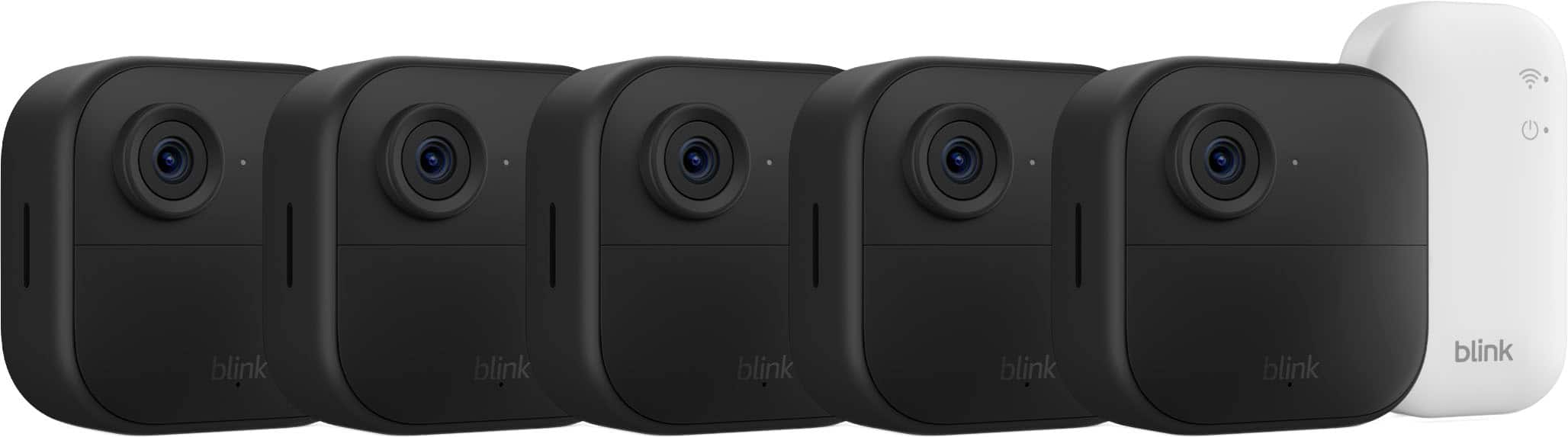
A:AnswerHi Terri! The Sync Module Core included with this 5 camera system does not support micro SD cards, I would suggest checking out a version that comes with the Sync Module XR if you want access to local storage via micro SD card. You only need a smart device like a phone or tablet in order to download the Blink app and get things setup, and then you can check your alerts and access live view directly from that app. While Blink works great with Alexa, you don't need to use Alexa to access your cameras. To avoid a subscription, you'll want to set up local storage with that Sync Module XR, and the cameras support two way talk so you'll be able to hear the videos and speak to anyone you see while using live view. I hope that clears things up, have a great rest of your day!
A:AnswerHi Ts! To use the Blink Outdoor 4 system with Google Home, you'll have to use IFTTT which can be a little bit complicated. Here's a link to Blink's website about how to set things up: https://support.blinkforhome.com/en_US/f-a-q/how-do-i-use-ifttt-applets-with-blink. Blink works a bit more intuitively with Alexa, and can be easily pulled up on an Echo Show device. I hope that helps, have a great rest of your day!
A:AnswerHello Marian,
The Blink Outdoor 4 security camera can be moved and transported yes. However, I would only recommend using it on a safely secured network. A Guest Network at a Hotel for example is generally open to anyone else on the Network. Most Hotel guest networks require a login via a web browser as well, which the Blink Camera's do not support. These Cameras would work at a VRBO as it is a more private network however, I would be very cautious at any sort of time share or rental property as the owner of the rental may also have access to the network as well. If you would like to set up a Blink Camera while you are traveling, this can be done on a private network such as a Hotspot or Travel Antenna. This would be the safest way to proceed as you would be the only person with access to a private network.
I hope this helps!
A:AnswerHi Dick! The Blink Outdoor 4 Wireless camera's installation is probably referring to putting it up outside of the house, which some customers prefer to have done professionally. If you'd like the install the camera yourself, the process is pretty simple and can be done a few different ways. A lot of customers use the included mounting kit to attach them to the outside of their homes. You'll also need to use the free Blink app to set up the Sync Module Core and connect it and the cameras to your account, but the app will walk you through the process. I hope that helps, have a great rest of your day!
A:AnswerHello Jj and thank you for your question. The Blink Outdoor 4 is rated IP65 weather-resistant and can be mounted to a variety of outdoor surfaces. If the port cover is removed, the camera is no longer weather-resistant unless it's powered through its USB-C port using a weather resistant USB-C adapter (sold separately). Hope this helps! Have a great day!
A:AnswerHello and thank you for asking this question. This camera is not compatible with SimpliSafe security systems and does not require any other hubs or systems to operate. All you need to use this camera is a WIFI connection and the Blink application. I hope this answers your question and that you have a great day.
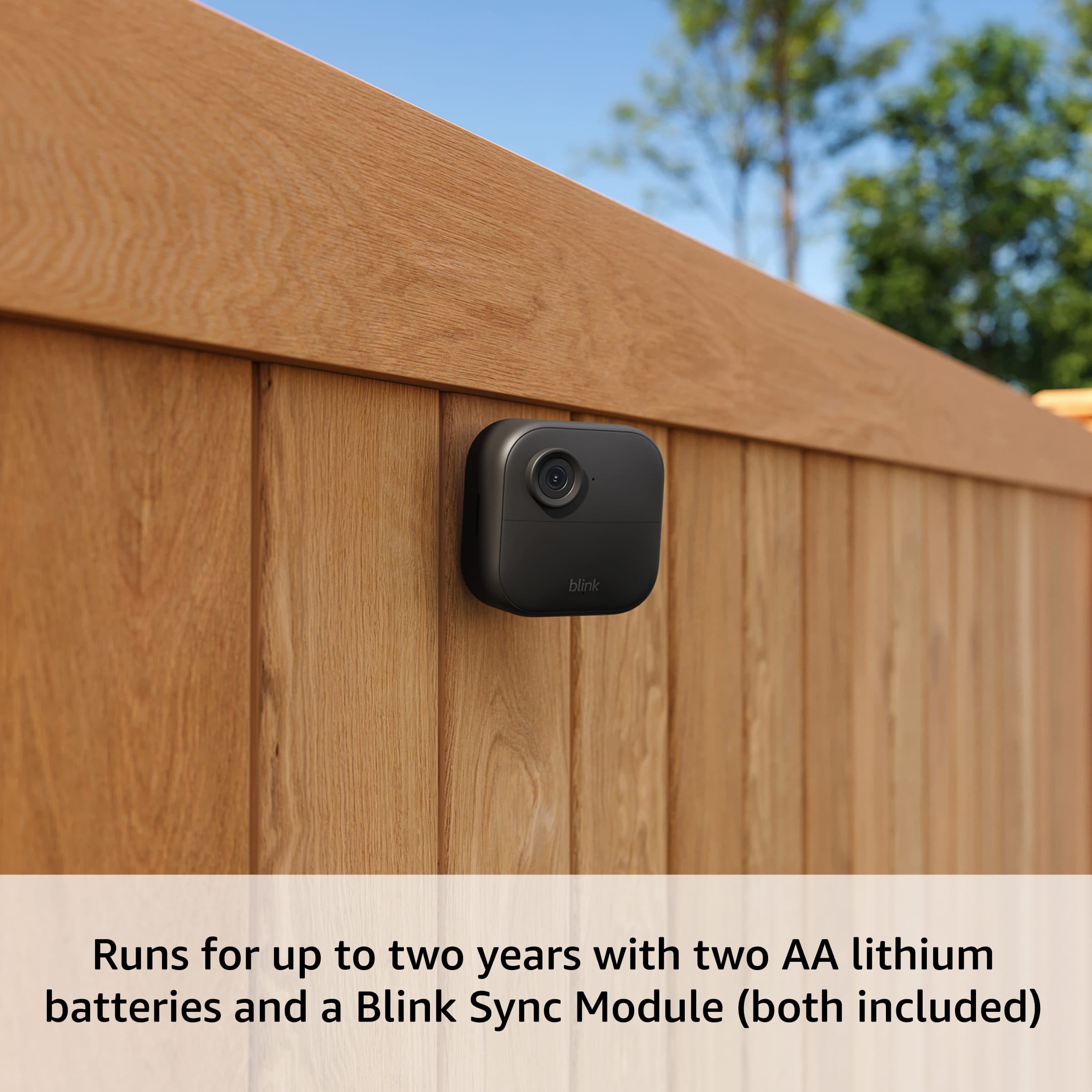
A:AnswerHi Drew! If you're just occasionally dropping in to check on your dog with brief live view sessions (rather than keeping the camera streaming continuously), the battery life should still be quite good, though it won't quite reach the full two-year estimate. The two-year battery life is based on typical usage with motion-activated recording, and occasional live view check-ins will use more power than motion detection alone, but not dramatically so if you're only viewing for a few minutes at a time. Many users report getting well over a year of battery life with normal use, and if you're just checking in on your dog a few times throughout the day for short periods, you should expect somewhere between 12-18 months of battery life depending on how frequently you use live view. Yes, the Blink Outdoor 4 cameras use standard two AA lithium batteries, they're not proprietary to Blink, so you can purchase any brand of AA lithium batteries. The cameras come with lithium batteries included, and lithium batteries are recommended over alkaline because they perform better in extreme temperatures and last longer. When the batteries do run low, the Blink app will notify you, and replacing them is as simple as opening the back of the camera and swapping in fresh AA lithium batteries. Have a great day!
A:AnswerHi --,
Yes, you can use outdoor 4 wireless smart security cameras inside because they are designed to be weather-resistant, not just weather-proof. The outdoor cameras are safe for both indoor and outdoor environments, but they cannot be used behind glass for motion detection as it will not work through windows. Hope you have a great day!
A:AnswerHi Chantal, No, you do not need to pay a subscription to be able to use the Blink Outdoor 4 Wireless cameras. You can use the Blink Outdoor 4 cameras without a subscription, but you will not be able to save video clips to the cloud and will be limited in some features. Without a subscription, you can still use live view, receive motion-based notifications, and use two-way audio. With a Blink Sync Module (like the one included in the Outdoor 4 with the XR module), you can also save video recordings locally to a MicroSD card. Hope you have a great day.
A:AnswerHi there! To have multiple phones connected to a Blink account, just login to the account you used to set up your cameras on each device. Currently there is no option to share access to your Blink system across multiple accounts in the app itself, though you could use a smart home assistant like Alexa as a way to check on the cameras without needing to share your account info. I hope that helps, have a great rest of your day!
A:AnswerHello,
Yes, the Blink Outdoor 4 camera has replaceable batteries that are two AA 1.5 volt non-rechargeable lithium batteries. You can remove the back cover using the included tool or a coin to access and replace the old batteries with new ones. I hope this answers your question. Have a great day! Thanks.