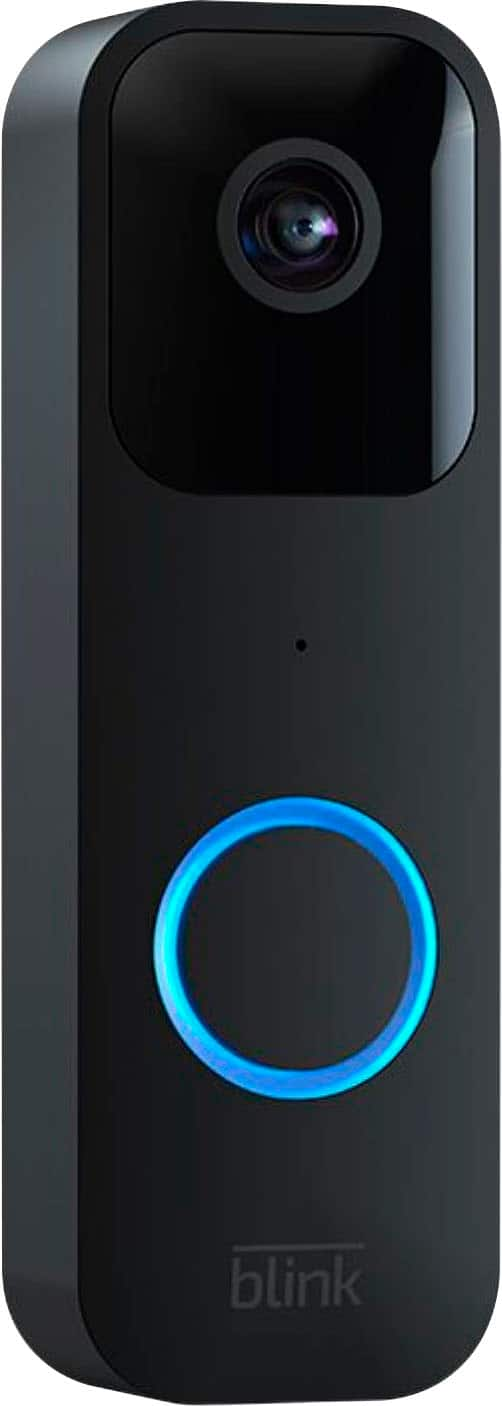
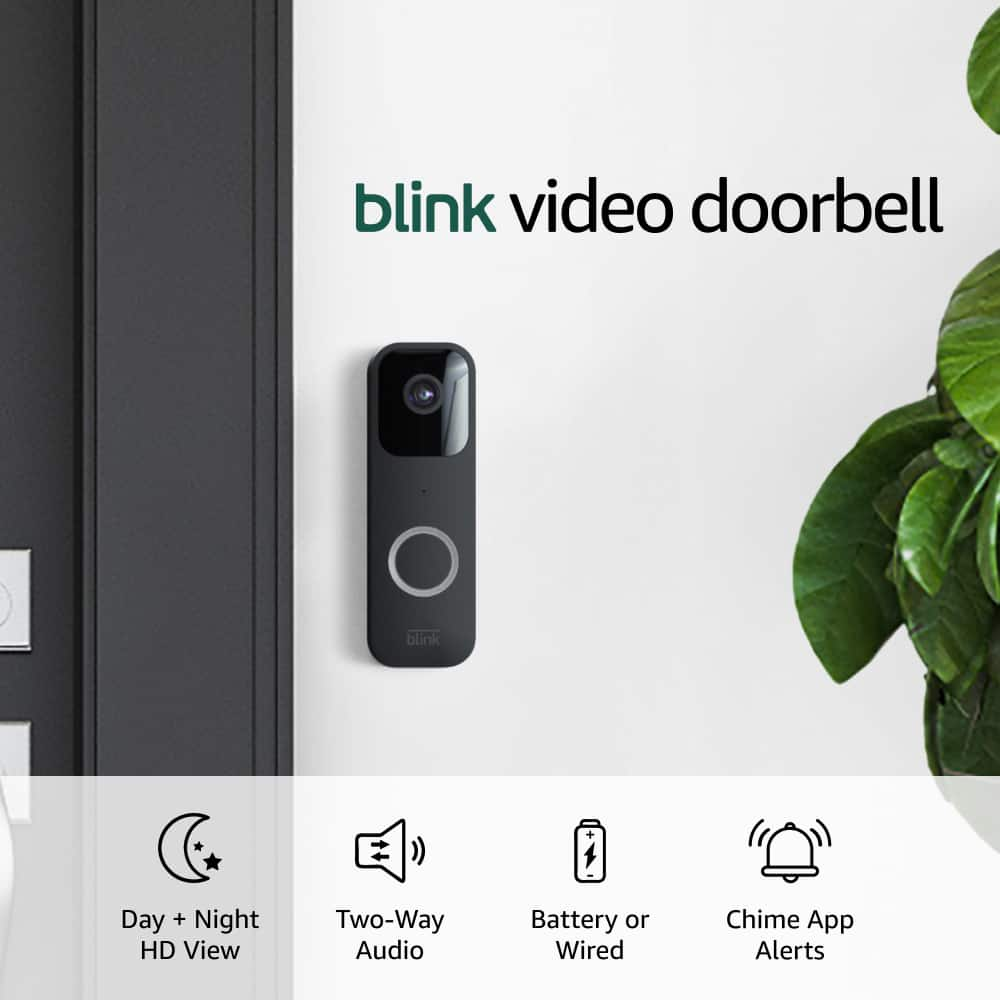
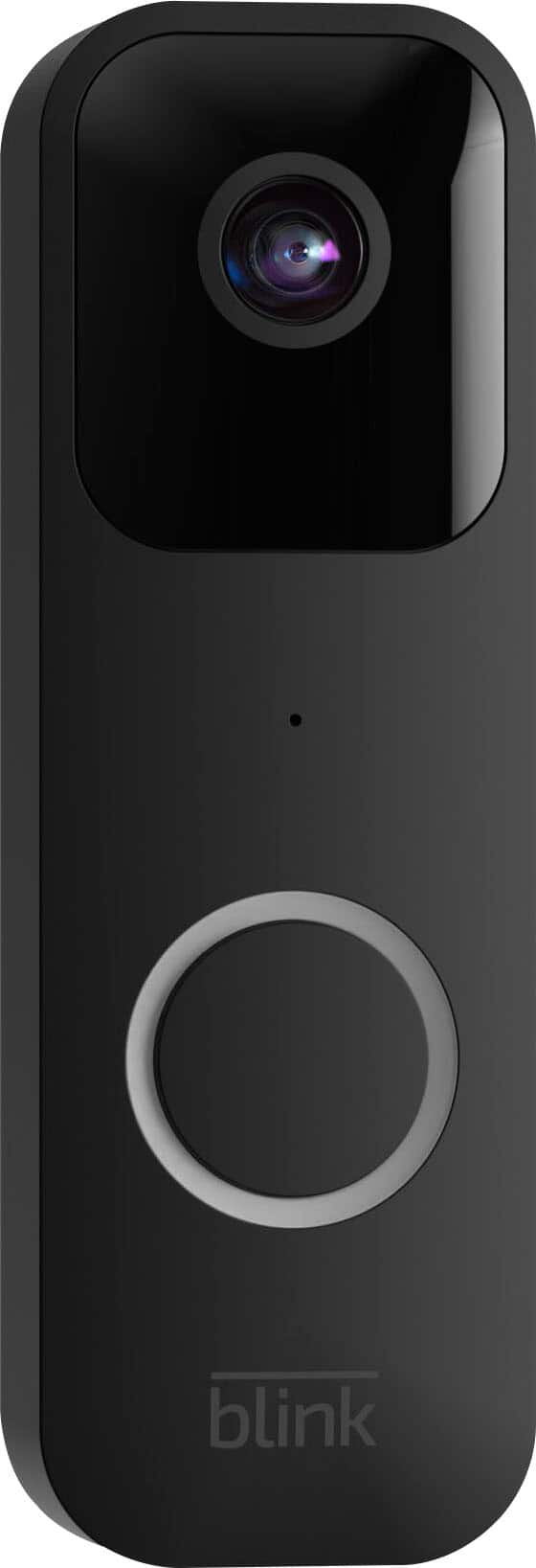
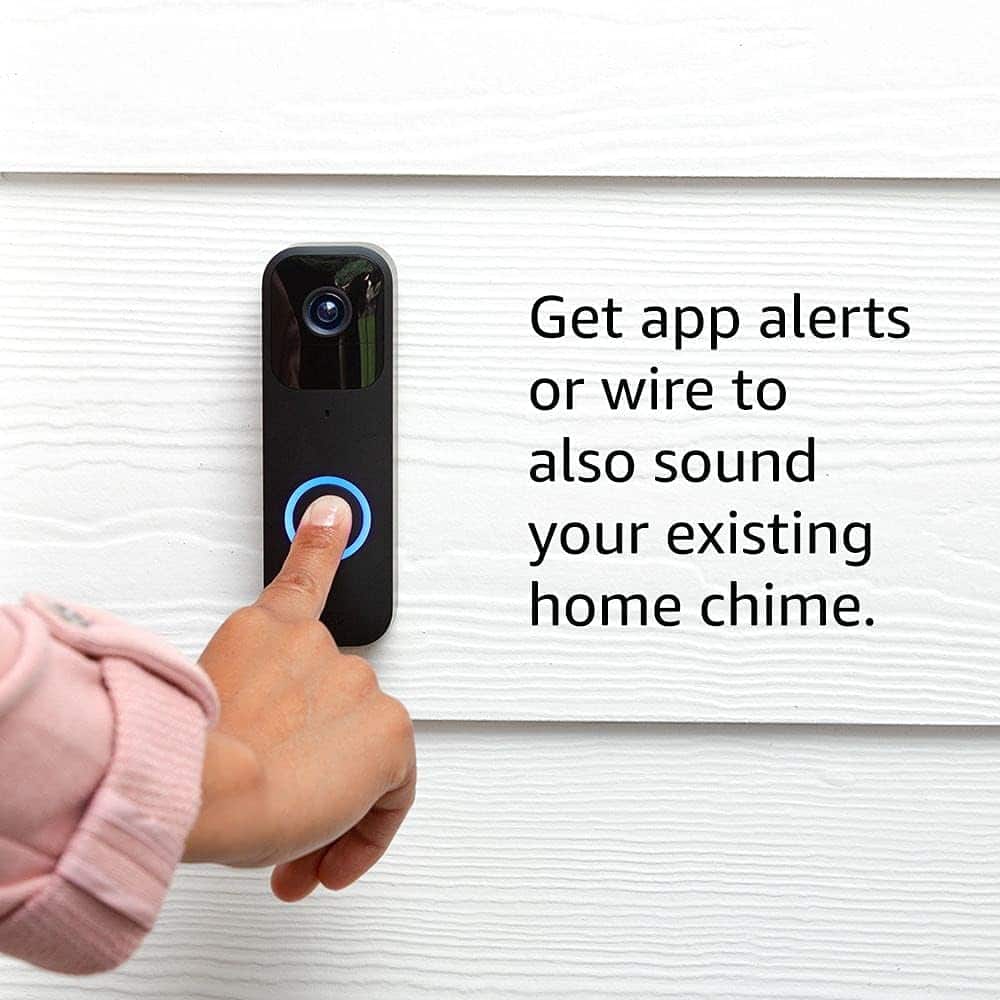
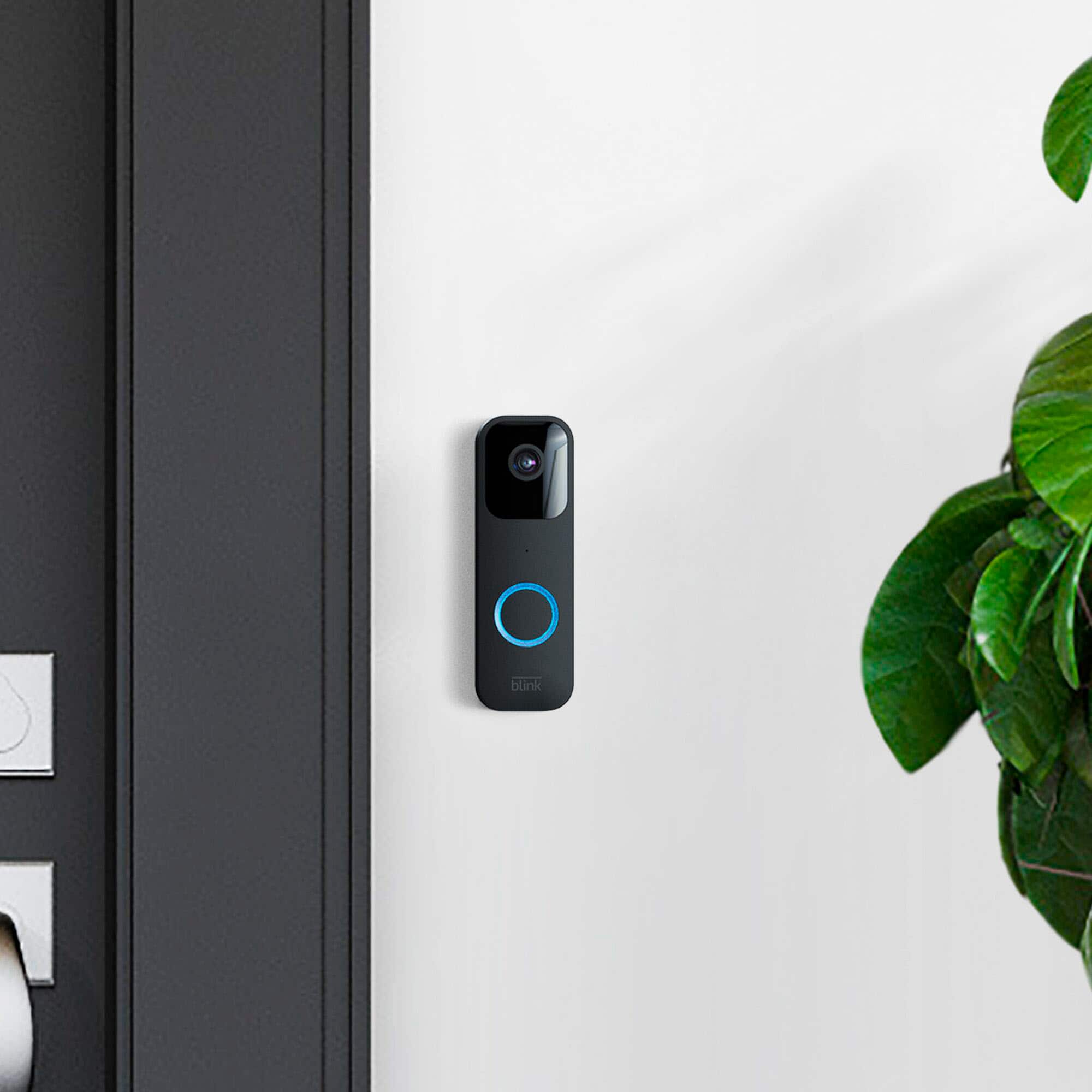
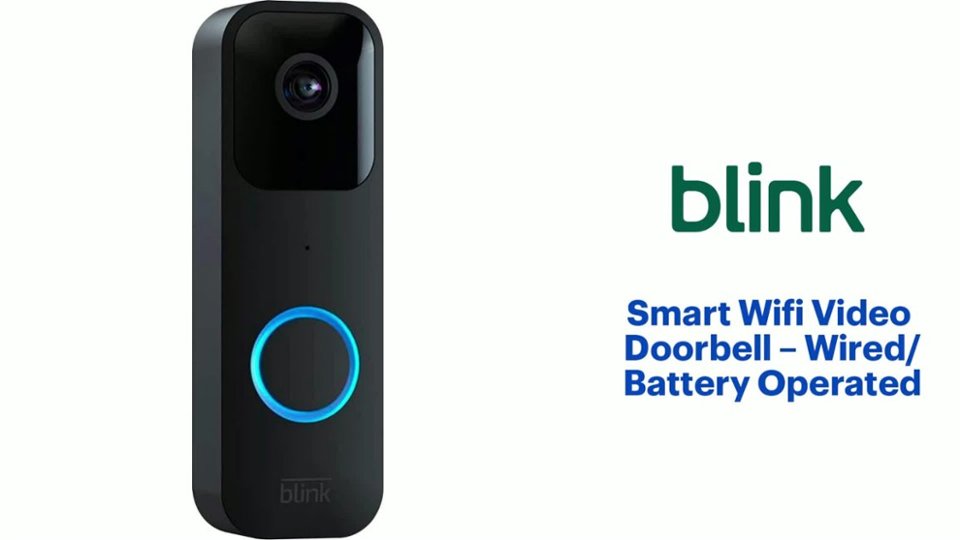
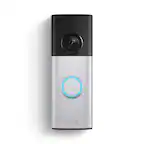
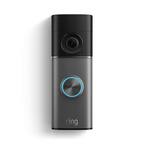
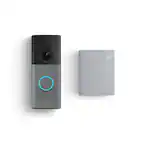
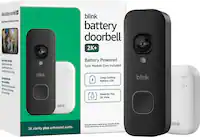
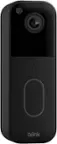
A:AnswerThere is a key that comes with the product. It's small and silver. You insert it on the bottom of the device to open it. Then you will see the faceplate for the batteries. See attached images from Blink.
A:AnswerHello,
You can adjust some chime functions on installation during the calibration steps.You can also access calibration in the doorbell settings of the Blink app. Mechanical and Digital chimes are controlled differently.
A:AnswerYeah, just super late. Then if you don’t have a plan you won’t be able to view the recording to even know what happened or who pushed the button.
A:AnswerI bought a corner mount separately on Amazon ($8) only bc of the position of where the wires on our old door bell was to give a better view. I believe there is also a $3 monthly subscription that is optional to be able to save recordings.
A:AnswerYou can install it wirelessly or to an existing doorbell’s transformer wires. It comes with a bracket and the two screws for insulation and is extremely simple to do. And actually once you open up the product and scan it’s barcode with your smart phone’s camera, it’ll bring you straight to the step-by-step instructions.
A:AnswerHi there,
The Doorbell will disconnect when power fails, but not permanently. Once power returns the Doorbell will attempt to get back online to the Wi-Fi connection it was already using.