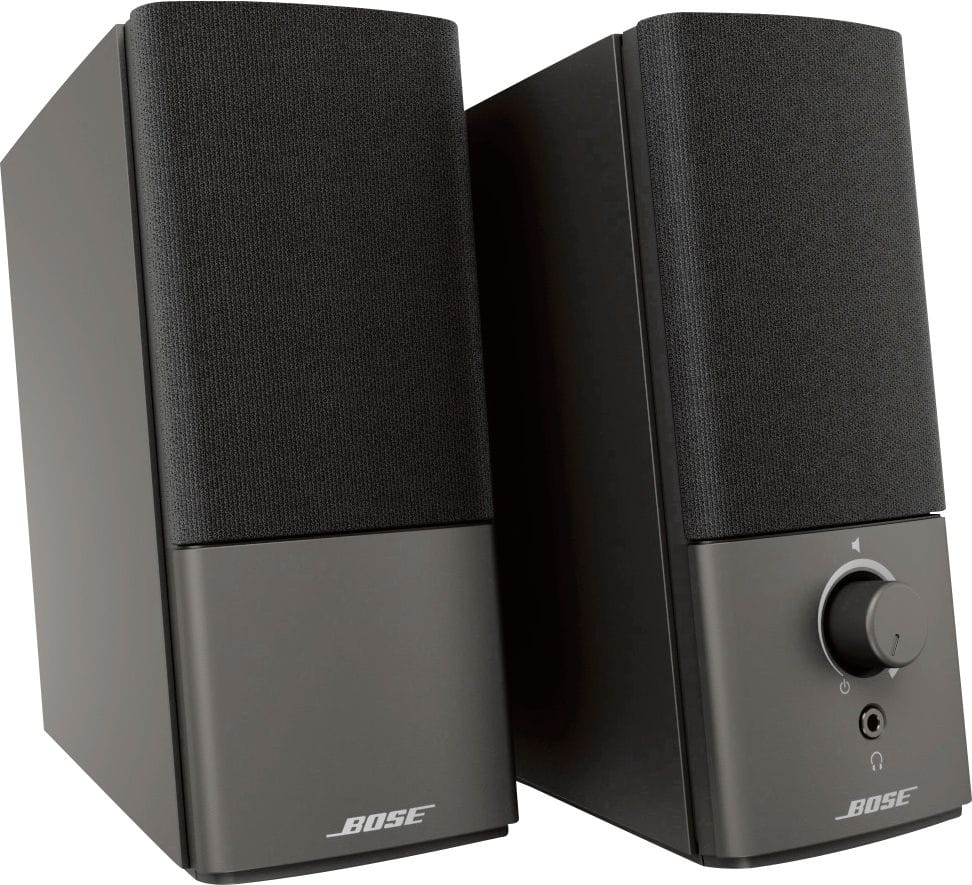
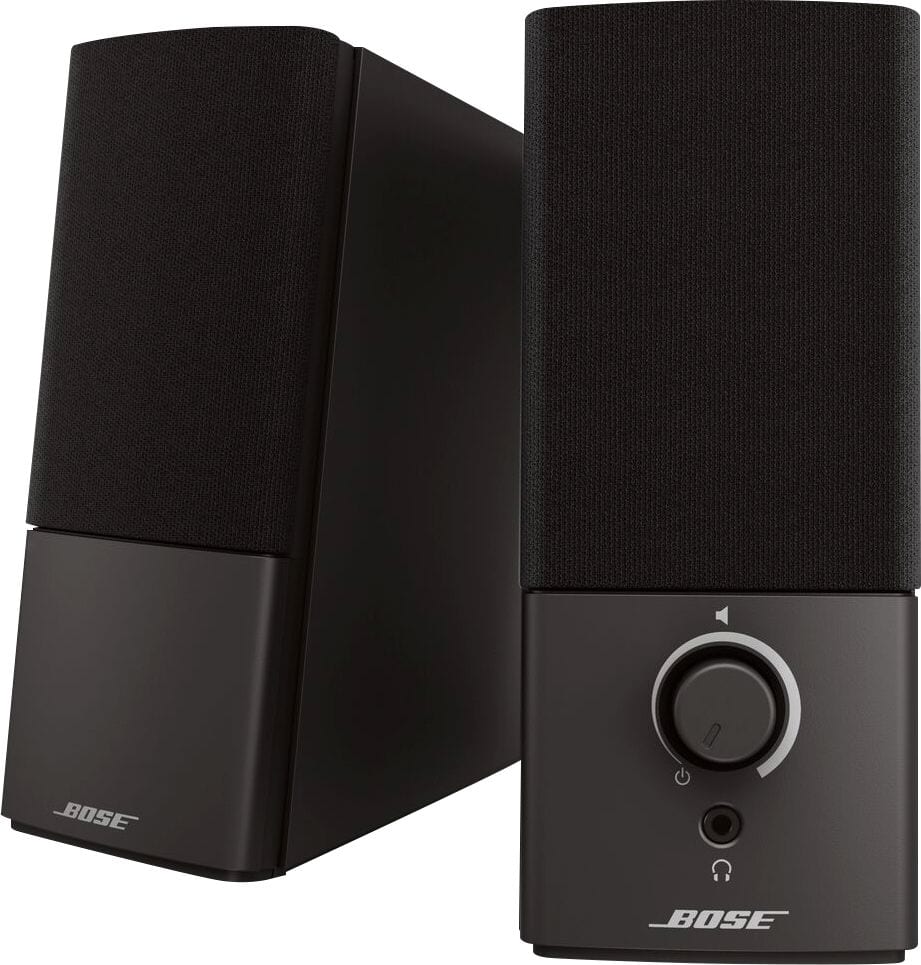
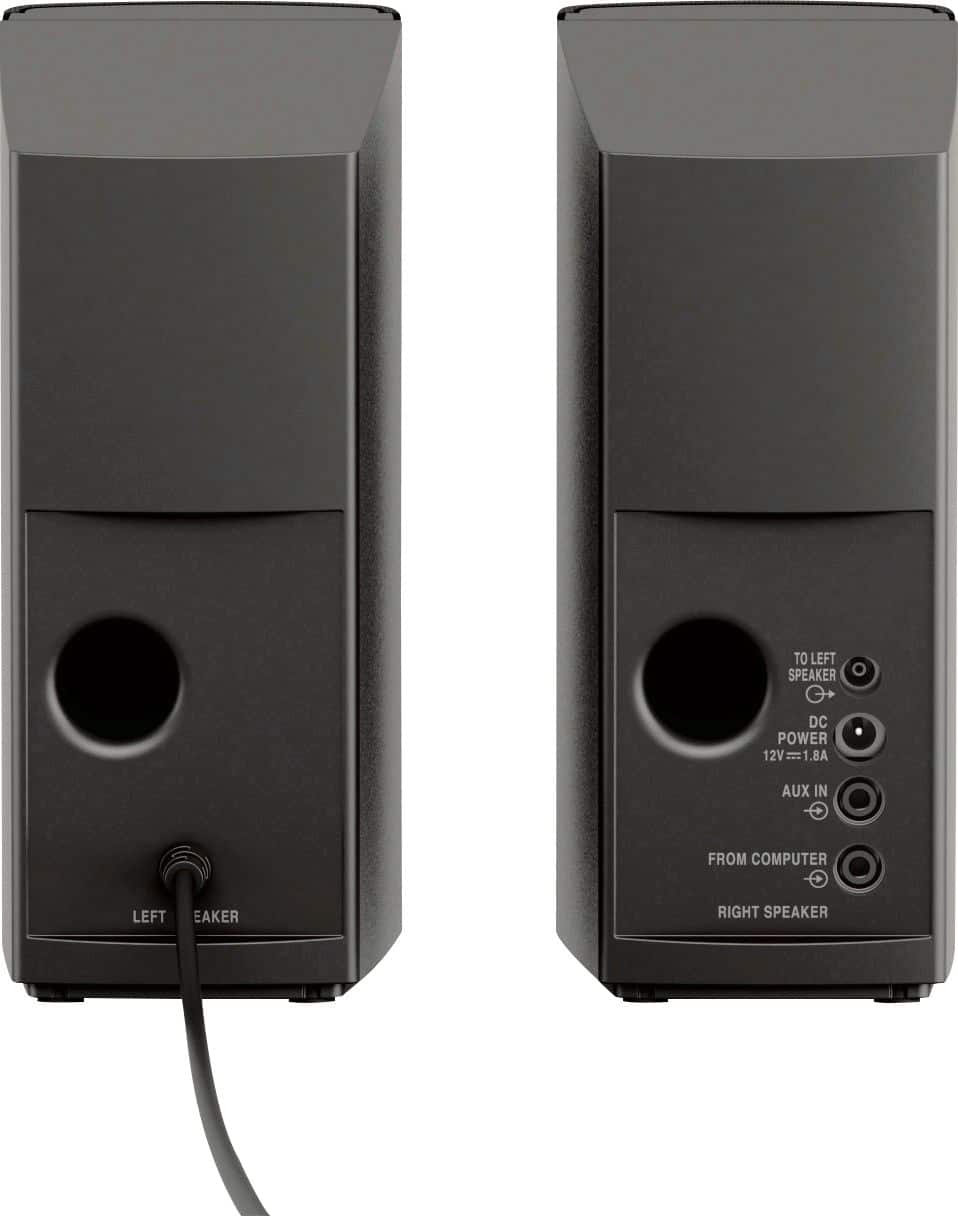
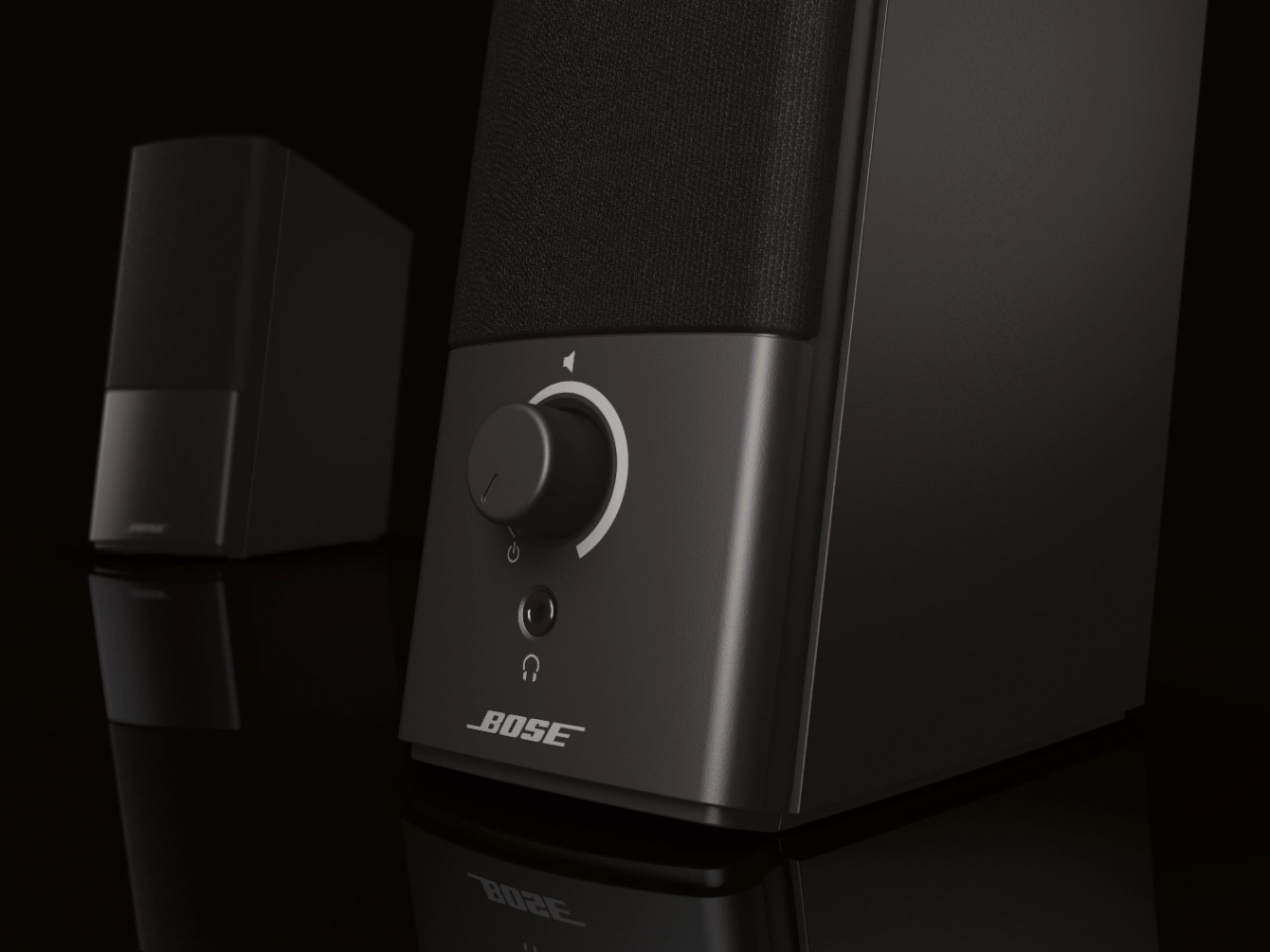
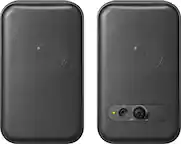
A:AnswerI would say no. The speaker (right unit) only has a 3.5mm port on the front and 2 ports on the back. One to hook up cable to the left speaker, and one to hook up to computer.
A:AnswerHi lazzy, Thanks for the question. The Companion 2 speakers are engineered to sit on a desktop and won't be compatible with those stands or brackets. Hope that helped!
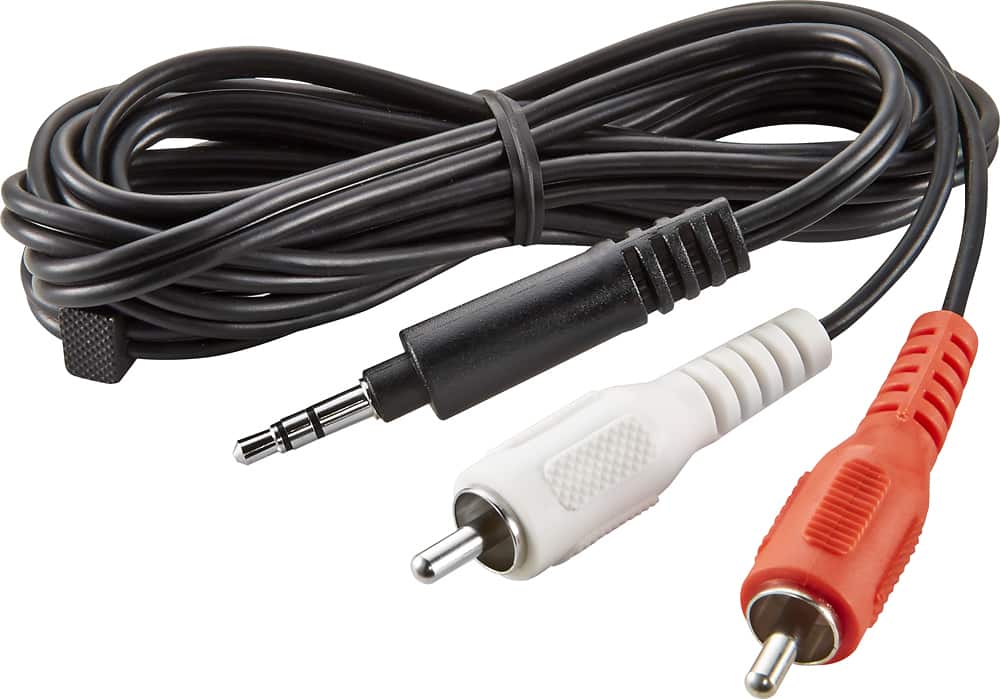
A:AnswerThank you for your question! Yes, you can connect the Companion 2 III Multimedia speakers to a TV using a stereo-RCA to 3.5mm audio cable, as long as the TV has a stereo-RCA (red/white) audio output. We hope this helps!
A:AnswerI did the exact same thing which you're talking about. I connected it to my echo Dot and my computer. The speaker will simultaneously play audio, so that's the best part. However, if you want to summon Alexa, you can only use the microphone on the echo dot. But they are powerful enough so you won't have a problem.
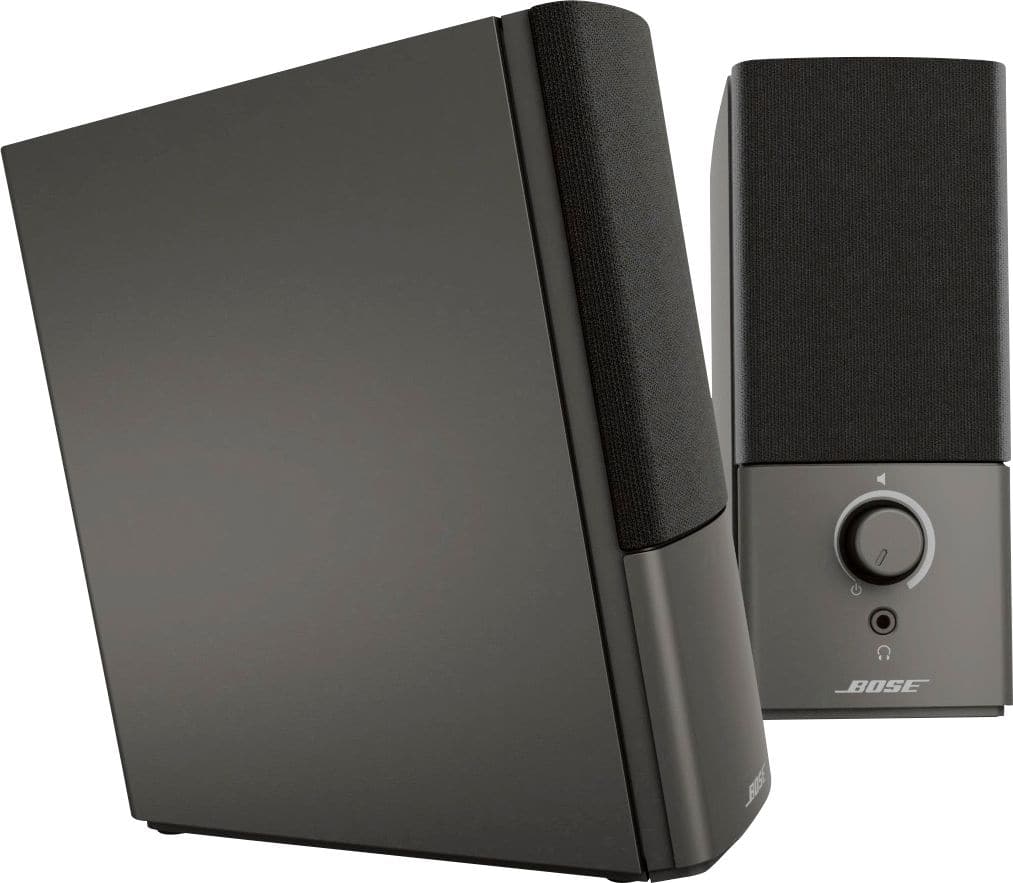
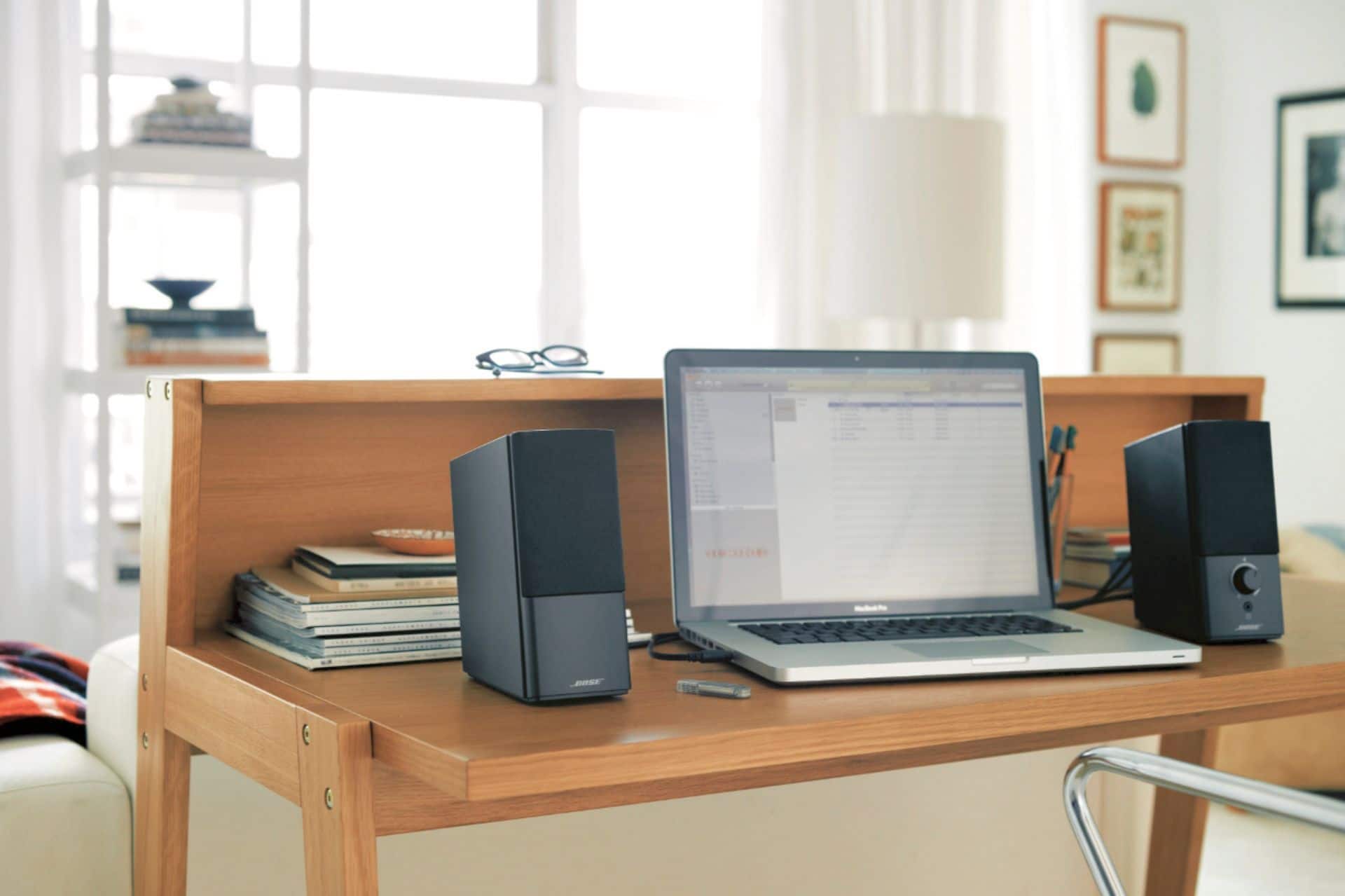
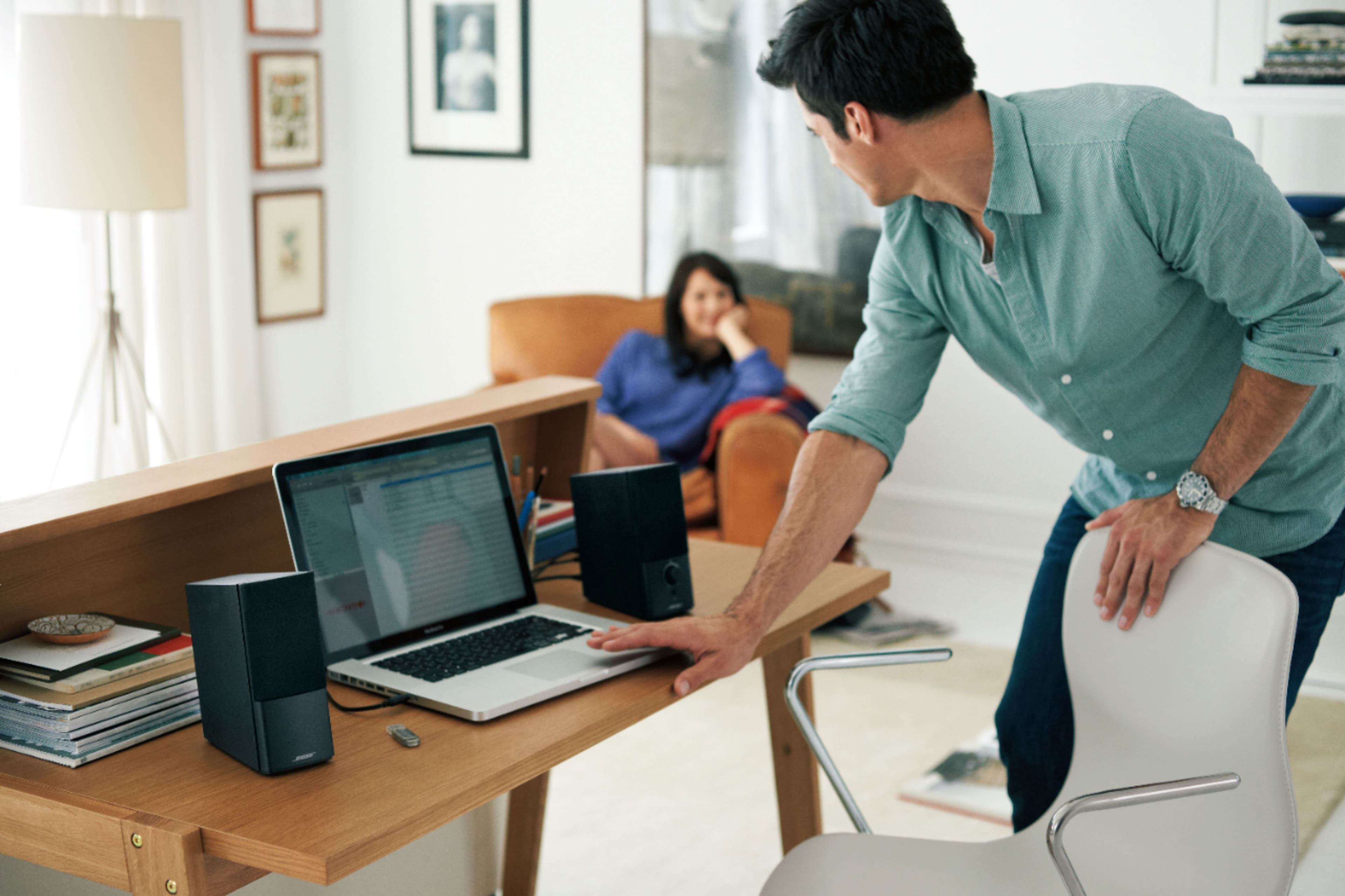
A:AnswerThey greatly amplify the sound. My Mac Book Air sounds low and tinny, you can barely hear some vids on the net. These make it sound like a decent home stereo.
A:AnswerMost all Bose speakers have great low end response. These are no different. You will get clean sound from them...just don't expect thumping bass. You might want to get the Bose Companion 5 with the separate bass box...but of course these are 4 times the price. You get what you pay for.
A:AnswerThe output of your sound will depend on audio drivers your motherboard uses and the Bose speakers,
not the built in speaker so it should be louder. Windows 7 should be fine.
A:AnswerYes if you have a 3.5mm out or line level RCA out jacks on your record player with a 3.5mm to RCA adapter. If you have Phono out only (like on most older turntables), you would need to plug in to an pre-amplifier with line level RCA out first and then to the speakers.