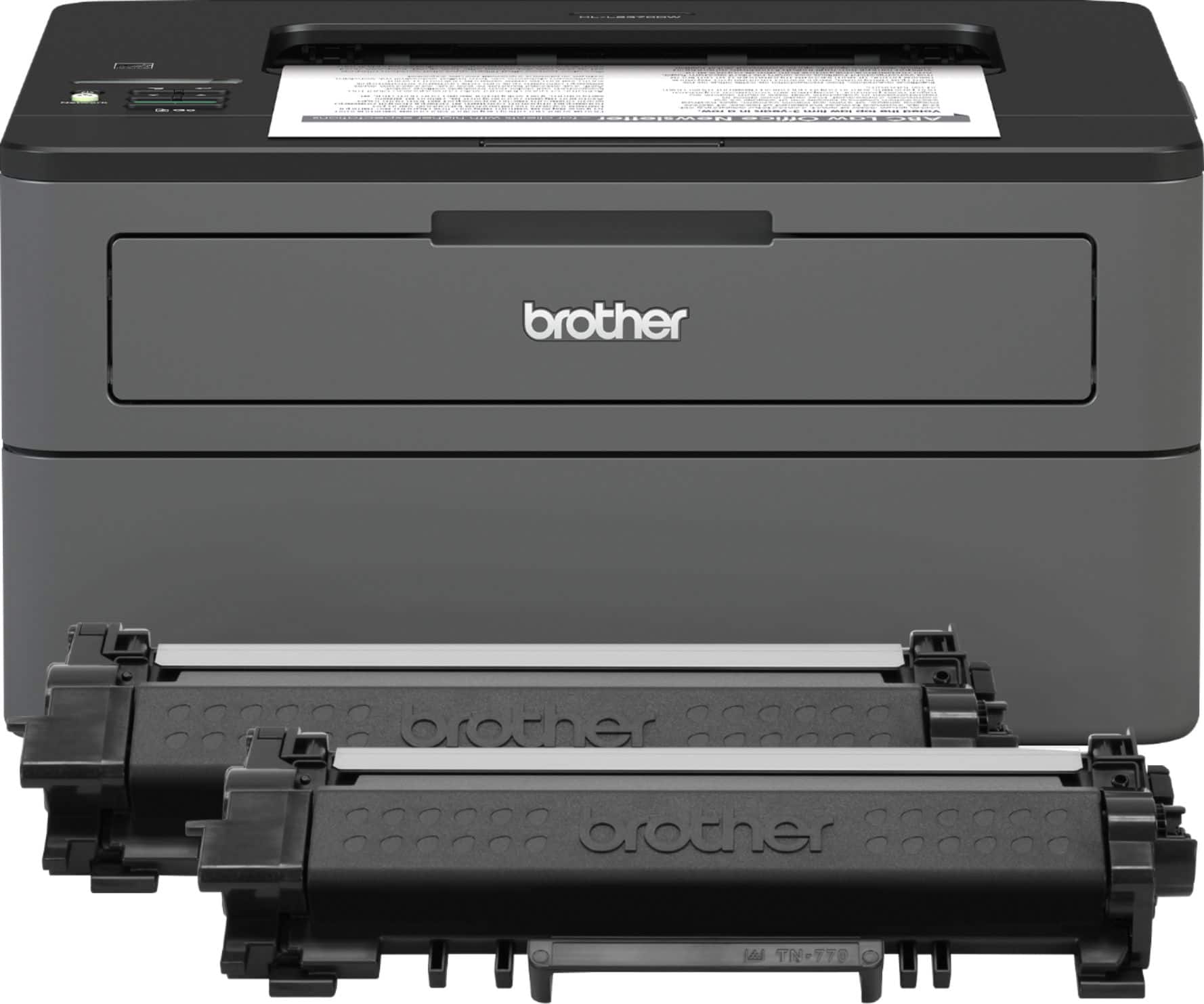
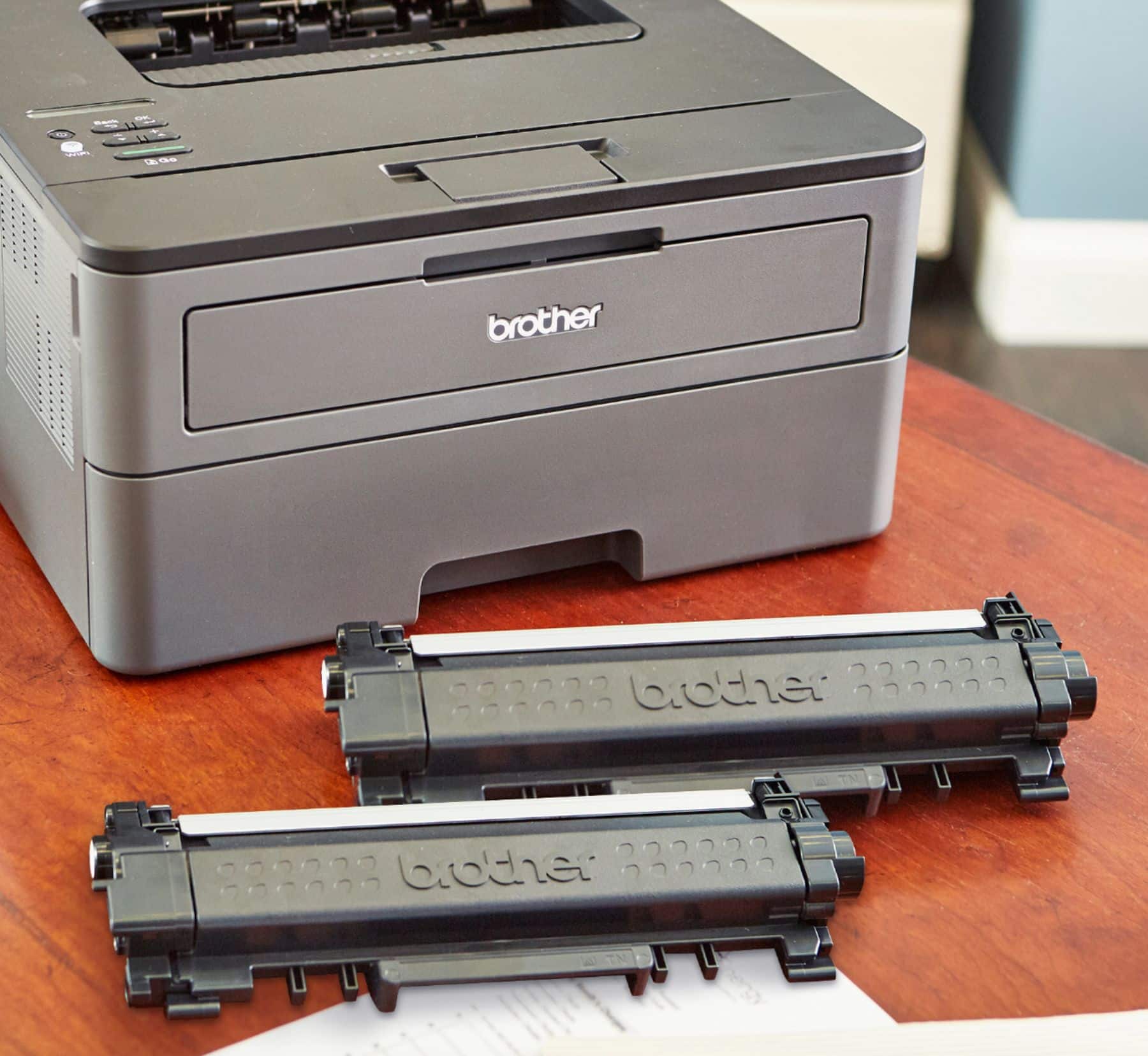
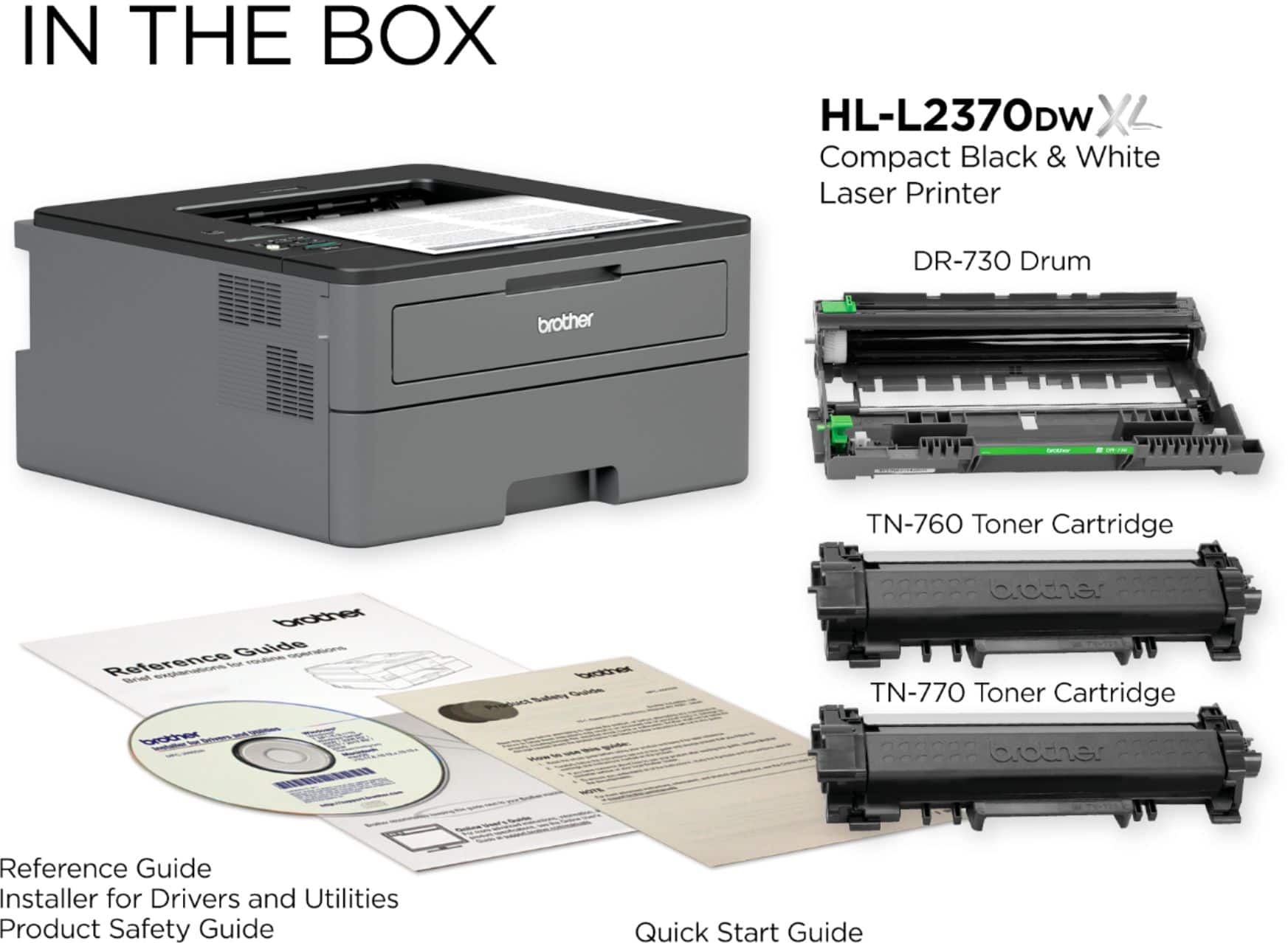
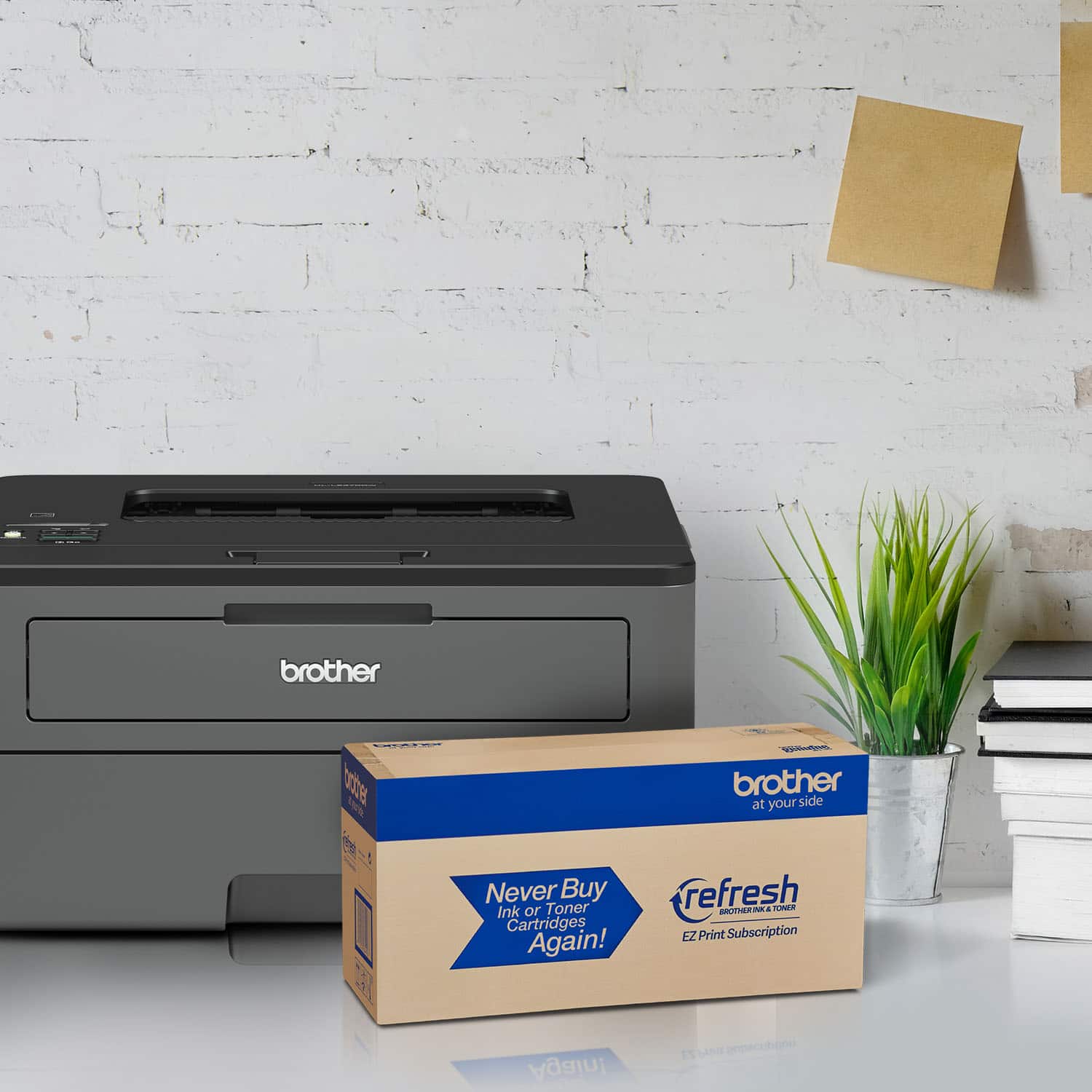
A:AnswerThe straight DW comes with a starter cartridge lasting about 800 sheets. The XL comes with two large cartridges, each lasting 2300 sheets average, so you get average printing for two years before you need to buy new toner. XL is the better deal.
A:AnswerThe Brother HLL2370DWXL is a good option for printing envelopes. We recommend using the machine's manual feed slot instead of the paper tray for envelope printing.
A:AnswerThe Brother HL-L2370DW XL printer has a maximum supported weight of 43 lbs when using the paper tray and 61 lbs using the Manual Feed Slot. For more information, feel free to contact Brother Customer Service directly.
A:AnswerThe Brother HLL2370DWXL machine is compatible with Apple Big Sur OS using Apple Airprint. Apple Airprint is a built in software included with the Apple software.
A:AnswerThe Brother HLL2370DW should be able to print business cards from the manual feed slot provide the paper used is designed for laser printers and within the machine's paper specifications.
A:AnswerThe Brother HLL2370DWXL does support Postscript using the Brother Universal Printer Driver. I have included a link that will guide you on the installation:
https://help.brother-usa.com/app/answers/detail/a_id/67181
If you continue to have issues, our Brother Customer Support Team is available to assist you direct: www.brother-usa.com/brother-support
A:AnswerUnfortunately the Brother HLL2370DW/XL is a PCL6 machine and does not offer postscript printing options. For reference a Brother HL-L5200DW or HL-L6200DW both offer Postscript printing ability.
A:AnswerI am using this printer with Windows 11, 10, Apple Safari, and from Iphone wirelessly. Perfect. Just let the printer find your wi-fi SSID and enter password. Good to go.
A:AnswerYou can check all the specifications of the Brother HLL2370DW machine using the link below:
https://support.brother.com/g/b/spec.aspx?c=us&lang=en&prod=hll2370dw_us