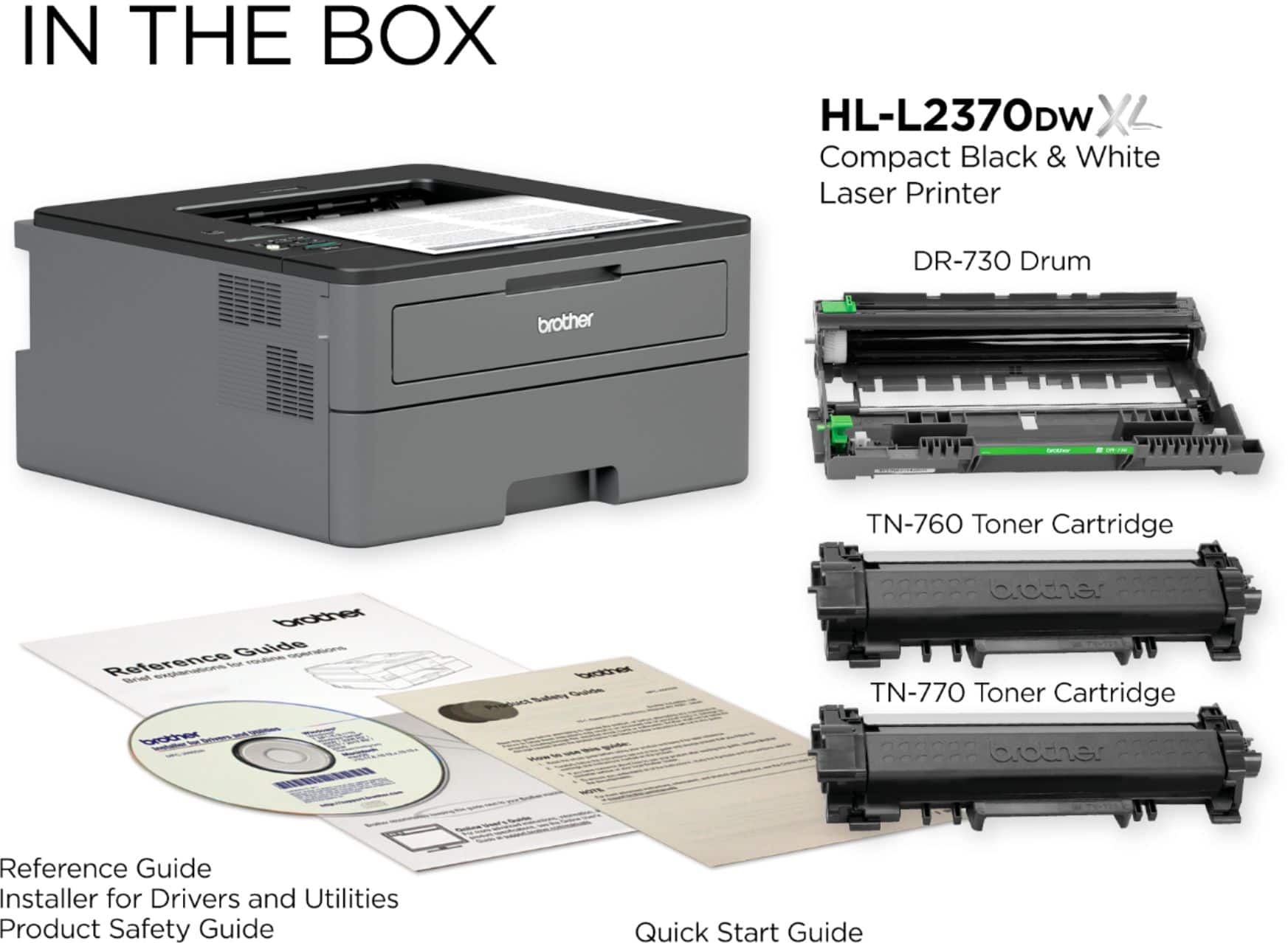
A:Answer This may or may not help. I have occasionally encountered a similar issue on a different Brother network printer in the past (DCP-7065dn), though not yet on the Brother HL-L2370DW XL. Often disconnecting the network cable from your computer, waiting a bit, then plugging it back in, forces your computer to refresh its address system and communicate with the printer. (Common if the computer hasn't rebooted for awhile--it may have slept through an updated address for the printer without realizing it). Sometimes, however, I have to go to the Brother website and get updated drivers. (This is common if Windows has updated--especially a major update--and doesn't want to communicate effectively without new drivers.) And Brother does have a "Network Repair Tool" (I think it was called) in their list of downloads for many printers that might also help. I have used it once or twice when I felt stumped. Usually one of these three steps will get things going again, though it can be really annoying in the meantime. Worst case scenario (say, when Windows had a REALLY big update that rubbed it the wrong way), you might have to completely remove the printer from your computer and reinstall it with the newest software/driver package from Brother's website. Windows is constantly changing and Brother does try to keep up to a reasonable extent, so the install disk that comes with you printer is probably outdated by the time you buy it.