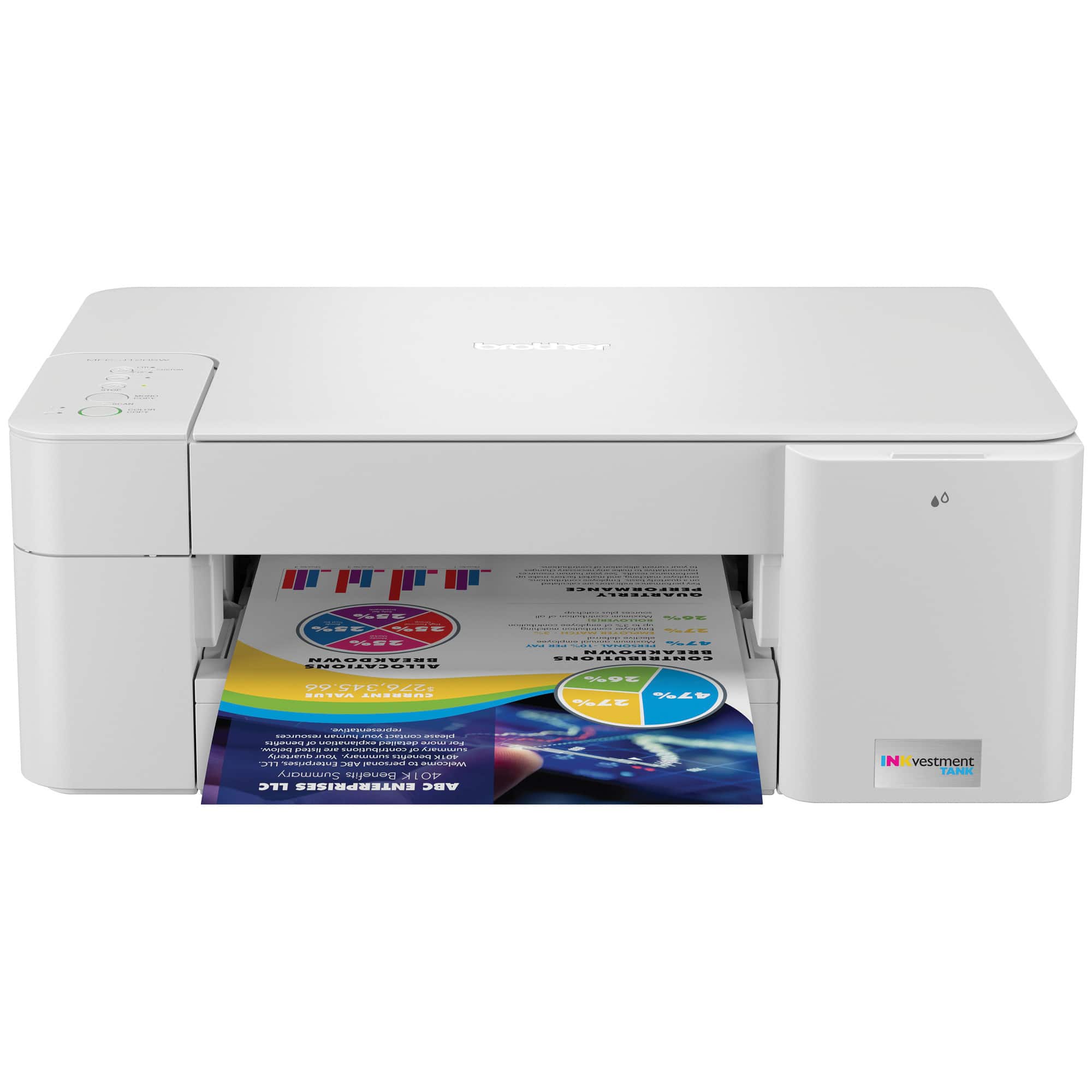
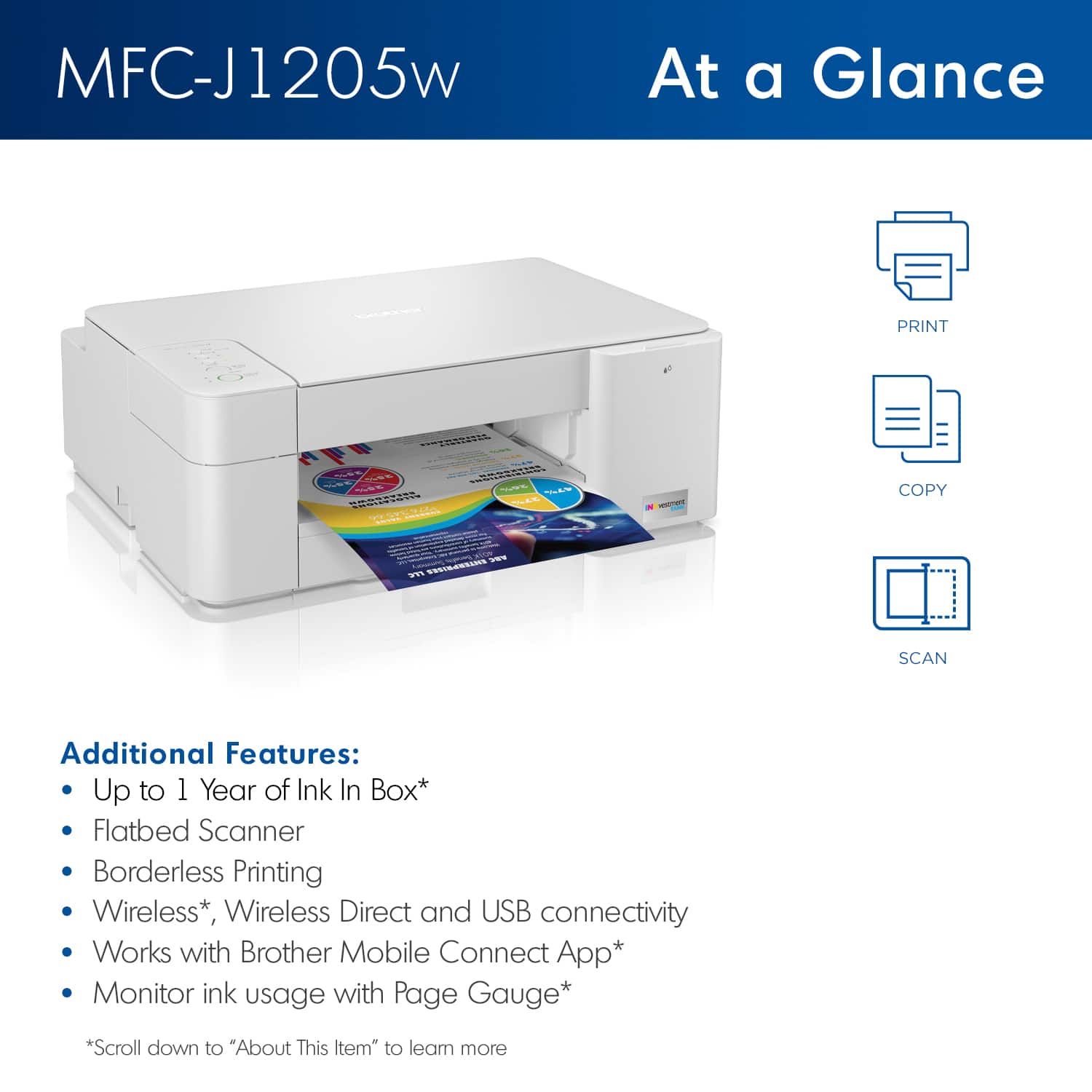
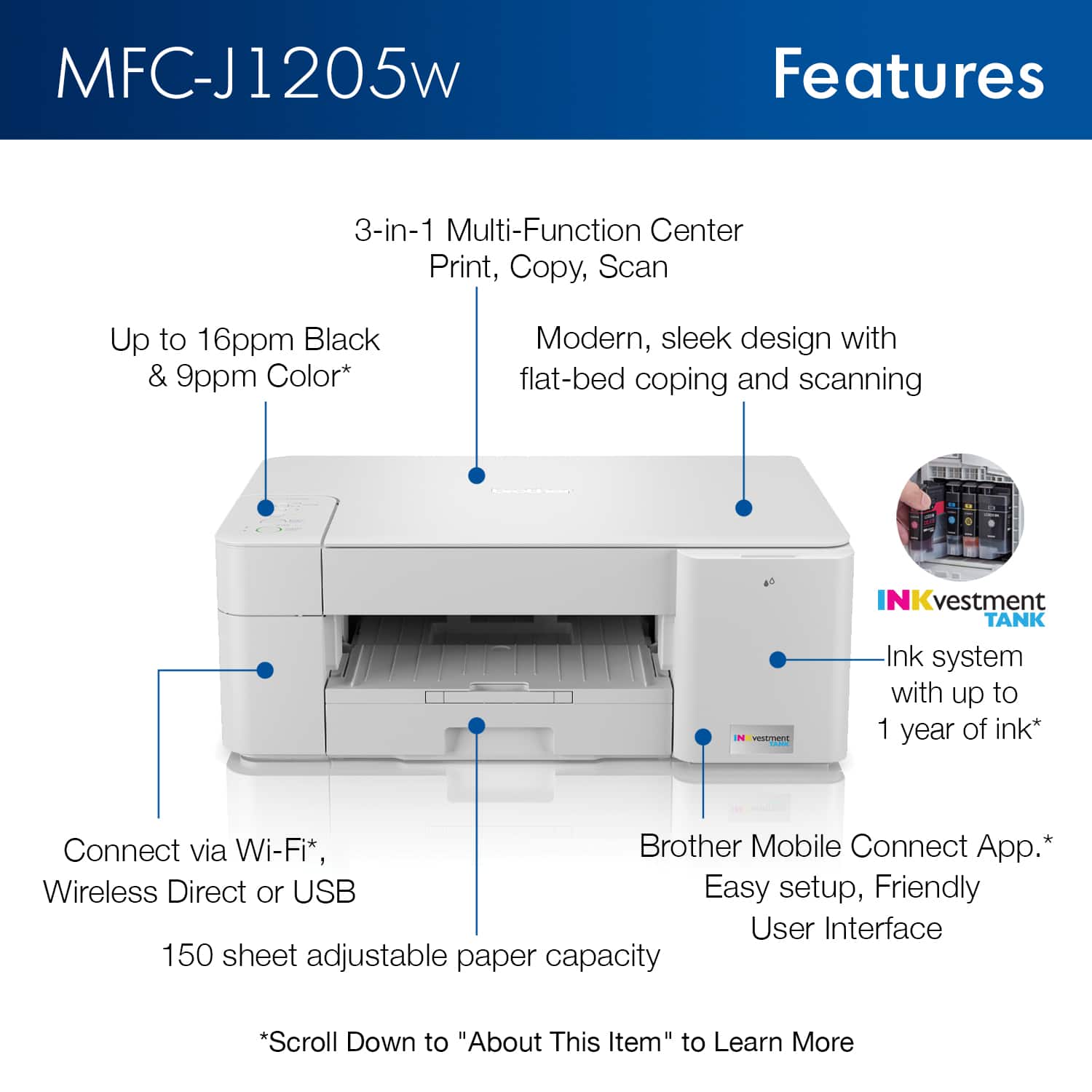
A:AnswerYes, the Brother MFCJ1205W will allow you to scan multiple pages to put in a file, keep in mind the machine does not have an automatic document feeder, you will need to placed the pages in the flat bed one by one.
A:AnswerUnfortunately the Brother MFCJ1205W machine is not able to automated duplex print. Our models that are able to duplex print has the letter D in the suffix.
A:AnswerYes, the Brother MFC-J1205W machine is compatible with Mac OS 10.14, 10.15, and Mac 11, also the cartridges model numbers needed when the machine request more ink are Brother LC404BK, LC404Y, LC404M, LC404C cartridges.
A:AnswerWe have found a link between EERO routers and Brother devices, which may cause frequent wireless disconnection. Our technical support team has thoroughly researched the situation and found that due to the specifications of EERO routers, we do not have the ability to stabilize their wireless connection with Brother devices. For a better overall connection, we recommend using a USB cable connected directly to your computer.
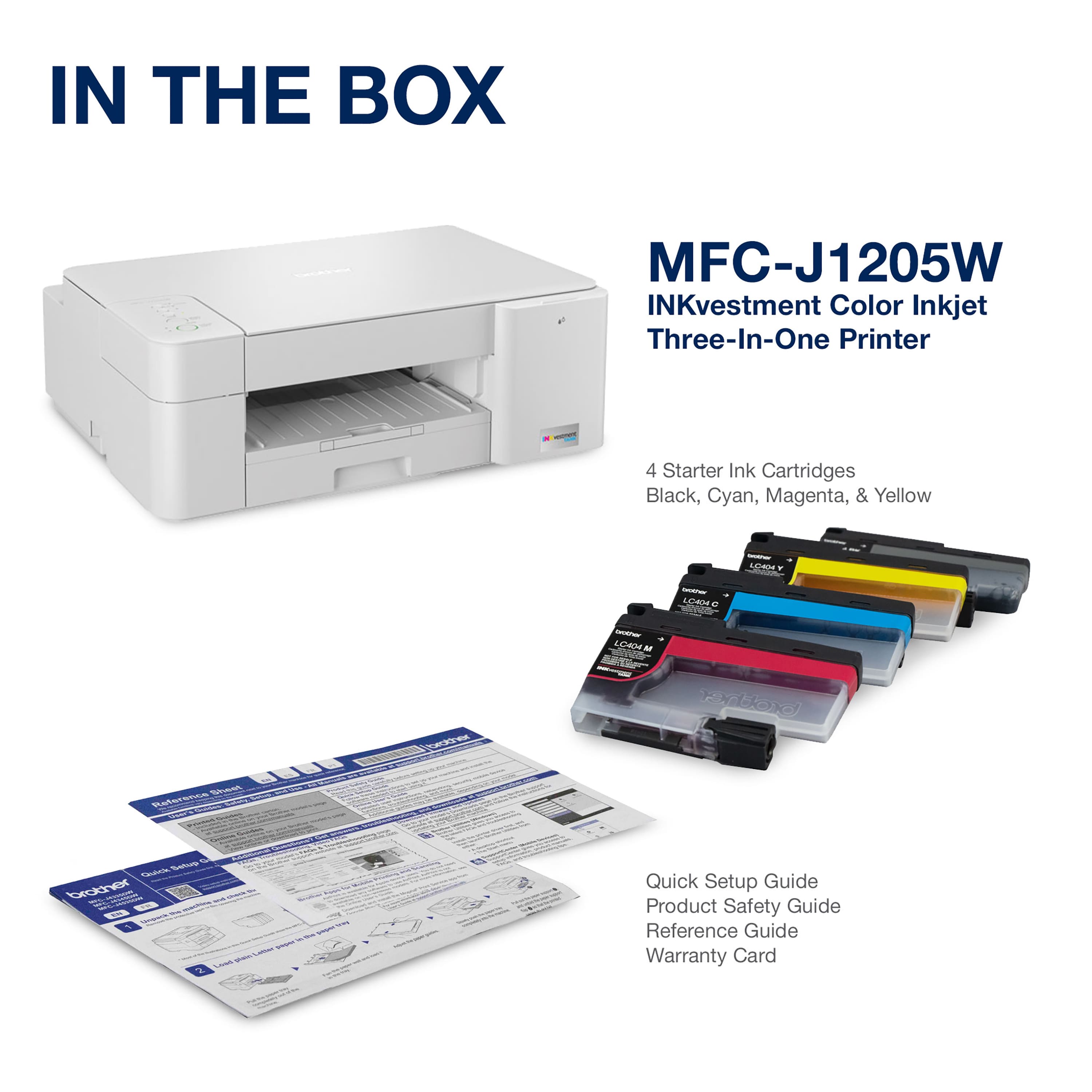
A:AnswerA USB cable is not included with the purchase of your Brother MFCJ1205W machine. A list of components included with the machine is printed on the outside of the carton. Yes, the scanner cover can be closed with the cord connected.
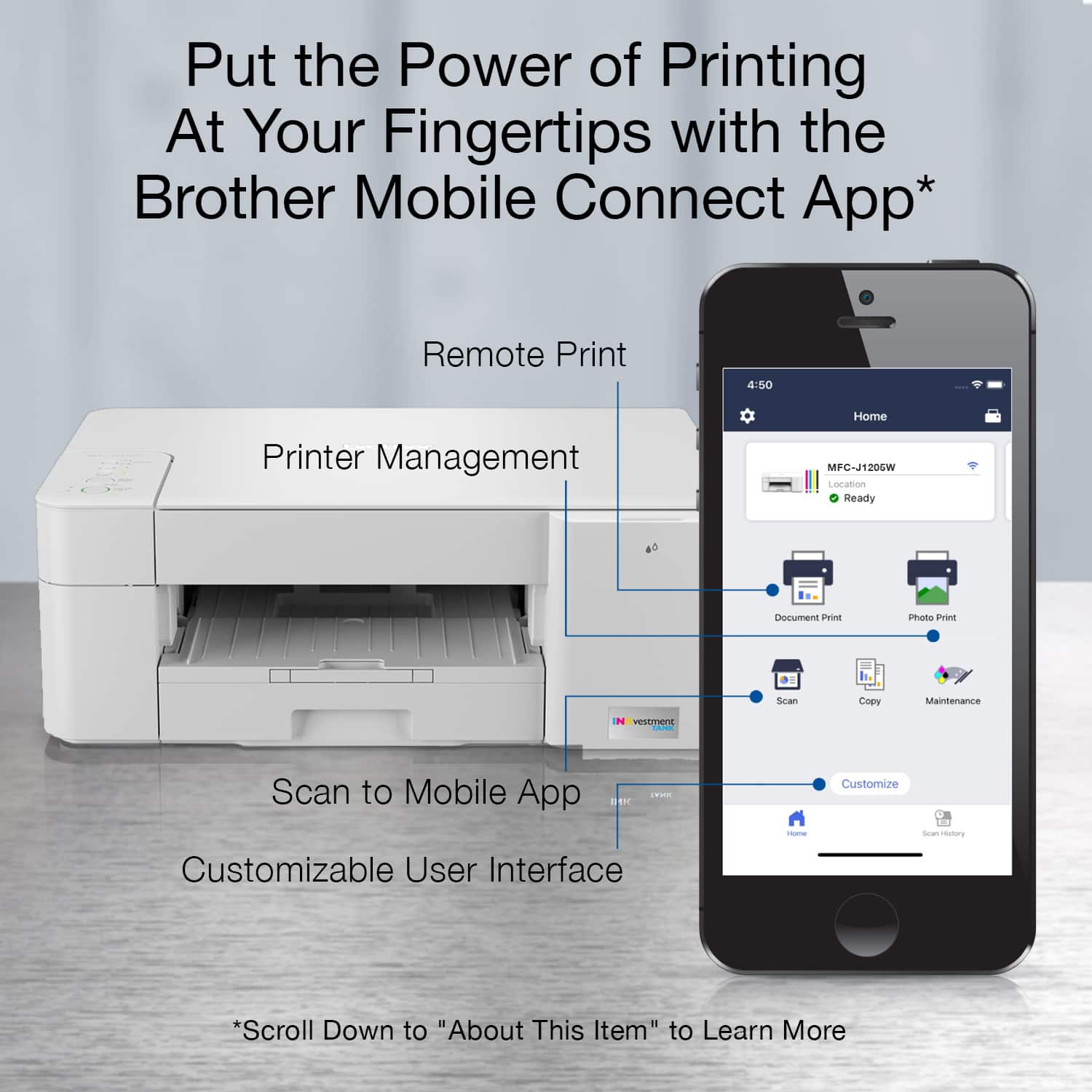
A:AnswerYes, the Brother MFCJ1205W machine will work with the Android device using WiFi Direct feature. You may need to install the Brother Mobile Connect app to configure it.