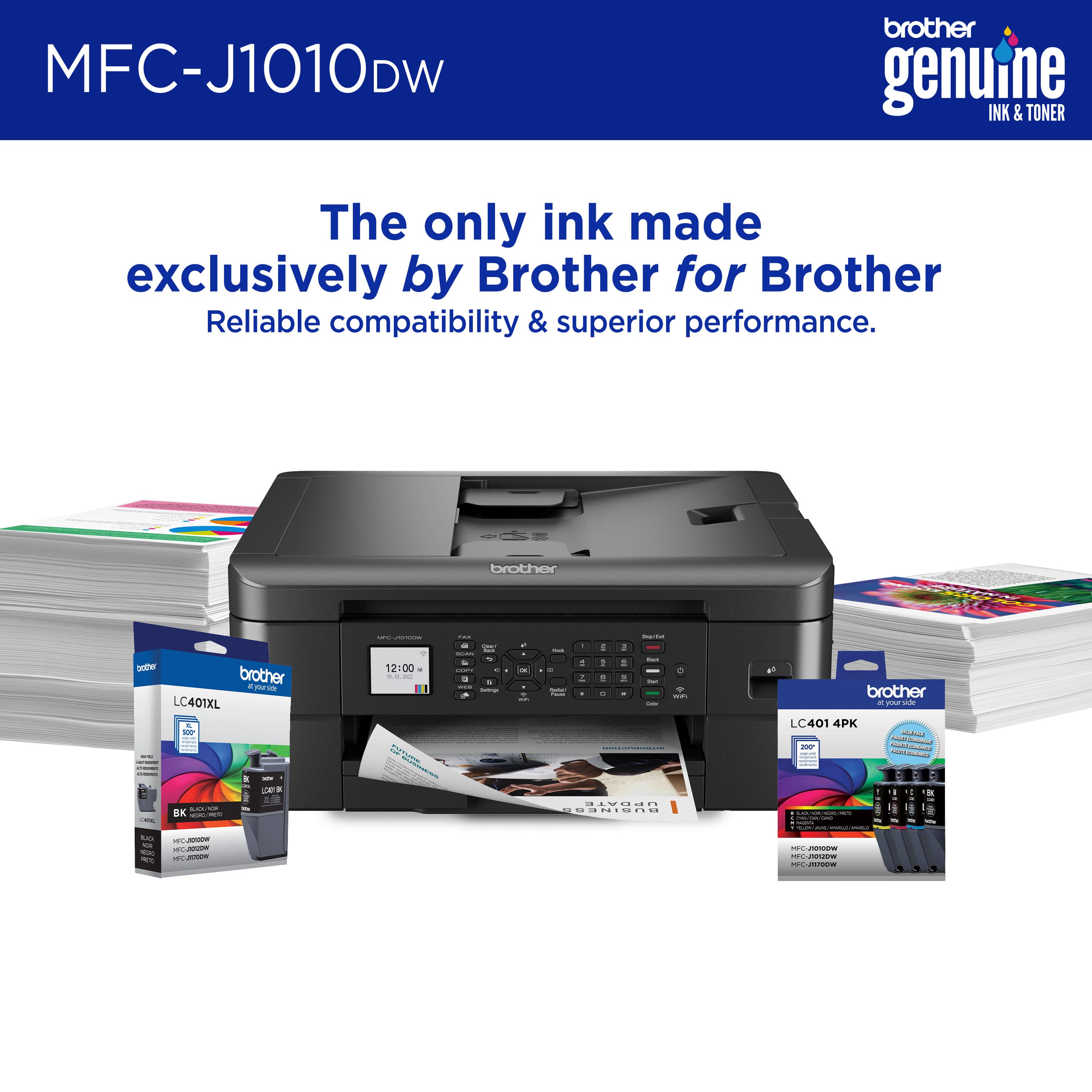
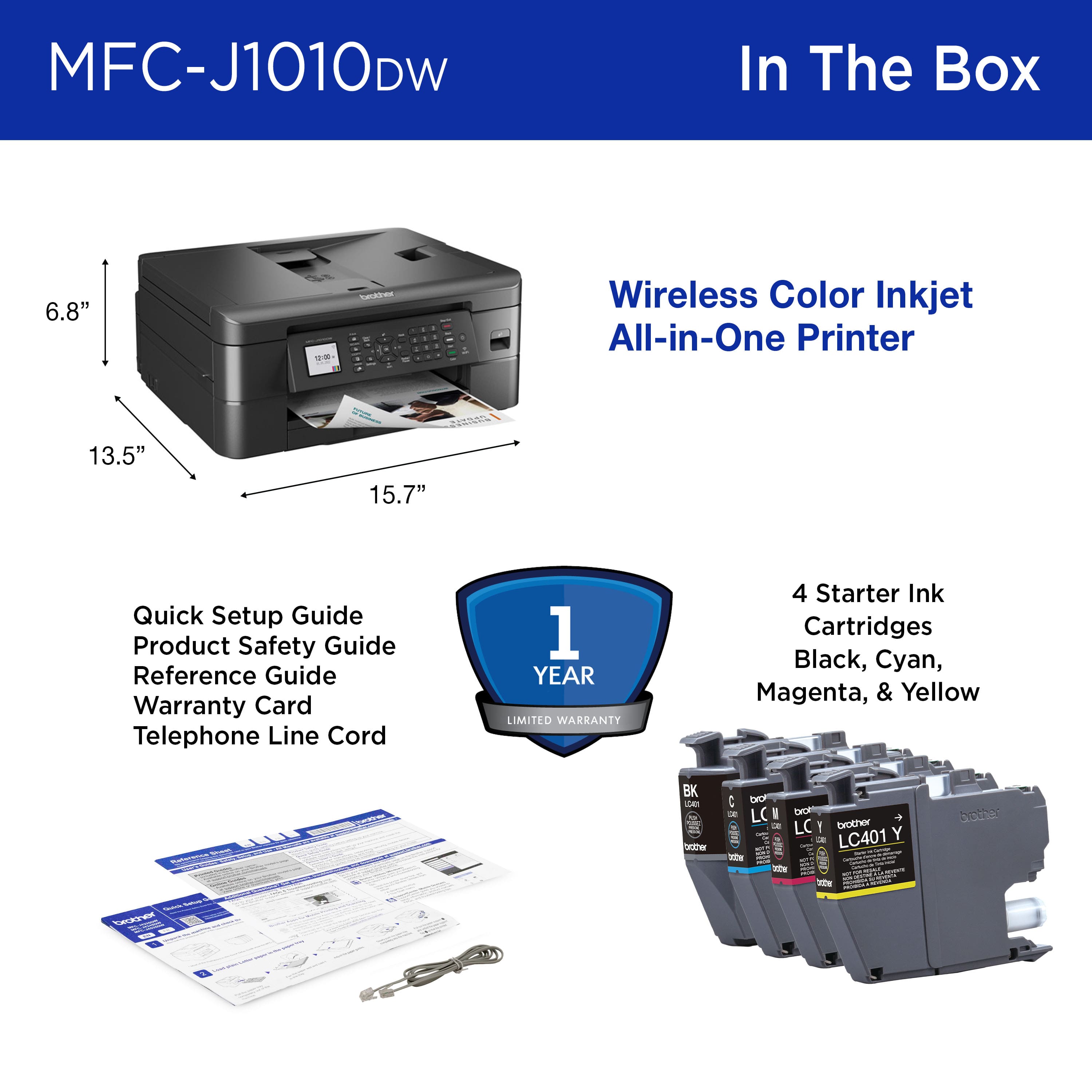
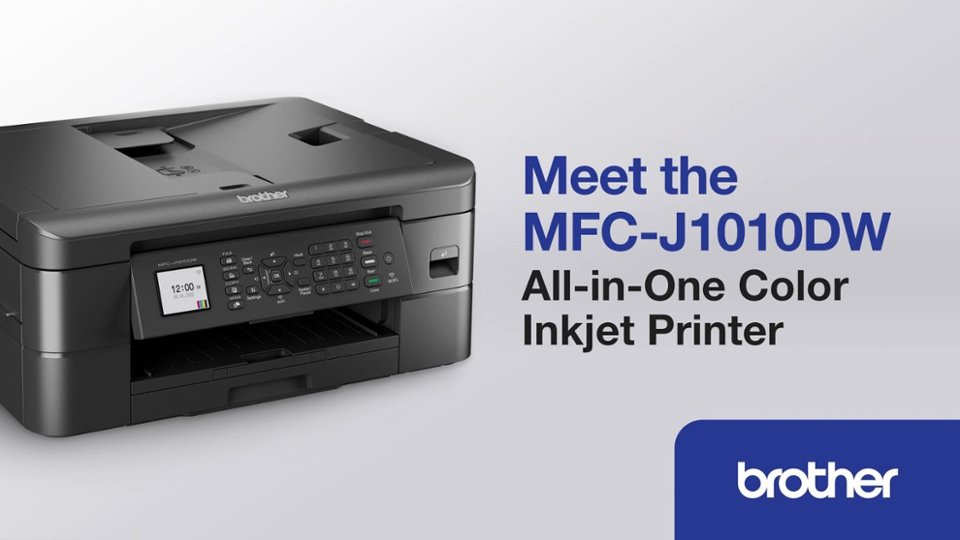
A:AnswerBlack and all color starter cartridges come with the printer. I don't know how long they last, so I bought regular cartridges too at the same time.
A:AnswerNo, the Brother LC201C and LC201BK Inks are not compatible with the Brother MFCJ1010DW. The compatible Inks for the Brother MFCJ1010DW are: Standard Yield LC401BK, LC401M, LC401Y, LC401C and High Yield LC401XLBK, LC401XLY, LC401XLM, LC401XLC.
A:AnswerBrother International continually strives to improve the environmental impact of our business. Accordingly, environmental objectives and targets are an integral part of our business decision-making processes. In an effort to reduce use of natural resources and avoid waste, we have decided to eliminate printed manuals/user guides and CDs from many of our products. In place of printed documentation, we have opted for online versions which offer the customer the ability to electronically search for topics and if needed printed selected pages. Thank you for you feedback.
Below is a link on how to install the full drivers for your Brother MFCJ1010DW.
Answer Link: https://help.brother-usa.com/AgentWeb/api/contextmanager/v.32404120002/workspaceContext/workspace/processedPrint/Answer/179196
A:AnswerYou need to buy a separate cord, but yes, you can hardwire it. But you will not need to if you are running even a semi current version of windows. Don't know about crapple.
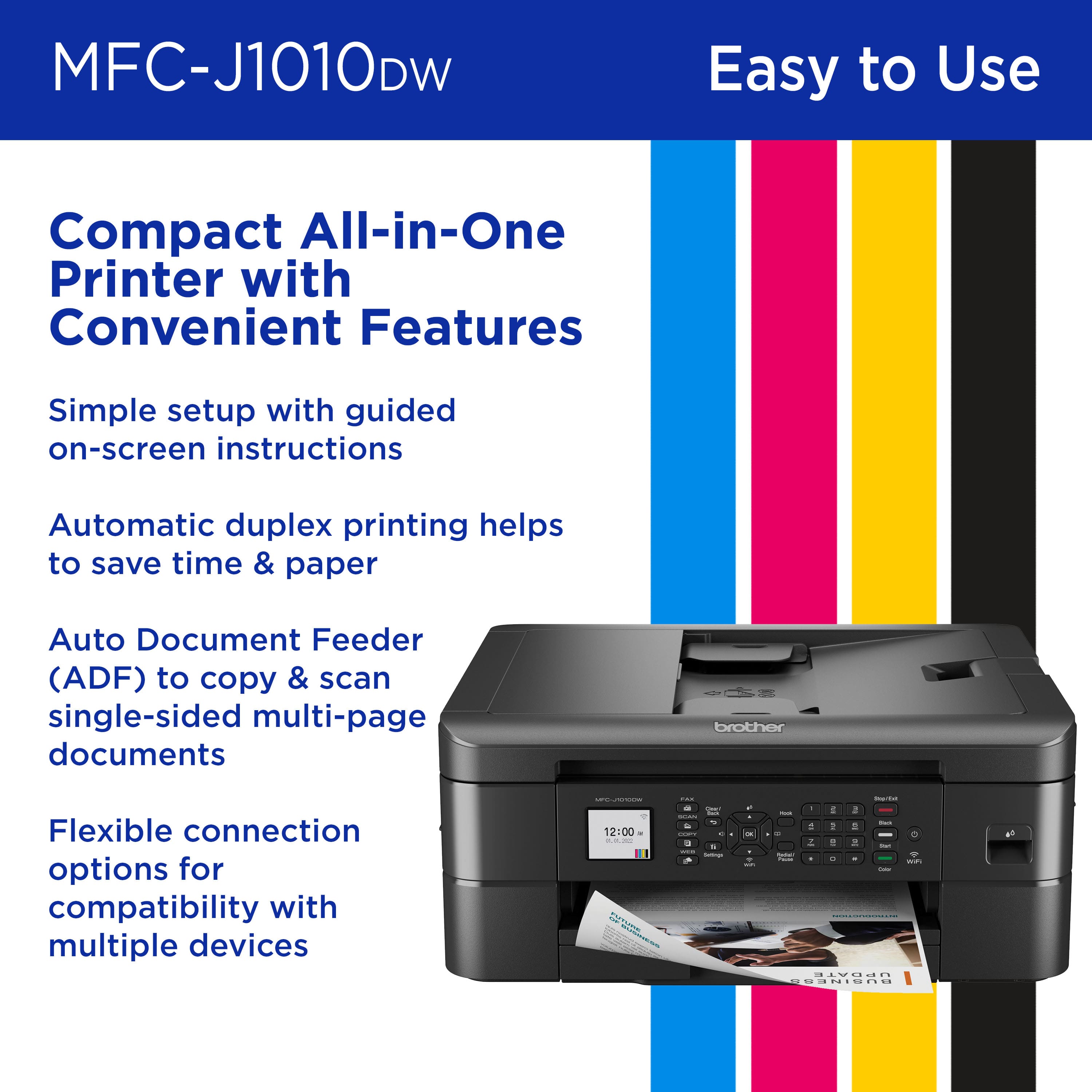
A:AnswerYes, the Brother MFCJ1010DW is able to print scan legal sizes paper from the Automatic Document Feeder (ADF) only not the glass. Below is a link with the Brother MFCJ1010DW Recommended paper.
Answer Link: https://help.brother-usa.com/AgentWeb/api/contextmanager/v.32401050003/workspaceContext/workspace/processedPrint/Answer/175445