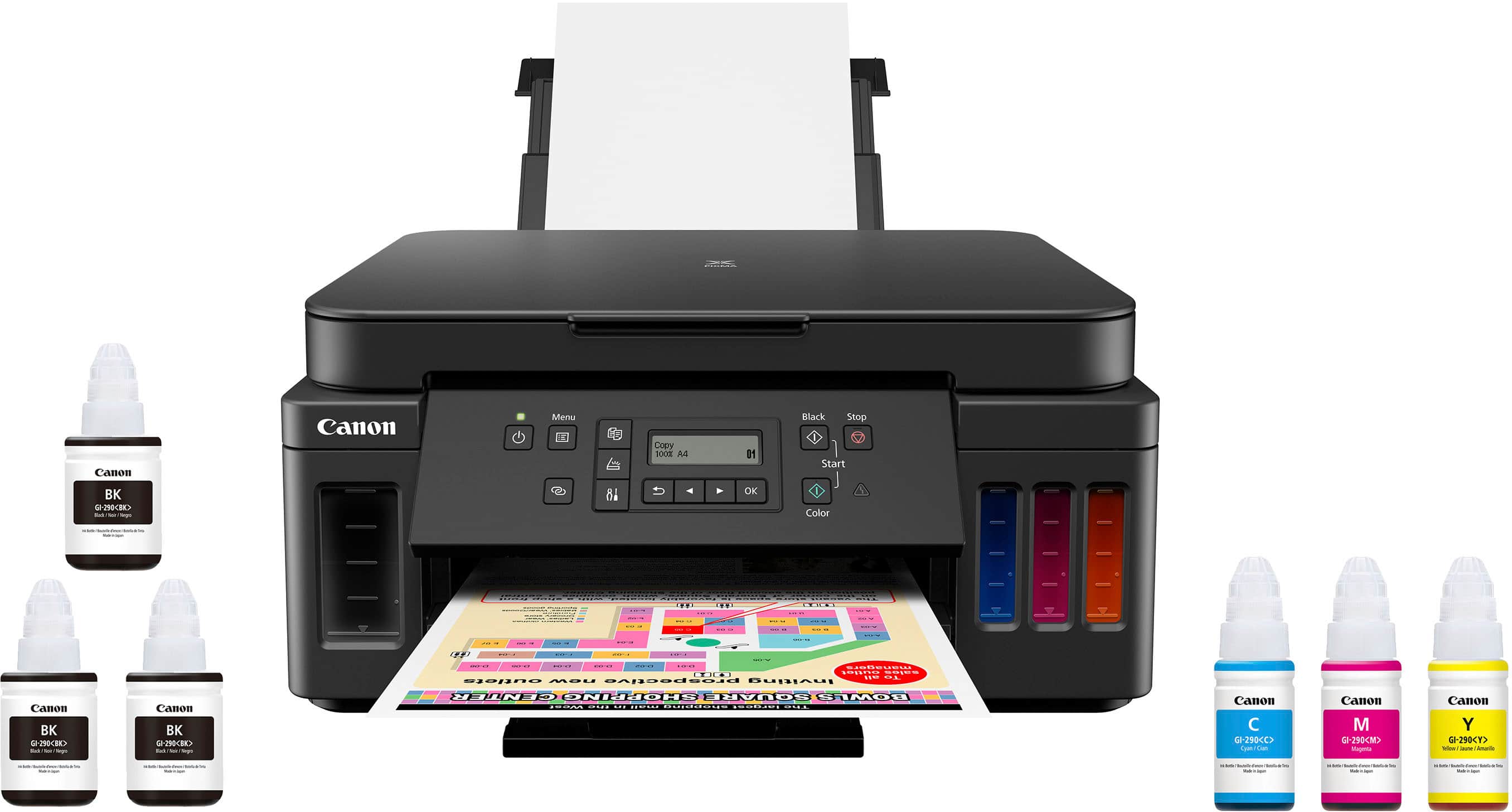
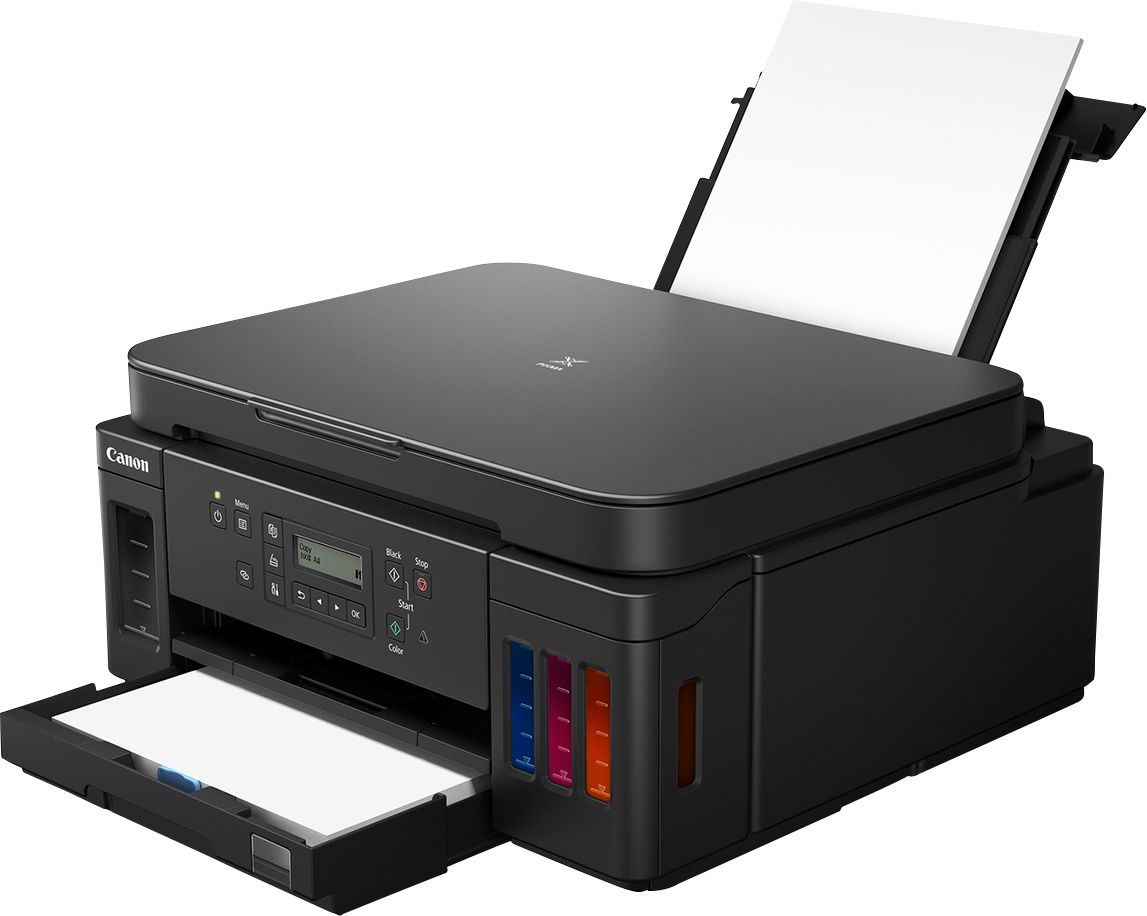
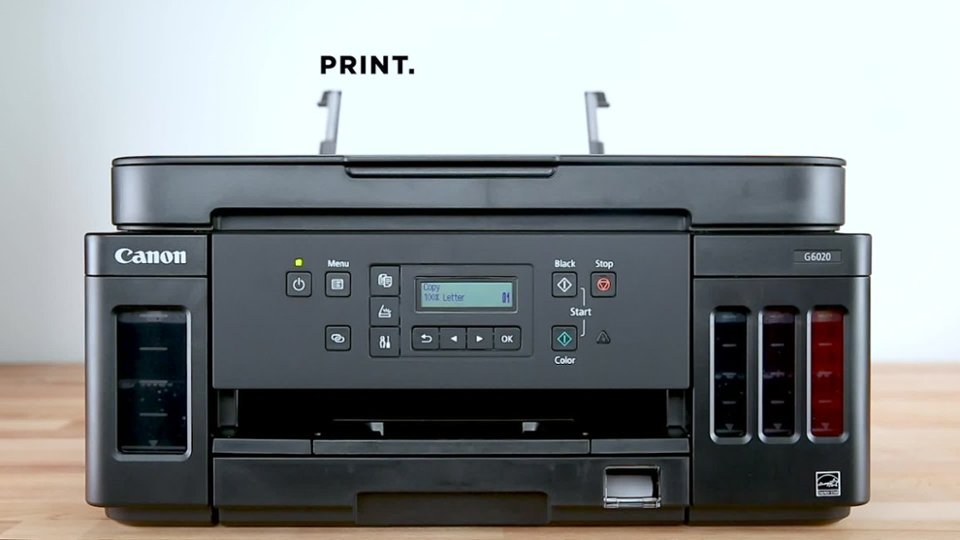
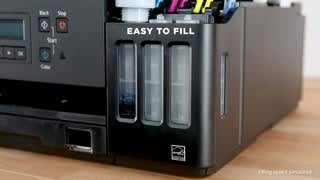
A:AnswerI just measured it and it is approx. a little under 27 inches with both the front and the back trays fully extended.... I hope that this helps you, it is a great printer and come with lots of ink!
A:AnswerMine was a bad one, couldnt be detected in office or home after used for a week. Office wifi is great enough; home is Verizon Fios.
I hope this is just the one I bought. but still, bad!
A:AnswerI haven't tried any paper that heavy in the Canon G6020. Looking at the Canon website, it would appear that the G6020 does not support that weight for paper...
https://support.usa.canon.com/kb/index?page=content&id=ART174671
Paper Weight
You can use paper in the following weight range.
Plain paper: From 17 to 28 lb (64 to 105 g /m2)
Specialty paper: Up to 53 lb (200 g /m2)
A:AnswerCan't answer the first part when it will be in stock again. As to the second part, the G6020 does not have an auto document feeder but the G7020 does.
A:AnswerBest Buy informed me that they do NOT repair printers.
My Canon printer stopped printing after only 8 months - two months beyond the 6-month Geek Squad warranty expired.
Buy an Epson.