A:AnswerYessiree, it does. It’s like a drug pusher who wants to get you started right. After their first ink, they’d like you to continue to buy Canon ink or the printer will go bad. That’s just my theory. :)
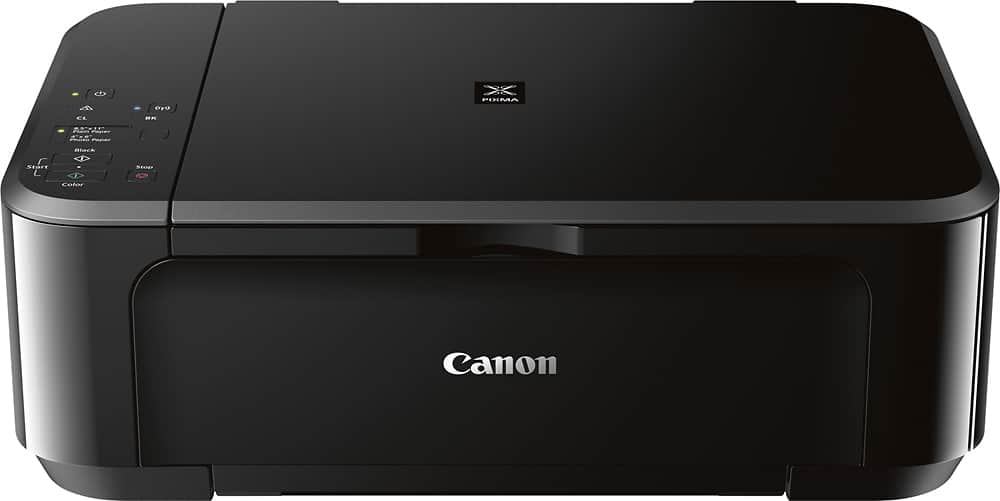
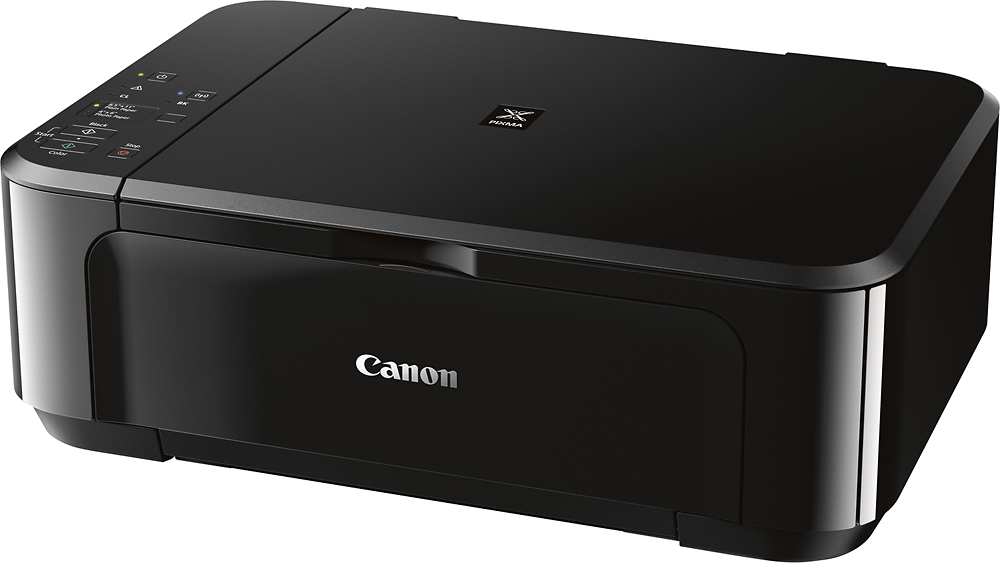
A:AnswerI bought 2 of these. Pure JUNK! 4 different techs could NOT get any of these to connect. 4 of them! They are sitting in a corner collecting dust! Do Not waste your money and time. Ended up with HP printer. Works Great.