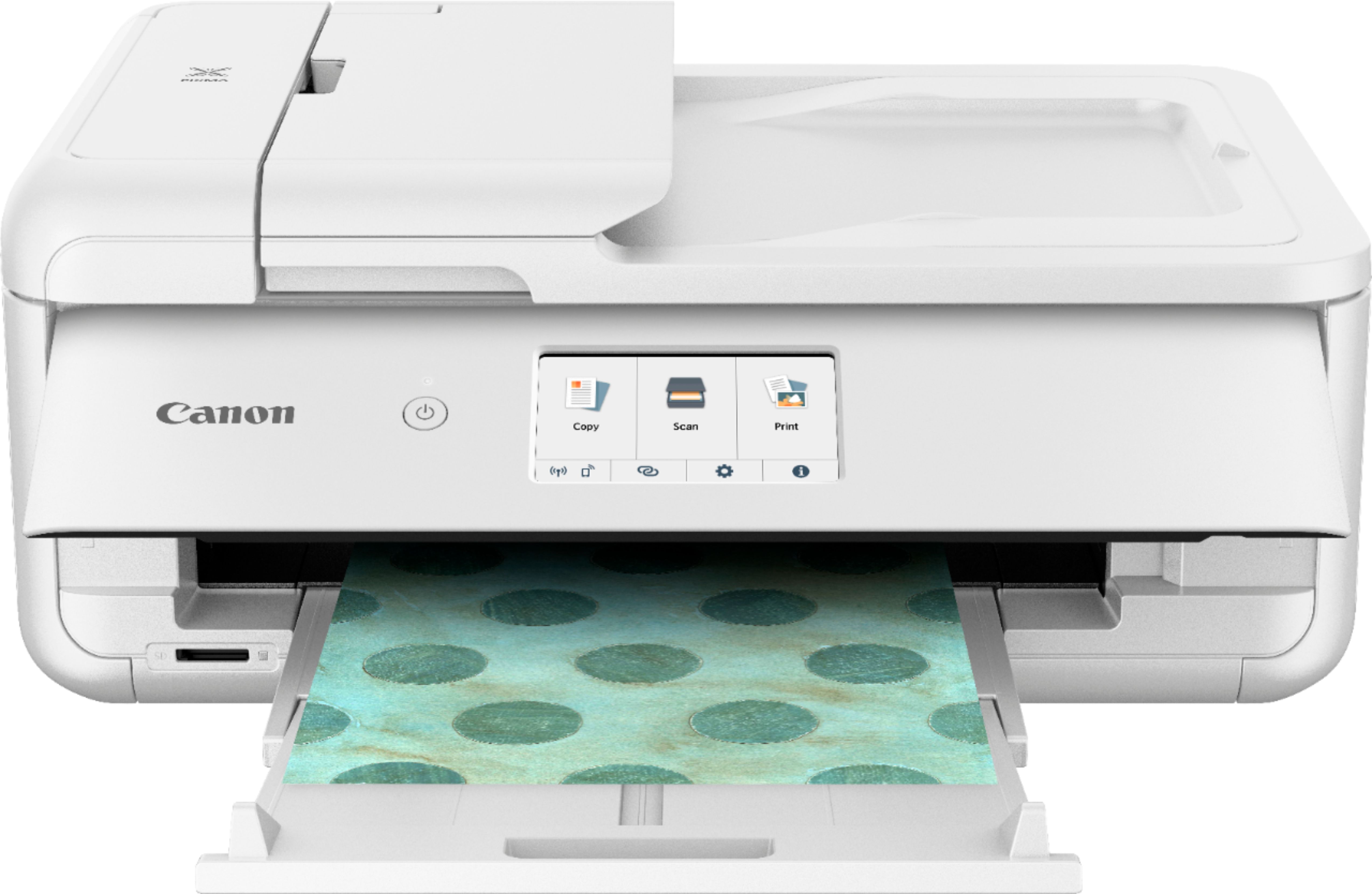
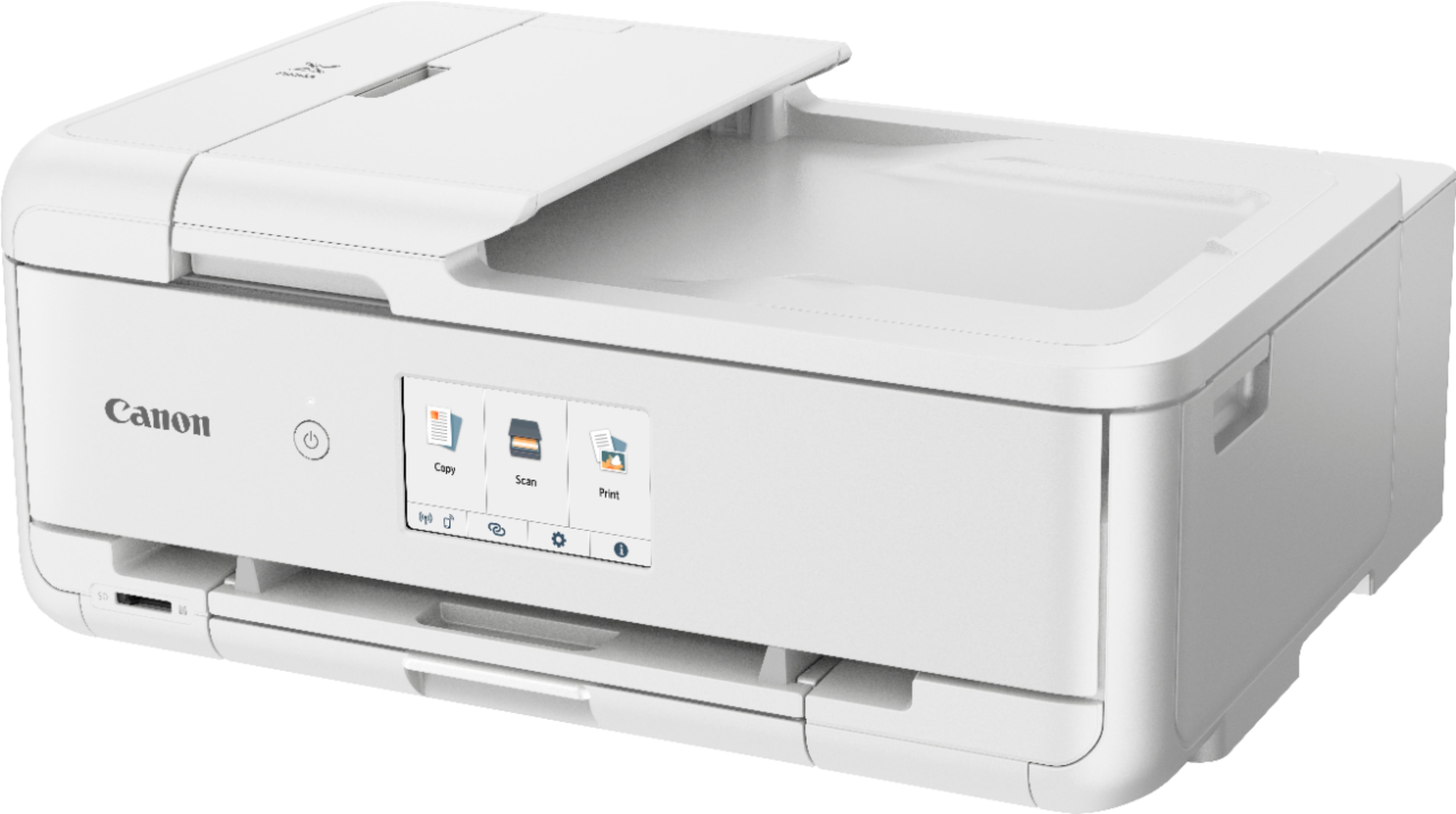
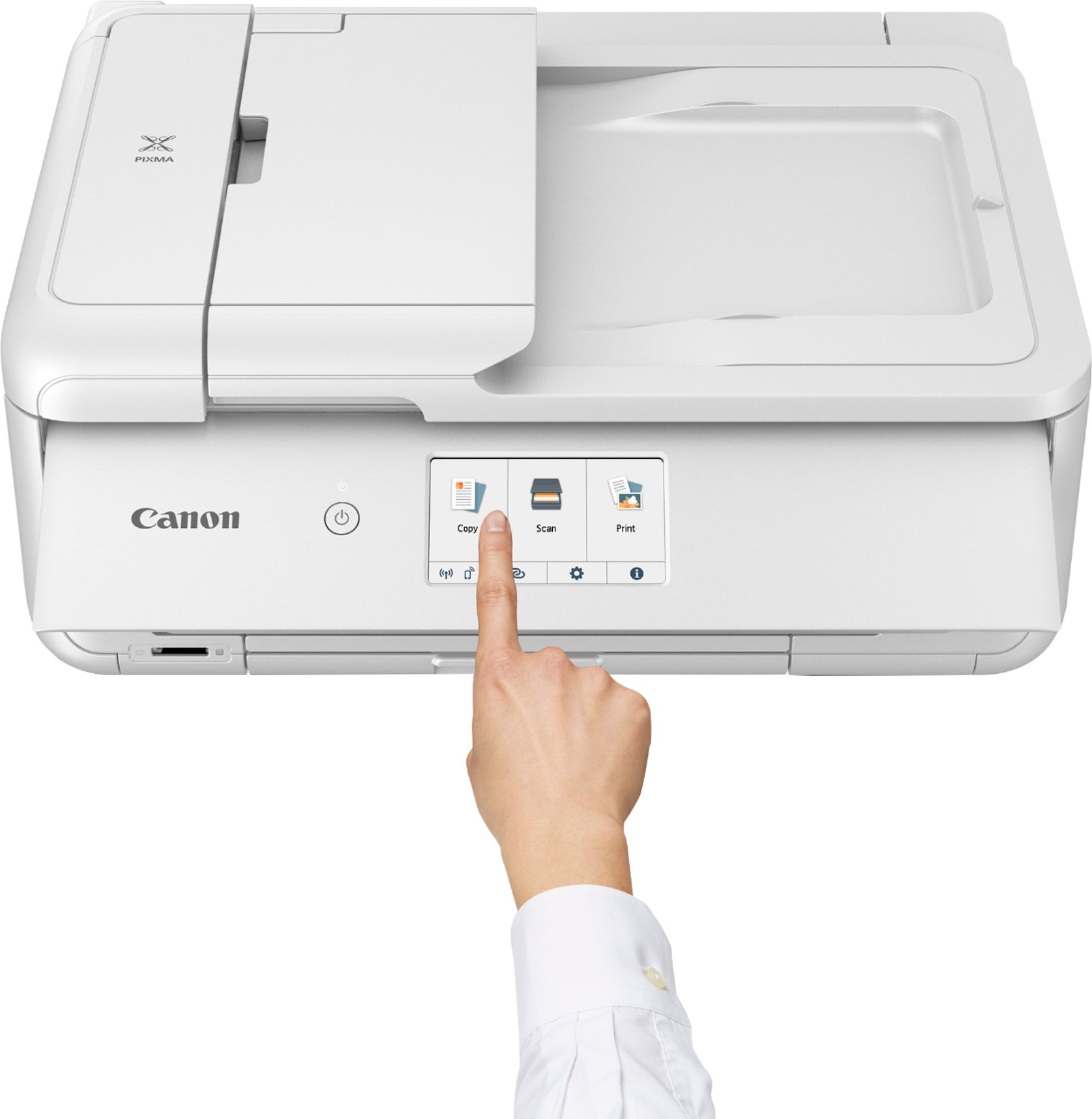
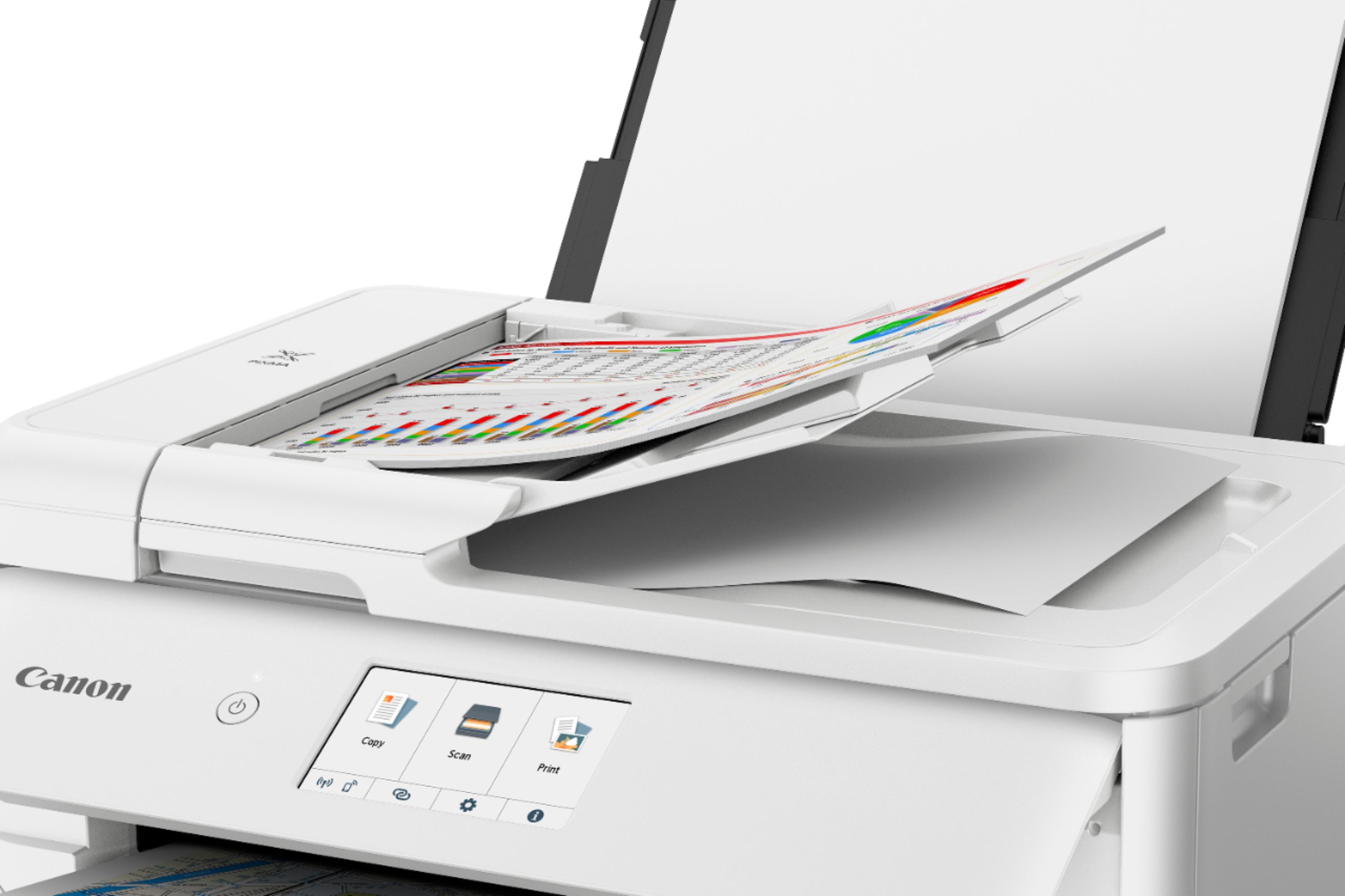
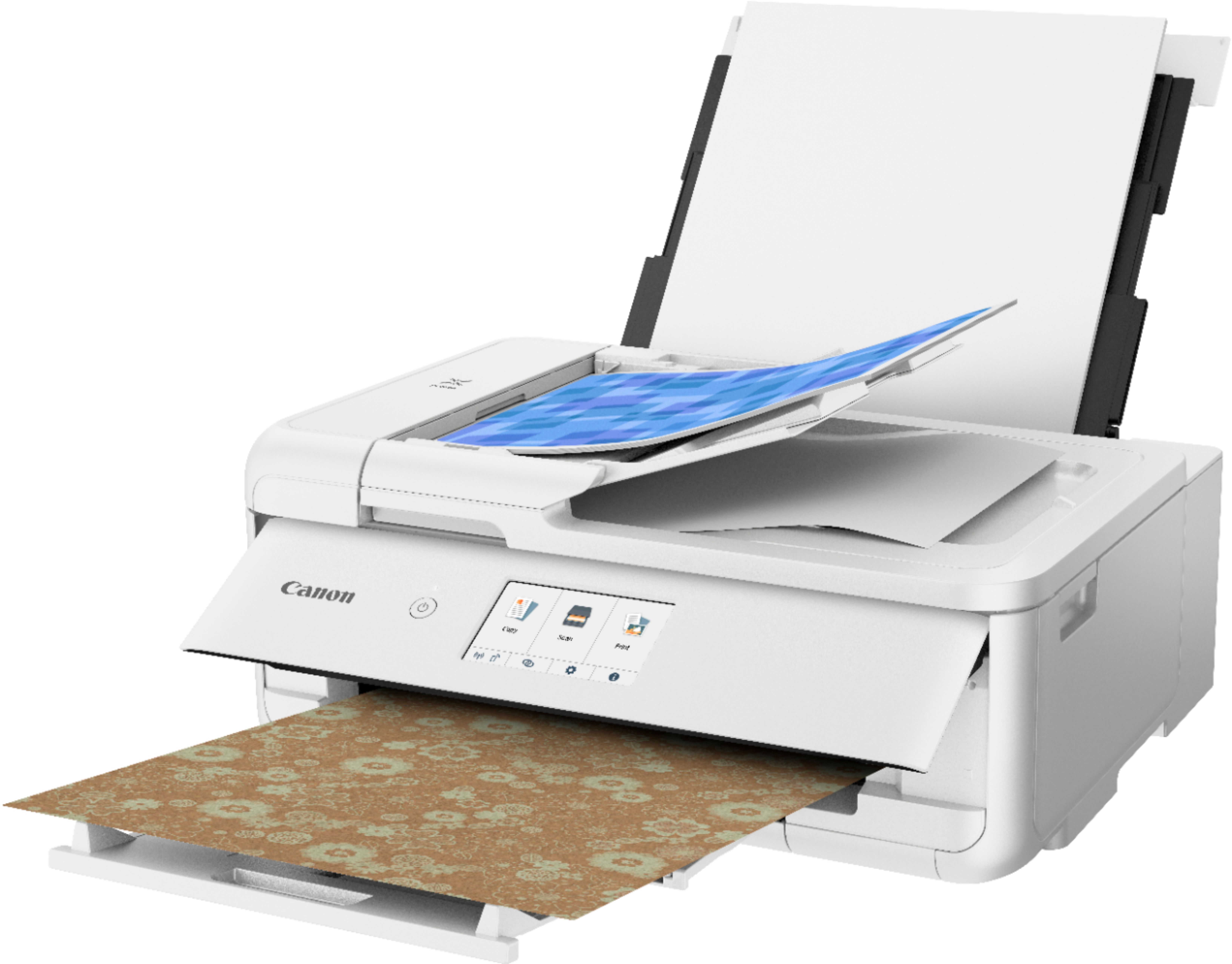
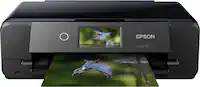
A:AnswerI have scanned 20 documents without issue and have not seen any color leaking problems with this particular printer. Also this printer does support duplex scanning. (Canon TS9521C) Two-sided scan and two-sided copy.
A:AnswerThe rear paper feeder is for photo paper, when printing photos, one sheet at a time. You must use it when you are using paper of various sizes as well.
A:AnswerThe Canon TS9500 series has a droplet size of 1/4800 of an inch minimum (according to the manual) and the text quality is fantastic in all sizes (I've done 3 point to 180 point)
A:AnswerI found it easy to setup. The hardest part was removing all the tape used to protect the miving parts during shipping. Figuring out how to use the special dvd tray to print on dvd media required looking at the manual. The software drivers were easy to install on MacOS Monterey and Windows 10.
A:AnswerIt doesn’t come with drivers for your Mac. You can do it but it’s a bit complicated. I’d go to Canon’s website and look into how to do it or have a BestBuy tech recommend a printer for you.
A:AnswerJust chatted with canon, they said not to use anything higher than 75lb cardstock. Unfortunately this is not documented anywhere in the the manual for this printer.