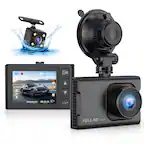
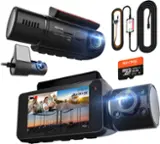
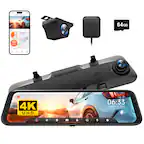
A:AnswerYes, it auto records over the old videos. I suggest getting a bigger SD card so you can have a bigger back log of videos. On 16gb I can usually get a little under 2 Hours before it auto deletes with both cameras on.
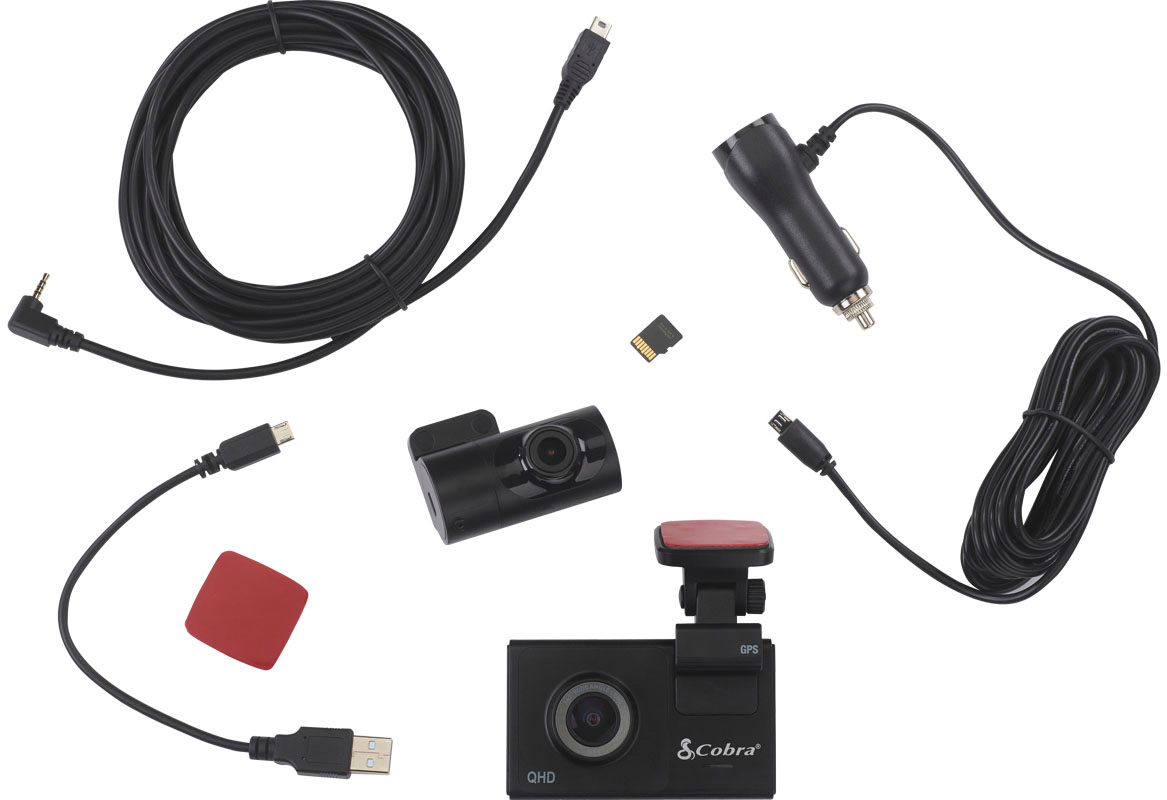
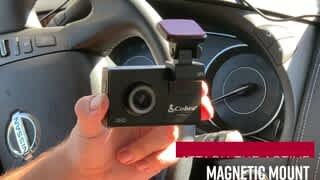
A:Answer1) The mounting system is included
2) Parking Mode allows your camera to monitor for activity around the vehicle. If your car is bumped or motion is detected, the camera will begin recording and save the clip for you to review. This requires your camera to be connected directly to your fuse-box via a Hardwire Kit so that the camera can get power when the vehicle is off.
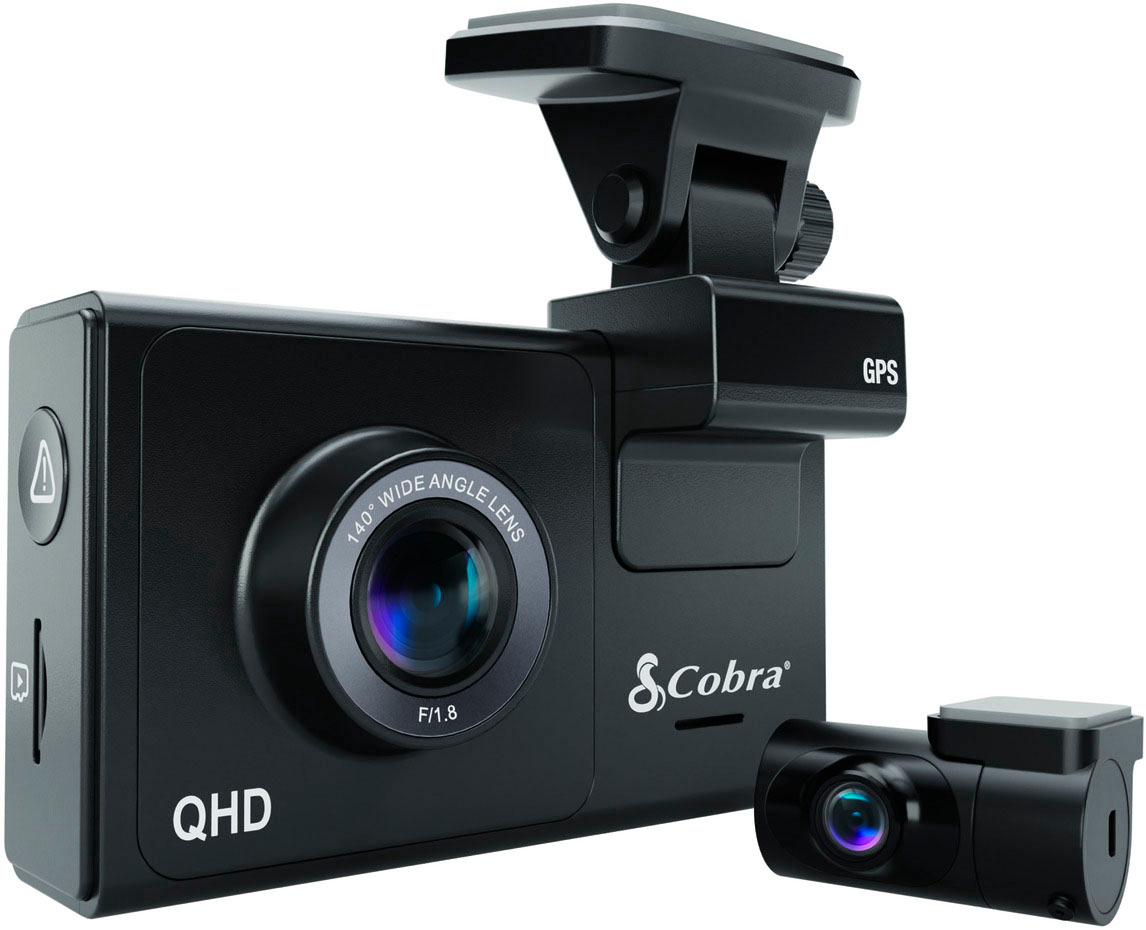
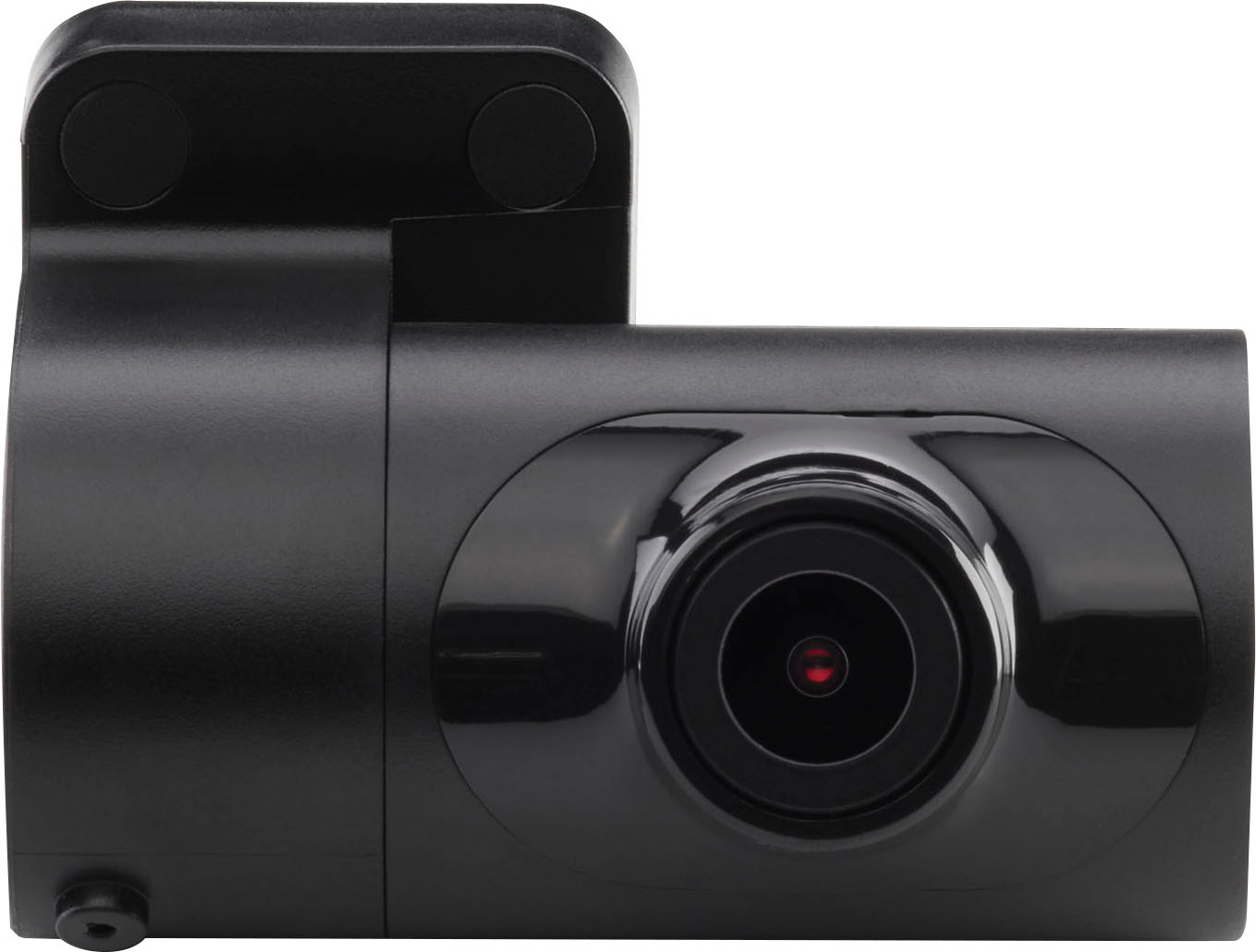
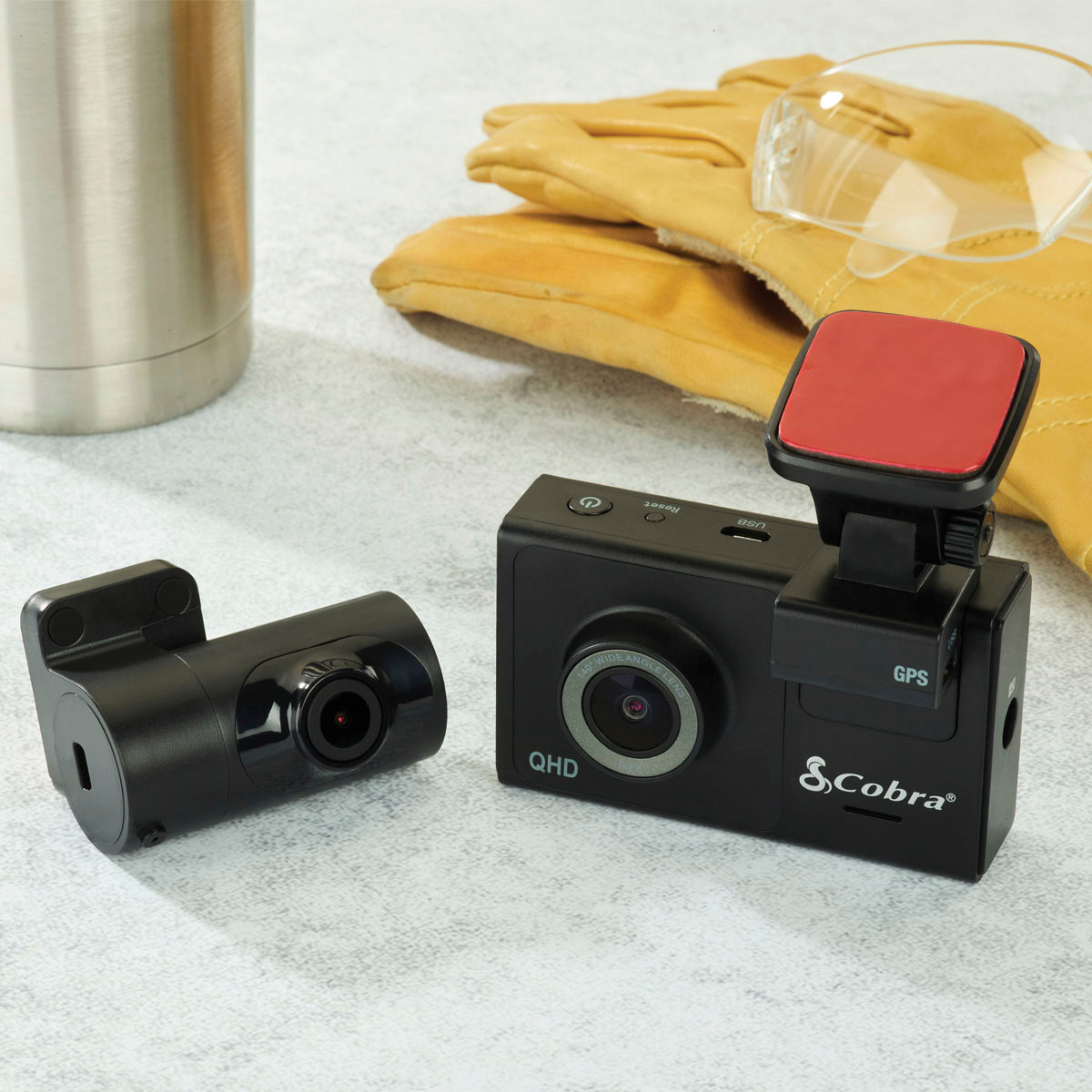
3) The rear camera is designed to be mounted on the back of the window for a view of the road behind you. We also have an optional accessory FV-CV1 for cabin-recording.
A:AnswerHi. Generally, the camera is used while driving and comes on when the car powers up. However, you can keep recording by connecting to a power source that's always on. If you do that, it will continuously record. There is also a Parking Mode that will put the camera into a sleep mode and monitor surroundings. It will turn on if a disturbance is detected via motion or G Sensor impact. Parking Mode only works properly if the dash cam is powered. Either the Cigarette Lighter Socket must remain on with the ignition off, or the dash cam must be hardwired to a
constant power source (use optional hardwire cord CA-MICROUSB-001). Thanks!
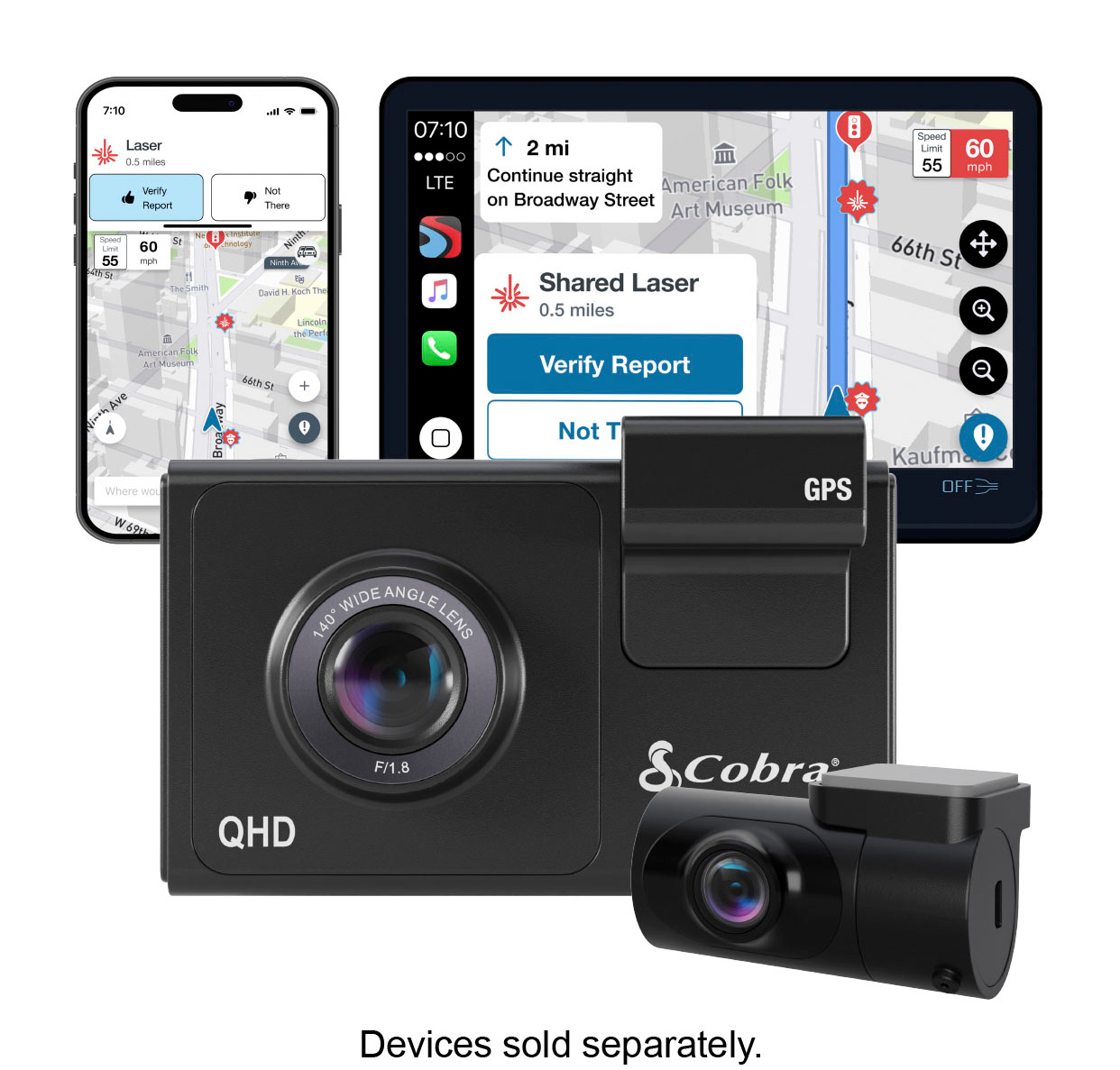
A:Answeryes it records sound, which can be turned on or off. Plozoe dash cam hardwire kit micro is a good hardwire kit with 4 kinds of fuse adapters Any body can wire it. up to 256 MB SD card.. gets written over when full. comes with 16 MB Card. Download the manual for compete instructions and operation.
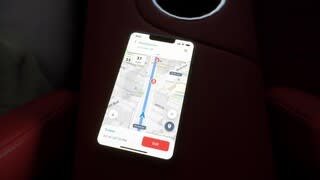
A:AnswerThere’s a little latency but if you download the app then yes but only while you’re in the vehicle connected to the webcams WiFi. You cannot view it remotely.
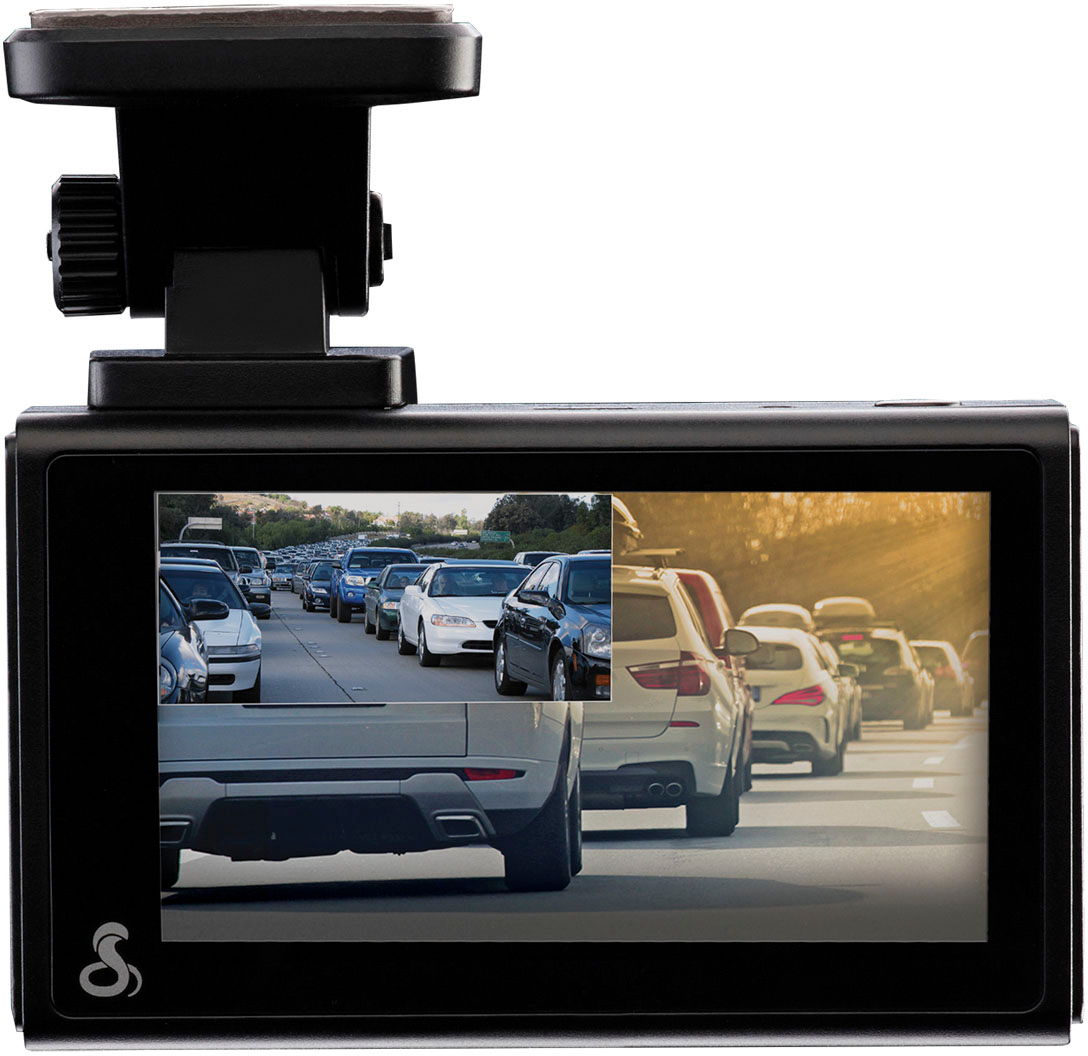
A:AnswerYes, you can have rear view only and front view only. Or Picture-in-Picture and choose which one is the bigger size on the display. The setting will stay and every time you turn on the car it will keep the view you chose and start recording. I personally use the PIP so I can see what both cameras are recording.
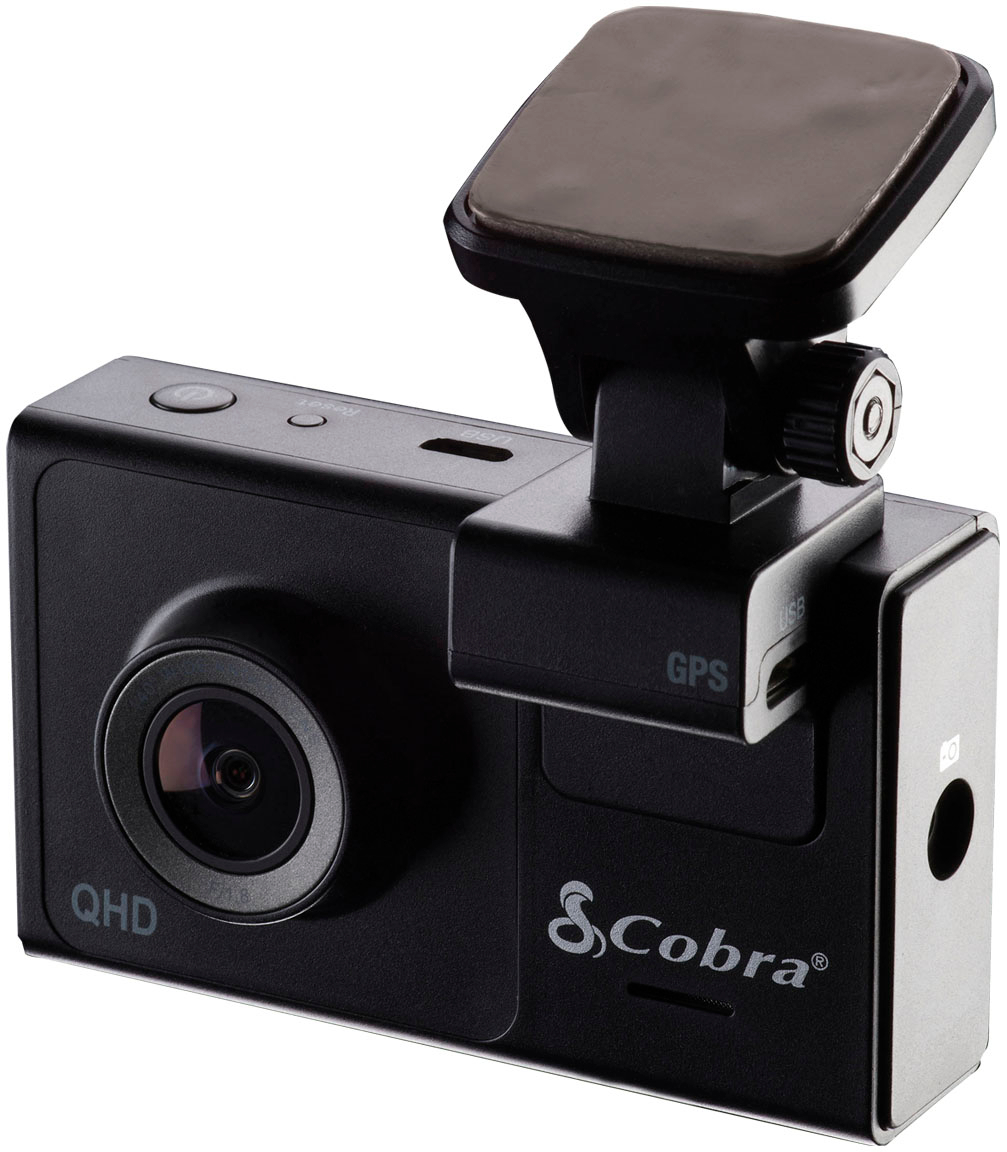
A:AnswerWe include an additional adhesive pad in the box if you need to remount the camera. If you do not have it, you can order another mount on Cobra.com.
A:AnswerYou can upload videos to the cloud using the Drive Smarter app on your phone. We (Cedar Electronics/Cobra) manage the cloud and you can log into your portal on Drivesmarter.com to view cloud-uploaded videos.