A:AnswerHi,
I suggest checking our website for Spanish availability: (https://www.corsair.com/es/en/). If you have any additional questions, please feel free to reach out: support.corsair.com
-Albert
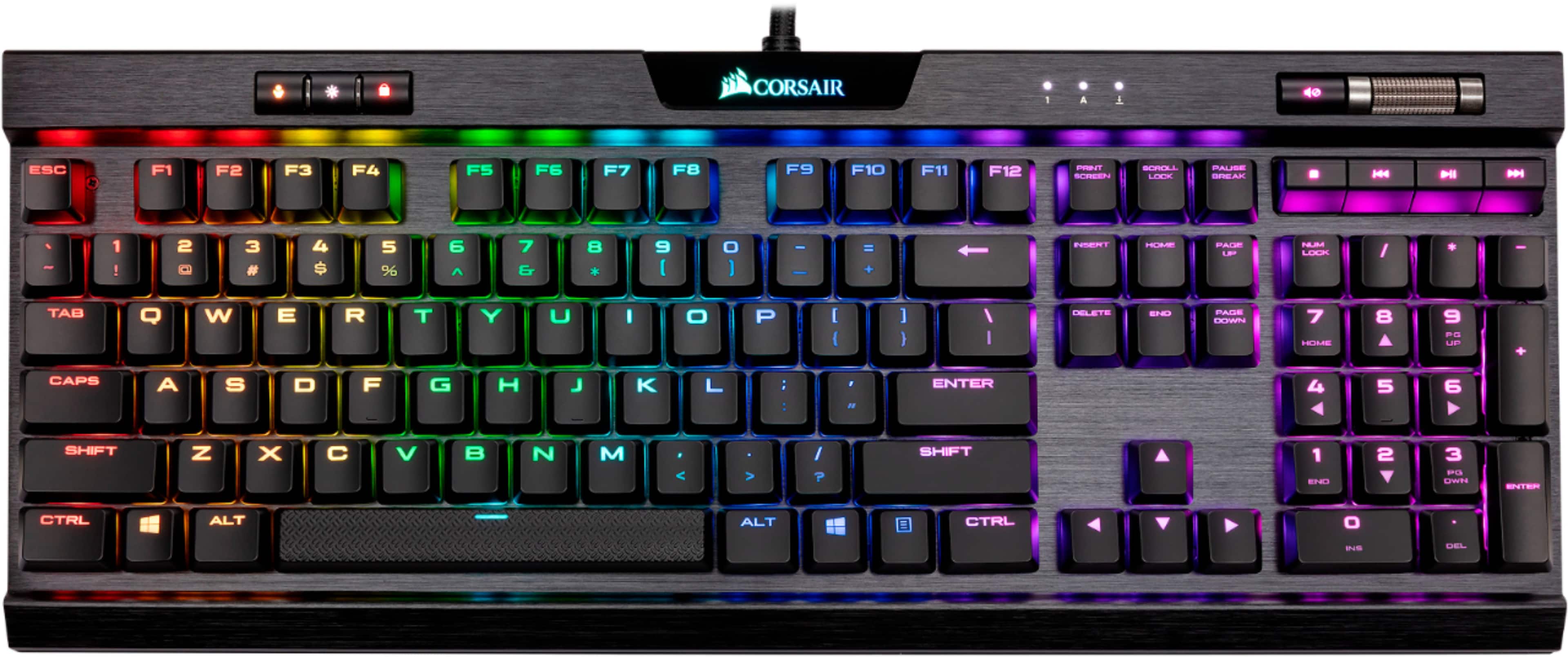
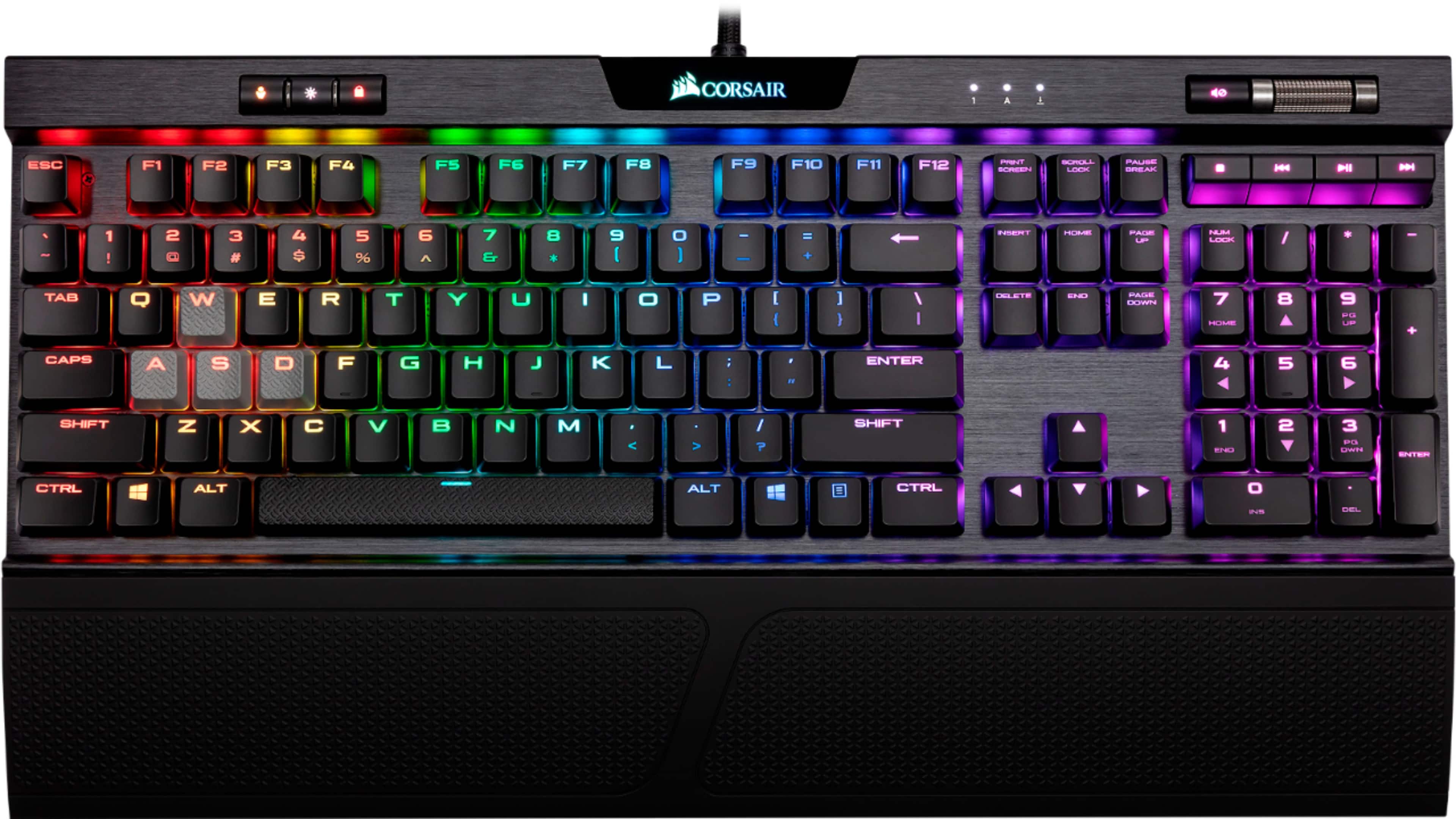
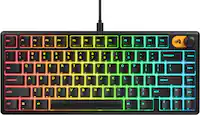
A:AnswerYes. On the top left of the keyboard you have brightness control which offers four light intensity levels. From no backlight to full brightness. Hope this helps!
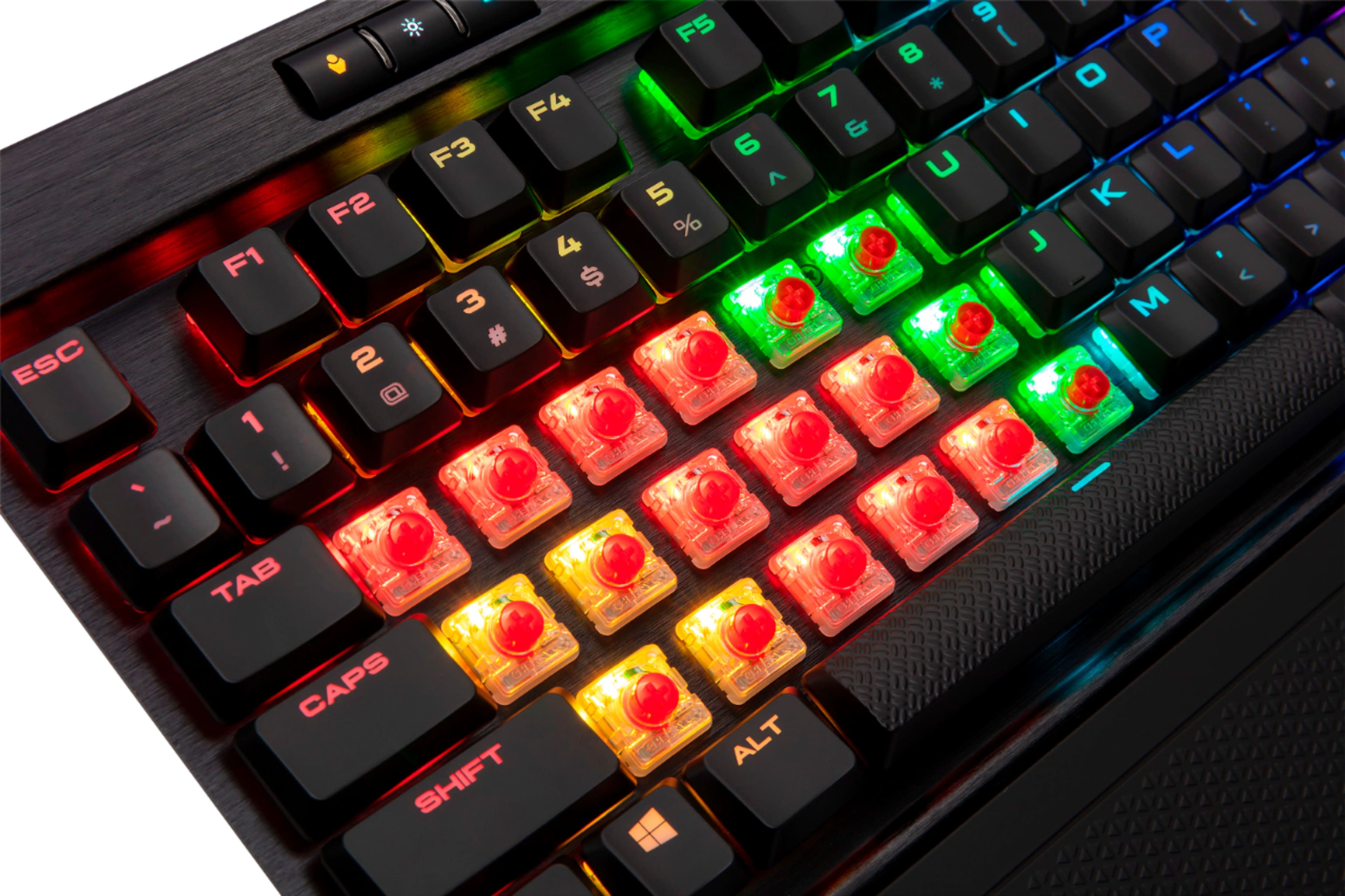
A:AnswerCDel: This is a really difficult question to answer because hearing/noise can be very subjective. I replaced a mechanical Logitech with this keyboard a couple of years ago and still enjoy using this keyboard daily. I think it is much quieter than the previous Logitech - but this one is by no means "quiet/silent".
A friend at work was complaining about the noise from his Cherry Red switches when typing fast and I suggested this keyboard to him. I took my keyboard to work and did a side by side with the Red switch keyboard and this one is definitely quieter (but again, not silent).
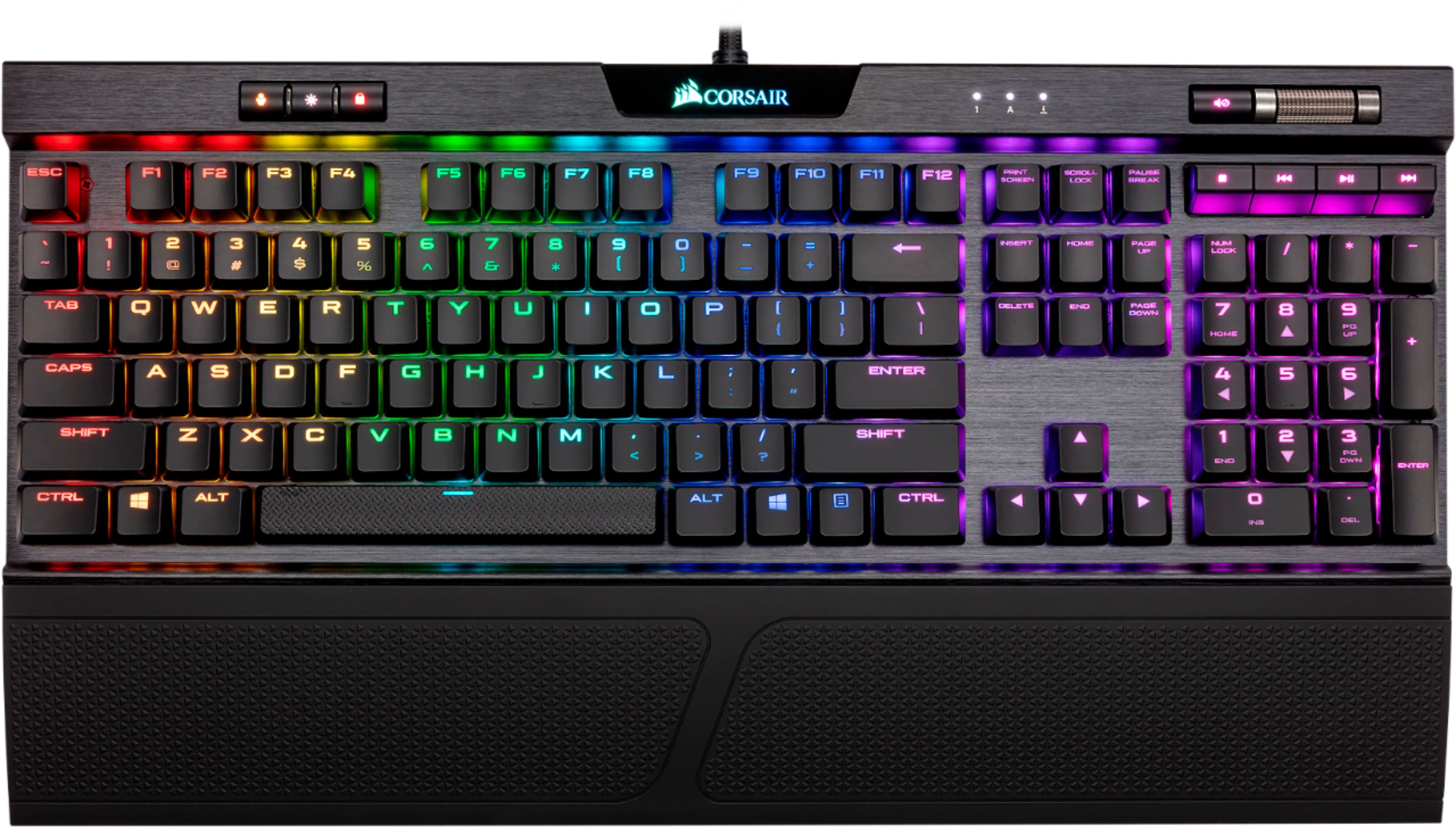
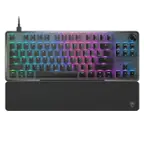
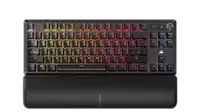
A:AnswerNothing. The keyboard and warranty info. Does have a wrist rest that is kinda cheap but the keyboard is worth the money if you got the half price discount. If not then their are better keyboards for 170$
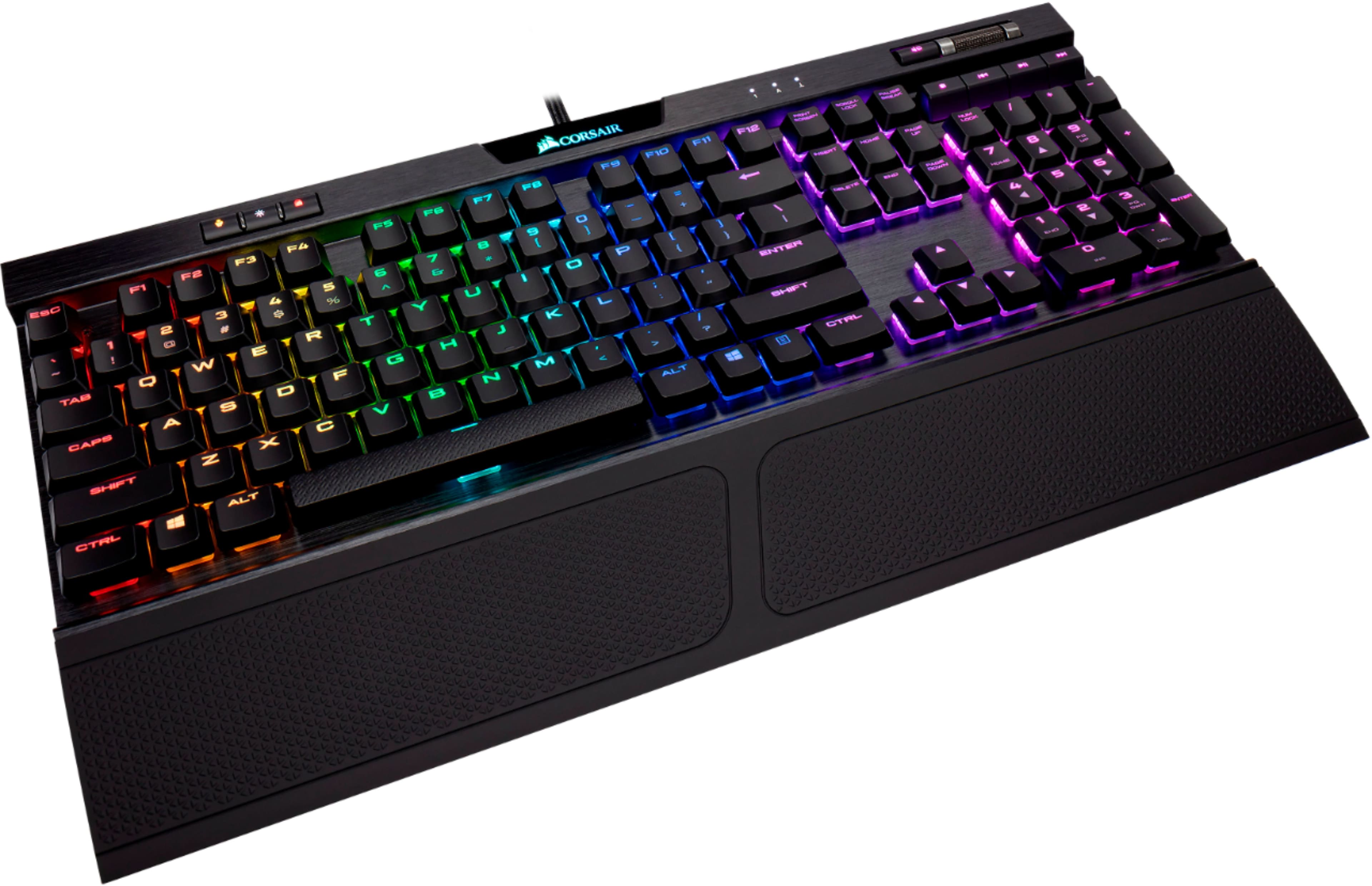
A:AnswerYes, the wrist pad does detach. Actually, when you first open the box the wrist pad is not even installed, however it is included in the box. You can attach it or detach it, whatever you prefer.
A:AnswerHello,
It does.
Please use our site next time to confirm and avoid a long wait before getting a response, here's the direct link: https://www.corsair.com/us/en/Categories/Products/Gaming-Keyboards/RGB-Mechanical-Gaming-Keyboards/K70-RGB-MK-2/p/CH-9109011-NA
If you have any other questions, please reach out: support.corsair.com
A:AnswerHi,
Afraid not, it is not compatible/guaranteed to have all/any functionality.
If you have any other questions, please reach out: support.corsair.com