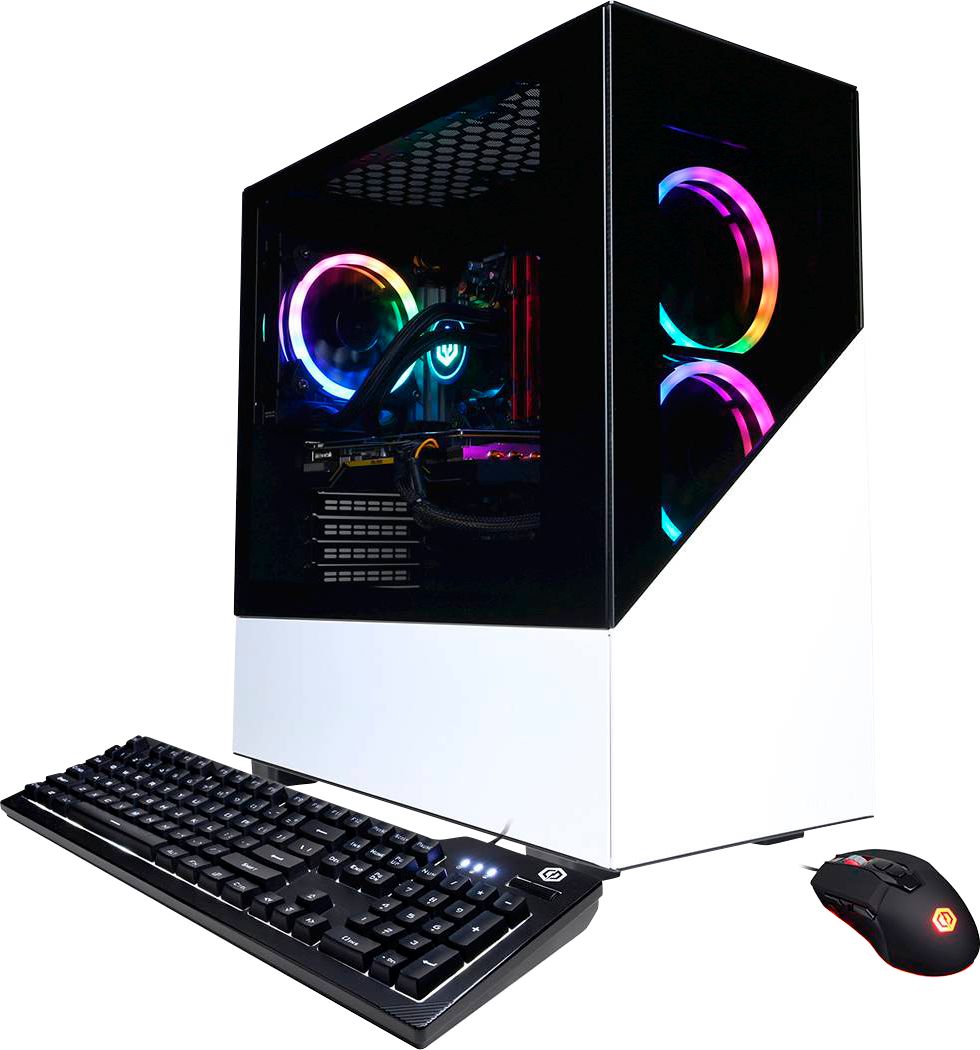
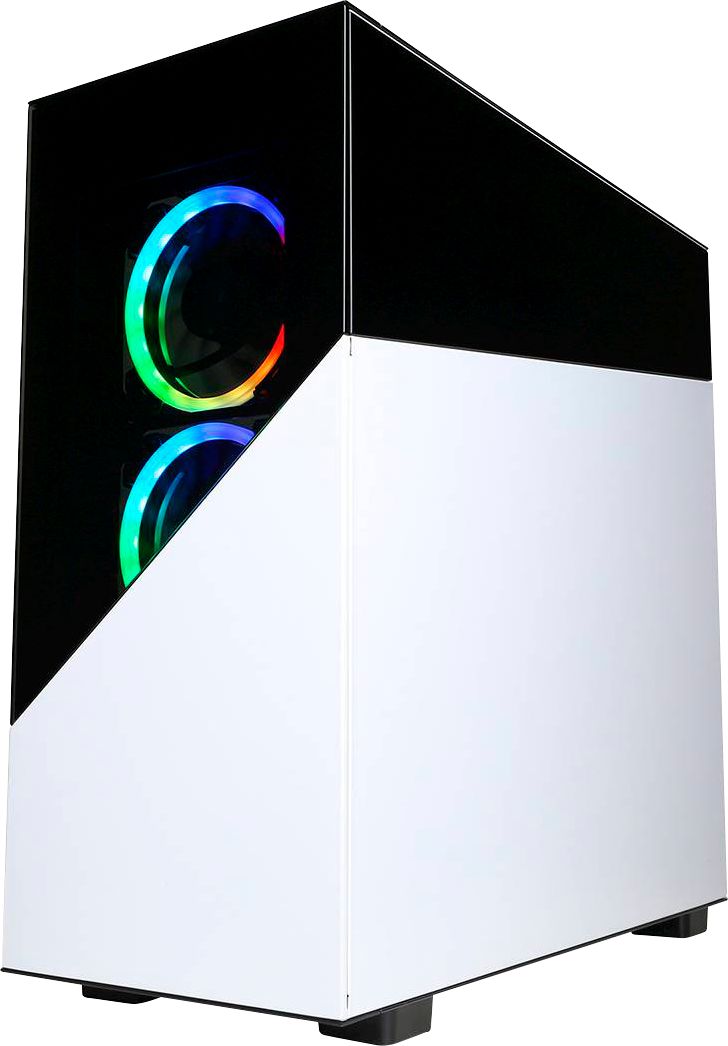
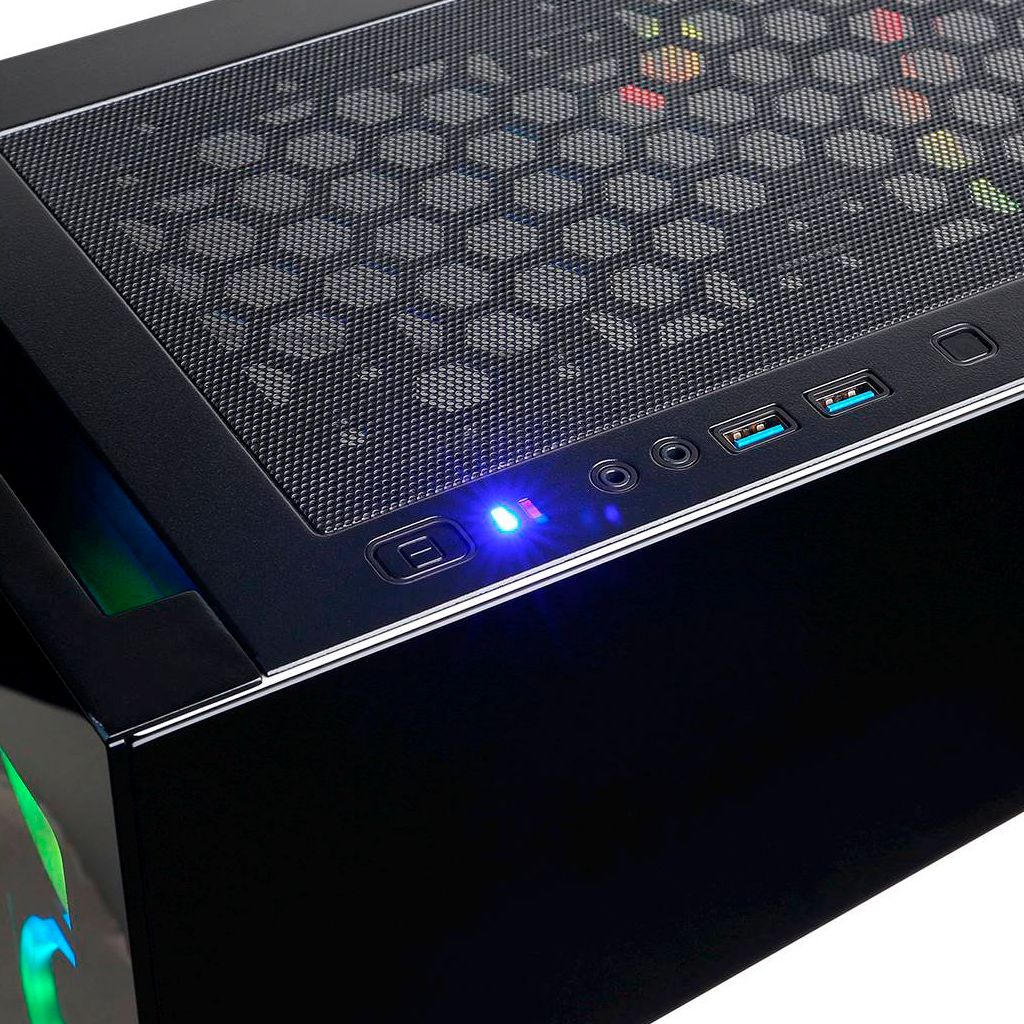
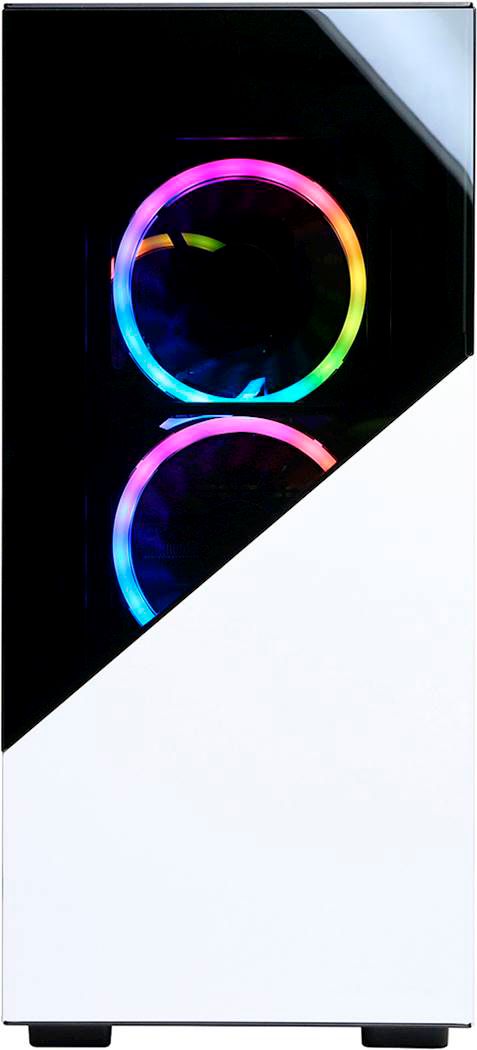
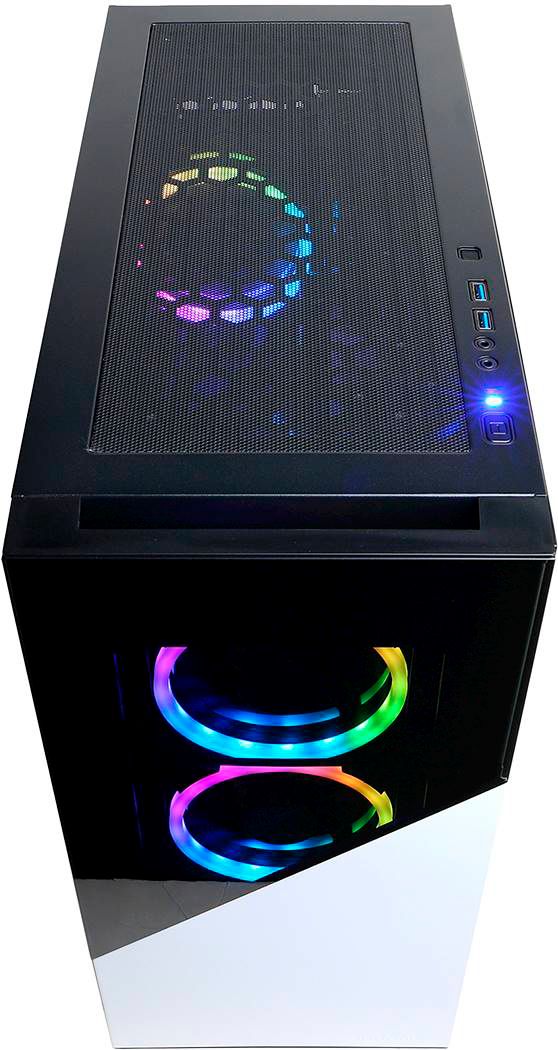
A:AnswerHey! I’m honestly not sure about the PSU but you’re observation regarding the case is correct. Mine runs 60 degrees Celsius idle, which is really hot imo .
A:AnswerReplace the power supply, I had the same issue and resolved it. Also go to the search bar at desktop and type in Event Viewer, then you'll find a Critical error that will say Kernel-Power code 41. They put in a crappy chinese power supply. Oh yeah, just add 3 120mm fans for the top of the case then your golden
A:AnswerI ordered one as well at the time of the RX6700 release. The company that builds the PC has a 4-8 week lead time. I suspect our orders will start to be filled over the next couple of weeks.
A:AnswerThank you for reaching out to us. This PC should be able to run Fortnite as it does meet the minimum system requirements. However, the amount of FPS you receive in-game will vary depending on the resolution and refresh rate of your display, in-game graphics settings, as well as your network connection. It is always recommended that you check the system requirements of the game you would like to play before making your purchase. If you have any further questions or concerns then please do not hesitate to give our tech support agents a call for any assistance; we're always happy to help.
Tech support:
(888)937-5582
-CyberPowerPC Support
A:Answer800 watts but Replace the power supply, it's a chinese brand and it will die after a shortwhile. If you get random crashes or black screens while gaming then it's the powersupply. please change it
A:AnswerThank you for reaching out. This PC shouldn't have any major problems and is suitable for most games as it is a higher end PC. The graphics card this PC contains is the AMD Radeon RX 6700 XT. Unfortunately the manufacturer, form factor, specifications, and number of M.2 slots available on the motherboards included with this system may vary depending on what was currently available at the time the PC was built. You can find out more about the specifications for this PC on the bottom of the page. If you have any further questions or concerns then please do not hesitate to give our tech support agents a call for any assistance; we're always happy to help.
Tech Support:
(855) 888-2039
[email protected]
Hours of Operation:
Monday - Friday: 8:30AM - 6:00PM PST
Saturday: 9:30AM - 3:00PM PST
-CyberPowerPC Support
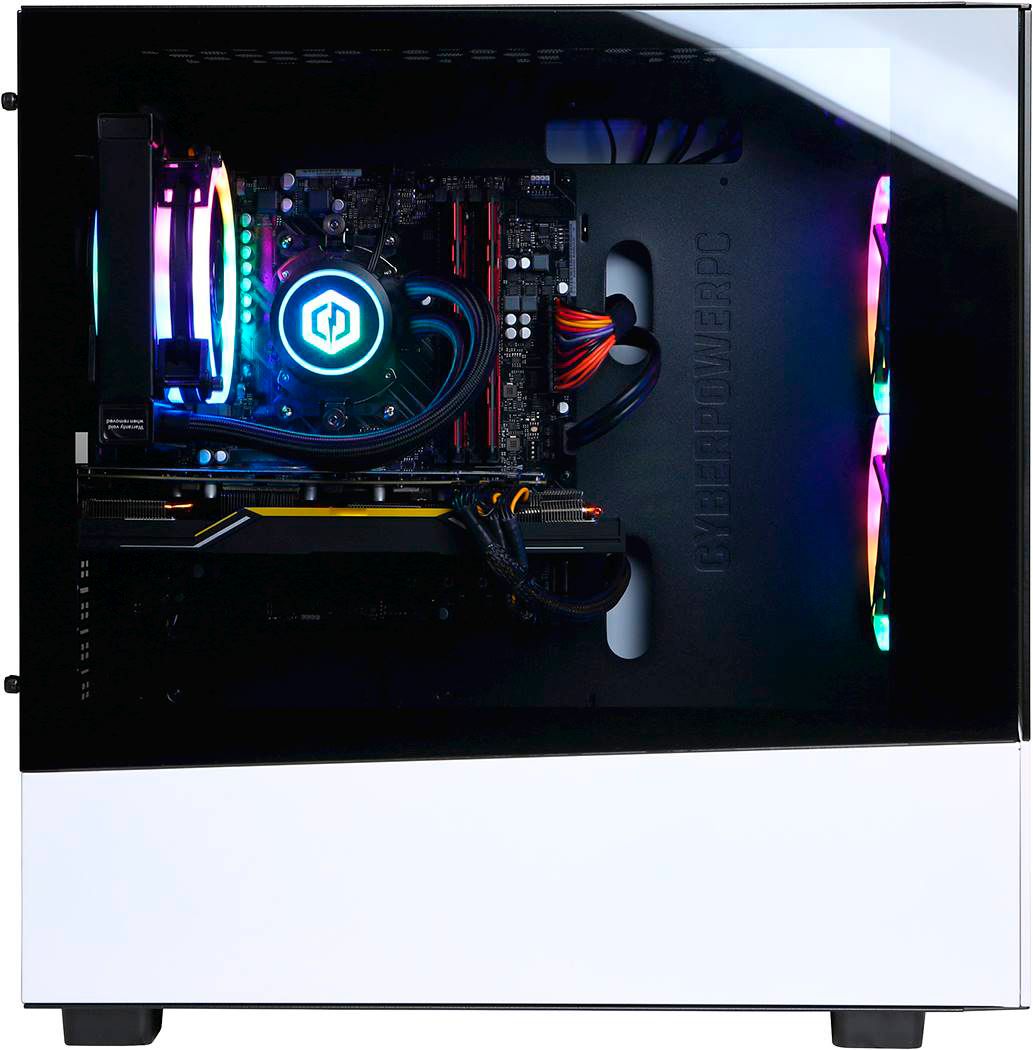
A:AnswerNo, its not. There are ports for lots of expansion however the graphics card covers up a lot of it. It leaves you with no accessible PCIE ports (out of the 2 extra) and only one reachable SATA port for drive expansion.
Also there are 2 drive bays that house either a standard or 2.5" drive, it does not have 2 bays of each type - misleading. You can easily access all 4 ram slots at least.
I was very annoyed this week when I ordered a pci express expansion slot to add USB type C ports (since this computer for some unknown reason has NONE of them) only to find out i cant because the GPU hogs all the space.
They could have put a bigger motherboard in this box, its huge, kind of stupid you cant really expand anything with the GPU in the way.
A:AnswerThank you for reaching out. This PC should be compatible with the Oculus Quest link cable as it does have USB ports. If you have any further questions or concerns then please do not hesitate to give our tech support agents a call for any assistance; we're always happy to help.
Tech Support:
(855) 888-2039
[email protected]
Hours of Operation:
Monday - Friday: 8:30AM - 6:00PM PST
Saturday: 9:30AM - 3:00PM PST
-CyberPowerPC Support
A:AnswerThank you for reaching out to us. Unfortunately the manufacturer, form factor, specifications, and number of M.2 slots available on the motherboards included with this system may vary depending on what was currently available at the time the PC was built. If you have any further questions or concerns then please do not hesitate to give our tech support agents a call for any assistance; we're always happy to help.
Tech Support:
(855) 888-2039
[email protected]
Hours of Operation:
Monday - Friday: 8:30AM - 6:00PM PST
Saturday: 9:30AM - 3:00PM PST
-CyberPowerPC Support
A:AnswerI don't know the PSU model, but I have heard that is is not the greatest quality, so you might want to replace it if you can afford it. It is likely 650W give or take like the previous person said. As for cooling, it is surprisingly good. I didn't expect a lot when I bought it, and the fans are strangely all exhaust (on front and back) which is not an ideal setup. Surprisingly, the cooling holds up well, and my GPU temps idle at around 50 degrees during low stress and somewhere between 60-65 degrees while gaming (Call of Duty: Warzone, for example). Those temps are not amazing, and it would do you well to improve the fan setup and/or add a few more fans, BUT I am not worried about temp affecting performance at all. As I am writing this after hours of low intensity gaming, my GPU temp is at 52 degrees. I have no data for CPU temps, but the AIO cooler seems to be doing its job well as I haven't had any issues.
I hope this helps.