Questions & Answers
- Model:
- GMA4400BST
- |
- SKU:
- 6362426
Q: QuestionFor this desktop, is it enough for me to be able to do a double monitor, and does this come with a monitor in the package?
Asked by yoo707.
- A:Answer Thank you for reaching out to us yoo707. This system should be able to support multiple monitors, however, please make sure all display cables are plugged directly into the graphics card located below the pink, green, and blue audio ports. Also this system does not include a monitor. If you have any further questions or concerns then please do not hesitate to give our tech support agents a call for any assistance; we're always happy to help. Tech support: (888)900-5180 -CyberpowerPC Support
Answered by CyberPowerPC Brand Expert

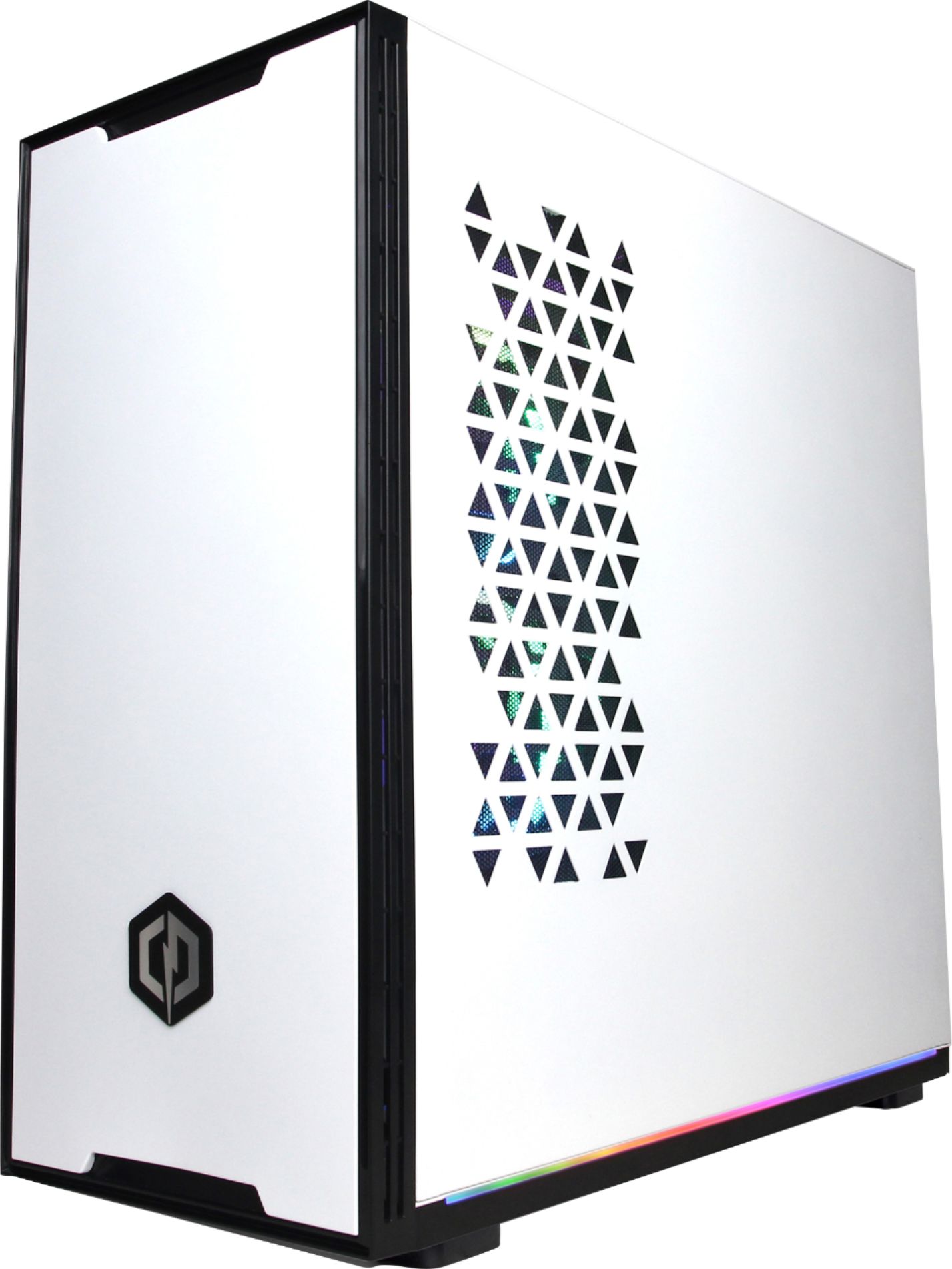
Q: QuestionWhat kind of brand and model is this case?
Asked by RenewUsername.
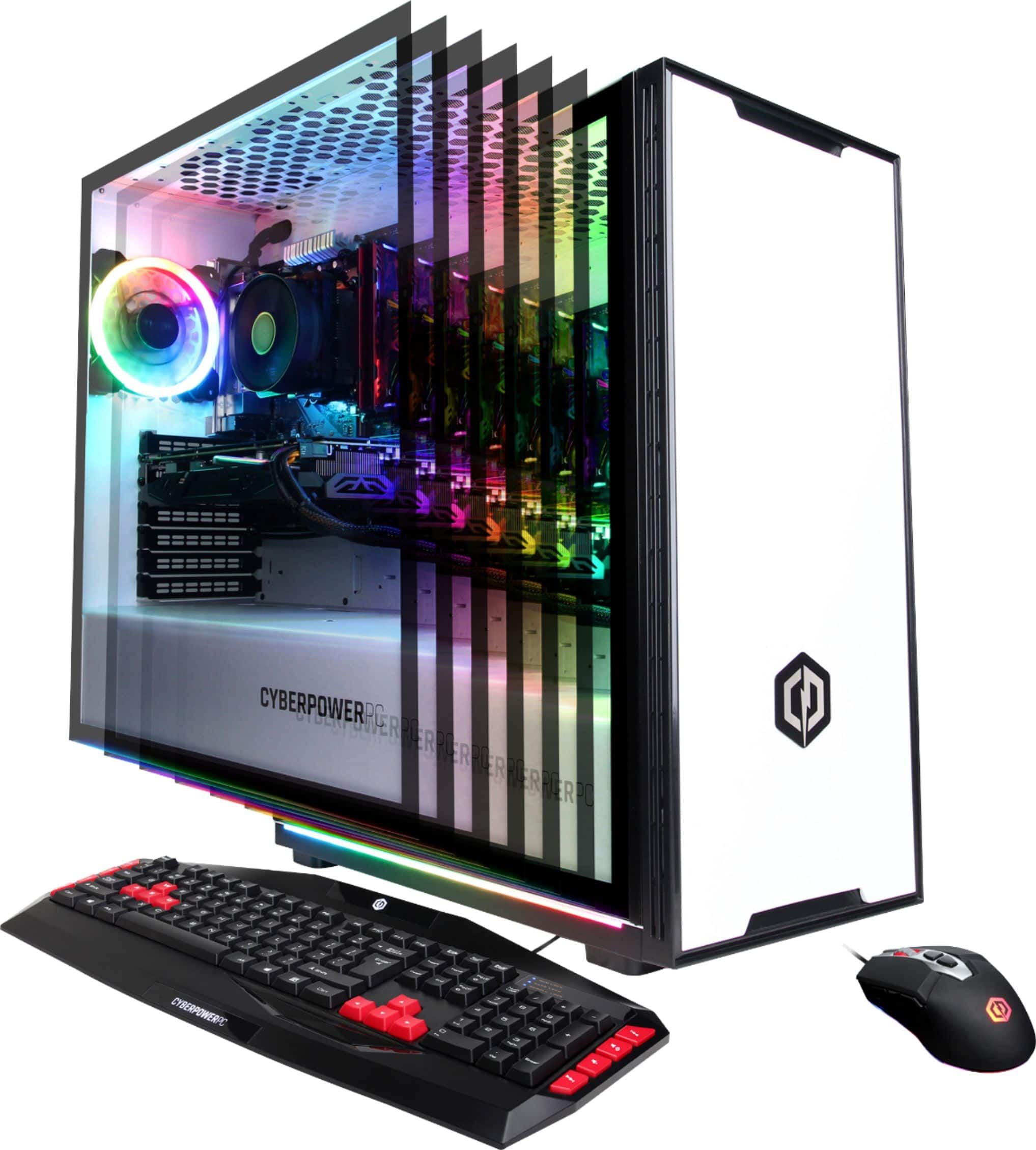
- A:Answer Thank you for reaching out to us. The case included with this system is a custom case from CyberPowerPC. If you have any further questions or concerns then please do not hesitate to give our tech support agents a call for any assistance; we're always happy to help. Tech support: (888)900-5180 -CyberpowerPC Support
Answered by CyberPowerPC Brand Expert

Q: QuestionWhat would be the recommended m.2 nvme card for this motherboard. Online it says up to 32gbs. Does that mean I can only install a 32gb m.2 ssd/nvme?
Asked by Justin.
- A:Answer I installed a 500GB NVMe with no issues.
Answered by Max1
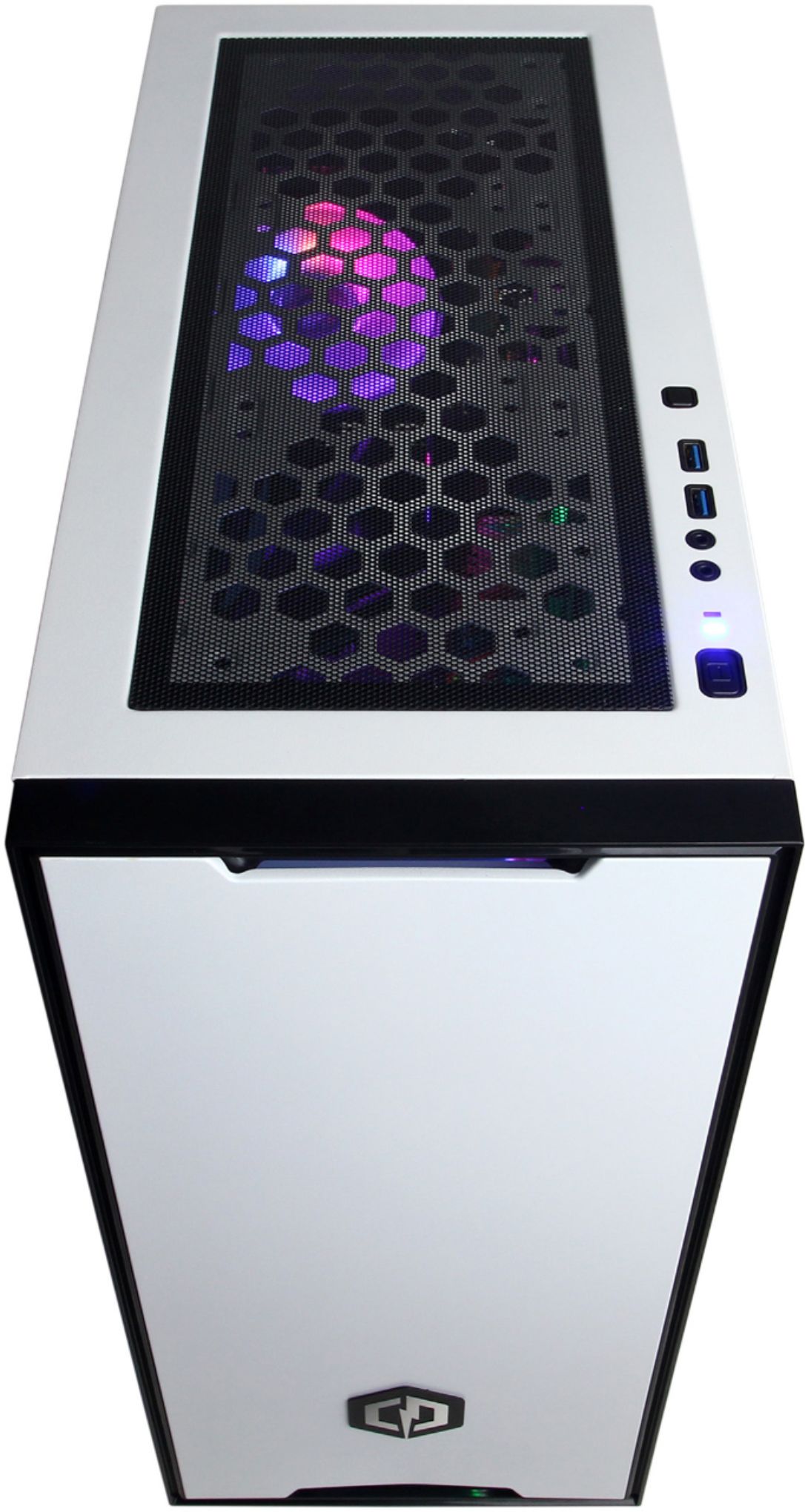
Q: QuestionCan the lights be turned off?
Asked by mummer.
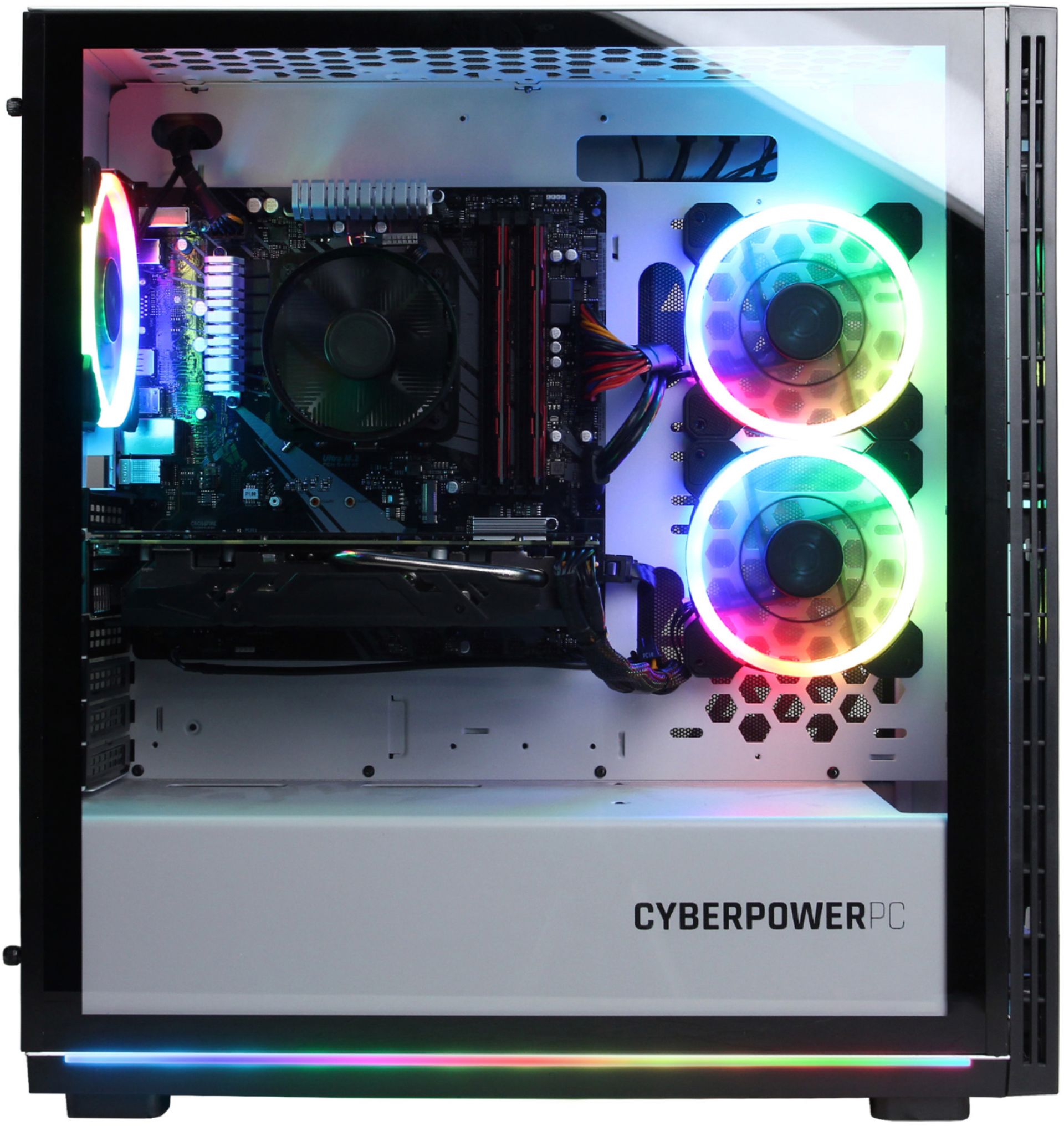
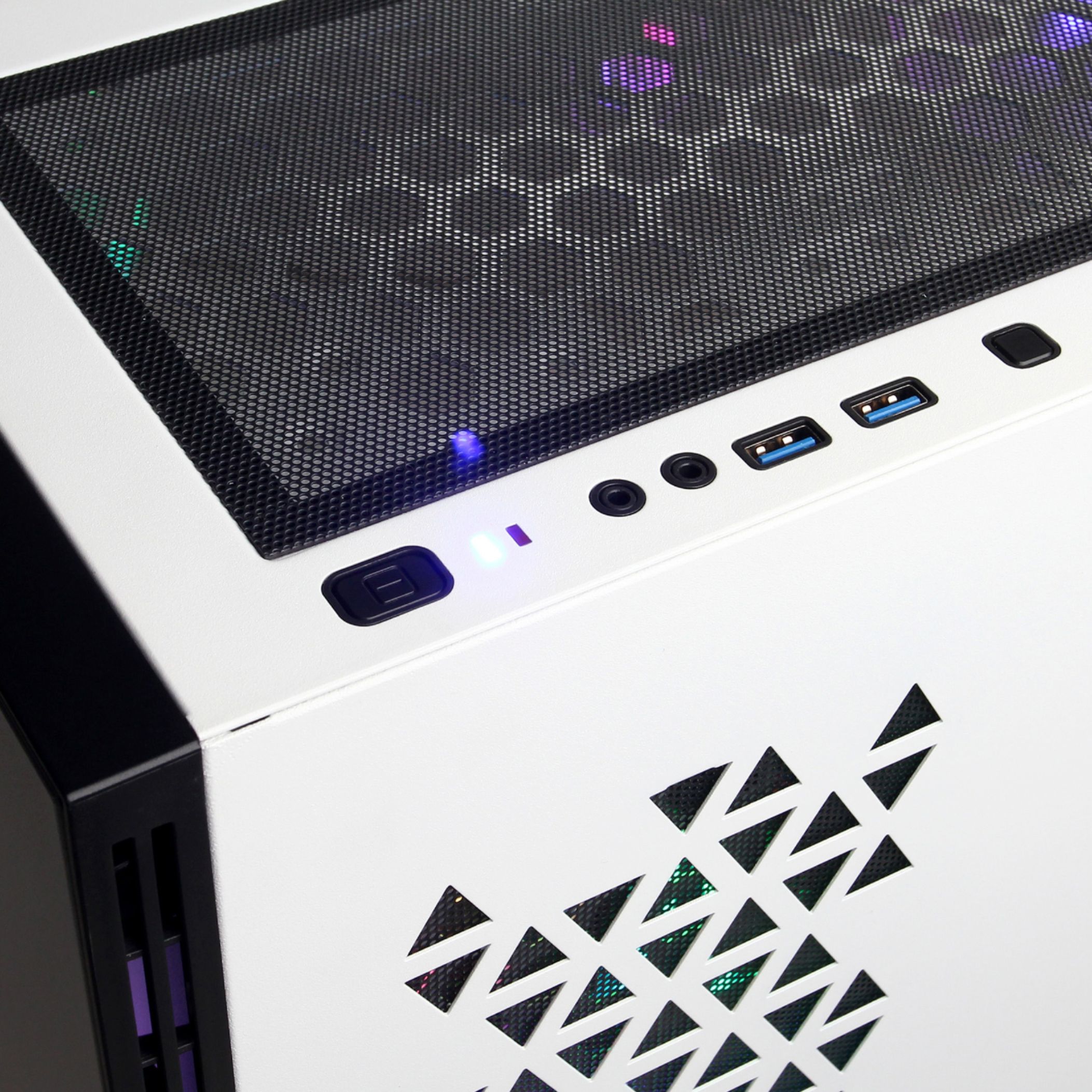
- A:Answer Yes, press and hold the very small square black button on top of the PC for three seconds. You can also cycle through the lighting cycles on the computer with that button as well.
Answered by Steve
Q: Questionso i bought this PC about 4 days ago but my leds in the fans wont turn on anymore. The fans are on and running but not the lights. the first day i turned on the pc everything worked and so did the lights. The next day my lights didnt work? what can i do?
Asked by led.
- A:Answer Thank you for reaching out to us. Please feel free to contact our tech support team at your earliest convenience for further assistance on this matter, we're always happy to help. Tech Support: (888)937-5582 [email protected] Hours of Operation: Monday - Friday: 8:30AM - 6:00PM PST Saturday: 9:30AM - 3:00PM PST -CyberPowerPC Support
Answered by CyberPowerPC Brand Expert

Q: Questionmy hdd is not working/pluged up
Asked by koberanoutoflowgrade.
- A:Answer Thank you for reaching out to us koberanoutoflowgrade. Please feel free to contact our tech support team at your earliest convenience for further assistance on this matter, we're always happy to help. Tech Support: (888)937-5582 [email protected] Hours of Operation: Monday - Friday: 8:30AM - 6:00PM PST Saturday: 9:30AM - 3:00PM PST -CyberPowerPC Support
Answered by CyberPowerPC Brand Expert

Q: QuestionHow do you change the lighting on the pc, I just got it but the color is green and i dont know how to chnage the lights.
Asked by izzy.
- A:Answer There is a small square button near the power button on the top.
Answered by lilchica
Q: QuestionDoes it matter where I plug the USB
Asked by Caden.
- A:Answer For the most part it doesn't matter but if you want the highest transfer rate between a flash drive and the hdd you nned to plug the blue into blue and the black into black
Answered by SupaLuka5
Q: QuestionStill having problems with getting it to do anything
Asked by Anonymous.
- A:Answer Thank you for reaching out to us. Please feel free to contact our tech support team at your earliest convenience for further assistance on this matter, we're always happy to help. Tech Support: (888)937-5582 [email protected] Hours of Operation: Monday - Friday: 8:30AM - 6:00PM PST Saturday: 9:30AM - 3:00PM PST -CyberPowerPC Support
Answered by CyberPowerPC Brand Expert

Q: QuestionHow do I get 8gb flash drive to work
Asked by Anonymous.
- A:Answer Plug the flash drive into the machine and everything should work fine.
Answered by SupaLuka5
Q: QuestionMy pc keep saying it did not start correctly and this screen keeps popping up, how do I fix it?
Asked by Cade.
- A:Answer Thank you for reaching out to us Cade. Please feel free to contact our tech support team at your earliest convenience for further assistance on this matter, we're always happy to help. Tech Support: (888)937-5582 [email protected] Hours of Operation: Monday - Friday: 8:30AM - 6:00PM PST Saturday: 9:30AM - 3:00PM PST -CyberPowerPC Support
Answered by CyberPowerPC Brand Expert

Q: QuestionI just added a second ssd, i plugged everything back in but my monitor keeps saying no signal, someone please help
Asked by Pchelpmeplease.
- A:Answer Make sure your gpu is plugged in and that the gou is in the pcie slot
Answered by SupaLuka5
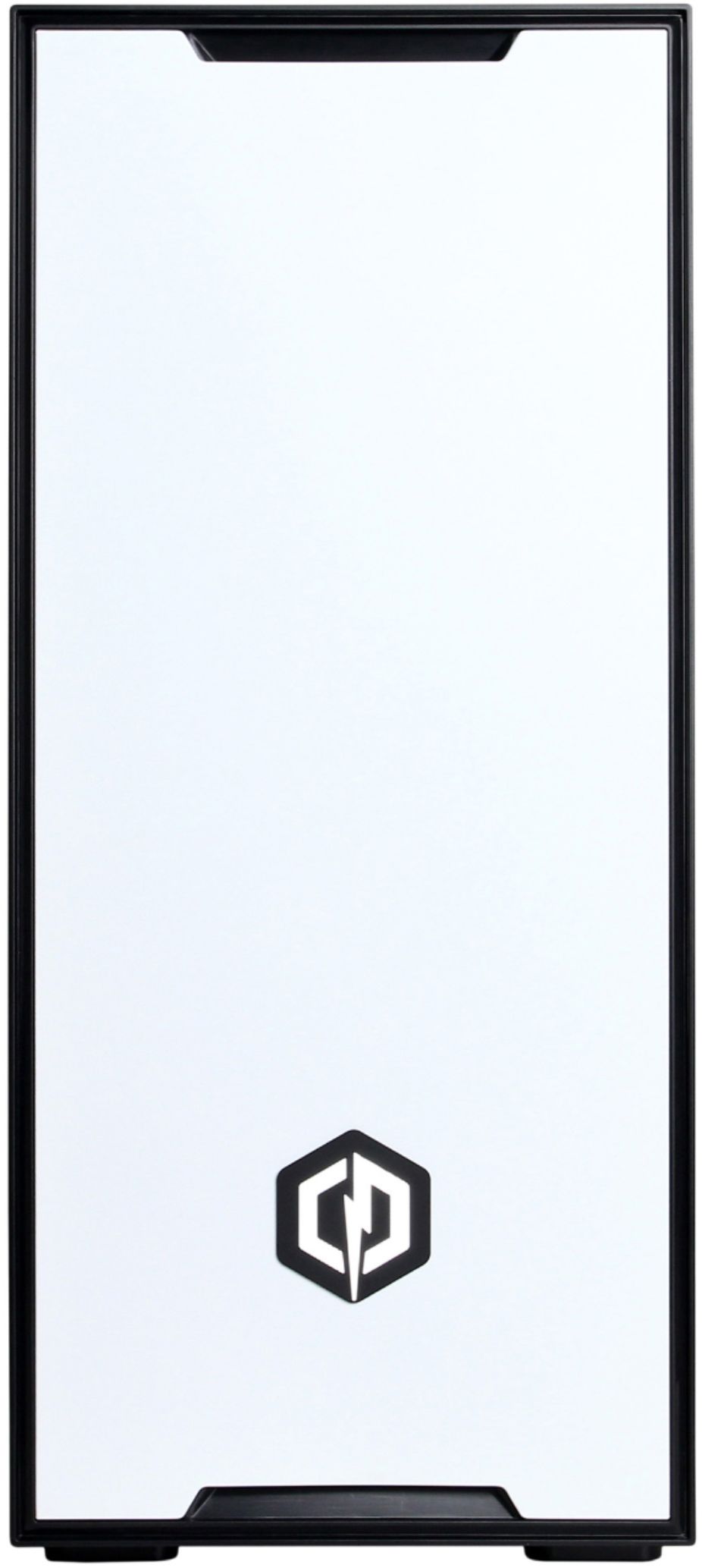
Q: QuestionCan you put a water cooler in it if so were can/should i put it
Asked by AH.
- A:Answer Thank you for reaching out to us. This system should be compatible with an AIO (All in One) liquid cooler, however, it is always recommended that you check for compatibility before making your purchase on new hardware. If you have any further questions or concerns then please do not hesitate to give our tech support agents a call for any assistance; we're always happy to help. Tech support: (888)900-5180 -CyberpowerPC Support
Answered by CyberPowerPC Brand Expert

Q: QuestionThe computer came with 3 small cables (seems to be lighting cables) and I have no idea if I need to use/ where to plug them into.
Asked by Vargas.
- A:Answer Thank you for reaching out to us Vargas. Please feel free to contact our tech support team at your earliest convenience for further assistance on this matter, we're always happy to help. Tech Support: (888)937-5582 [email protected] Hours of Operation: Monday - Friday: 8:30AM - 6:00PM PST Saturday: 9:30AM - 3:00PM PST -CyberPowerPC Support
Answered by CyberPowerPC Brand Expert

Q: QuestionCan it run gta roleplay
Asked by Ricky.
- A:Answer I am not sure if it can run Gta roleplay. But it runs FfXIv, SWTOR, and Warcraft with no problems at all.
Answered by SneakyYoukai
Q: QuestionHow many FPS can this run on Fortnite: Battle Royale? I need to know for my son.
Asked by Jose.
- A:Answer Thank you for reaching out to us Jose. The amount of FPS you receive in-game will vary depending on the resolution and refresh rate of your display, in-game graphics settings, as well as your network connection. It is always recommended that you check the system requirements of the game you would like to play before making your purchase. If you have any further questions or concerns then please do not hesitate to give our tech support agents a call for any assistance; we're always happy to help. Tech support: (888)937-5582 -CyberpowerPC Support
Answered by CyberPowerPC Brand Expert

Q: QuestionI have a question. What is the Core of the PC
Asked by Mongoose.
- A:Answer Thank you for reaching out to us Mongoose. The AMD Ryzen 7 3700X processor included with this system has 8 cores and 16 threads. If you have any further questions or concerns then please do not hesitate to give our tech support agents a call for any assistance; we're always happy to help. Tech support: (888)900-5180 -CyberpowerPC Support
Answered by CyberPowerPC Brand Expert

Q: QuestionHi my question is 3.6 GHz fast and what makes it different from other pc’s.
Asked by ldogg07.
- A:Answer 3.6 Ghz is pretty fast although some cpu have 5 ghz though the 5gHz cpus overheat and need to be liqiud cooled. The r7 3700x is a great performer and should do well for pretty much anything.
Answered by SupaLuka5
Most-viewed items
- $1,899.99$1,899.99The price was $2,199.99
- $459.99$459.99The price was $799.99
- $249.99$249.99The price was $379.99
- $99.99$99.99The price was $129.99
- $159.99$159.99The price was $309.99