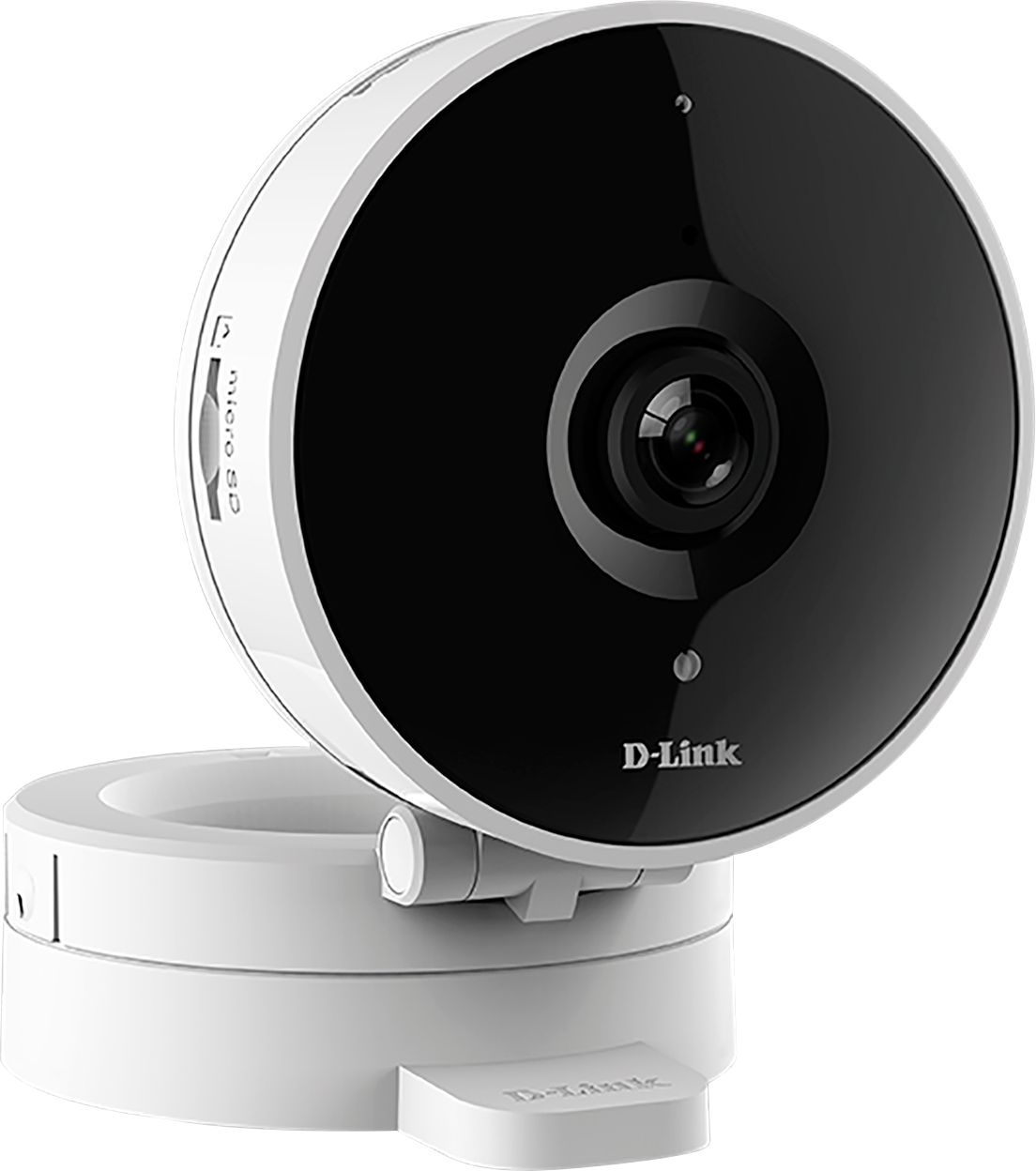
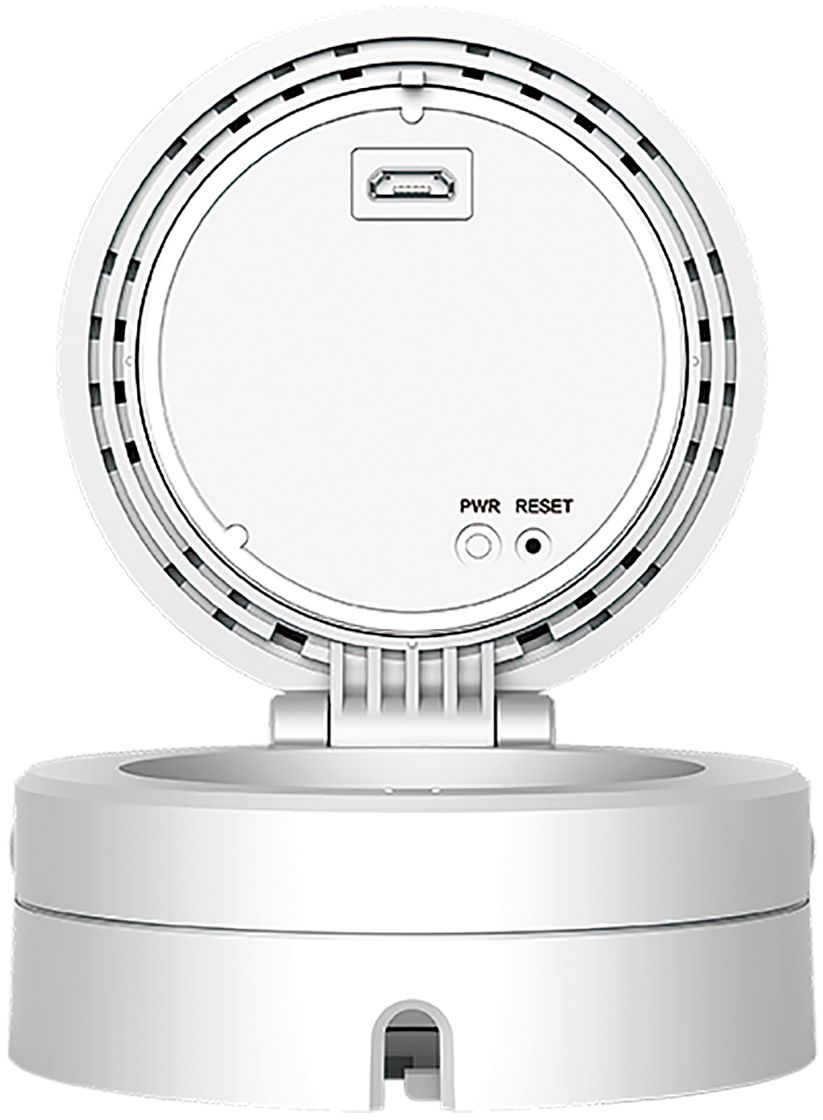
A:Answer I have two recently purchased DCS-8300LH cameras on the same wifi system with my android V5.1 phone with the latest "mydlink" app installed. The camera settings were both RECORD TO CLOUD STORAGE (not record to SD card, you get your choice one or the other but not both at the same time) .
I disconnected my internet from the router to see what would happen so I could answer your question. I also intentionally triggered motion on one of the cameras while internet was disconnected.
Results: No, I was not able to view the cameras live from my phone over my wifi.
However when the phone sensed the loss of wifi and switched to 4G cellular network, I WAS able to view previously recorded EVENT CLIPS (which were recorded in the cloud because the camera had been set to RECORD TO CLOUD STORAGE (not RECORD TO SD CARD).
Then I reconnected the internet to my router. I received notifications pushed to my phone that had been recorded in the cloud stating "DCS-8300LH-XXXX is offline" with the correct time and then another showing "DCS-8300LH-XXXX is back online". Additionally the Event I triggered was recorded but only with the correct time and no video : with an error message NO CLIP FOUND Your internet bandwith is insufficient ...¨.
Hope this helps, now I will have to repeat this later with RECORD TO SD CARD STORAGE selected and see what happens.