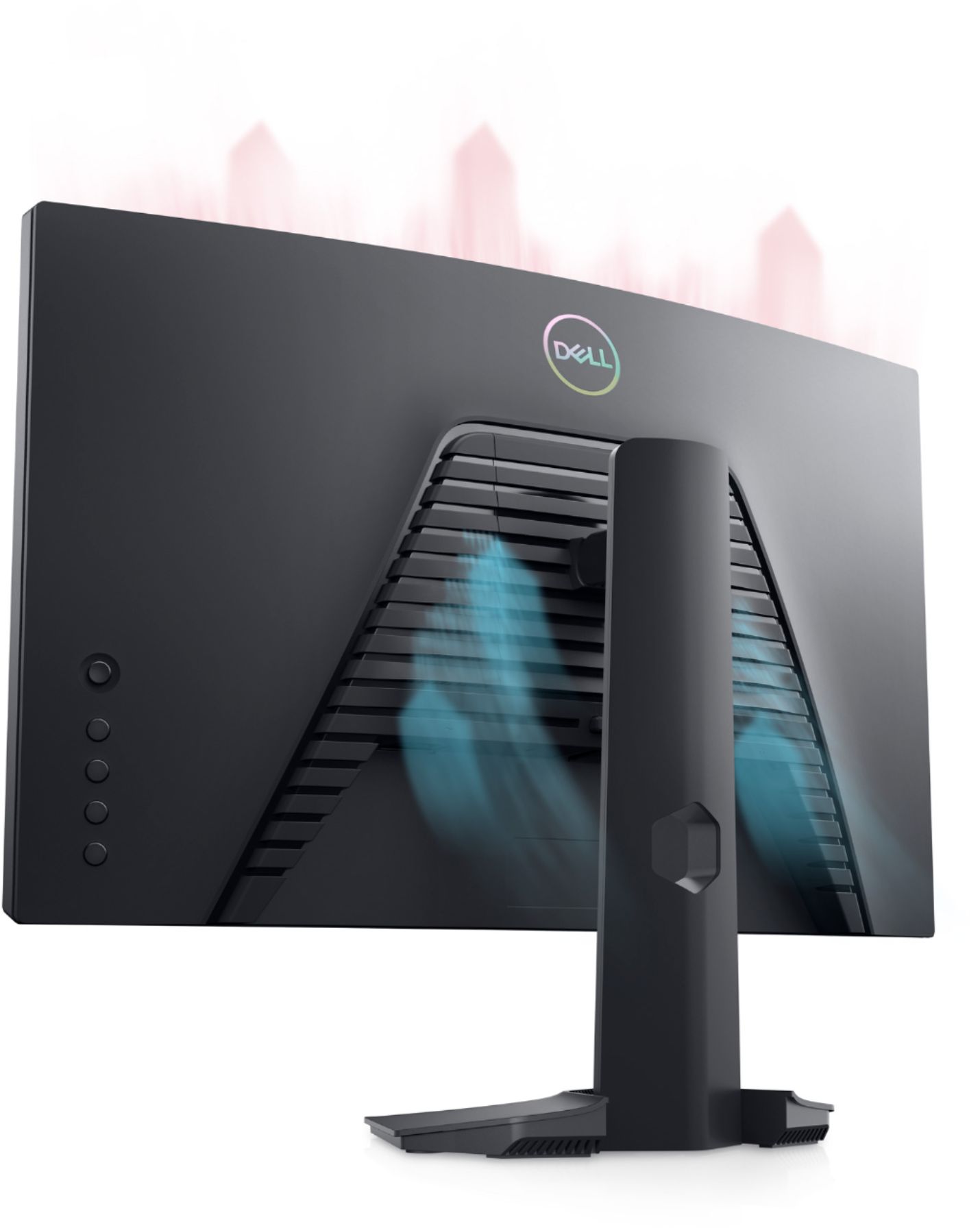
A:AnswerYes, this monitor has the option to set the volume level of headphone output. You could use the joystick to adjust the volume level from 0 to 100.
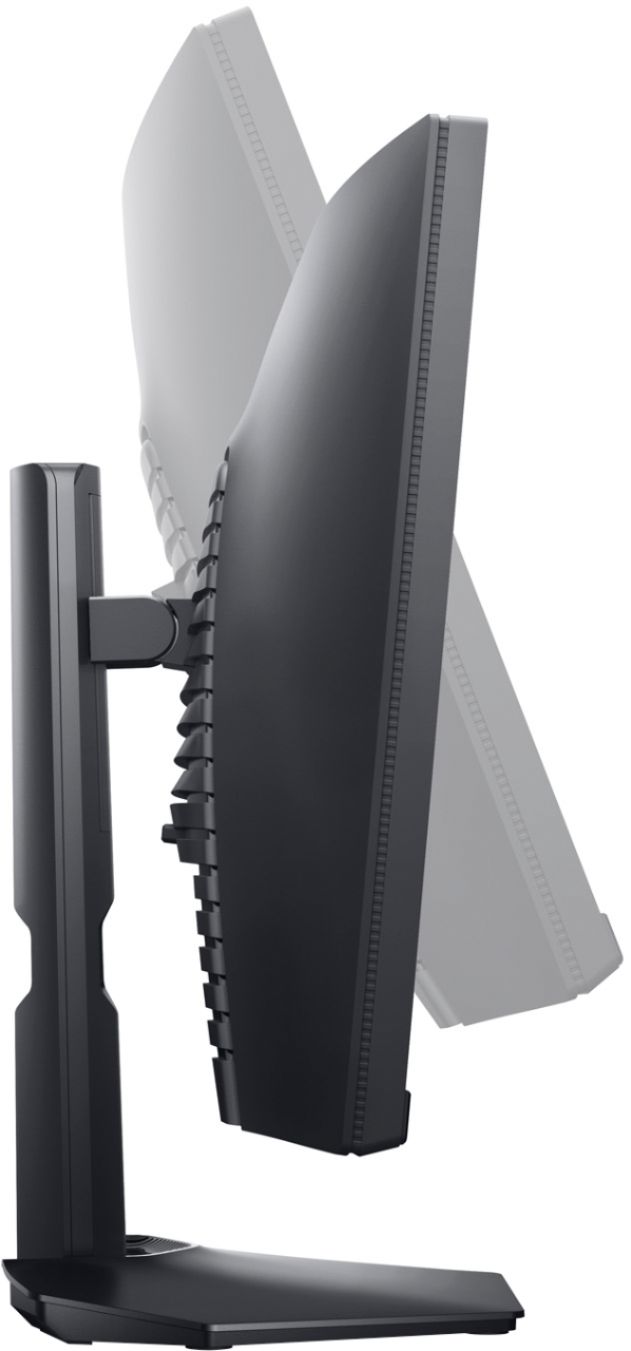
A:Answer27 mm at the widest point in the center; looks like 18 or 19 mm on the outer edge.
Be careful with the height of the light clip, though. The frame on the upper edge is only 5 mm. I clipped a webcam on and it lightly distorted the screen image, leading to reversible discoloration. I am probably not going to use the webcam because I'm worried about long-term use leading to long-term damage. It might be better to consider freestanding light bars.
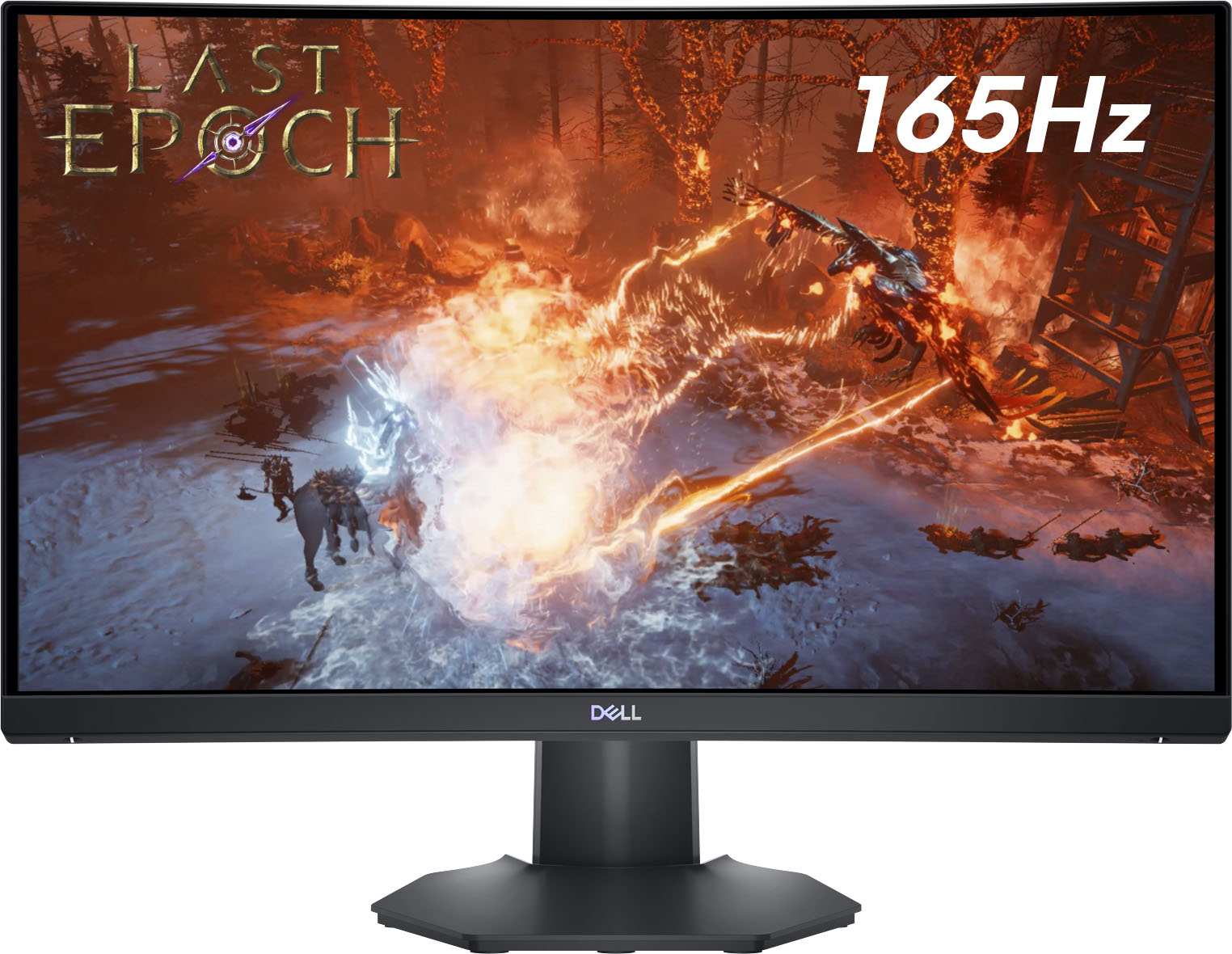
A:AnswerThis monitor supports 165Hz refresh rate on both HDMI and DisplayPort when connected to compatible systems through compatible cables. For technical assistance on this monitor, we recommend contacting Dell Technical Support for assistance. They are available on Facebook and Twitter(@Dellcares).
A:AnswerYes, the HDMI 2.0 port is backward compatible and works with HDMI 1.4b port. However, the resolution compatibility will be restricted to the capacity of HDMI 1.4b port.