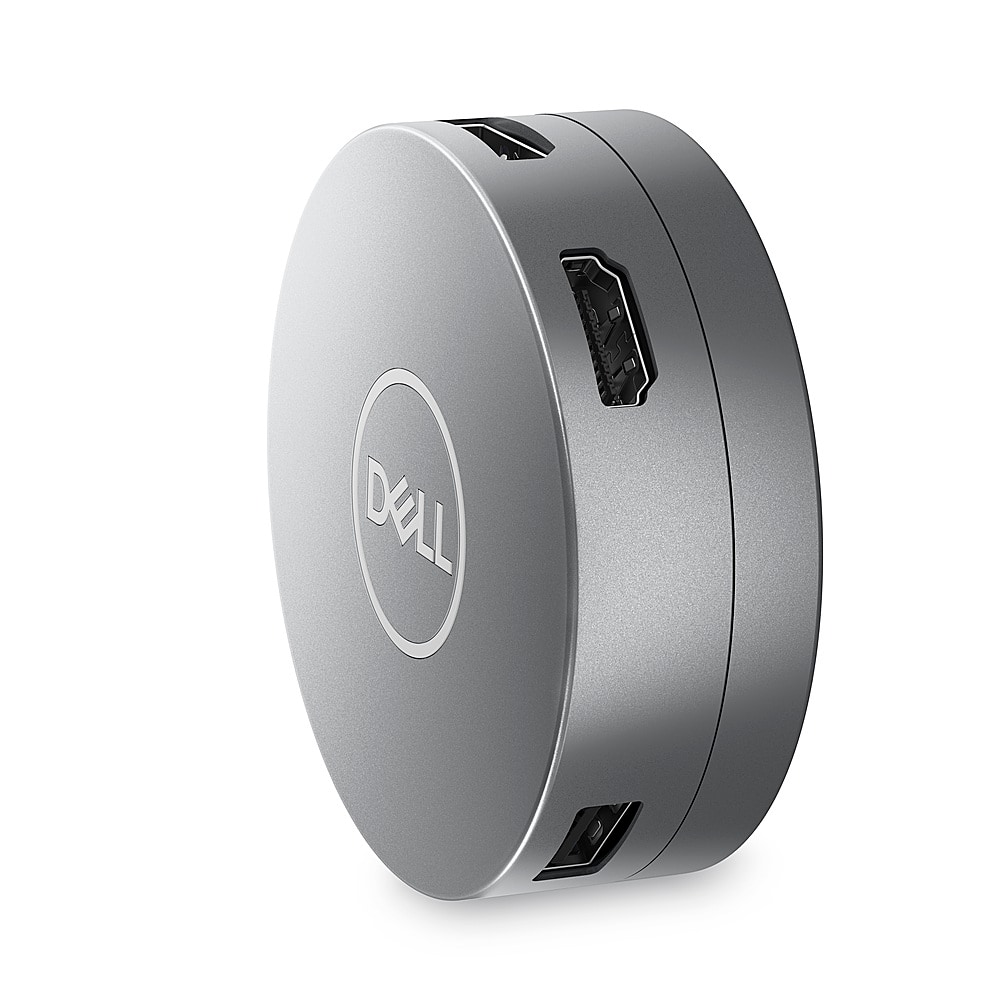
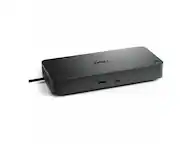
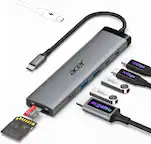
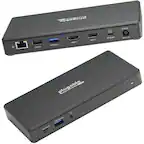
A:AnswerYes, the Dell DA305 6-in-1 USB-C Multiport Adapter can be a better alternative to daisy-chaining multiple docking stations, especially if you're facing issues like input lag, app delay, or device instability
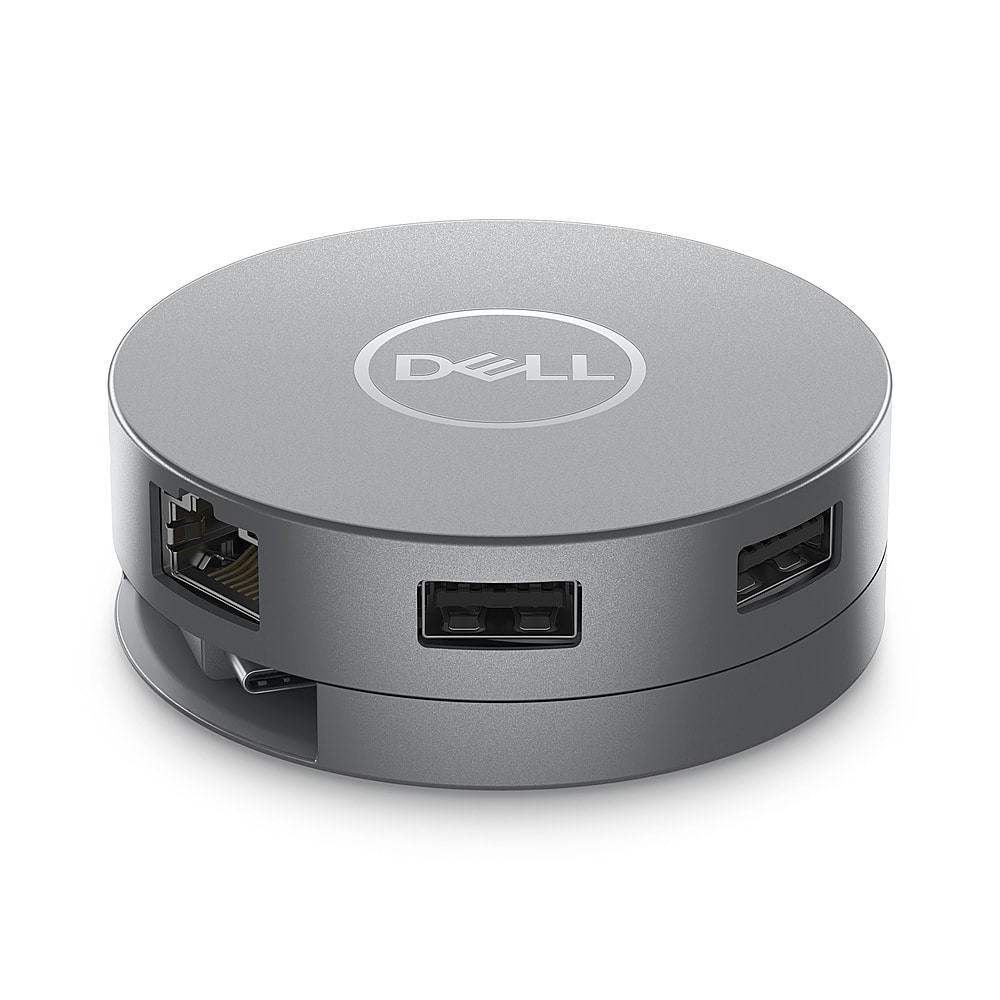
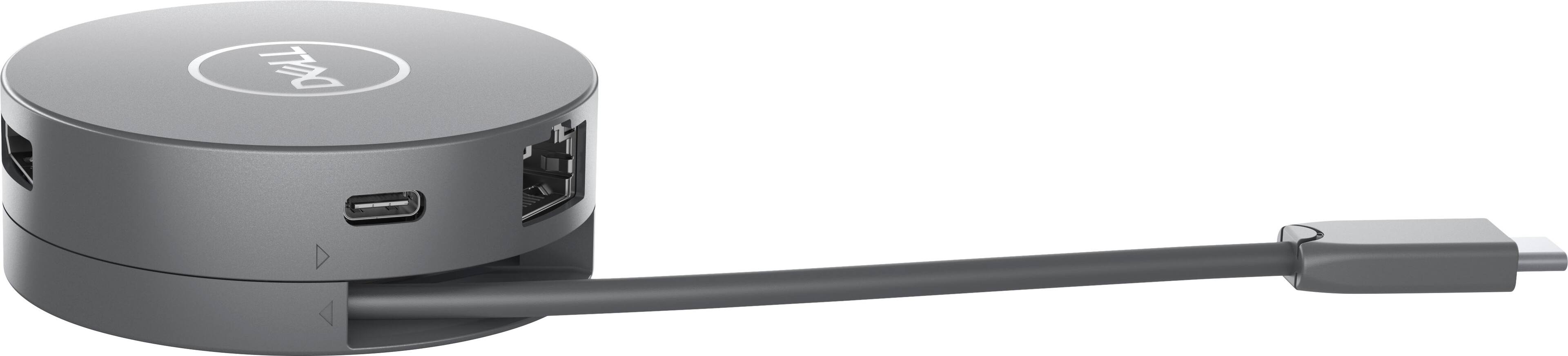
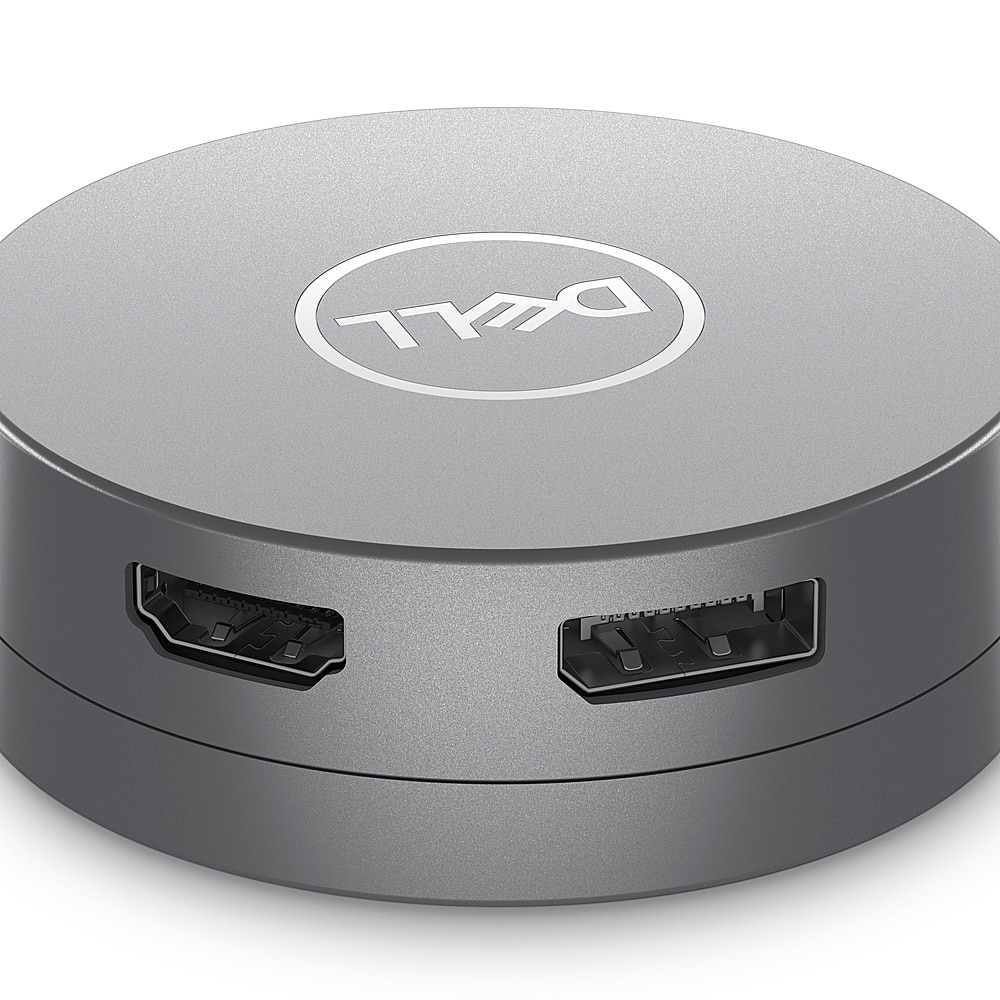
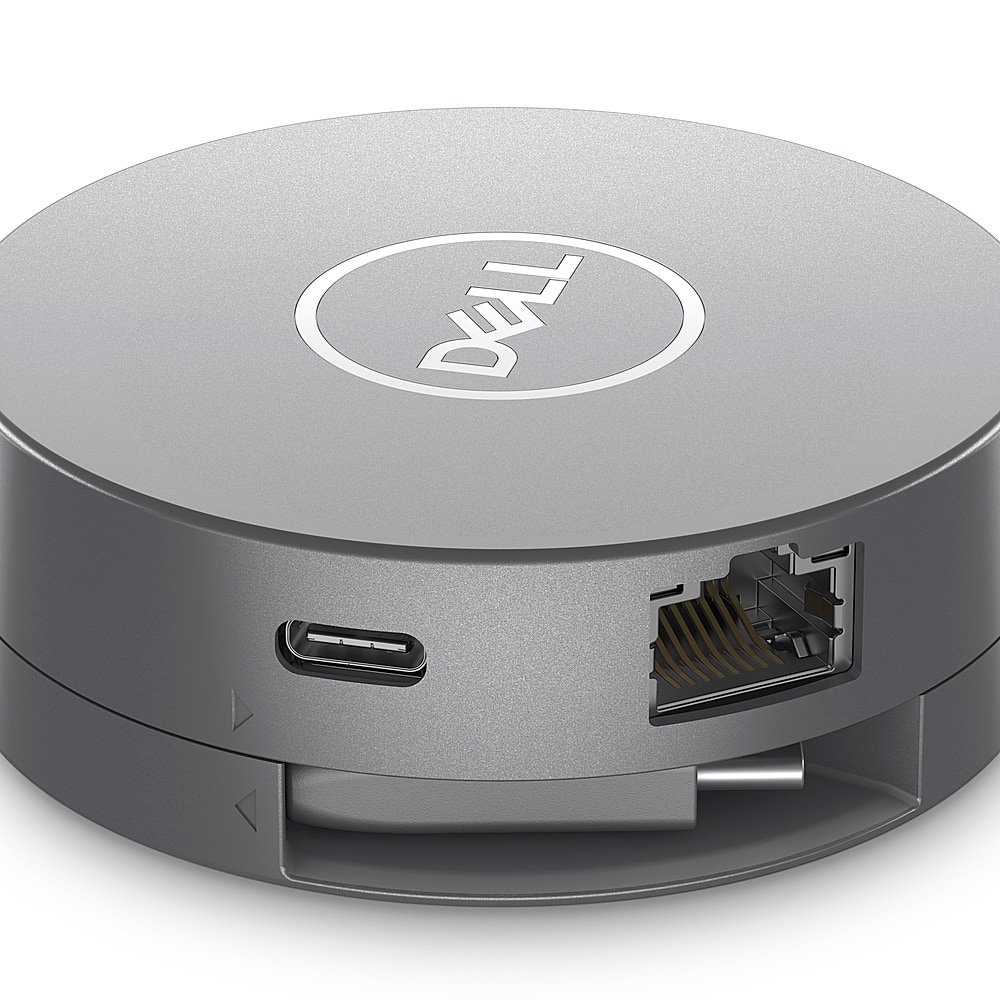
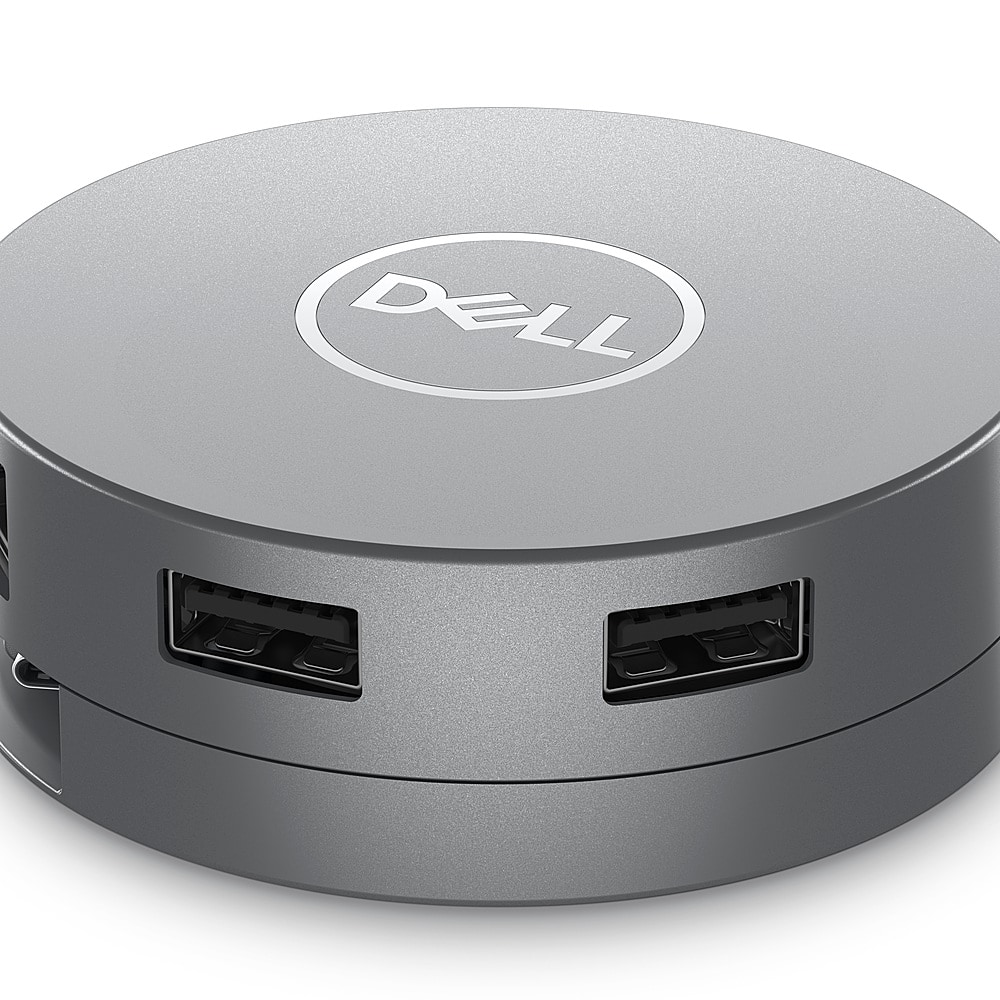
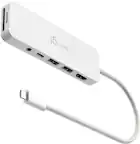
A:AnswerThe Adapter is connected to the computer via Type C connector. The adapter itself has 2 x USB-A 3.2 Gen 2 - 9 pin USB Type A and 1 x USB-C 3.2 Gen 2 where you can connect two USB Type A devices and one Type C device to the adapter.
A:AnswerYes, The adapter has an integrated USB-C cable that connects to your laptop.
You can plug a USB-C power adapter or USB-C monitor with power delivery into the USB-C port on the adapter to pass up to 90W of power to your laptop.
A:AnswerI take issue with this answer from Dell, unless I'm reading it incorrectly.
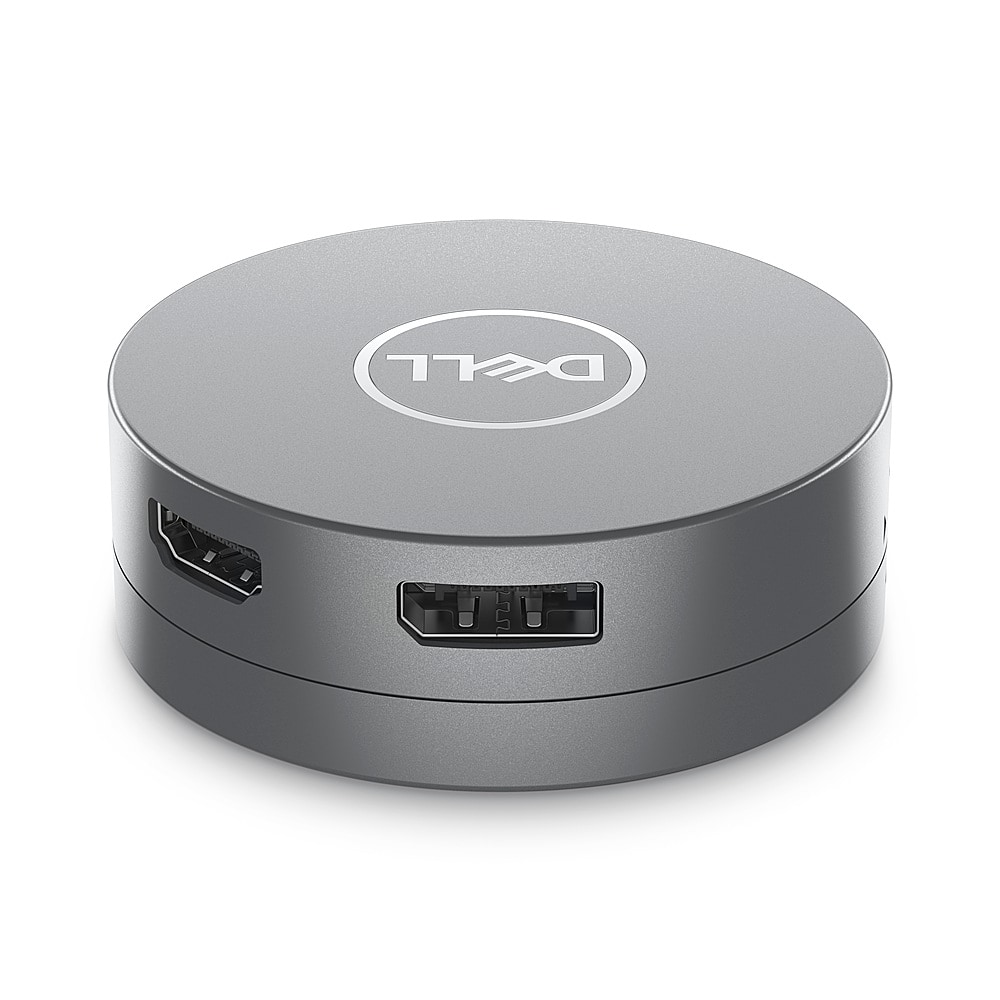
"The Dell DA305 6-in-1 USB-C Multiport Adapter supports connecting external monitors, but it has limitations based on its available ports and the laptop's capabilities. Here's how you can connect two display monitors using this adapter: Connecting Two Monitors: First Monitor: Connect to the HDMI port on the adapter. Second Monitor: Connect to the DisplayPort on the adapter using a DisplayPort cable."
SURE... you can connect 2 monitors to this docking station at one time, 1 with an HDMI cable and 1 with a DP cable.
NO... you cannot display both monitor outputs with this docking station at the same time. It only supports one output display at a time. I purchased this based on the answer above in quotes as it came from Dell. Now I'm STUCK with a docking station that only supports 1 monitor display at a time.