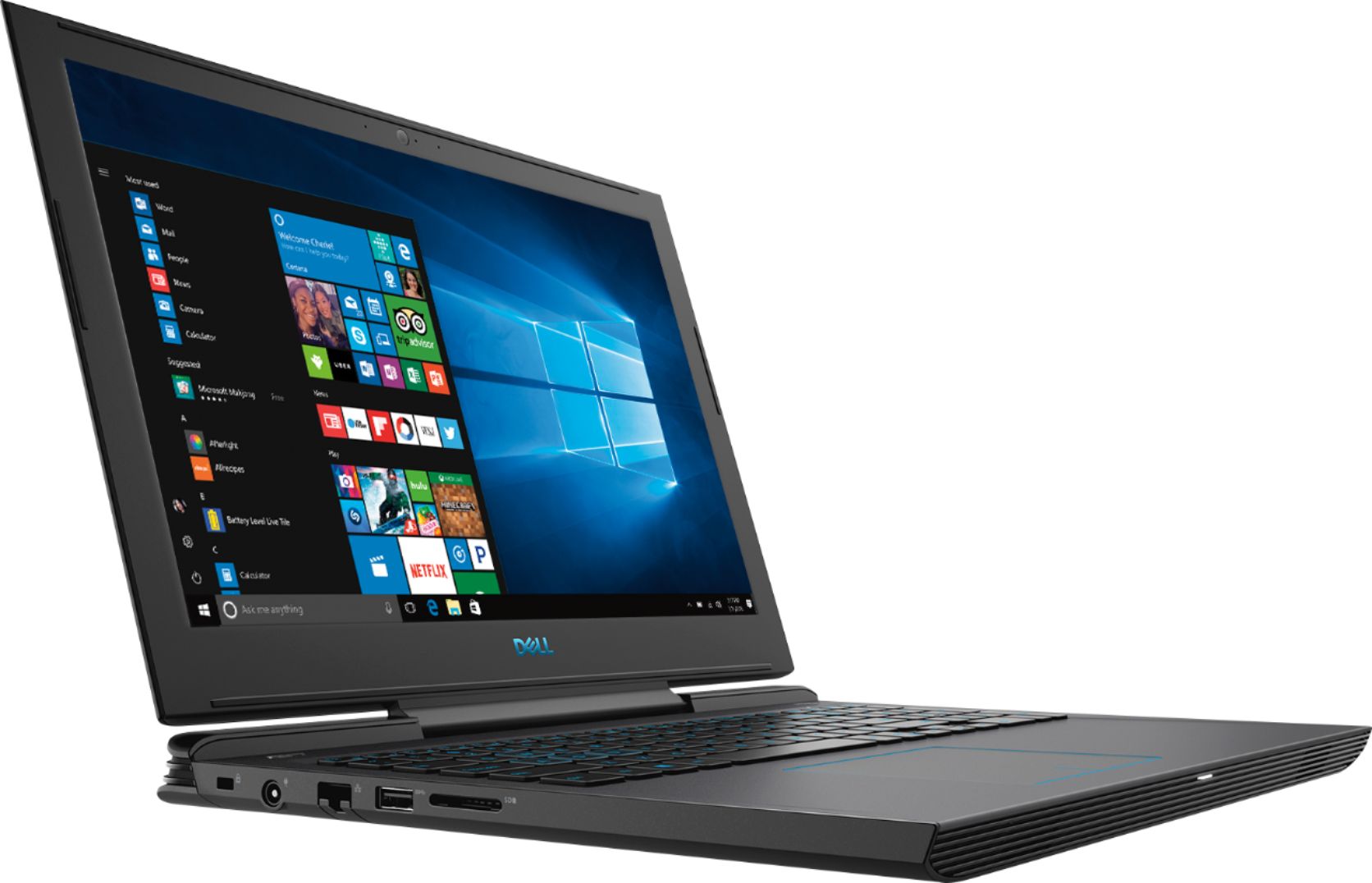
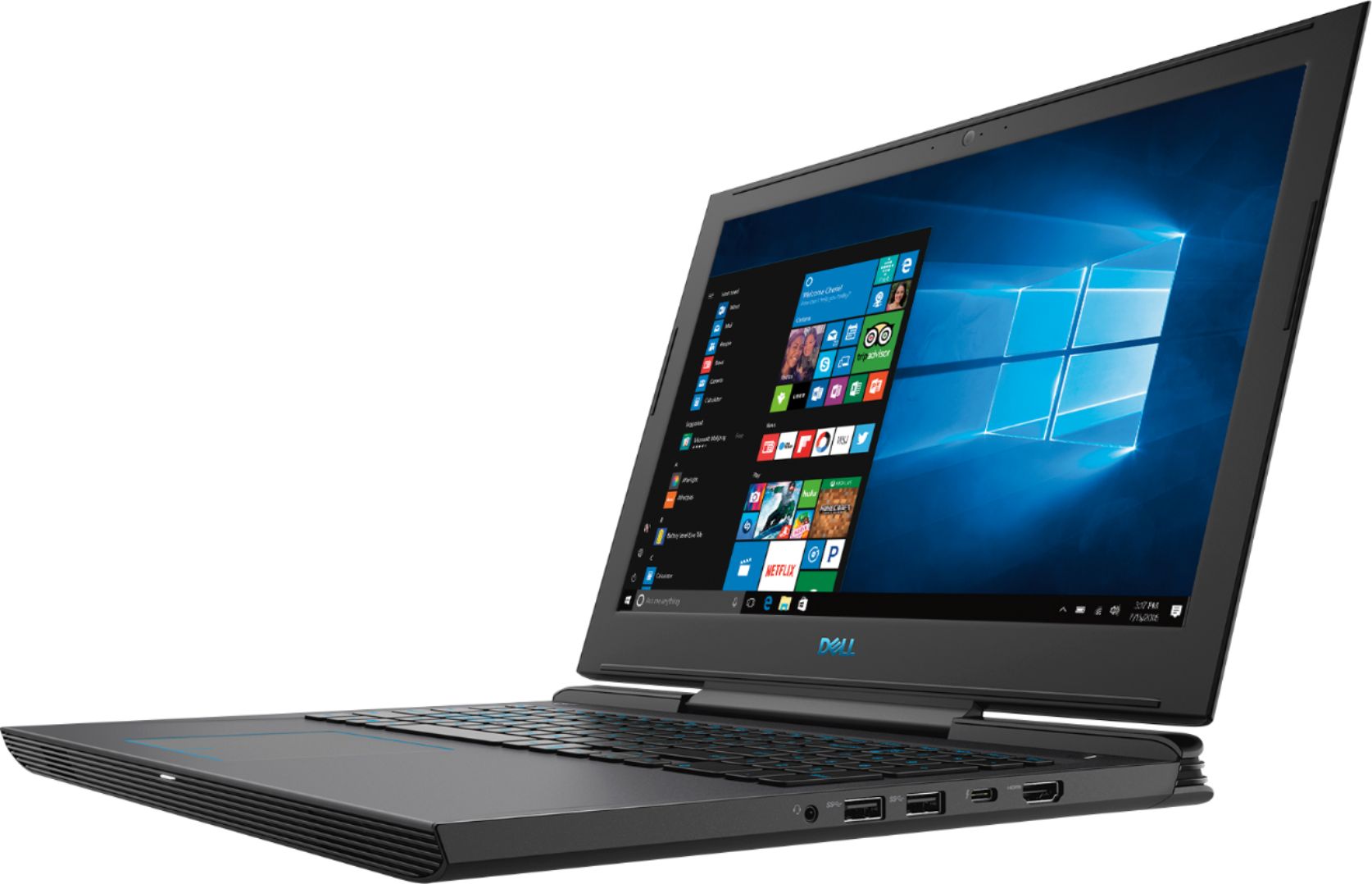
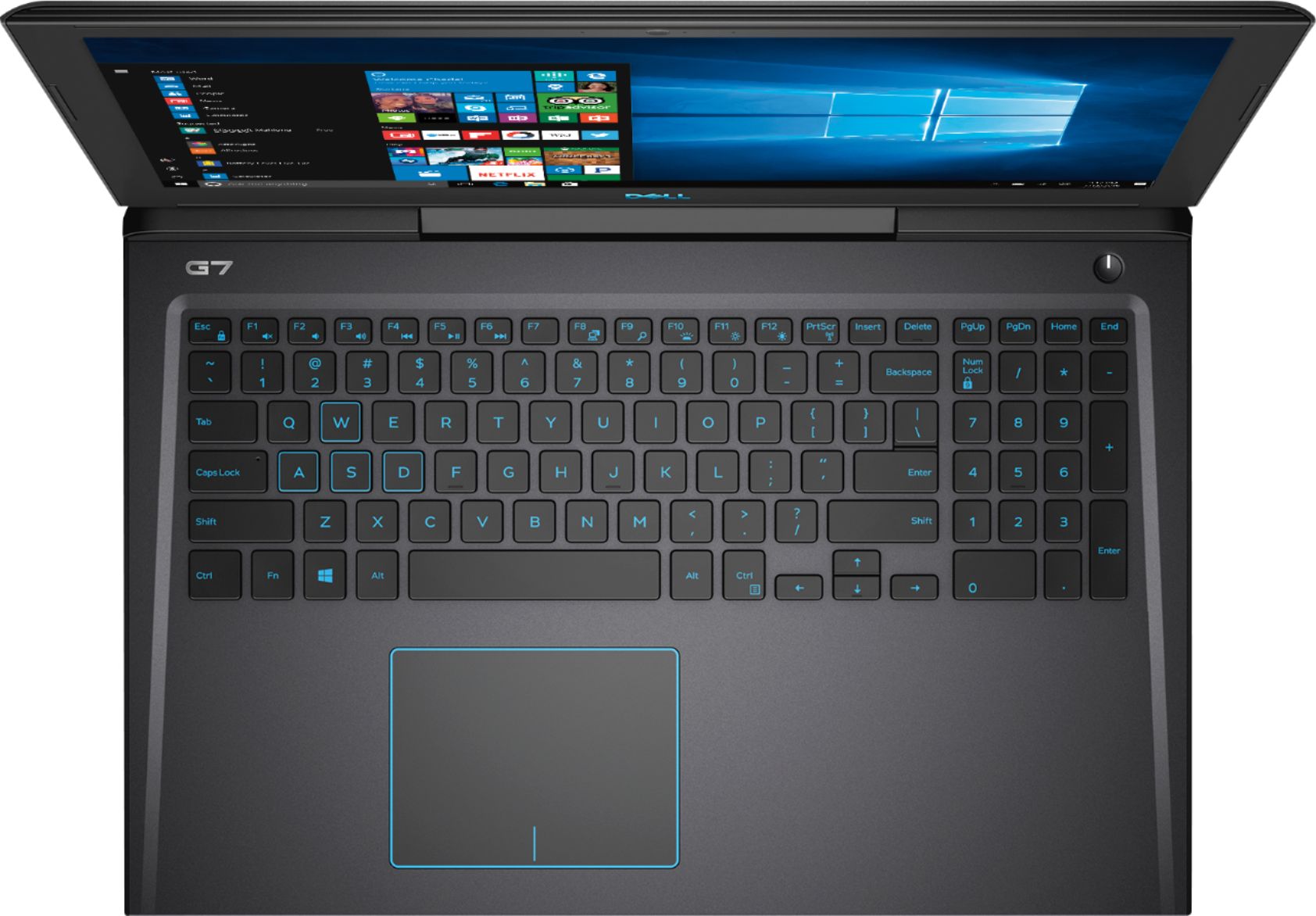
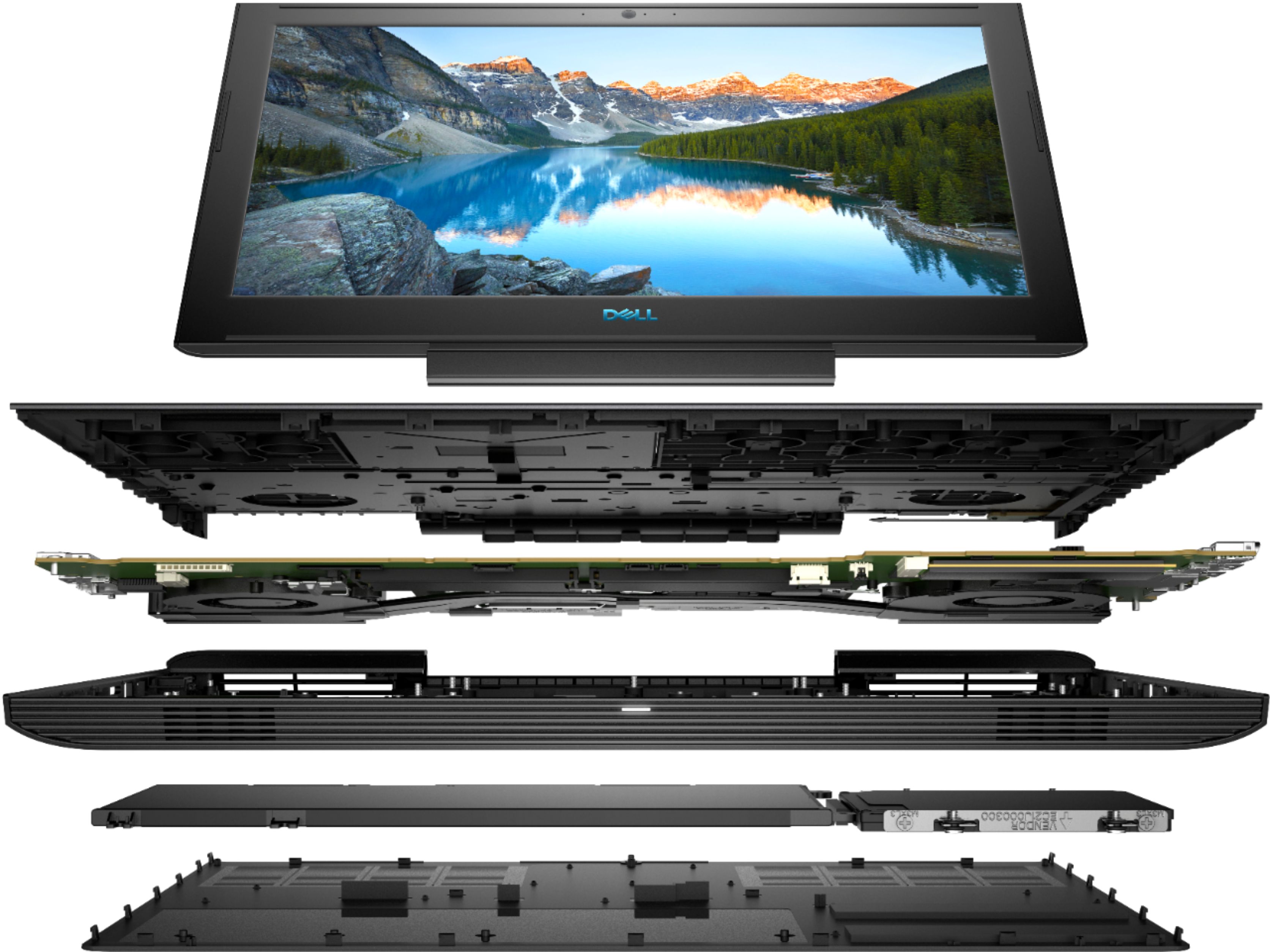
A:AnswerYes. It has an empty 2.5in drive bag that allows you to easily add a 2.5in SSD or regular hard drive. The included SSD is a PCIe type so it leaves the 2.5in bay free to use however
you wish. I intend to keep the included SSD for a speedy boot drive and install a regular 2TB hard drive along with it for file storage and games that don’t need SSD type speed.
A:AnswerThe SSD drive is a card in the M.2 slot and it's a decent SSD. I get about 460 MB/s read and right using the BlackMagic Hard Drive Speed Test. Like most drives the speed can vary from one cycle of the test to the other. I see figures from 380 to almost 500 and not sure why this is but it seems to be good average of 430ish. I just installed a PNY mid level SSD into the open hard drive caddy next to the M.2 slot and the testing was about the same. I'm happy with those figures on both drives as it will be more than enough for my 1080p video editing. I have the 970 EVO M.2 in my Alienware Desktop PC and getting outrages speeds there of 1500+MB/s !!!
A:AnswerI have not, but that doesn't even matter because a quick google search of Ubuntu Certified Hardware shows that this model has officially been awarded the status of certified pre-install for Ubuntu. Which means Dell can sell it with Ubuntu pre-installed, and you can just as easily install it.
A:AnswerAccording to the Dell site the slot for the drive is limited to 7mm in thickness. See https://www.dell.com/community/Inspiron/Dell-G7-Storage-Upgrade/td-p/6099555 . Looks like WD and Toshiba make 7mm versions in 1TB or you could go with a 1TB SSD for more money.
A:AnswerYou should have received several emails from Best Buy with codes & links to enter those codes to authorize the downloads (heads up... You will have to install the Blizzard game engine [runs COD4] & another separate one for Fortnite [Unreal engine, I believe]). Best of luck!
A:AnswerDepends on your connection and the size of the game..... COD BO4 took 2 hours to download. Has NOTHING to do with the laptop. This laptop is the most power you will get for the $$$$$$$.
A:AnswerShort answer; no, it does not sound loud to me during intense usage.
I find it takes a lot to get these fans spinning up high. I was actually worried they were not working the first time I played 4K video off of YouTube and they never spun up in the 3 minutes I was watching the video. Once they do, it is a soft distant rain sound as opposed to the sound you would think high speed fans would make. I have a powerful desktop and 1/3rd of the sound of what that beast makes. Like I said more of a rain...static sound as opposed to my desktop that sounds like larger fans moving air. So to me I think they actually engineered the sound to be more like white noise in my opinion. I used a free DB meter app and maybe you can't trust the level accuracy but you should be able to trust differences in level from one sound to another. At idle with the fans not even on but in a web browser, it was at 35db. That is basically the ambient sound of my home with nothing else on, not even A/C. With a benchmark testing out the video card and the fans running on high (maybe not max), it only went up to 40db. From a couple feet in front of the screen as when I have it on my lap (which I did). If I move the DB meter right on top of the keyboard area it topped out at 45. When I place it on the backside 4 inches from the exhaust ports it about 62. So again they have engineered the sound away from you. So far I am very happy with this purchase. I use it for 1080p multi-camera editing in Adobe Premiere Pro and the occasional first person shooter in high settings, as well as Skyrim in Ultra settings. When the sound is normal levels on those games it's not a bother. Watching movies doesn't even but the fans into high so no issue there as well.