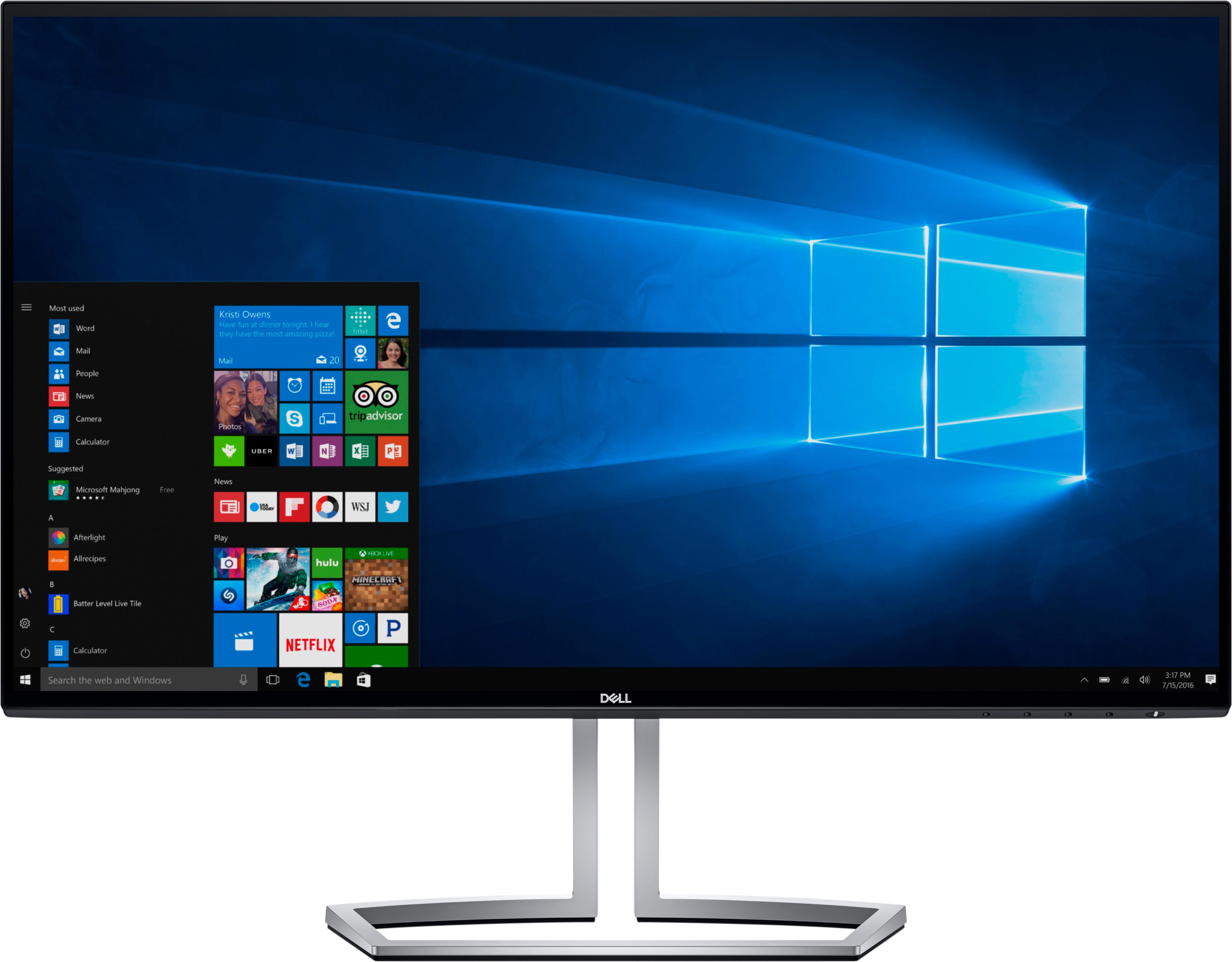
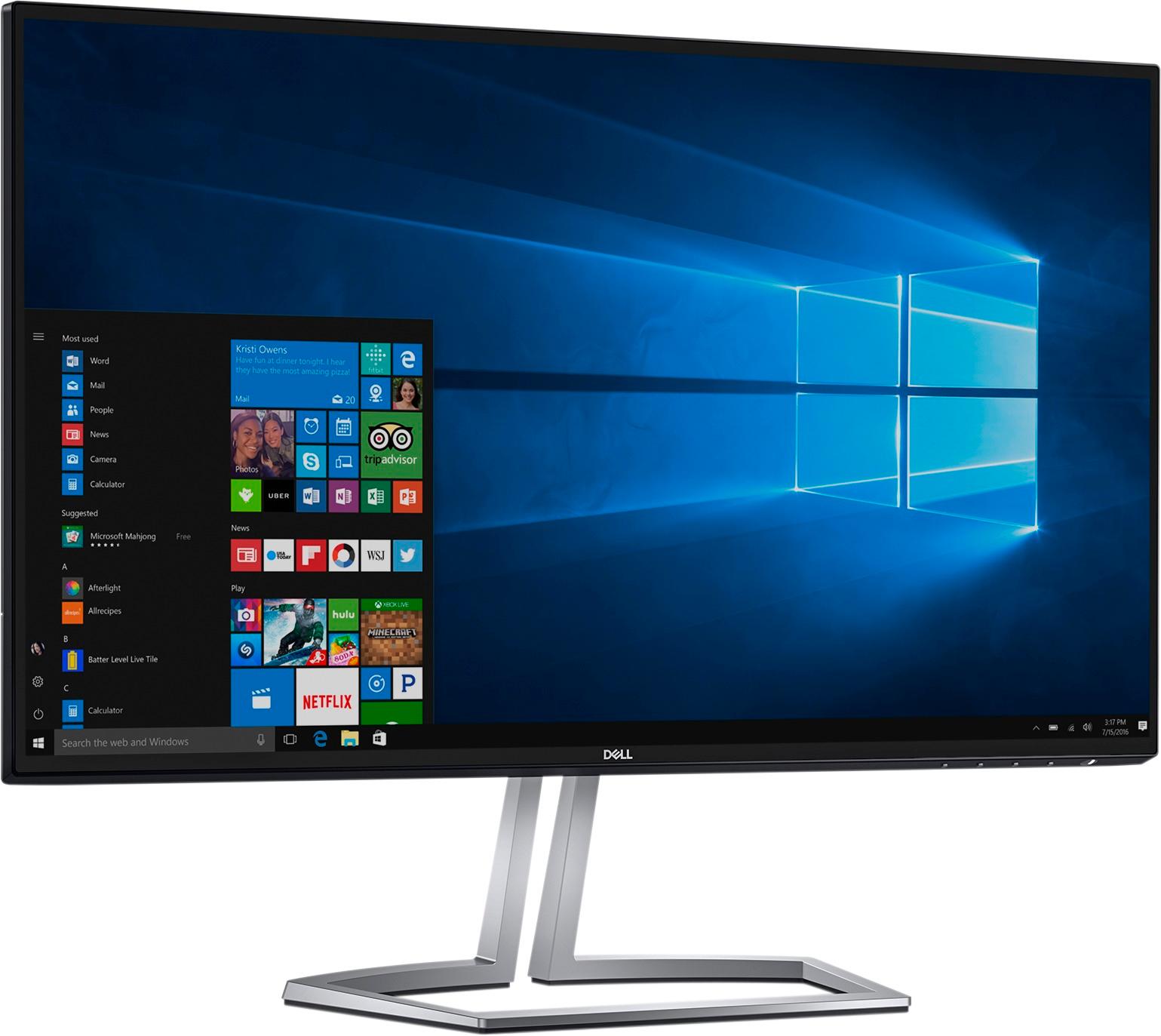
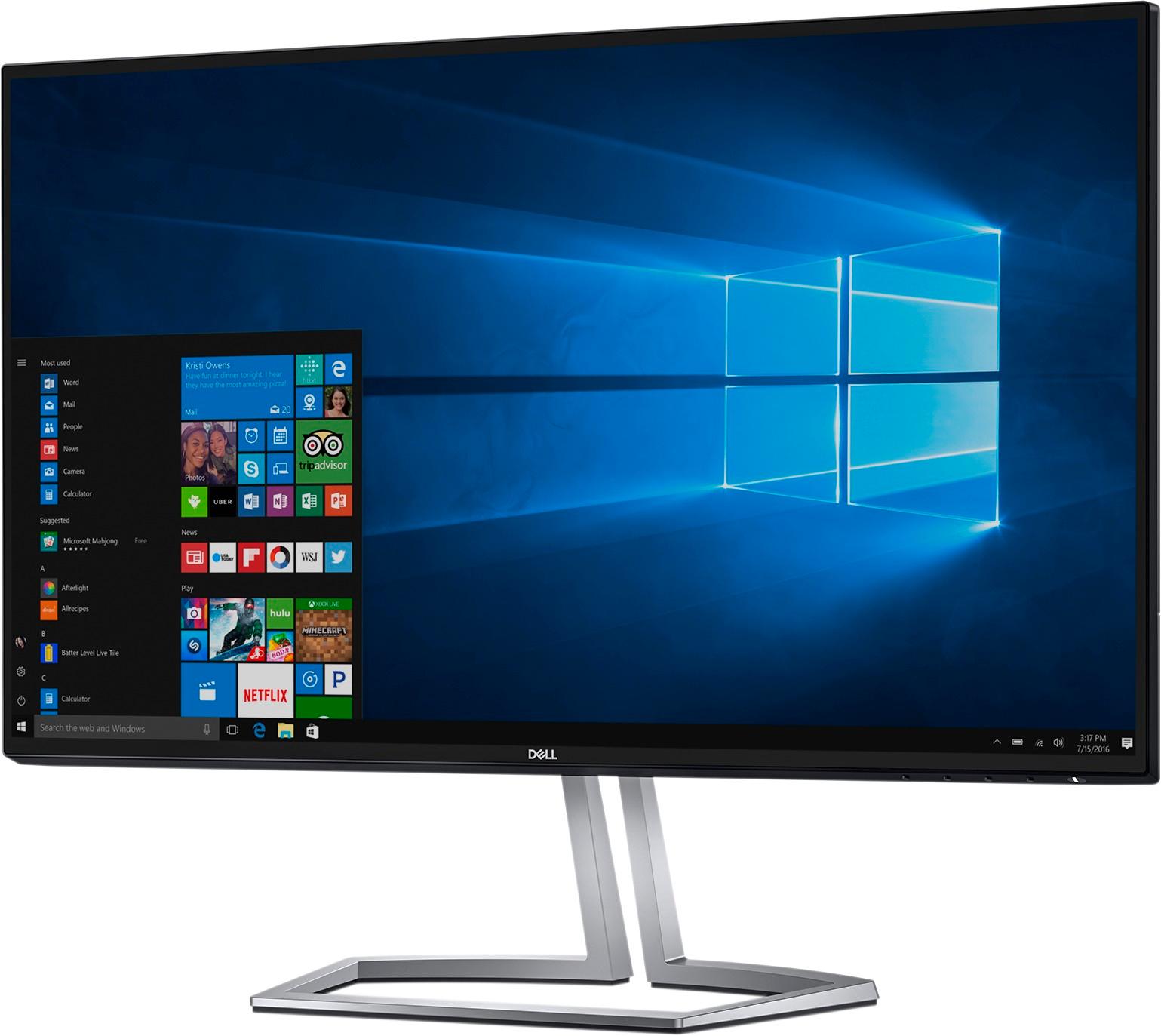
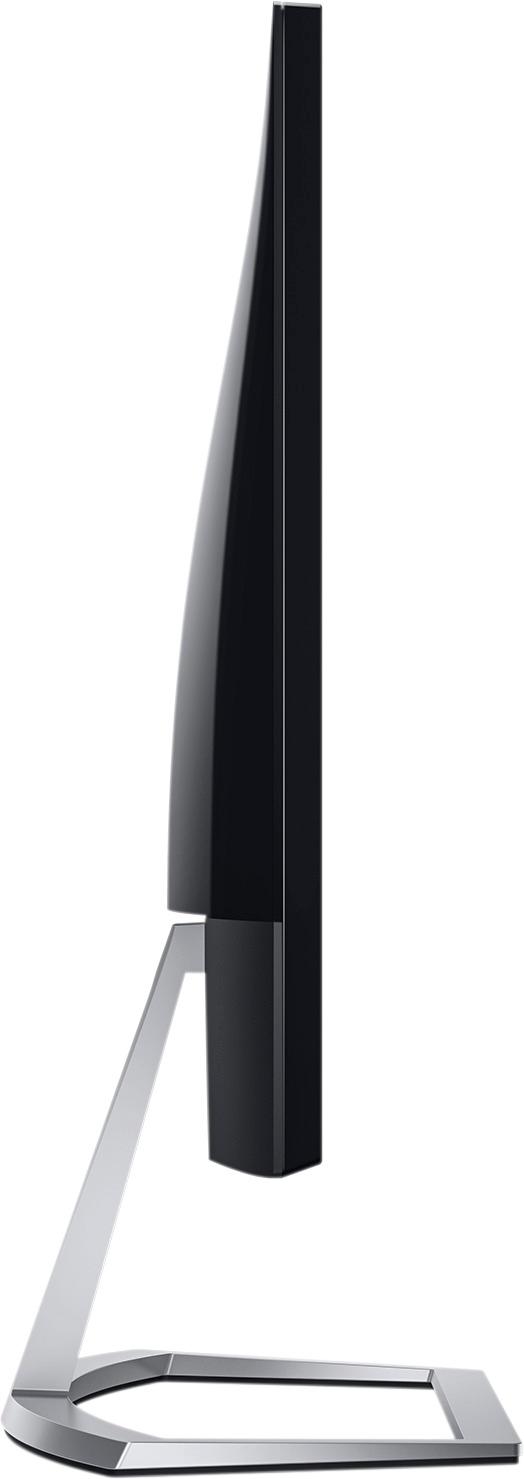
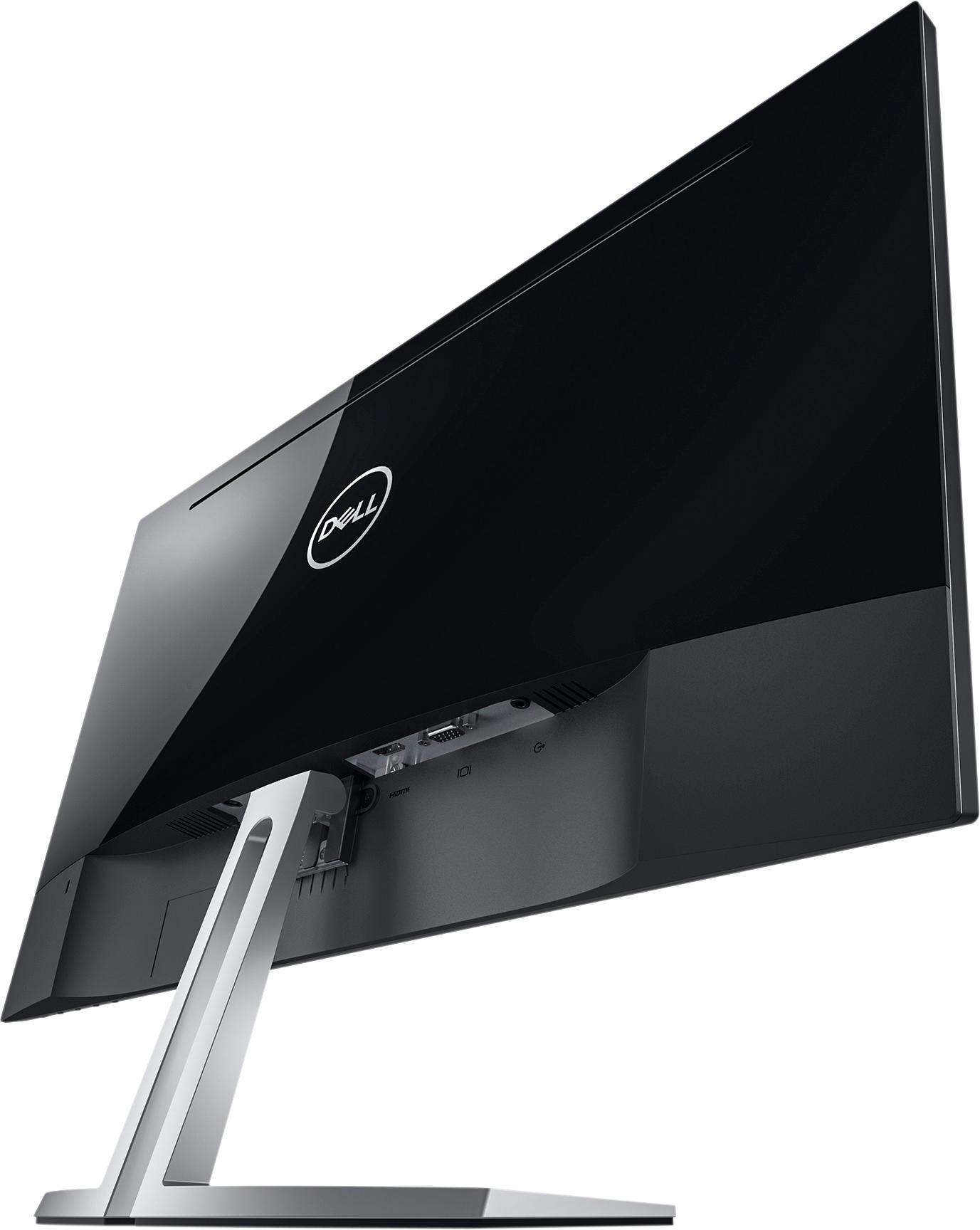
A:Answer No - this is just the monitor. You'll still need the actual PC, keyboard, mouse, and speakers (optional). Once you have the PC, connect the video out (back of the PC) via HDMI or VGA to the back of this monitor. Select the input from the monitor's built-in menu (either HDMI or VGA, but typically this is auto-sensed by the monitor), and voila!